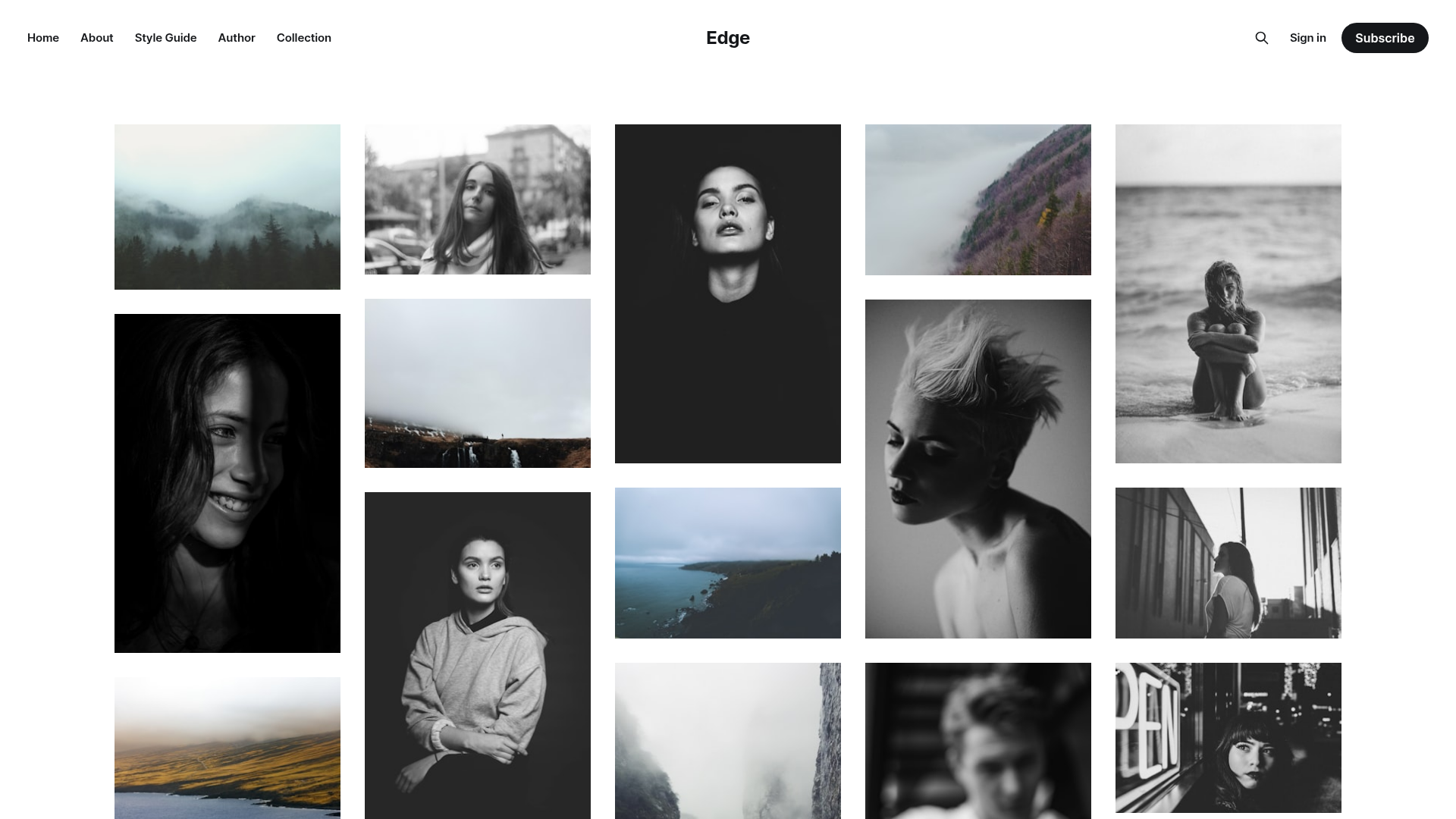
Template details
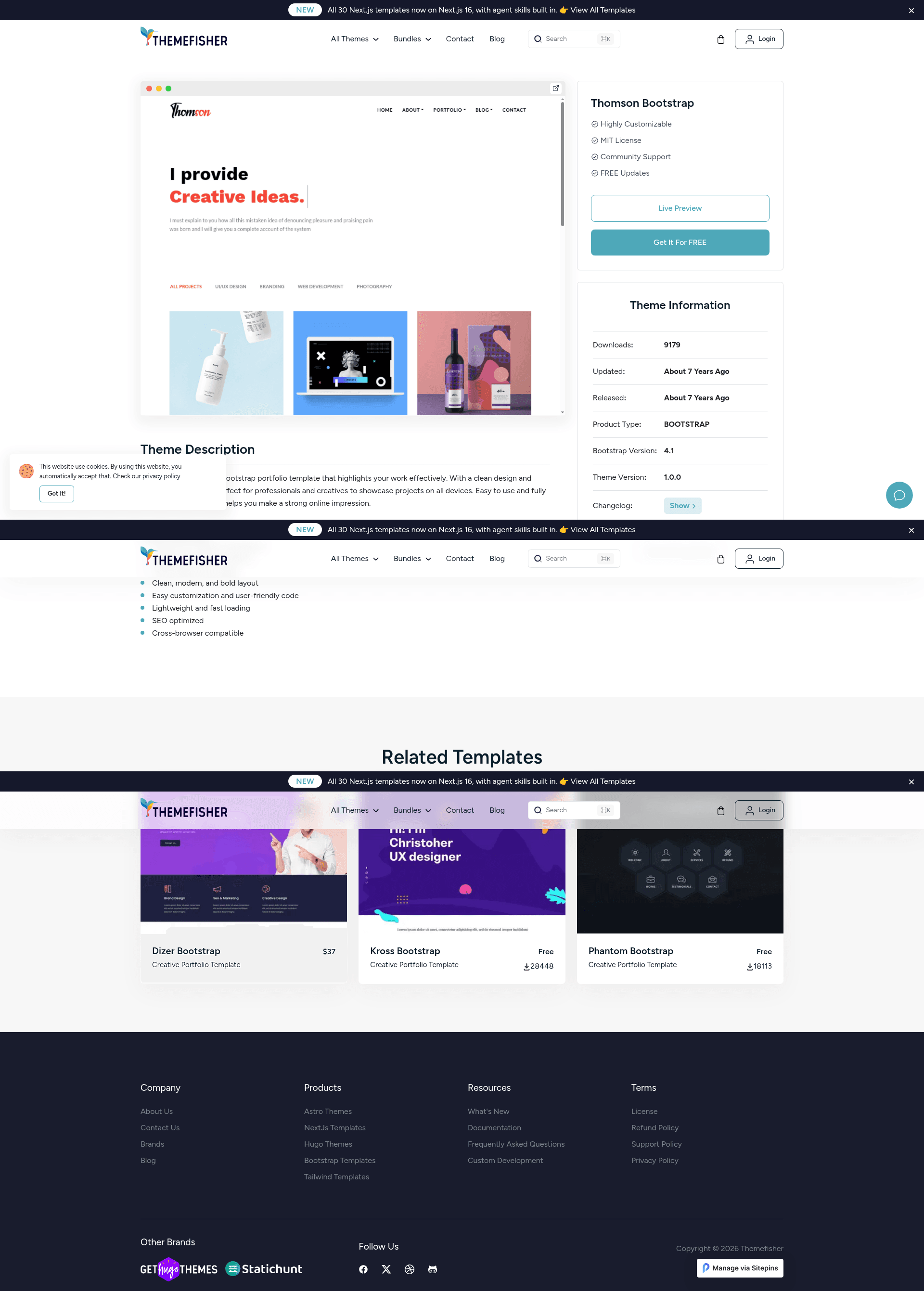
Thomson Free Bootstrap Portfolio Template
Free Bootstrap portfolio template by Themefisher with Gulp workflow, HTML/CSS editing, and live reload.
About this template
Thomson is a free Bootstrap portfolio template from Themefisher that gives freelancers and agencies a Gulp-powered HTML/CSS site to display their work.
What is Thomson?
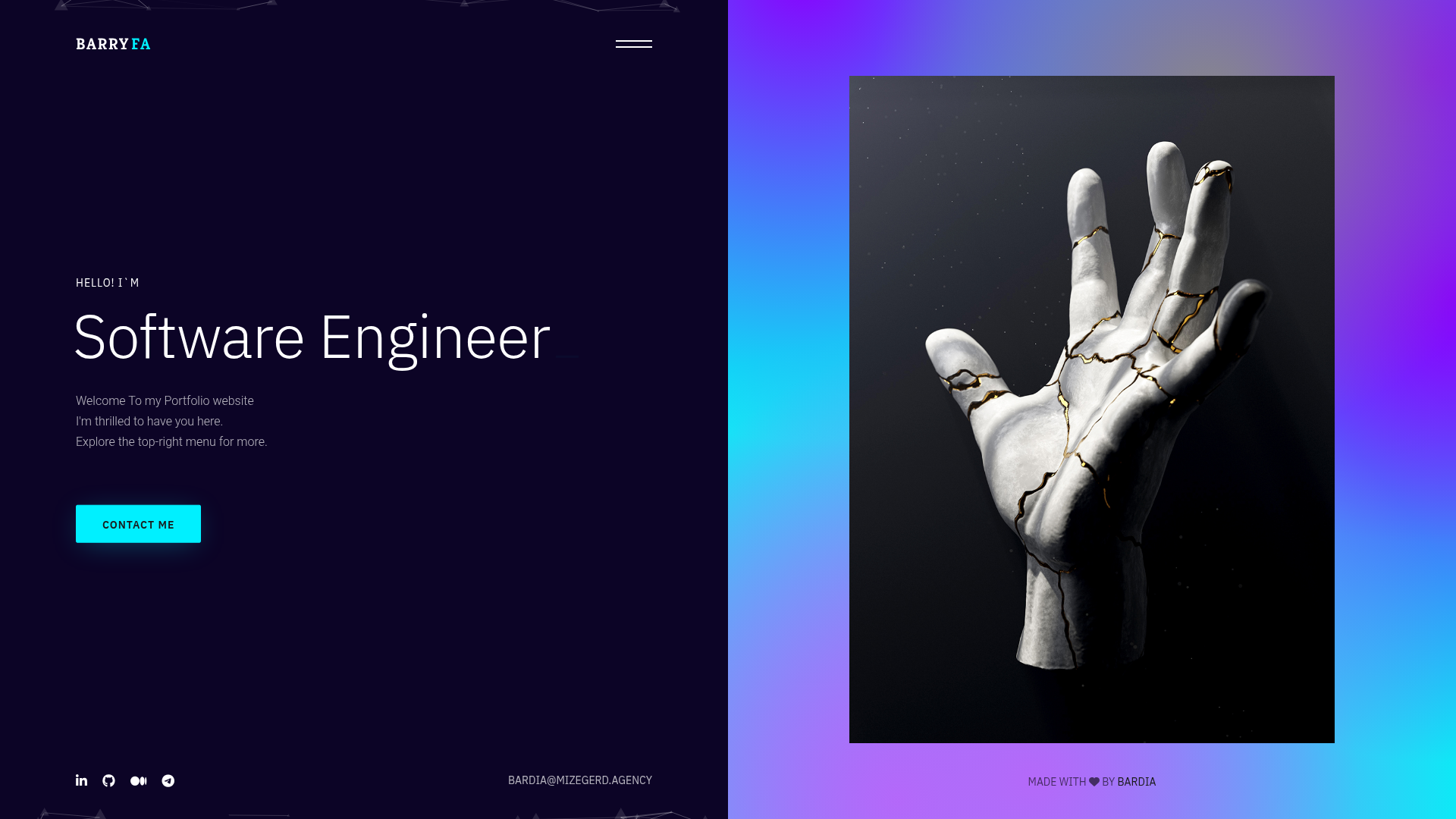
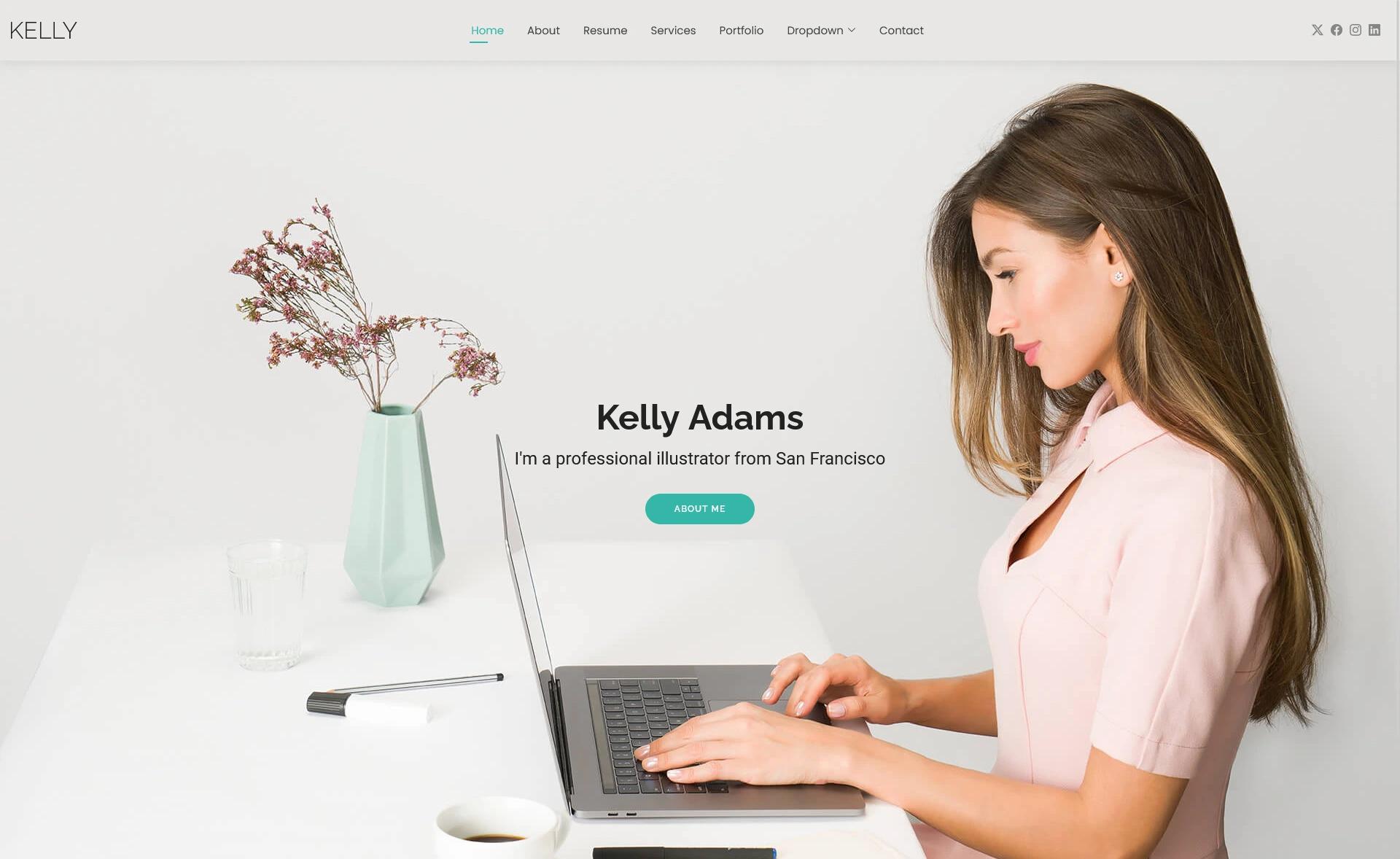
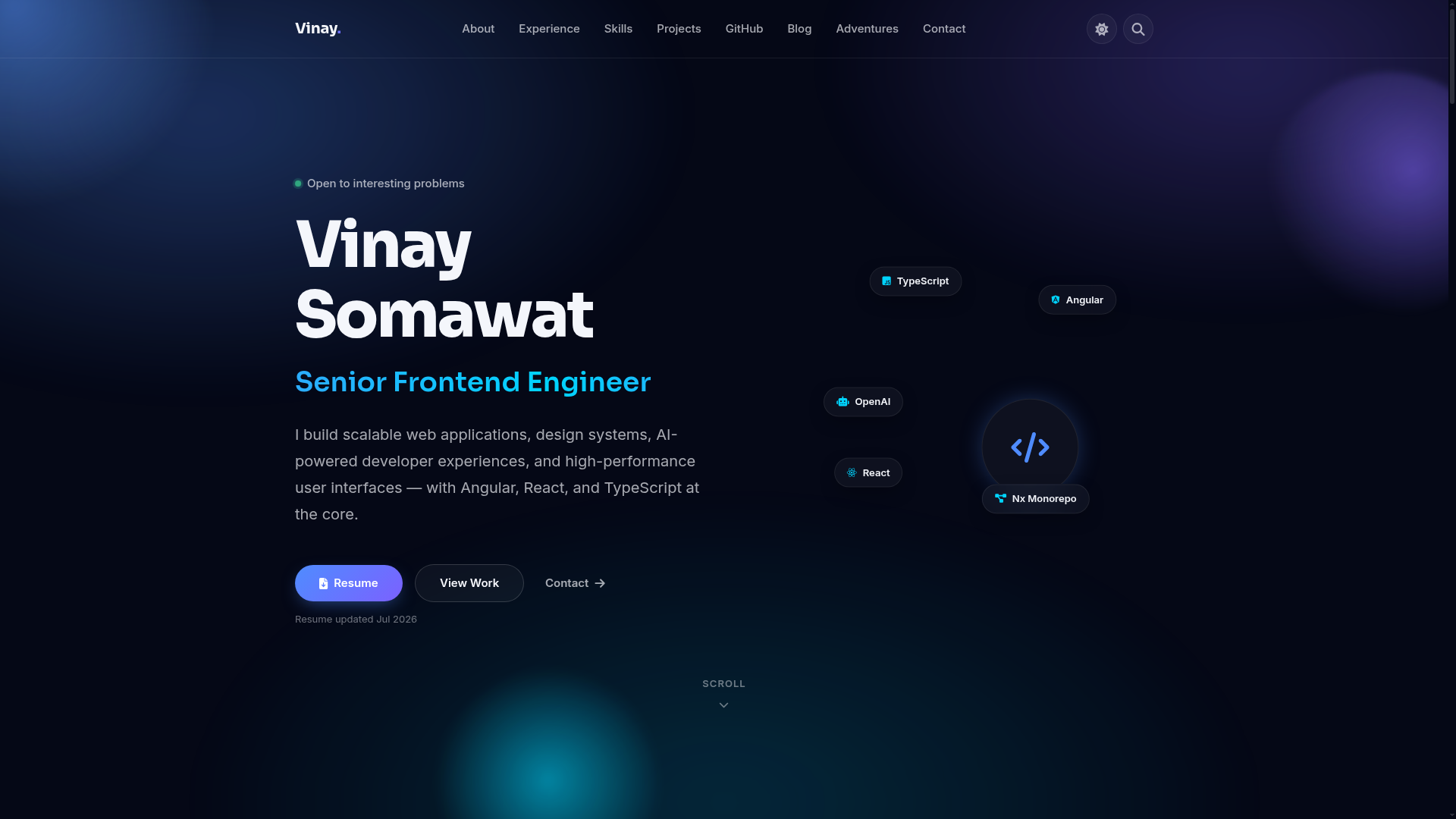
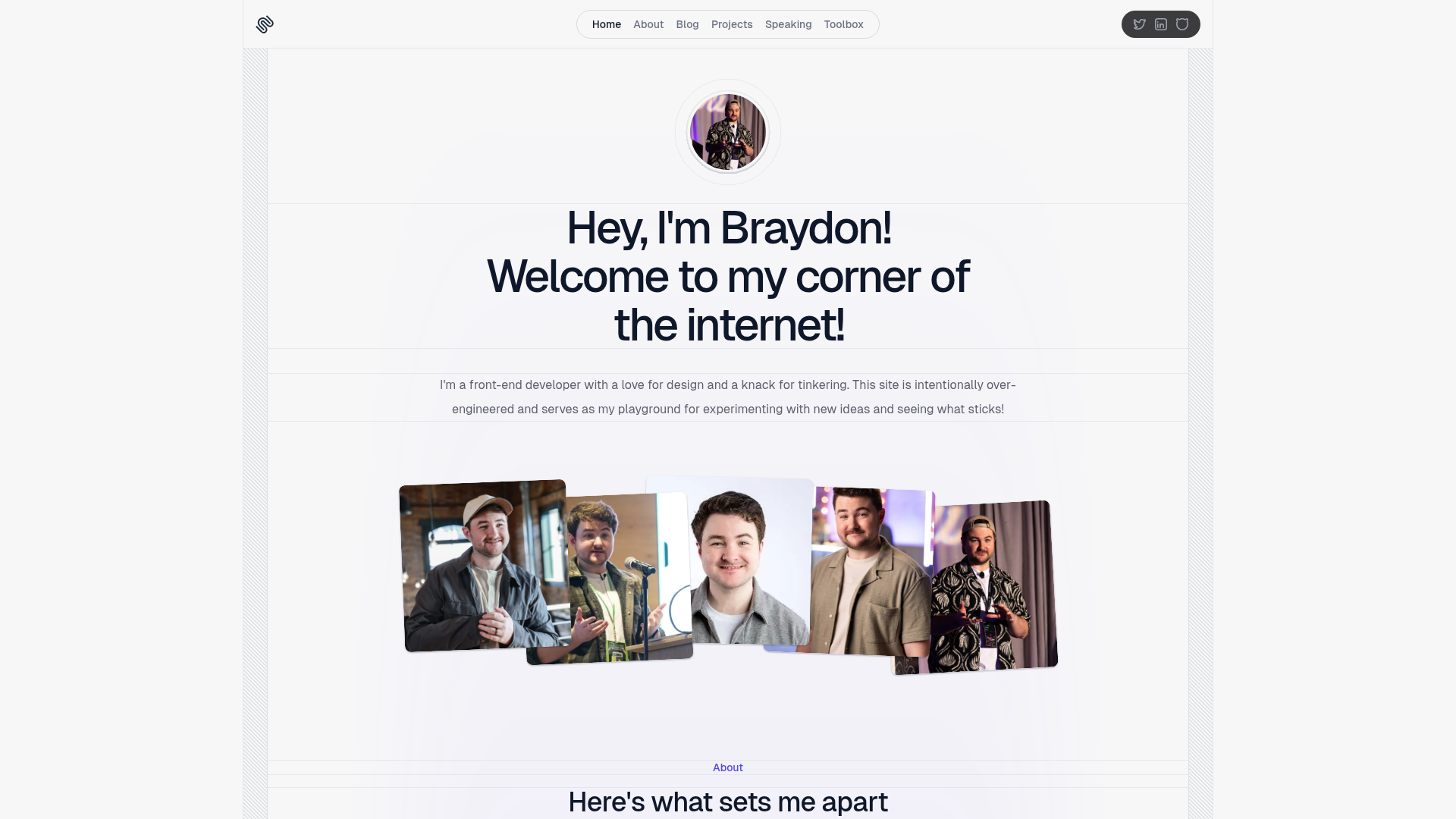
Thomson is a portfolio template built on the Bootstrap framework, distributed as downloadable HTML and CSS files. It takes a basic folder of theme files as input and produces a static website you can preview in a browser or build into a deployable theme directory. The template is designed and developed by Themefisher and hosted on GitHub under an MIT license.
What makes Thomson stand out?
- Free and MIT-licensed — The code is released under the MIT license, so you can use and modify it freely.
- Gulp development workflow — The repository includes a
package.jsonwith scripts that run a local server with live reload usingnpm run dev. - Production build — Running
npm run buildcreates a cleaned-upthemefolder containing all your customizations, ready to use as the main theme. - Documentation included — Official setup and customization instructions are available at docs.themefisher.com/thomson-bootstrap.
- GitHub issue tracking — Bugs and feature requests are handled through the official GitHub issue tracker.
Who should use Thomson?
- Freelance designers and developers — Set up a personal portfolio page to showcase projects and skills without building from scratch.
- Creative agencies — Use the template as a starting point for a client portfolio site, then customize the HTML and CSS in the
themefolder. - Students and beginners — Learn how a typical Bootstrap template project is structured and how Gulp automates local preview and builds.
What can you do with Thomson?
- Showcase work samples — Present projects in a portfolio layout that relies on Bootstrap's responsive grid.
- Create a static agency site — Edit the provided HTML pages (and add your own) to describe services, clients, and contact details.
- Practice a Gulp workflow — Run the documented npm commands to install dependencies, serve the site locally, and generate a production build.
How does Thomson work?
Download the template from GitHub, then either edit the HTML and CSS files in the theme folder and open index.html in a browser, or set up the advanced Gulp environment. Install Node.js and Gulp CLI, run npm install and npm run dev to preview with live reload, then npm run build to generate the production theme folder.
Pros and cons
- Pro: Free to use under the MIT license with no licensing fee for the code.
- Pro: Live reload during development saves time when previewing changes.
- Con: The demo images are not covered by the MIT license and are only for demonstration purposes, so you must supply your own images.
- Con: Technical support beyond GitHub issues requires contacting Themefisher by email for paid integration help.
FAQ
Is Thomson free to use?
Yes, the template's code is released under the MIT license, so you can freely use, modify, and redistribute it. The only exception is the bundled demo images, which are not licensed for reuse.
What do I need to run Thomson locally?
You need Node.js and the Gulp CLI installed once per machine. Then run npm install and npm run dev from the template folder to start a local server with live reload. A production build is generated with npm run build.
How do I get support for Thomson?
You can report bugs by opening a GitHub issue on the official repository, where existing issues may already cover your problem. For paid technical support or help integrating the product into a larger project, email mehedi@themefisher.com.
Can I use the images from the template?
No. The images in the template are only for demonstration purposes and retain their own licenses. Themefisher states they don't have permission to share those images, so you should replace them with your own assets for any real project.