Template details
KS BootShop
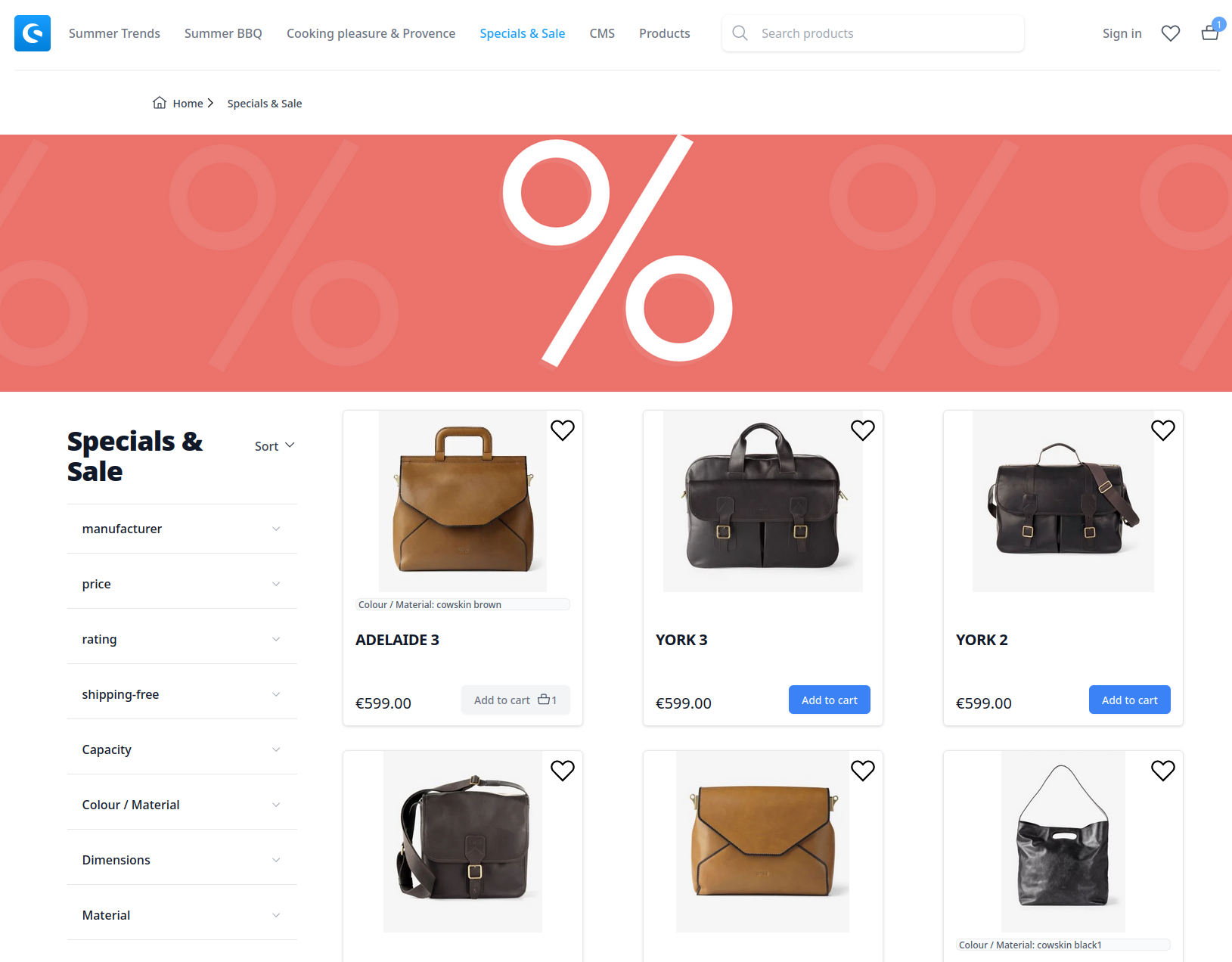
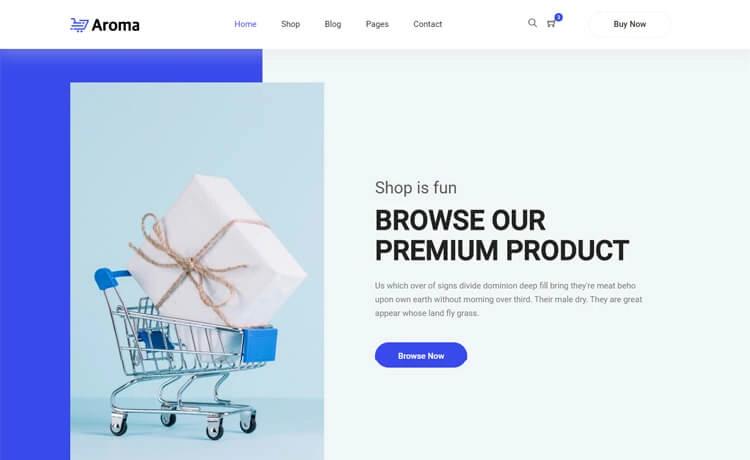
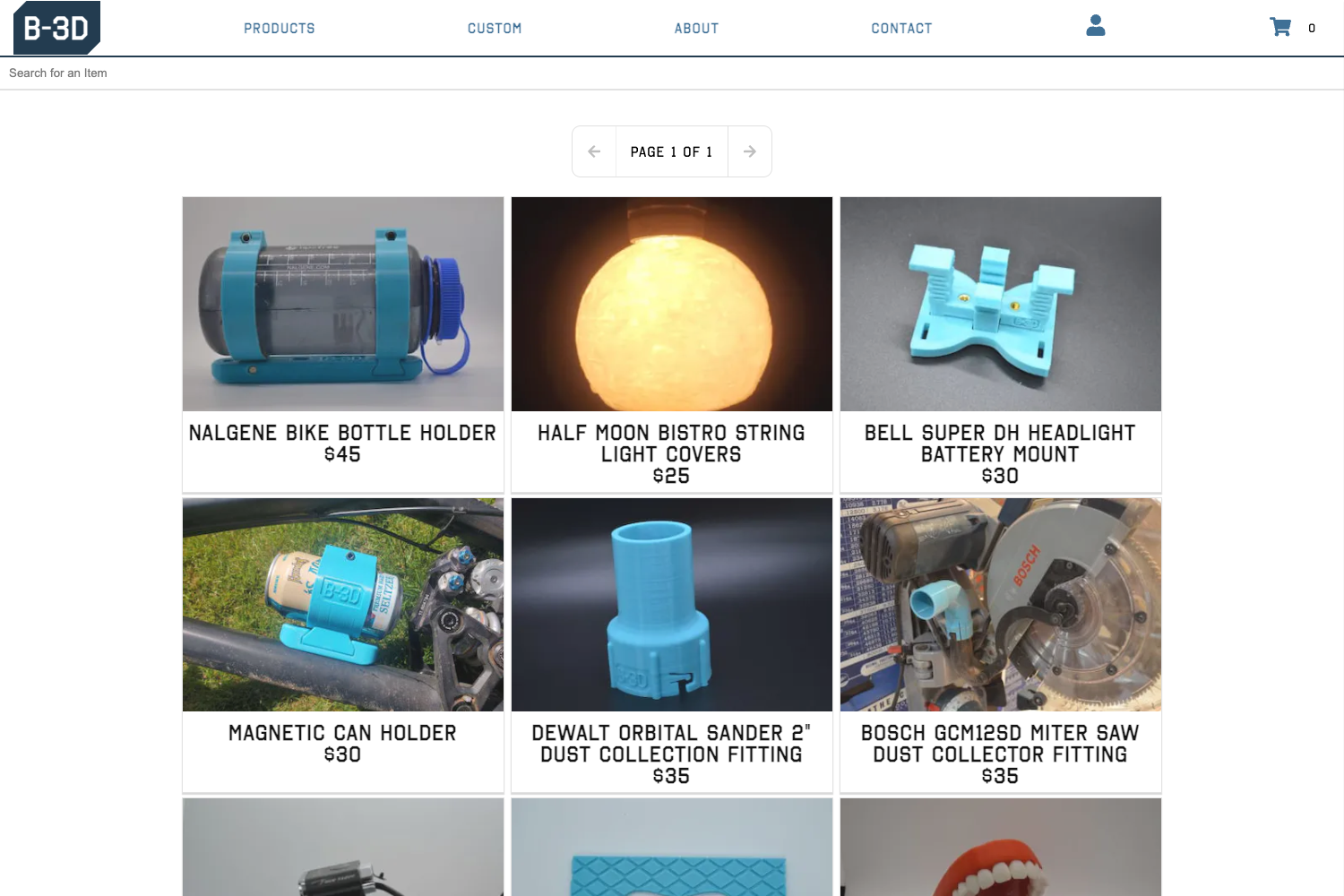
Free Shopify theme powered by Bootstrap v5, focused on simplicity, speed, and user experience.
About this template
KS BootShop is a free, open-source Shopify theme from kondasoft.com that builds a complete ecommerce storefront on the Bootstrap v5 framework, designed to deliver speed, accessibility, and easy customization.
What is KS BootShop?
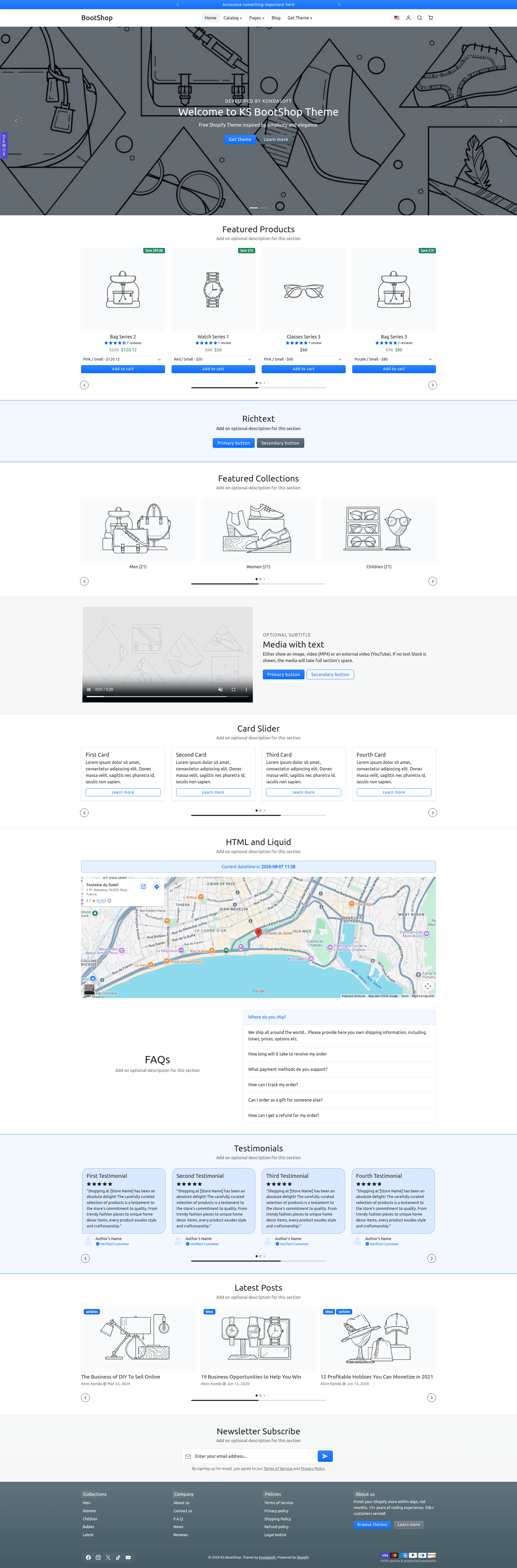
KS BootShop is a free Shopify theme developed by kondasoft.com and released under the MIT License. It takes your Shopify store's products, collections, and content and renders them as a responsive online storefront styled entirely with Bootstrap v5. The theme includes all Shopify required homepage sections, templates for cart and product pages, and is built without any JavaScript framework dependencies such as jQuery. It scores 96/100 on Google PageSpeed (desktop) and follows Shopify theme store requirements alongside W3C accessibility best practices.
Key Features
- Bootstrap v5 foundation — The theme is powered by Bootstrap v5, with SCSS source variables in
src/bootstrap.scssthat you can edit and recompile using the provided npm scripts. - No JavaScript framework dependencies — Runs without jQuery or any other JS framework, keeping the front-end lean and reducing third-party risks.
- Accessibility support — Every element uses ARIA attributes in line with W3C WAI guidelines, making the theme fully accessible to screen readers.
- Performance — Native image lazy-loading is built in, and the demo store scores 96/100 on Google PageSpeed Insights for desktop.
- All Shopify required homepage sections — Ships with about 20 required sections, including announcement bar, hero carousel, featured collections, featured products, testimonials, FAQ, newsletter, contact form, and media with text.
- Product layout options — Customers can view product listings in grid or list layout.
- Ajax add to cart — Add products to the cart without a full page reload.
- Recommended products — Includes a recommended products section that uses Shopify's native product recommendations.
Who is it for?
- Shopify store owners who want a free, fast, and accessible theme and are comfortable working with Bootstrap-based styling.
- Front-end developers who already know Bootstrap and want a Shopify theme they can customize by editing SCSS variables and running npm build commands.
- Web agencies that build multiple Shopify stores can duplicate this theme and add custom CSS and JavaScript in the provided blank files without losing changes during upgrades.
What can you do with KS BootShop?
- Store owners: Start selling quickly by creating a Shopify theme with Theme Kit, then selecting from the included homepage sections to assemble a storefront.
- Developers: Recompile the Bootstrap styles by modifying
src/bootstrap.scss, runningnpm run bs-cssornpm run watch, and deploying the result withtheme deploy. - Customizers: Use the provided empty
custom.cssandcustom.jsfiles inside the assets folder to add your own styles and scripts that persist across theme updates.
How does KS BootShop work?
- Clone the GitHub repository into a local folder with
git clone https://github.com/kondasoft/ks-bootshop .. - Create a new theme in your Shopify store using Theme Kit:
theme new --password=[your-api-password] --store=[your-store.myshopify.com] --name="ks-bootshop-v3". - Customize Bootstrap styles via SCSS and npm, then push changes to Shopify with
theme watchortheme deploy.
Pricing
KS BootShop is free to download and use. The source code is released under the MIT License, so you can modify it freely for commercial projects.
Alternatives
- Dawn — Shopify's default open-source theme, which does not use Bootstrap and is less opinionated about styling.
FAQ
Is KS BootShop really free?
Yes, KS BootShop is free to download from the kondasoft.com product page, and its source code is available on GitHub under the MIT License. You can use it for any Shopify store without paying licensing fees.
Does KS BootShop use any JavaScript framework?
No. KS BootShop is built without jQuery or any other JavaScript framework. It relies on vanilla JavaScript, which keeps the theme lightweight and removes common dependency conflicts.
How do I install KS BootShop on my Shopify store?
You install it with Theme Kit. After cloning the repository, run theme new --password=[your-api-password] --store=[your-store.myshopify.com] --name="ks-bootshop-v3" to create a new theme, then use theme watch or theme deploy to upload the files.
Can I customize the Bootstrap variables?
Yes. All Bootstrap-related styles and variables are in src/bootstrap.scss. Edit the color variables at the top of that file, run npm install to install dependencies, then run npm run bs-css to compile the new styles before deploying.
Will my changes be kept during theme upgrades?
The project recommends not modifying theme files directly. Instead, duplicate the theme or add your own styles and scripts in the empty custom.css and custom.js files inside the assets folder; these files are not changed during upgrades.