Template details
Marcus
A simple Jekyll theme.
About this template
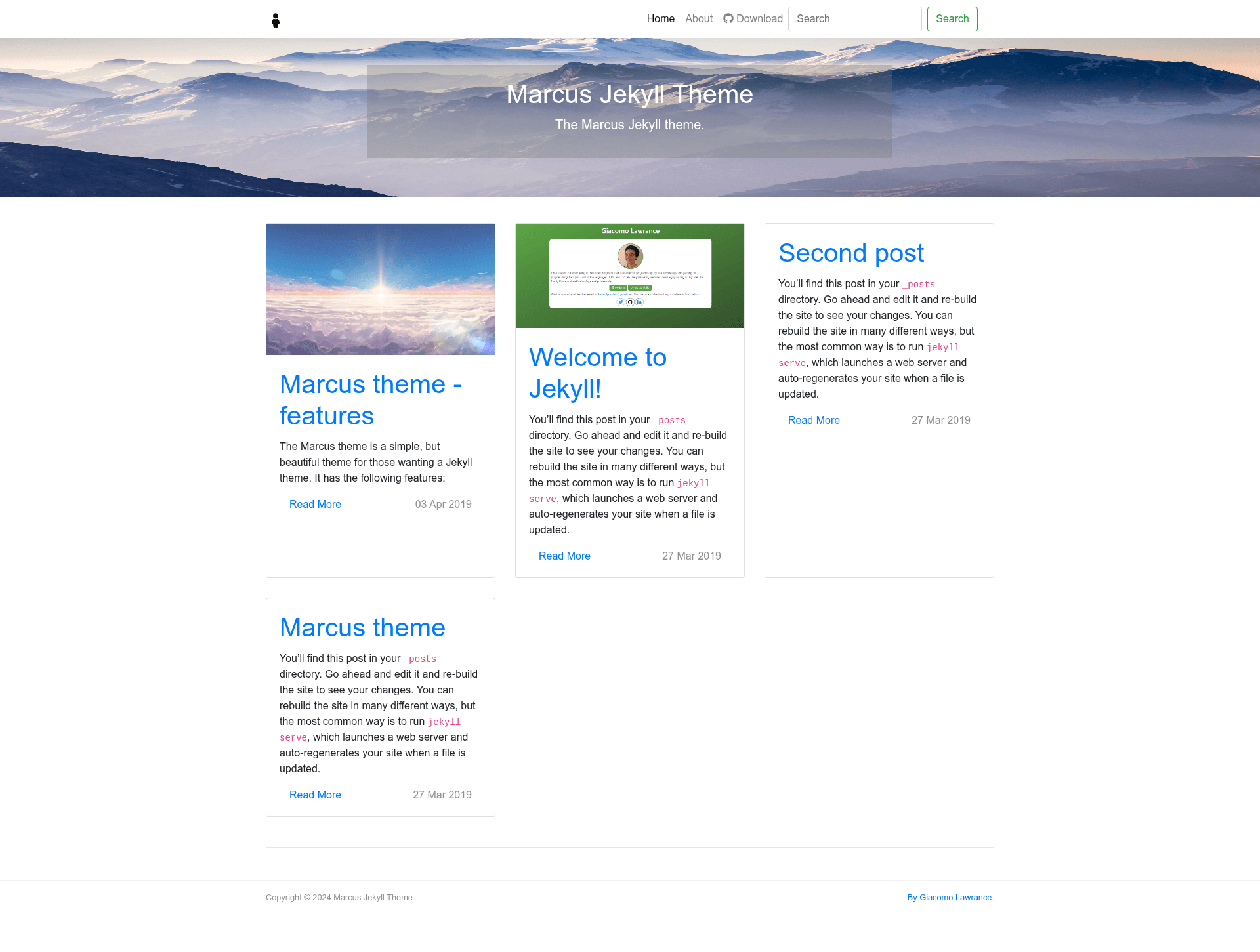
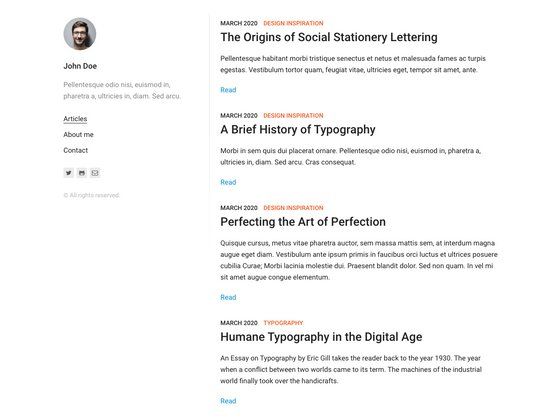
Marcus is a free Jekyll blog-theme repository that provides a simple starting point for personal sites, currently in development with a live demo available.
What is Marcus?
Marcus is a free, open-source Jekyll theme designed for blogs and personal websites. It runs on Jekyll, the static site generator, and takes as input the standard _config.yml configuration file plus a custom header image; it produces a static blog that can be deployed to any static host. The repository is maintained on GitHub and is currently marked as in development.
Key Features
- Free to use — the theme is distributed at no cost, with no paid tier mentioned.
- Jekyll-based — built on the Jekyll static-site generator, so it uses Liquid templates and standard Jekyll configuration.
- Header image workflow — setup requires converting your own image to WEBP format and saving it as both
cover.pngandcover.webpinassets/images. - Simple configuration — site settings live in
_config.yml, allowing title, description, and other Jekyll options to be set in one place. - Fork-and-clone installation — you can start by cloning or forking the repository, then editing config and assets.
- Live preview — a working demo is hosted at the project's demo URL, letting you see the default appearance before customising.
Who is it for?
- Jekyll users — get a ready-made theme without building templates from scratch.
- Personal bloggers — set up a minimal blog by cloning the repo, editing
_config.yml, and adding a header image. - Developers learning Jekyll — use the small, simple codebase as a reference for how Jekyll themes are structured.
Use cases
- Starting a blog: fork the repo, add your
_config.ymlsettings, replace the cover images, and publish a static blog. - Building a personal site: use the Jekyll layout as a starting point for a portfolio or link-in-bio page.
- Learning Jekyll: study the theme files to understand how Jekyll organizes layouts, includes, and assets.
How does Marcus work?
- Fork or clone the repository from GitHub.
- Edit
_config.ymlwith your site's settings. - Convert your header image to WEBP (for example, using an online converter) and overwrite both
cover.pngandcover.webpinassets/images. - Customise the theme further as needed and build your Jekyll site.
Pros and cons
Pros:
- Free and open source with a live demo.
- Small setup footprint: just configuration and image replacement.
- Works with any standard Jekyll build and hosting services.
Cons:
- Still in development, so the feature set is not final.
- Minimal documentation—the README only covers basic setup steps, not deeper theming options.
Pricing
Marcus is free. The repository description and README list no paid options or license costs.
Alternatives
- Minima, which is the default Jekyll theme bundled with new Jekyll sites.
FAQ
Is Marcus free?
Yes. The README states it is "a free theme for Jekyll," and the repository includes no paid tier or pricing information.
What does Marcus do?
Marcus is a Jekyll theme that gives you a simple blog layout. You supply a _config.yml file and a header image, and it renders a static site ready for deployment.
How do I install Marcus?
Clone or fork the repository from GitHub, configure _config.yml, convert your header image to WEBP, and overwrite cover.png and cover.webp in assets/images. Then run Jekyll normally.
Does Marcus require special plugins?
No special Jekyll plugins are mentioned in the setup instructions. The only external requirement noted is converting your header image to WEBP format before placing it in the assets folder.
Is Marcus ready for production?
The theme is explicitly listed as "currently in development," so features may change. For a stable theme, you might try the default Minima theme instead.