Template details
Material Dashboard
Free open-source Bootstrap 5 admin dashboard template in Google's Material Design, built by Creative Tim.
About this template
Material Dashboard is a free, open-source admin dashboard template that applies Google's Material Design language to the Bootstrap framework, offered by Creative Tim for building admin panels, content management systems and CRMs.
What is Material Dashboard?
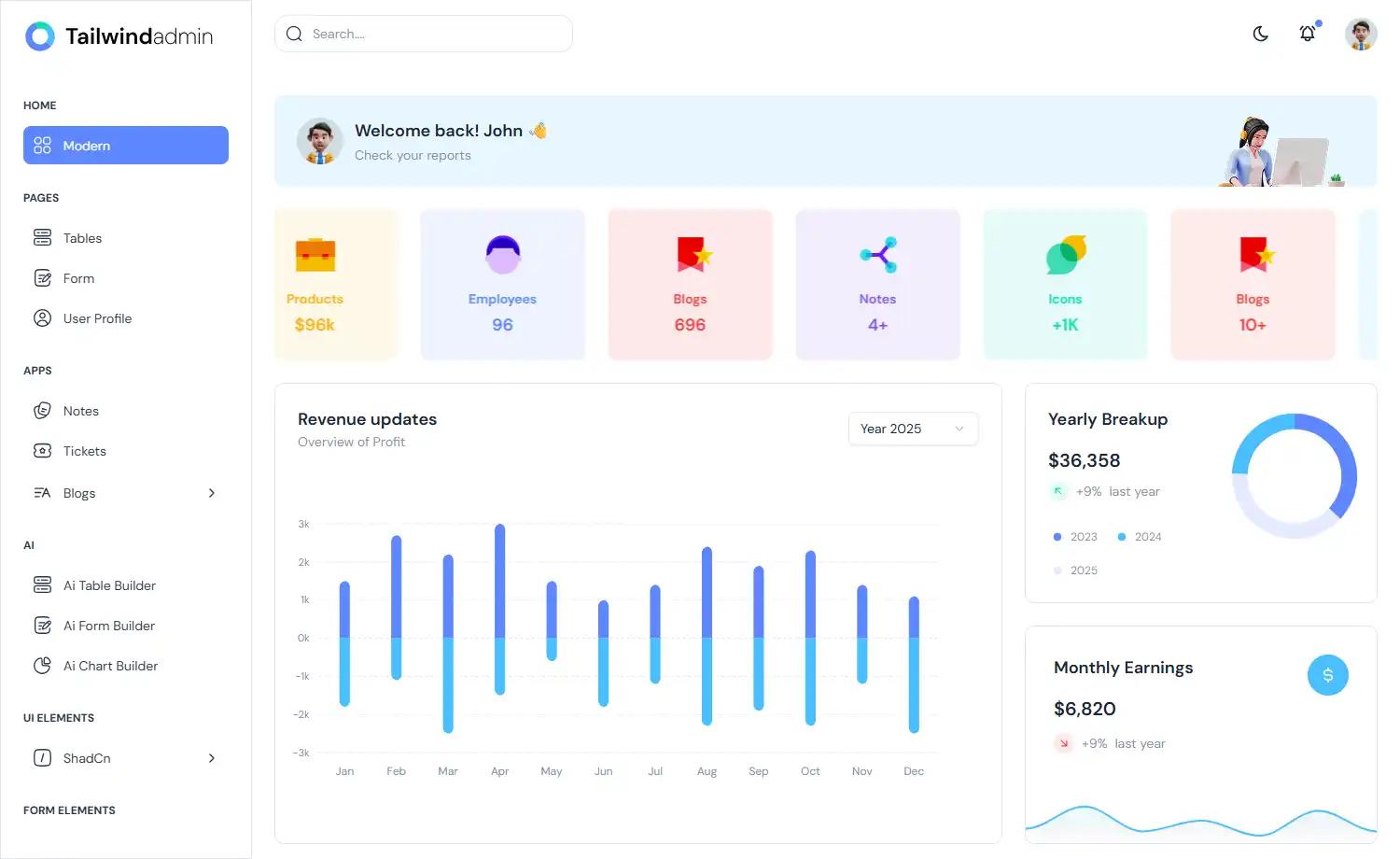
Material Dashboard is a free MIT-licensed admin template built on Bootstrap (current line uses Bootstrap 5) and styled after Google's Material Design. It takes the form of a downloadable HTML/CSS/JS package (assets in css, js, scss and fonts folders, plus a pages directory) and outputs a ready-made dashboard interface with a left navigation sidebar and a main content panel on the right. The general layout mimics layered sheets of paper to convey depth and order, using light, surface and movement. Version 3.2.0 is the current release advertised in the repository.
Key Features
- Bootstrap 5 foundation — built over the Bootstrap framework with third-party plugins restyled to match the Material look.
- Material Design layout — layered, paper-like surfaces with a persistent left sidebar and right-hand content panel.
- Six color filter choices — blue, green, orange, red and purple for both sidebar and card headers, plus an optional sidebar background image.
- Chartist charts — charting provided via the Chartist library.
- Notification system — powered by Robert McIntosh's Bootstrap Notify.
- Included demo pages — start dashboard, user profile, tables, maps and notifications pages.
- Built-in analytics — Nepcha Analytics is integrated for traffic source insights.
- Build tooling — ships a gulpfile and package.json; installable via
npm i material-dashboardor a GitHub clone.
Who is it for?
- Backend and full-stack developers who need a starting admin UI for admin panels, content management systems or CRMs without designing from scratch.
- Bootstrap-familiar front-end developers who want Material Design styling on top of a framework they already know.
- Prototypers who need tables, maps, charts, user profiles and notifications screens assembled quickly.
What can you do with Material Dashboard?
- Build an admin panel: use the dashboard, tables and notifications pages as a base for internal tooling.
- Create a CRM or CMS interface: combine the user profile and tables pages with the color-filtered sidebar to match a product's branding.
- Add traffic insight: Nepcha Analytics is already wired in, so launch-day traffic sources can be tracked.
- Deploy quickly: a one-click deploy button targets Genezio directly from the repository.
How does Material Dashboard work?
Download the template via npm, a git clone of the creativetimeofficial/material-dashboard repository, or the GitHub ZIP, then edit the SCSS and JS in the assets folder and build with the included gulpfile. Documentation is hosted on the Creative Tim demo site.
Pros and cons
- Free and MIT-licensed, with no paid tier required to start.
- Official support targets only the last two versions of Chrome, Firefox, Edge, Safari and Opera.
- A separate PRO version exists for users needing more components.
Pricing
Material Dashboard is free under the MIT license; a paid PRO version with additional components is sold separately by Creative Tim.
FAQ
Is Material Dashboard free?
Yes. Material Dashboard is released under the MIT license, copyright Creative Tim, and can be downloaded from npm, GitHub or the Creative Tim product page at no cost. A separate PRO version with more components is available for purchase.
What Bootstrap version does Material Dashboard use?
The main product is built on Bootstrap 5. Creative Tim also publishes Bootstrap 4, Bootstrap 3 and dark-edition variants, plus ports to React, Vue, Angular, Laravel, Django, Flask, Next.js and other stacks.
What browsers are supported?
Creative Tim officially supports the last two versions of Chrome, Firefox, Edge, Safari and Opera. Older browsers are not officially covered.
Is there documentation?
Yes, documentation is hosted on the Creative Tim demo site, and the download includes a docs folder with a documentation.html page plus the file structure guide.