Template details
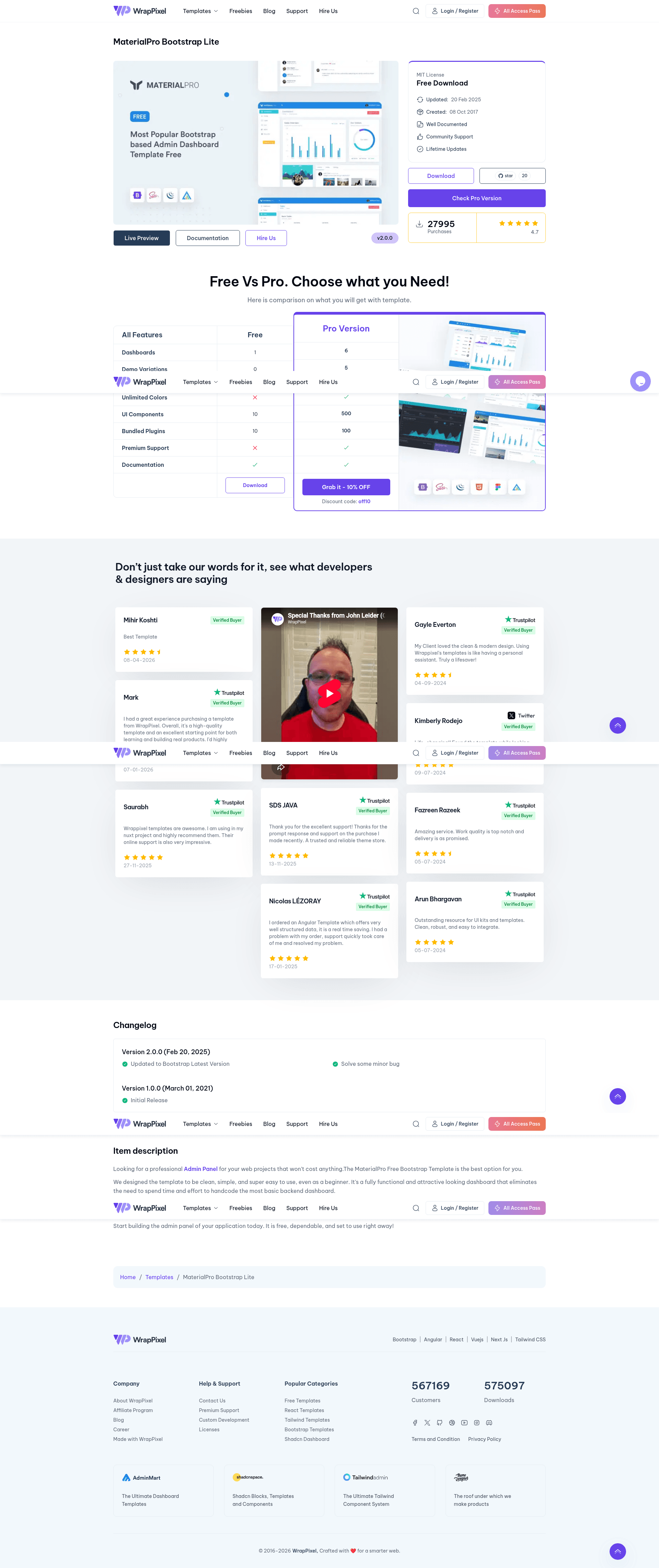
MaterialPro Bootstrap Lite
Free Bootstrap 5 admin dashboard template with Sass, jQuery, and ApexCharts for responsive admin panels.
About this template
MaterialPro Bootstrap Lite is a free, open-source Bootstrap 5 admin dashboard template created by WrapPixel, built with Sass (SCSS), jQuery, and ApexCharts for producing responsive admin panels and backend interfaces.
What is MaterialPro Bootstrap Lite?
MaterialPro Bootstrap Lite is a free, responsive admin dashboard template created by WrapPixel. It uses Bootstrap 5 for layout, Sass (SCSS) for customizable styling, jQuery for DOM interactions, and ApexCharts for interactive data visualization. The template outputs static HTML, CSS, and JavaScript files that include pre-built pages such as dashboards, authentication, user profiles, and error screens, and it runs entirely in the browser without a server-side framework. The repository also includes a Gulp-based build workflow to compile Sass and serve the project locally.
What makes MaterialPro Bootstrap Lite stand out?
- Responsive Design — Uses Bootstrap's mobile-first grid system to adapt layouts across desktop, tablet, and mobile screens.
- Material-Inspired UI — Implements a Material Design look built from standard Bootstrap components for a clean, consistent interface.
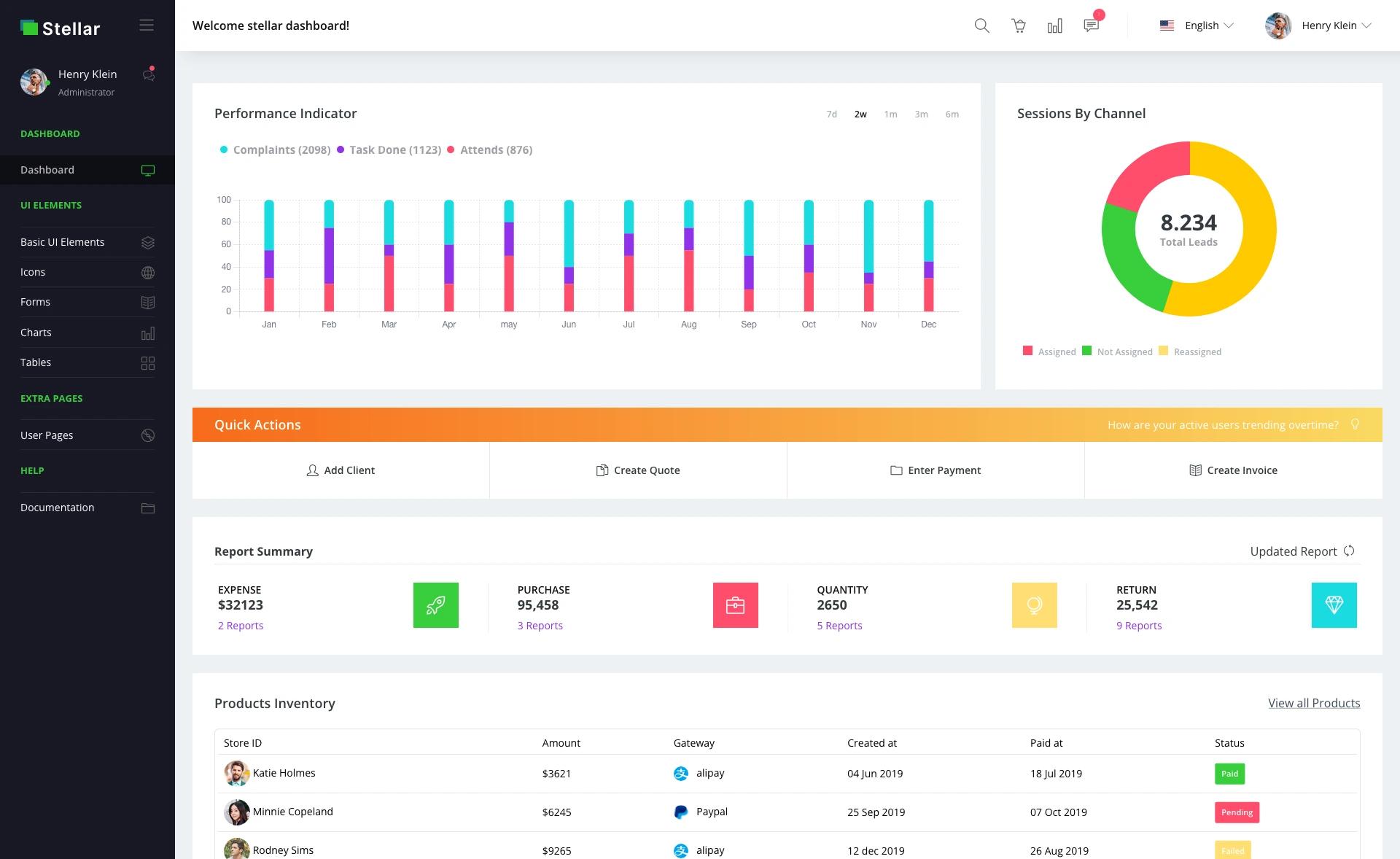
- Pre-built Pages — Includes ready-to-use dashboard, authentication, user profile, and error pages so you can skip the boilerplate.
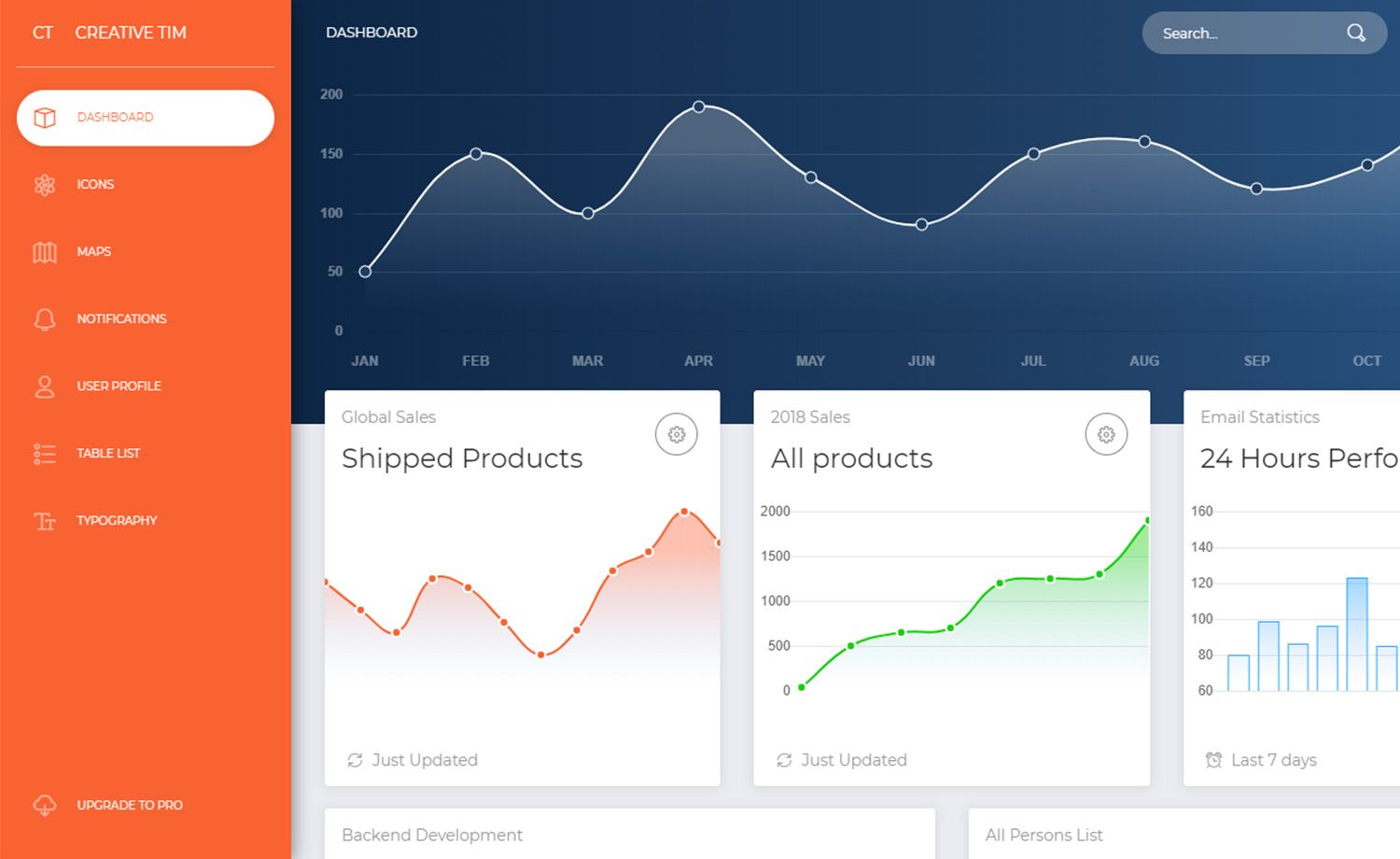
- Interactive ApexCharts — Integrates the ApexCharts library to render dynamic, interactive charts for analytics dashboards.
- Sass for Customization — Styles are powered by SCSS variables and mixins, making theme color changes and component tweaks maintainable.
- jQuery Interactivity — Uses jQuery for DOM manipulation and event handling, keeping the codebase lightweight and modular.
- Gulp Build Tooling — Provides a Gulp-based workflow where you run
gulpto compile Sass and serve the project locally. - Free vs Pro Version — The free version offers basic pages and widgets; the paid MaterialPro version adds multiple themes, advanced widgets, real-time notifications, user roles, and more.
Who is MaterialPro Bootstrap Lite for?
- Web developers who need a ready-made admin panel front-end to drop into a web app without building UI from scratch.
- Freelancers who build client dashboards and need a fast, free starting point with a professional look.
- Startups that want to prototype an internal tool or CRM interface quickly using a lightweight codebase.
What can you do with MaterialPro Bootstrap Lite?
- Admin panels: Assemble a functional admin area with the included dashboard, table, and form page patterns.
- CRM systems: Use the pre-built pages and ApexCharts widgets to display customer data and activity metrics.
- Backend interfaces: Pair the template with any backend API to manage users, settings, and reports in a clean UI.
- Prototyping: Stand up a clickable admin prototype for client demos by running
gulpand editing the HTML and Sass files.
How does MaterialPro Bootstrap Lite work?
The installation guide describes a three-step setup: clone the repository, run npm install to install dependencies, then run gulp to build assets and start a local development server. The compiled output is a static set of HTML, CSS, and JavaScript files that you can host on any web server.
Pricing
MaterialPro Bootstrap Lite is free to download and use. WrapPixel also sells a paid Pro version that unlocks additional components, themes, and priority support; the Pro price is not listed on this page.
Alternatives
AdminLTE — another free Bootstrap admin template.
FAQ
Is MaterialPro Bootstrap Lite free?
Yes, the Lite version is free to download and use, including the full source code, documentation, and demo access. The Pro version is paid and adds advanced features like multi-language support and user roles.
What technologies does MaterialPro Bootstrap Lite use?
It is built with Bootstrap 5, Sass (SCSS) for styling, jQuery for DOM interactions, and ApexCharts for data visualization. The build process uses Gulp.
How do I install MaterialPro Bootstrap Lite?
Clone the repository, run npm install, then run gulp to start a local development server. The template's documentation provides full setup and customization instructions.
Does the free version include all the features?
No. The free version includes basic pages, basic widgets, a default theme, and community support. The Pro version adds multiple themes, dark mode, advanced widgets, real-time notifications, user roles, multi-language support, and priority support.
What pages are included in the free version?
The template ships with pre-built dashboard, authentication, user profile, and error pages, plus basic widgets and charts, giving you a complete starting point for an admin panel.