Template details
MaterialPro Free NuxtJs Admin Template
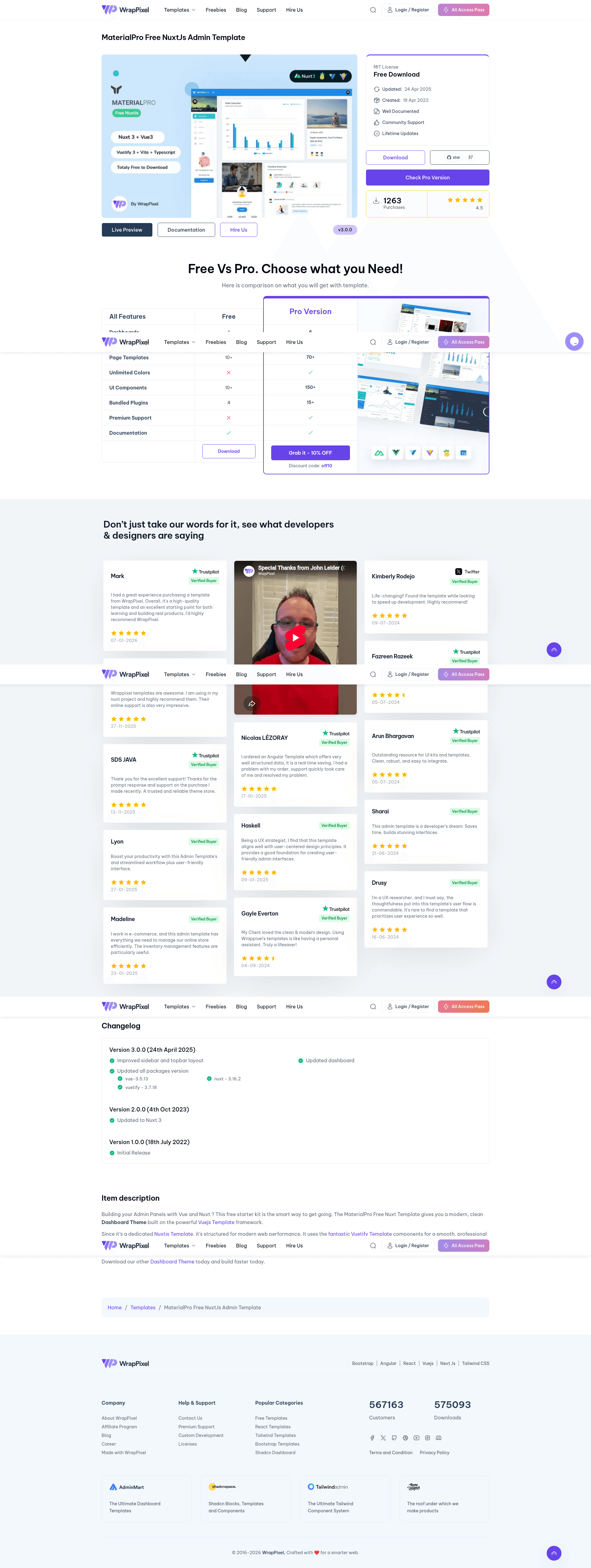
Free open-source Nuxt 3 admin dashboard template with Vuetify, TypeScript, Vite, and Pinia, built by WrapPixel.
About this template
MaterialPro Free NuxtJs Admin Template is a free, open-source admin dashboard template from WrapPixel, built on Nuxt 3 with Vuetify, TypeScript, Vite, and Pinia, for creating responsive admin panels and internal tools.
What is MaterialPro Free NuxtJs Admin Template?
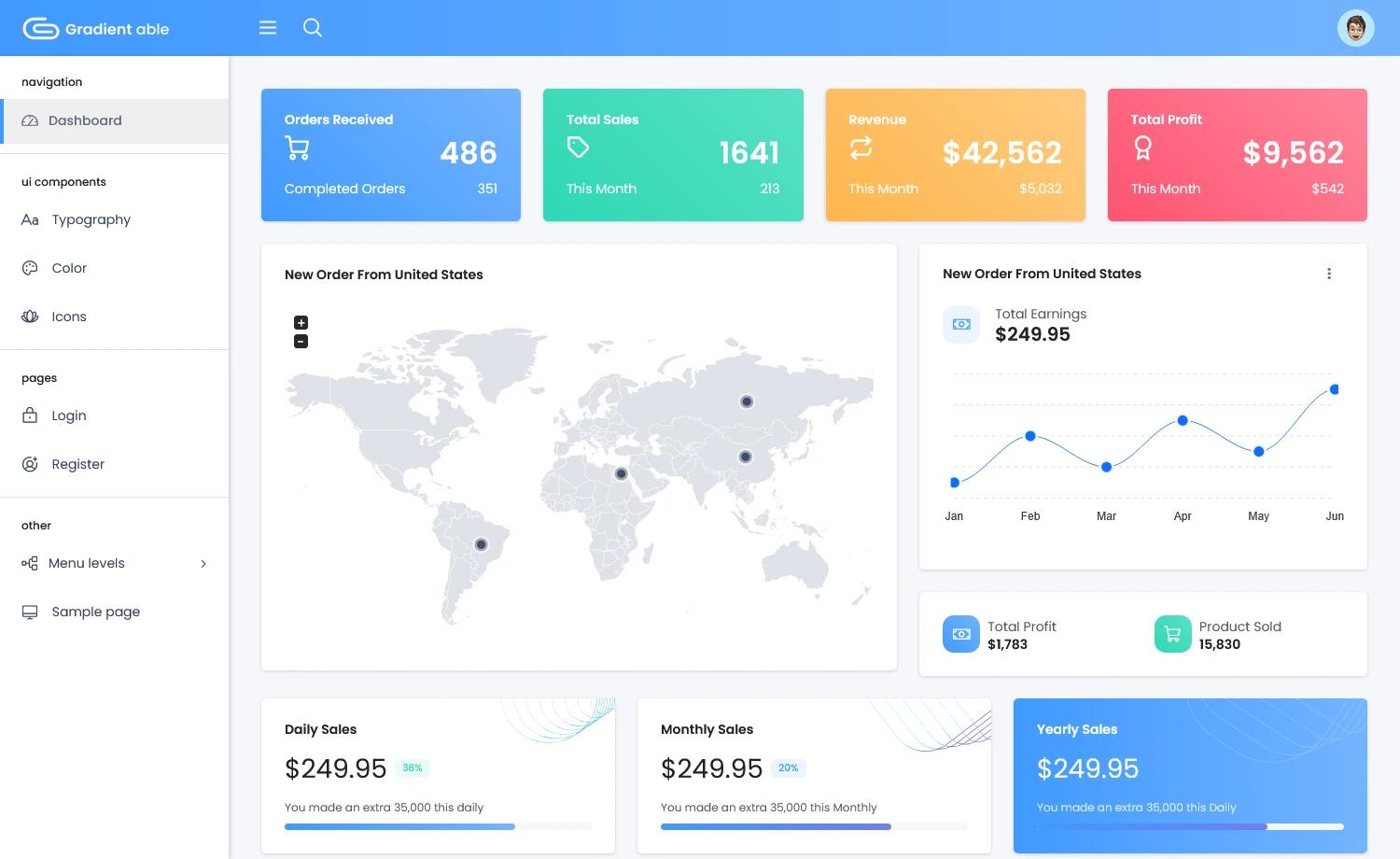
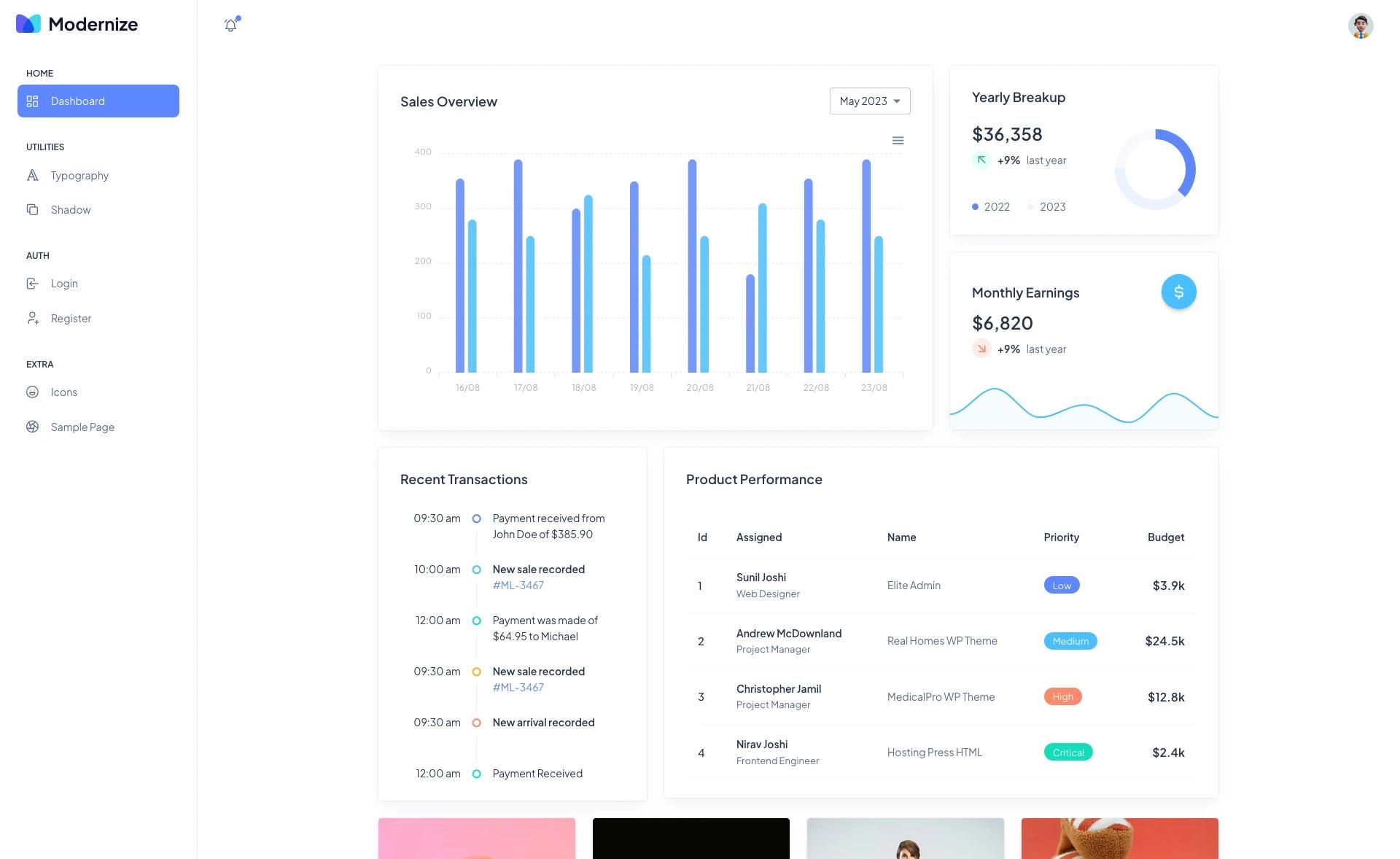
MaterialPro Free NuxtJs Admin Template is a free admin dashboard template created and maintained by WrapPixel. It runs on the Nuxt 3 framework and uses Vue, Vuetify, SASS, TypeScript, Vite, and Pinia under the hood. The template ships as a Nuxt project that you clone, install, and run locally; it produces a ready-to-customize admin front end with pre-designed pages, charts, and UI components. A live demo and full documentation are available through WrapPixel, and the source code is published on GitHub under the wrappixel organization.
Key Features
- Responsive Design — Mobile-first layouts ensure the dashboard looks consistent across phones, tablets, and desktops.
- Vuetify UI Components — A broad set of Material Design components gives the interface a professional look with buttons, cards, tables, and forms.
- Nuxt 3 Runtime — Server-side rendering, automatic routing, and SEO optimization come out of the box.
- Vue ApexCharts Integration — Interactive line, bar, and area charts are included for data visualization.
- TypeScript and Vite — Typed code and fast development builds are part of the project setup.
- Pinia State Management — Shared application state is handled through Pinia stores.
- SASS Architecture — Variables, nesting, and mixins make styling tidy and customizable.
- Tabler Icons — Clean, scalable icons are used across the interface for visual consistency.
Who is it for?
- Front-end developers — build a custom admin panel quickly by modifying the Nuxt components and pages.
- Full-stack developers — integrate the dashboard with a backend API for internal tools or client projects.
- Startups and small teams — stand up a functional admin interface without designing from scratch.
- Freelancers — reuse the template for multiple client projects, since it is free and open-source.
What can you do with it?
- Dashboard creation — assemble analytics dashboards with ApexCharts to display key metrics.
- Admin panel development — manage users, orders, or content through Vuetify data tables and forms.
- Internal tool prototyping — validate an internal application's UI with responsive, pre-built layouts before investing in custom design.
How does the template work?
You clone the repository from GitHub (or download the zip), run npm install to install dependencies, and then run npm run dev to start a local development server. The project uses Nuxt's file-based routing, so adding a page means adding a .vue file to the pages directory. WrapPixel provides a full online documentation guide for setup and customization.
Pros and cons
- Pros: free and open-source, modern Nuxt 3 stack, responsive, includes charts and state management.
- Cons: the free version lacks multi-language support, advanced widgets, real-time notifications, priority support, advanced data visualizations, user permissions and roles, and has limited additional components compared to the paid Pro version.
Pricing
MaterialPro Free NuxtJs Admin Template is free. WrapPixel also sells a Pro version with more pages, themes, widgets, and support; pricing details are on the WrapPixel website.
FAQ
Is MaterialPro Free NuxtJs Admin Template free?
Yes, it is free and open-source. The source code is available on GitHub, and you can download it from WrapPixel without paying. A paid Pro version exists if you need advanced features, with pricing listed on the WrapPixel site.
What tech stack does it use?
The template is built with Nuxt 3, Vue, Vuetify, SASS, TypeScript, Vite, and Pinia. It also includes Vue ApexCharts for charts and Vue Tabler Icons for icons.
Does it include charts?
Yes. The template includes Vue ApexCharts, allowing you to add interactive charts for data visualization in your dashboard.
How do I install and run it?
Clone the repository from https://github.com/wrappixel/materialpro-nuxtjs-free.git, run npm install, then run npm run dev to start the development server. Full documentation is available at the WrapPixel documentation link.
What are the limits of the free version?
Compared to the Pro version, the free version has basic widgets, a default theme, community support, and does not include multi-language support, advanced widgets, real-time notifications, user roles and permissions, or advanced analytics and reporting.