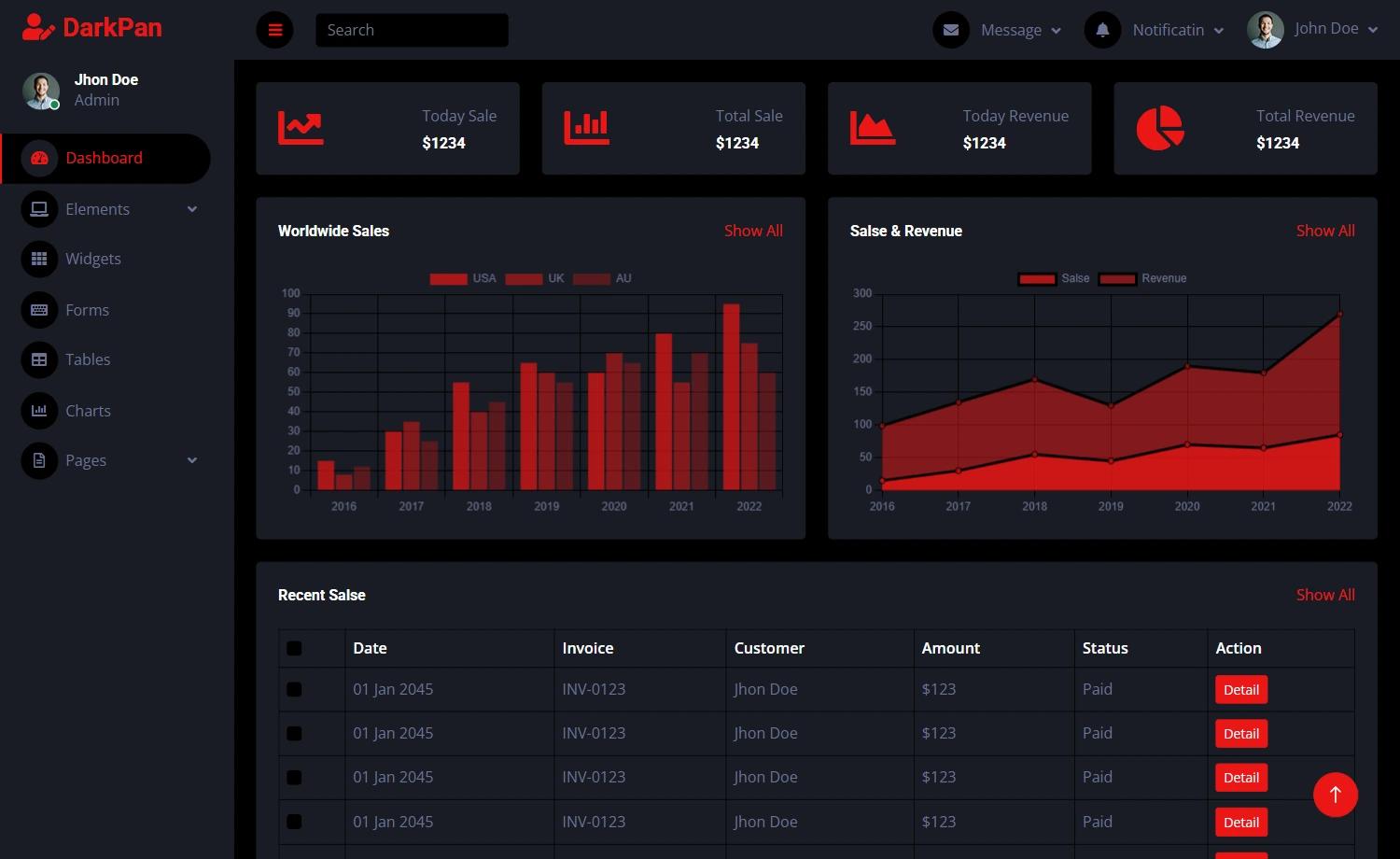
Template details
Next-Gull
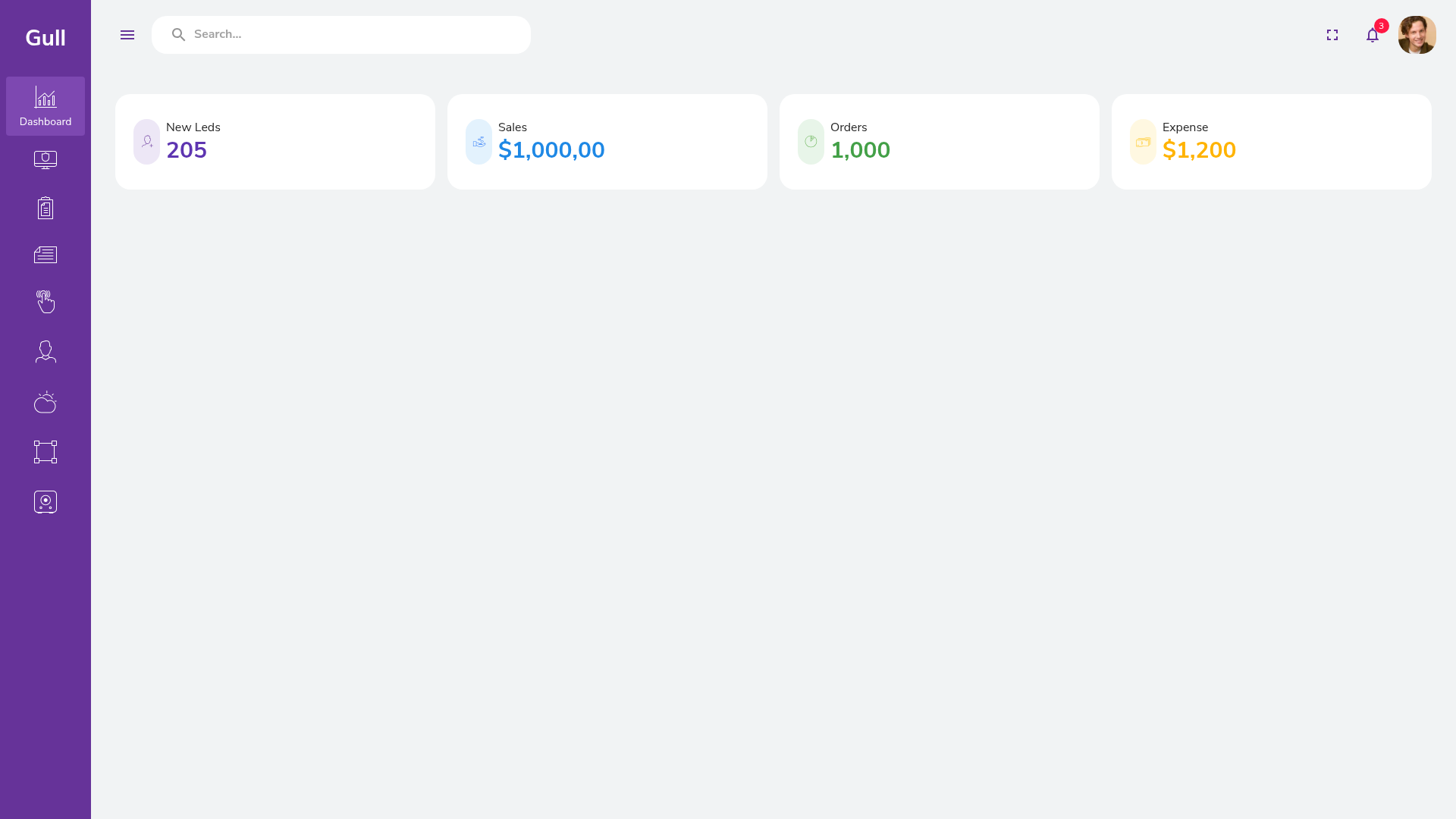
Next-Gull is a starter dashboard built with NextJS and Material-UI, providing an empty frame for building admin panels.
About this template
Next-Gull is a starter dashboard template built with NextJS and Material-UI that provides an empty frame for creating admin panels and analytics interfaces.
What is Next-Gull?
Next-Gull is a minimal dashboard starter scaffolded with Next.js and Material-UI, designed as a blank slate for front-end developers. It packages a pre-configured Next.js project with Material-UI components, the clsx utility for conditional class names, and a development workflow that runs with either npm or yarn. The template is intentionally empty of demo content, so a developer's own components, pages, and data serve as input, and the output is a customized dashboard application. It is published as a public GitHub repository and includes a live preview hosted on Vercel at https://next-gull.vercel.app/.
Key Features
What makes this template stand out is its simplicity and focused tech stack rather than a feature-rich out-of-the-box dashboard. The page details the following concrete attributes:
- NextJS framework — Built on Next.js, giving you React-based server-side rendering, file-based routing, and a production build system out of the box.
- Material-UI integration — Uses Material-UI (MUI) as the component library, supplying ready-made React components like buttons, grids, and navigation drawers for a consistent Material Design look.
- clsx utility — Includes the clsx package for easily combining conditional class names, a lightweight dependency commonly used alongside MUI's styling solution.
- Empty starter structure — The dashboard frame has no demo data or example widgets; every section and page is meant to be filled in by the developer.
- Live preview — A deployed Vercel preview (https://next-gull.vercel.app/) lets you see the exact starting state of the dashboard without installing anything.
- Simple installation — Works with either npm or yarn: clone the repository, run
npm installoryarn install, then start withnpm run devoryarn dev.
Who should use Next-Gull?
Next-Gull is aimed at developers who want a minimal, dependency-light starting point for a dashboard rather than a bloated theme. Two concrete audiences:
- React developers starting admin panels — You can clone the repo and immediately begin building your own dashboard pages with Material-UI components, skipping the usual create-next-app setup and MUI configuration.
- Developers who prefer to own the UI layer — Because the starter is nearly empty, you are free to impose your own layout, state management, and data-fetching patterns without fighting pre-existing demo code.
What can you do with Next-Gull?
Even though the dashboard is an empty frame, it gives you a few immediate starting points:
- Front-end developers: spin up a local development server with
npm run devand start adding Material-UI components to the existing layout. - Product teams prototyping admin tools: use the Vercel preview to show stakeholders a neutral shell that can be rapidly populated with later iterations.
- Students and hobbyists learning Next.js and MUI: use the starter as a learning sandbox to experiment with the component library inside a real Next.js project.
How does Next-Gull work?
The workflow is a standard Next.js development cycle. You clone the repository, install dependencies with either npm or yarn, and launch the dev server with npm run dev or yarn dev. The dashboard loads in the browser at your local host, and you edit the included pages and components to turn the empty frame into a functional dashboard. For production, the same project can be built and deployed to Vercel, as shown by the live preview.
FAQ
Is Next-Gull a complete dashboard or just a starter?
It is explicitly a starter: the author states it is an empty dashboard or starter dashboard, so you should expect no pre-built pages beyond the frame.
What packages does Next-Gull depend on?
The repository topics list clsx, dashboard, material-ui, nextjs, and react, so the core dependencies are Next.js, Material-UI, clsx, and React.
How can I run Next-Gull locally?
Clone the repository, run either npm install or yarn install, then start the dev server with npm run dev or yarn dev.