Template details
meilisearch-ui
Open-source, browser-based admin dashboard for managing Meilisearch indexes, documents, and settings across multiple instances.
About this template
Meilisearch-UI is an open-source admin dashboard for managing Meilisearch search engine instances, built with React 18, TypeScript, and Vite as a browser-based single-page application.
What is meilisearch-ui?
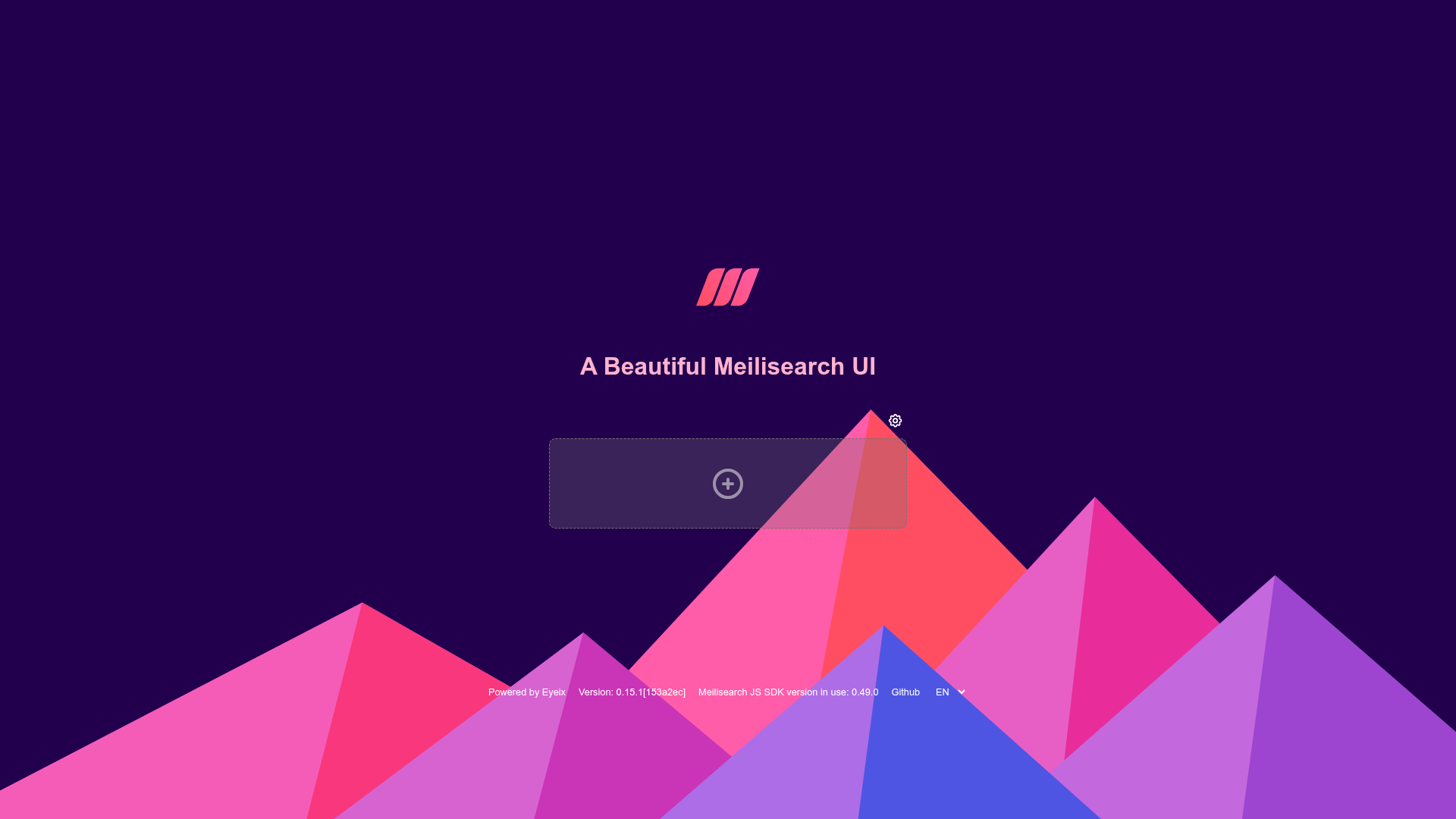
Meilisearch-UI is an open-source admin dashboard that provides a visual interface for Meilisearch instances, covering index CRUD, document search and management, index settings, and multi-instance management. It runs as a static SPA in the browser, connects to Meilisearch through the official JavaScript client, and stores connection data entirely in local browser storage. The project is maintained on GitHub by the eyeix community and is available under an open-source license.
Key features
- Indexes CRUD — Create, read, update, and delete Meilisearch indexes directly from the dashboard with a visual interface.
- Search documents — Run search queries against your indexes and inspect results formatted in the UI.
- Documents management — Add, edit, and remove documents in your Meilisearch indexes without writing curl commands.
- Index settings — Configure ranking rules, filterable attributes, and other index settings through a form-based panel.
- Multiple instances management — Save several Meilisearch hosts and API keys and switch between them from a single panel.
- Data stored in your browser — Connection details are kept in local browser storage, with no backend server or cloud dependency.
- Docker image support — Official Docker images are published on Docker Hub, including a lighter lite variant for basic usage.
- Singleton mode — Lock the UI to one Meilisearch instance using environment variables or build-time configuration, which makes it easy to embed in existing apps.
The application is built with React 18, TypeScript, and Vite, and uses UI component libraries including Arco Design, Semi UI, Mantine UI, Next UI, Radix UI, TailwindCSS, and UnoCSS. It also uses TanStack Query for async state, TanStack Router for type-safe routing, Zustand for state management, and i18next for English and Chinese localization.
Who should use meilisearch-ui?
- Meilisearch administrators — Manage indexes, documents, and settings across one or multiple instances through a point-and-click UI instead of raw API calls.
- Developers working with Meilisearch — Quickly inspect and debug search results, document fields, and index configuration during development.
- Teams that self-host Meilisearch — Deploy the dashboard via Docker or Vercel to give non-technical team members a visual admin console for the search engine.
What can you do with meilisearch-ui?
- Index CRUD — Create, rename, and delete indexes; view index statistics and settings.
- Search and browse documents — Search across collections and view results with highlighted matches.
- Manage multiple instances — Add several Meilisearch hosts and API keys, then switch between them in one click.
- Tune index settings — Update ranking and filtering rules without writing JSON.
- Deploy as a self-contained dashboard — Run it via Docker, Vercel, or build the static SPA from source.
How does meilisearch-ui work?
Meilisearch-UI is a completely client-side application. You enter the URL and API key of a Meilisearch instance (or preconfigure one with singleton mode), and the app makes calls directly to that instance using the official Meilisearch JavaScript client. The instance must have CORS enabled for the UI's domain; optionally, you can restrict allowed hosts with the ALLOWED_HOSTS environment variable in the full Docker image.
Pros and cons
- Pros: Open source; covers all core Meilisearch operations; multi-instance support; no backend required; i18n; Docker deployment; lite image option for smaller footprints.
- Cons: The README notes that responsive design is not fully implemented, so it is recommended to use the app on desktop. Singleton mode exposes configuration variables in the client bundle, which is a security risk if deployed on untrusted networks. The lite image does not support singleton mode or the ALLOWED_HOSTS variable.
Pricing
Meilisearch-UI is free and open-source, available on GitHub under an open-source license. There are no paid tiers or subscription plans.
FAQ
Is meilisearch-ui free?
Yes. The project is open-source on GitHub, and you can use, modify, and deploy it freely.
Does meilisearch-ui require a backend?
No. It is a static single-page application that talks directly to your Meilisearch instance from the browser, so no dedicated backend is needed—just a host for the static files.
Can I use meilisearch-ui with a single instance only?
Yes, via singleton mode. Set SINGLETON_MODE=true and provide SINGLETON_HOST and SINGLETON_API_KEY, or configure these at build time. In normal mode you can also manage multiple instances at once.
Why can't my browser reach my Meilisearch instance?
You likely need to configure CORS on your Meilisearch web server to allow the dashboard's origin. The UI uses the official Meilisearch JavaScript client, which makes cross-origin requests from the browser.
What is the lite Docker image?
The lite variant is a smaller image that includes only the core dashboard functionality. It does not support singleton mode or the ALLOWED_HOSTS restriction variable, so it is best for users who only need basic operations.