Template details
Vali Admin
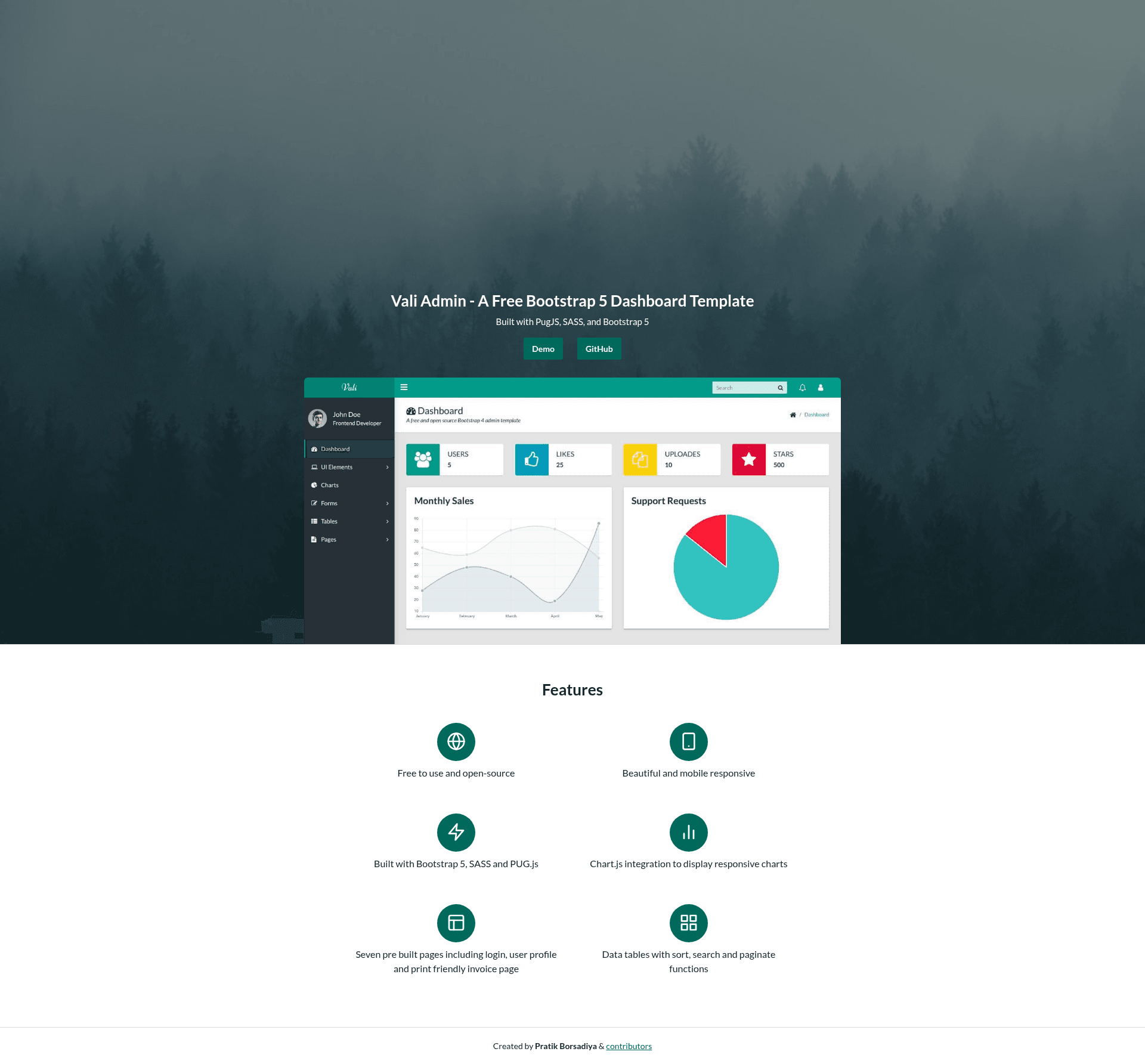
Free Bootstrap 5 admin/dashboard template built with SASS and Pug.js.
About this template
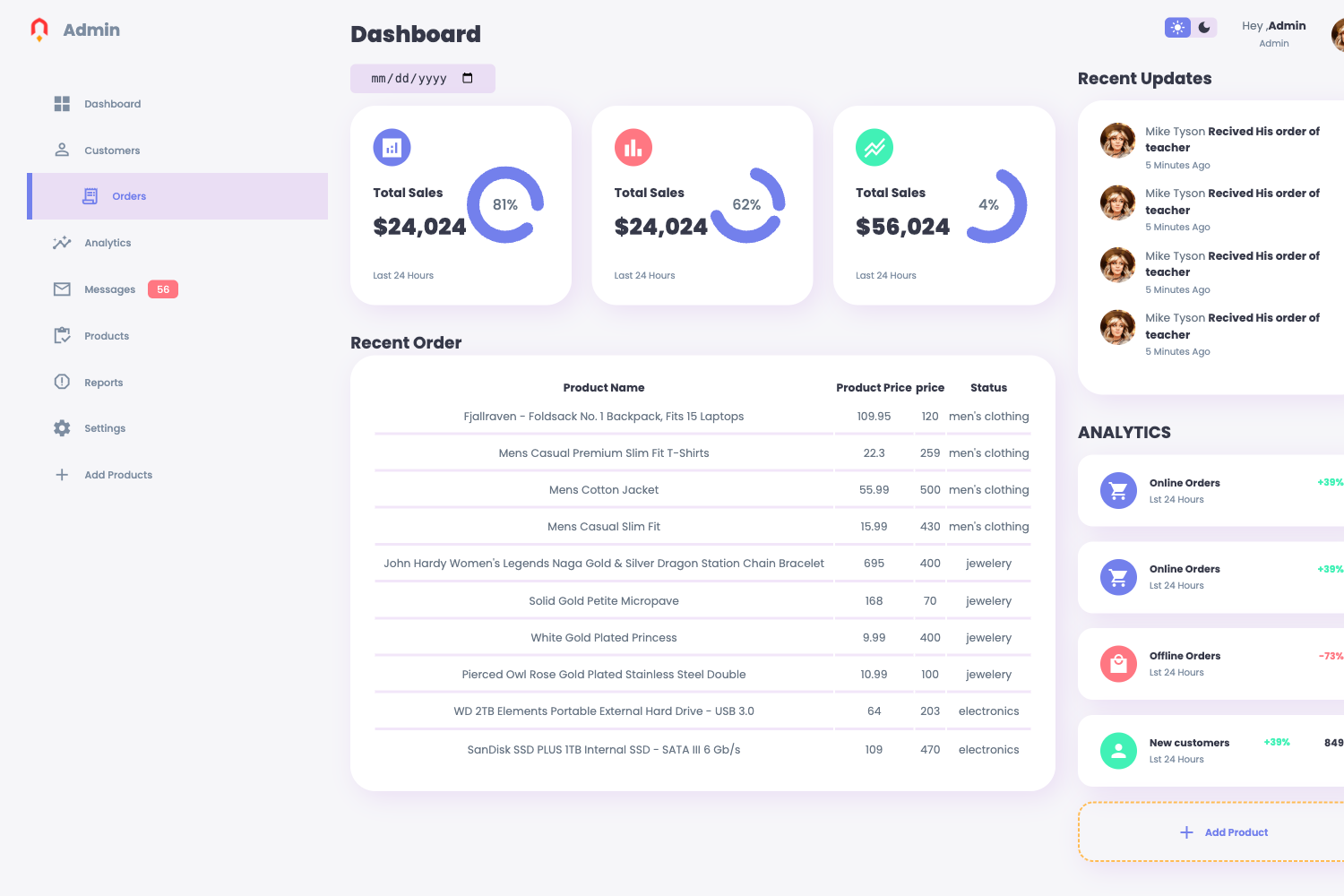
Vali Admin is a free, open-source admin and dashboard theme built on Bootstrap 5 with a SASS and Pug.js build pipeline, giving developers a ready-made start for backend UIs.
What is Vali Admin?
Vali Admin is a free, MIT-licensed admin/dashboard template that runs entirely in the browser as static compiled HTML, CSS, and JavaScript. It takes as input SASS style sheets and Pug.js template partials from the project's source folder, and a Node.js build pipeline outputs production-ready assets into the docs folder. The project was created and maintained by Pratik Borsadiya, and the repository has over 1,500 stars on GitHub.
Key Features
- Bootstrap 5 foundation — every component and utility class comes from the current version of Bootstrap, so layouts stay responsive without extra dependencies.
- SASS-powered customization — colors and other variables are edited in SASS source files, then compiled to a single CSS file.
- Pug.js templates — page markup is written as Pug partials, making it easier and faster to write repeatable dashboard sections.
- RTL support — the official docs describe how to flip the layout for right-to-left languages such as Arabic and Hebrew.
- npm-based workflow — four commands cover install, file watching, production builds, and a local Node.js development server for preview.
- Precompiled distribution — developers who don't want to touch the source can copy the compiled files from the docs folder directly into any project.
- MIT license — the theme is free to use, modify, and ship in commercial products.
Who is it for?
- Front-end developers — get a working Bootstrap 5 admin layout and then edit SASS variables and Pug partials to match a client's branding.
- Freelancers and agencies — avoid the cost of premium admin themes by starting with Vali and using the included Node.js server to demo the interface locally.
- JavaScript learners — study how a small build pipeline chains Pug.js, SASS, and Bootstrap 5 into static files.
What can you do with Vali Admin?
- Build an admin panel — turn the theme's dashboard skeleton into a project management, customer, or analytics backend UI.
- Prototype internal tools — use the dev server to iterate on HTML and styles while your API is still being designed.
- Create a quick landing or documentation site — the compiled CSS/JS can be reused with your own static HTML pages, not just the provided Pug templates.
How does Vali Admin work?
The repository follows a standard Node.js workflow: clone the project, run npm install in the root to pull dependencies, then use npm run dev to watch and recompile source files as you edit, npm run build to produce a full production build, and npm run start to launch a local Node.js development server. The README notes that this server is for development only and should not be used in production.
FAQ
Is Vali Admin free?
Yes, Vali Admin is completely free and released under the MIT License, so you can use, copy, modify, and redistribute it for personal or commercial projects without paying anything.
How do I customize the theme colors?
The official Vali Admin documentation explains how to change theme colors by editing the SASS variables in the source files and then rebuilding the CSS with the npm build commands.
Does Vali Admin support RTL?
Vali Admin can be switched to a right-to-left layout. The official documentation includes instructions for enabling RTL support for languages like Arabic and Hebrew.
Do I need to use npm to use Vali Admin?
No. The docs folder in the repository contains the compiled CSS and JavaScript files, so you can simply copy them into your project if you don't plan to modify the theme's source.