Template details
Vue Material Dashboard Laravel BS4
Vue SPA admin dashboard connected to a Laravel JSON:API backend, free and MIT-licensed.
About this template
Vue Material Dashboard Laravel BS4 is a full-stack admin dashboard template that combines a Vue 2 single-page application with a Laravel backend built on the JSON:API specification, created by Creative Tim with UPDIVISION.
What is Vue Material Dashboard Laravel BS4?
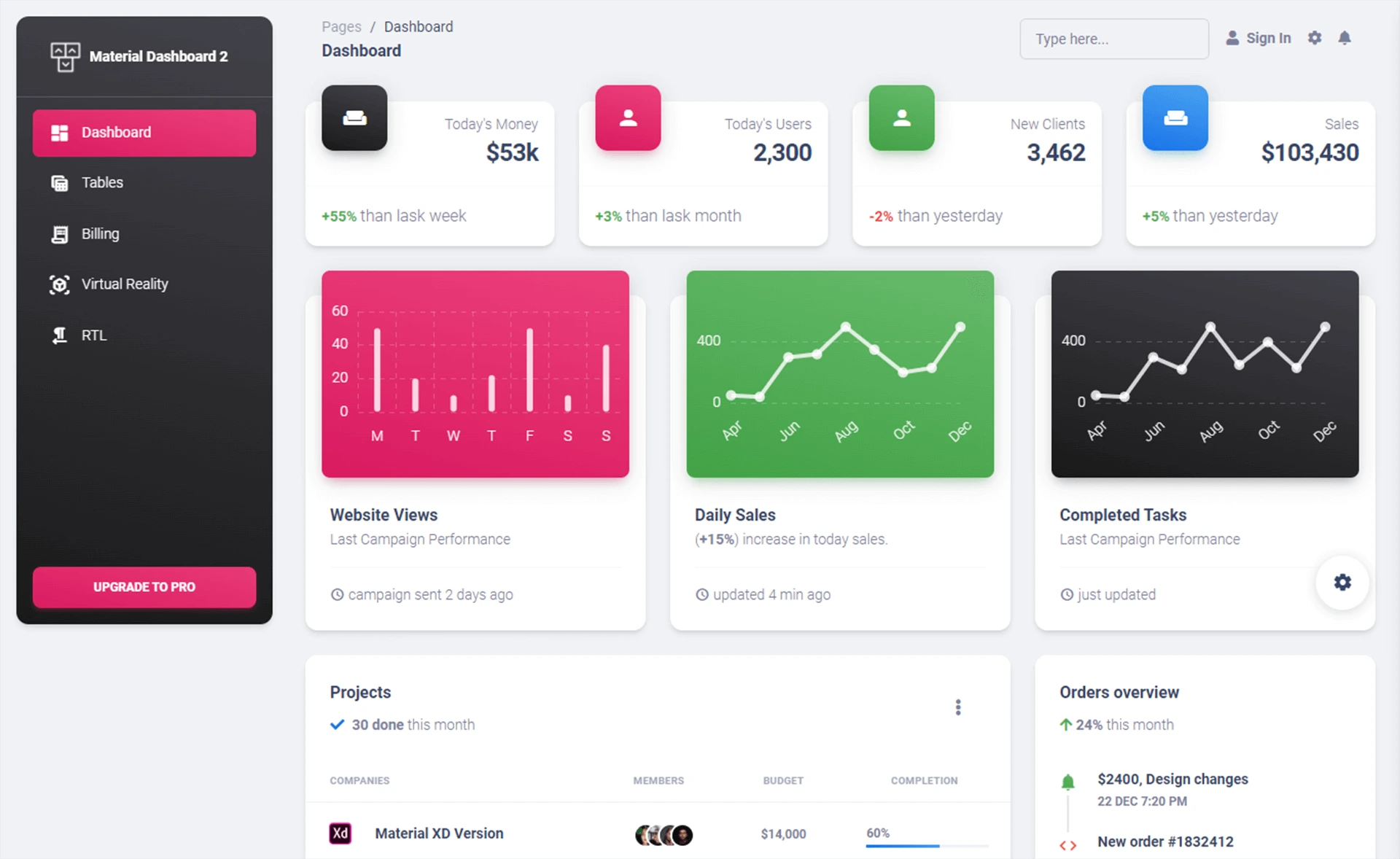
Vue Material Dashboard Laravel BS4 is a free, MIT-licensed admin template that ships as two separate projects: a Laravel API project and a Vue frontend project. The frontend is based on Vue Material Dashboard v1.4.0 and Material Dashboard v2.1.2, using Vuex for state management, Vue Router for navigation, and Axios for HTTP requests. The backend is a Laravel application that follows the JSON:API standard, using Laravel Passport for authentication and MySQL for storage. Together they provide a working admin panel with login, registration, dashboard, user management, tables, maps, profile editing, and password change pages.
Key Features
- Vue + Laravel integration — The template includes a pre-configured Laravel API and a Vue SPA, with environment variables in the Vue project (VUE_APP_BASE_URL and VUE_APP_API_BASE_URL) to connect the two.
- JSON:API backend — The Laravel API implements the JSON:API specification, which reduces the number of requests and data transferred between client and server.
- Authentication with Laravel Passport — The auth flow is fully implemented, including login, registration, and logout, with demo credentials admin@jsonapi.com / secret.
- Element-UI components — Element-UI components are restyled to match the Material Design aesthetic of the dashboard.
- User management pages — Includes ListUserPage, AddUserPage, and EditUserPage for administering users.
- Profile and password editing — Users can update their name, email, and profile picture, and change their password using dedicated Vue components.
- Charts and maps — Contains ChartCard, WorldMap, and FullScreenMap components for data visualization.
- MIT license — The template is free to use and modify under the MIT license.
Who is it for?
- Full-stack developers looking for a ready-made admin panel with a clean separation between a Vue SPA and a Laravel API.
- Laravel developers who want to build a JSON:API backend quickly without starting from zero, using the included migrations, seeders, and Passport setup.
- Vue developers who need a Material Design dashboard that already has authentication and CRUD features wired to an API.
- Startups and agencies that need to ship a functional admin interface for a web app in a short time.
What can you do with Vue Material Dashboard Laravel BS4?
- Build a custom admin panel: Replace the seed data and use the existing Vuex modules for users, roles, categories, tags, and items to manage your own resources.
- Add token-based authentication: Use the provided login and register components, backed by Laravel Passport, to secure your application.
- Customize the Material Design theme: Edit SCSS files under src/assets/scss/md to change colors, typography, cards, and form styles.
- Manage user profiles: Let users update their name, email, avatar, and password through the profile pages.
How does it work?
The template is distributed as two folders. Set up the Laravel API by running composer install, copying .env.example to .env, adding MySQL credentials, running php artisan migrate --seed, and installing Laravel Passport. Then configure the Vue app by running npm install and setting VUE_APP_BASE_URL and VUE_APP_API_BASE_URL to your local URLs. Start the frontend with npm run dev, then log in at /login with admin@jsonapi.com / secret.
FAQ
Is Vue Material Dashboard Laravel BS4 free?
Yes, the free version is available for download from Creative Tim and GitHub under the MIT license. A PRO version, Vue Material Dashboard PRO Laravel, offers additional features.
What are the system requirements?
The Laravel API needs PHP, Composer 2, MySQL, and a multi-threaded web server such as Apache or Nginx. The Vue frontend requires Node.js version 8.9 or above (8.11.0+ recommended), npm, and Vue CLI. The built-in PHP server (php artisan serve) is not recommended because it is single-threaded.
How do I log in to the demo?
Use the email admin@jsonapi.com and the password secret. You can also register a new user from the /register page. The dashboard is accessible at /home.
Does this template include the JSON:API documentation?
Yes, the README links to a Postman collection for the Laravel JSON:API, and the backend is set up to follow the JSON:API specification.
Can I use it with a different frontend framework?
The template is specifically built for Vue 2. However, Creative Tim offers similar Material Dashboard templates for other frameworks like HTML and Laravel, which you can find on their website.