Template details
Mobile App Landing Page Template
A customizable landing page template for mobile apps, built with Astro, React, TypeScript, TailwindCSS, and DaisyUI.
About this template
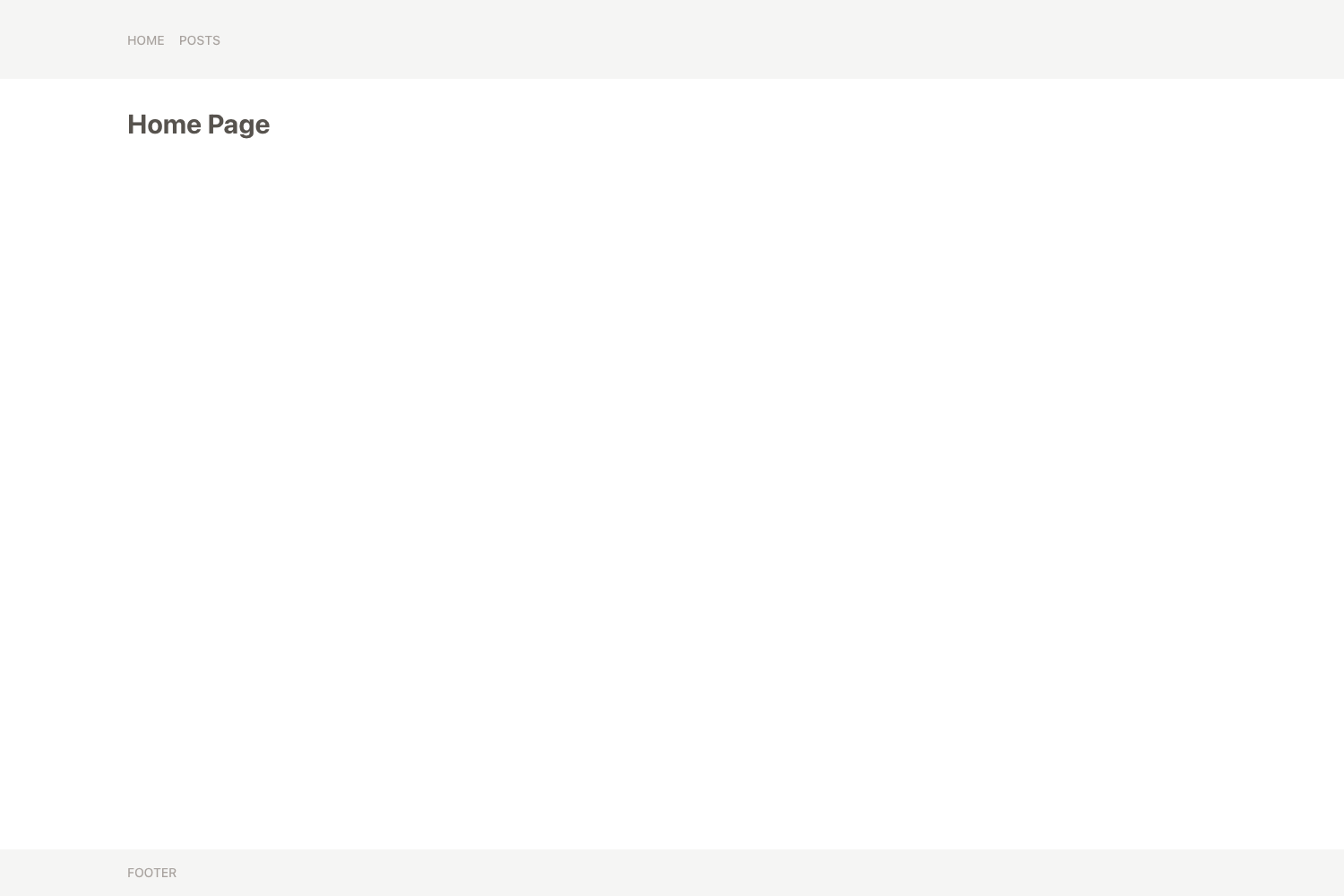
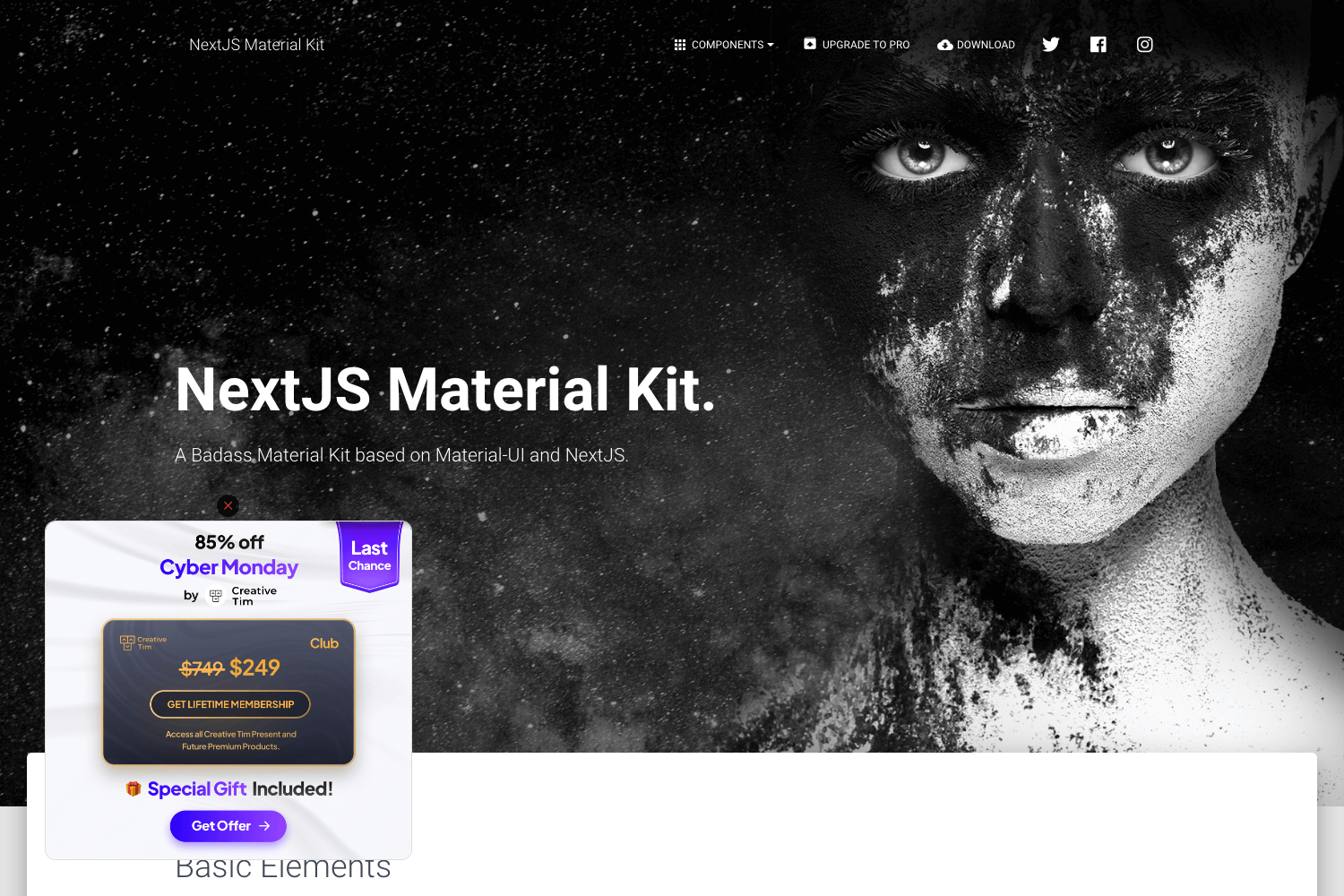
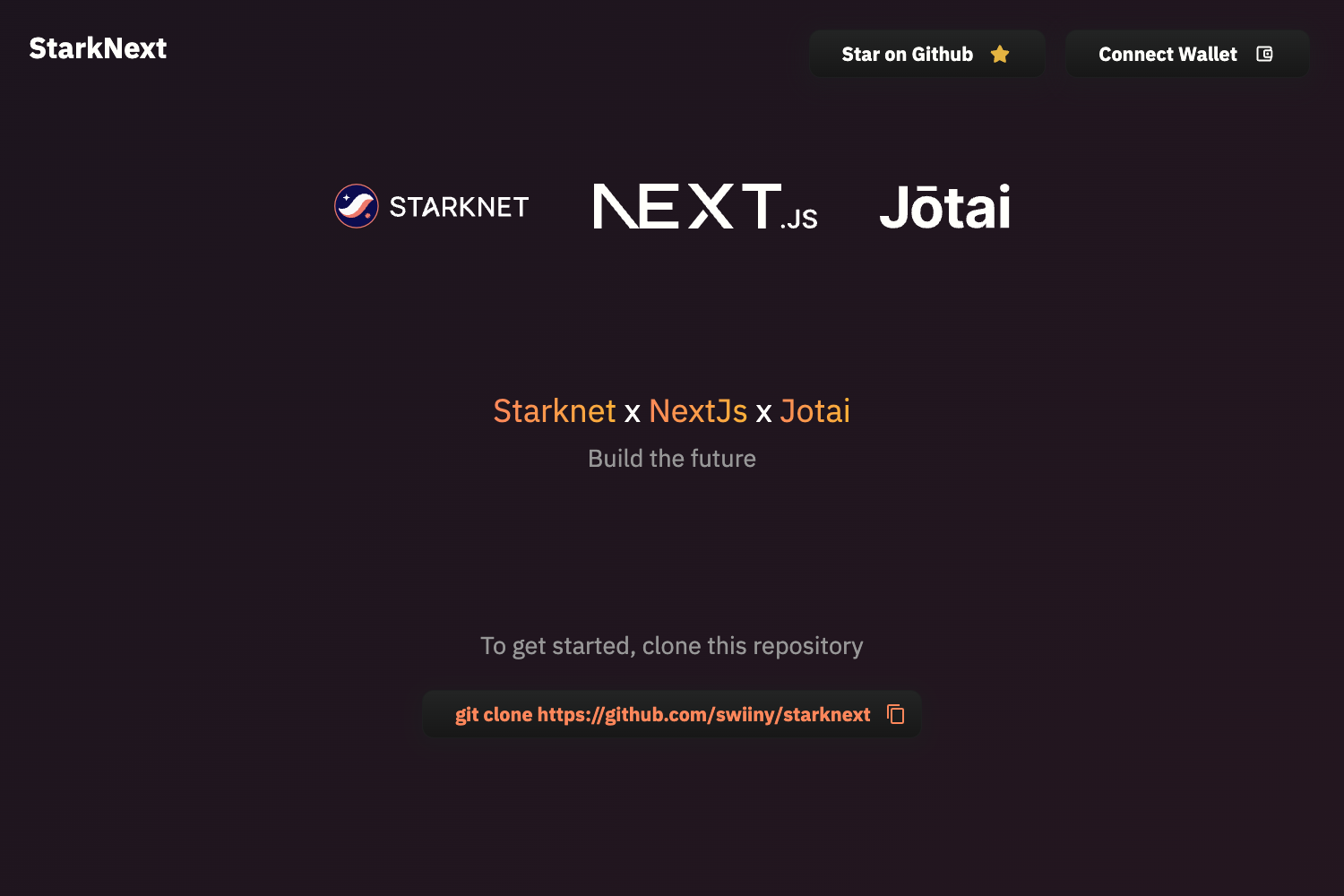
Mobile App Landing Page Template is a customizable landing page template for mobile apps, built with Astro, React, TypeScript, TailwindCSS, and DaisyUI, that generates a static, responsive marketing site with switchable themes.
What is Mobile App Landing Page Template?
This template pairs Astro's static rendering with React for interactive sections, all typed with TypeScript. You feed it your app's details through a single configuration file, and it outputs a production-ready landing page in a dist folder after running the build command. According to the repository metadata, it is designed for indie developers and small teams that need a fast, modern, and themeable landing page.
What makes it stand out?
- Astro + React stack — Astro handles static page generation for fast loads, while React adds interactive UI components without sacrificing the static output.
- TypeScript throughout — the codebase is fully typed, which helps catch errors during customization.
- TailwindCSS + DaisyUI styling — uses TailwindCSS with DaisyUI, giving you access to every DaisyUI theme; just change the theme in the config file.
- Mobile-first responsive layout — the design is responsive for all devices, starting from mobile viewports.
- Customizable pre-built sections — includes sections for partners, features, testimonials, and more; you can reorder or modify each section easily.
- Single-file configuration — most changes, from content to theme, happen in src/utils/config.ts, so you rarely need to touch the rest of the code.
Who should use this template?
Indie developers who want to launch an app landing page quickly without building one from scratch. Small teams who need a modern marketing site for their mobile app and want a developer-friendly, typed codebase. Anyone learning Astro who wants a clean example of combining Astro with React and TypeScript.
Use cases
- Indie app developers: generate a polished landing page with sections for partners, features, testimonials, and app screenshots, then deploy the static output.
- Small product teams: use the template as a starting point for a marketing site and switch the DaisyUI theme to match brand colors.
- Astro adopters: study the project structure or fork it as a base for a mobile app marketing site with a React-powered UI.
How does the template work?
The template requires Node.js v20 or higher and the pnpm package manager. After installing dependencies with pnpm i, you run pnpm dev for local development, then pnpm build to generate the optimized dist folder. To change content or theme, edit src/utils/config.ts, which holds most of the configuration.
FAQ
What is this template built with?
It uses Astro for static rendering, React for interactive components, TypeScript for type safety, and TailwindCSS with DaisyUI for styling. The project is managed with pnpm and requires Node.js v20 or newer.
How do I change the theme?
You can change the theme in src/utils/config.ts. The template supports all DaisyUI themes, and the list of available themes is on the DaisyUI documentation site.
Do I need to modify code to customize my site?
For most sites, no. The configuration file src/utils/config.ts contains the content and theme settings, so you can deploy quickly. If you want to change the layout or add new sections, you can edit the Astro and React components directly.
What is the output of the build?
Running pnpm build creates a dist folder containing the optimized production build, which you can deploy to any static hosting service.