Template details
naoTimesUI
A web admin panel for the naoTimes Showtimes Module, built with Next.js, React, and Tailwind CSS.
About this template
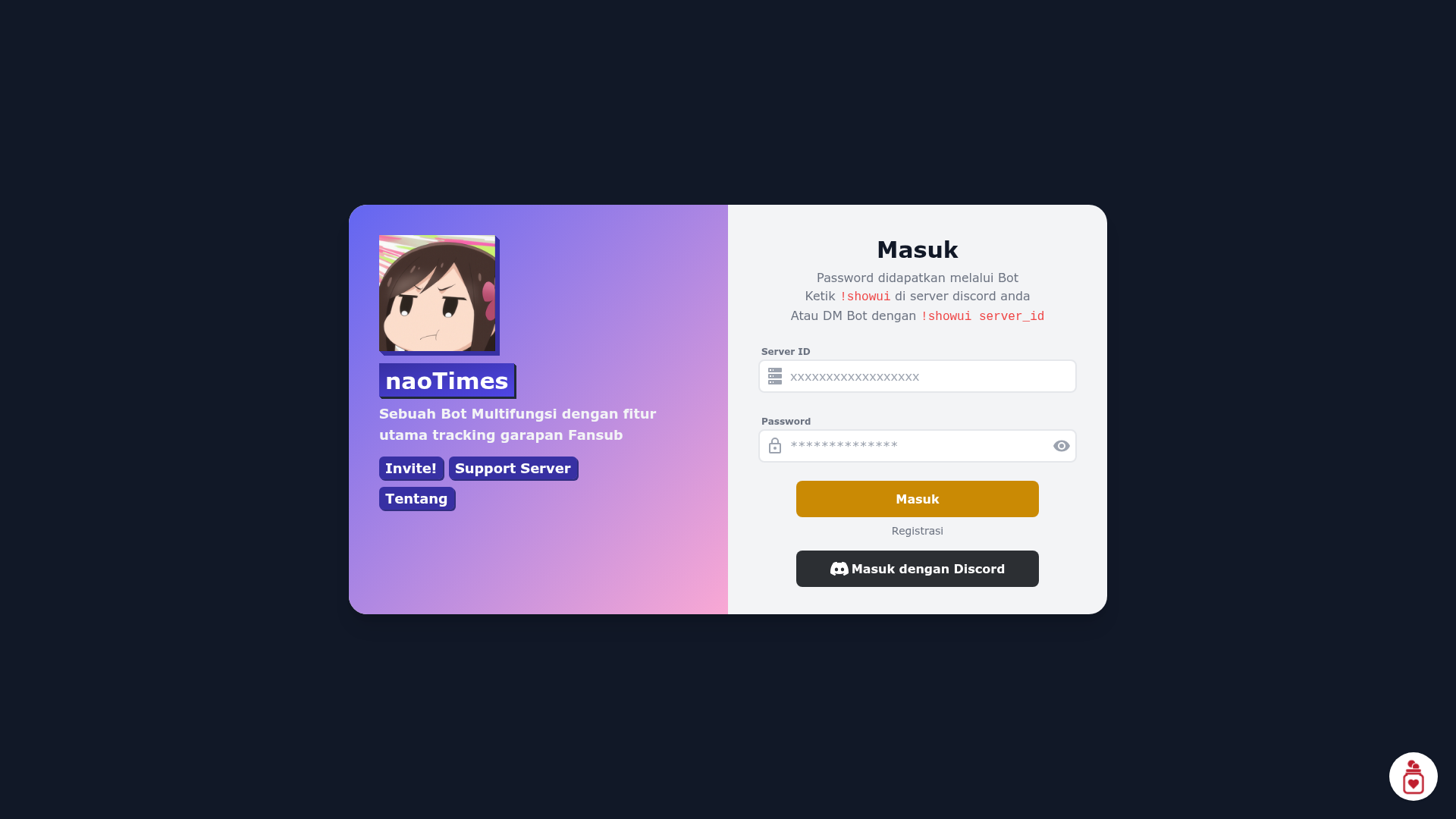
naoTimesUI (also called the naoTimes Web Panel) is a dashboard template for managing the naoTimes Showtimes Module, built as a Next.js application styled with Tailwind CSS and written in TypeScript. It is the web admin panel for the naoTimes bot, letting users monitor and adjust fansub progress through a browser interface instead of Discord-only commands.
What is naoTimesUI?
naoTimesUI is a web admin panel for the naoTimes Showtimes Module, a system used by fansub groups to track translation and release progress on shows. It takes data from a running naoTimes bot that has the naotimesui cogs enabled, fetches that information over a socket connection, and displays it in a React dashboard. The project is maintained by noaione, licensed under the MIT License, and is designed to be deployed on Vercel with one click.
Key Features
- Next.js framework — The panel is built on Next.js (with React), enabling server-side rendering and a component-based UI.
- Tailwind CSS styling — The entire dashboard layout is styled with Tailwind CSS, and the design is adapted from the Tailwind Components dashboard template.
- TypeScript source — The repository uses TypeScript for type-safe code, as shown in the project's language grade badge and codebase.
- Vercel one-click deployment — A "Deploy with Vercel" button is included, requiring environment variables like TOKEN_SECRET, MONGODB_URI, BOT_SOCKET_HOST, BOT_SOCKET_PORT, and BOT_SOCKET_PASSWORD.
- Socket-based bot integration — The panel connects to the naoTimes bot's
naotimesuicogs socket (host, port, and password set via environment variables) to pull live information from Discord. - MongoDB and Redis backend — It requires a MongoDB instance holding the Showtimes database and a Redis server, both listed as deployment requirements.
- pnpm package manager — The project uses pnpm for installing dependencies and running scripts (
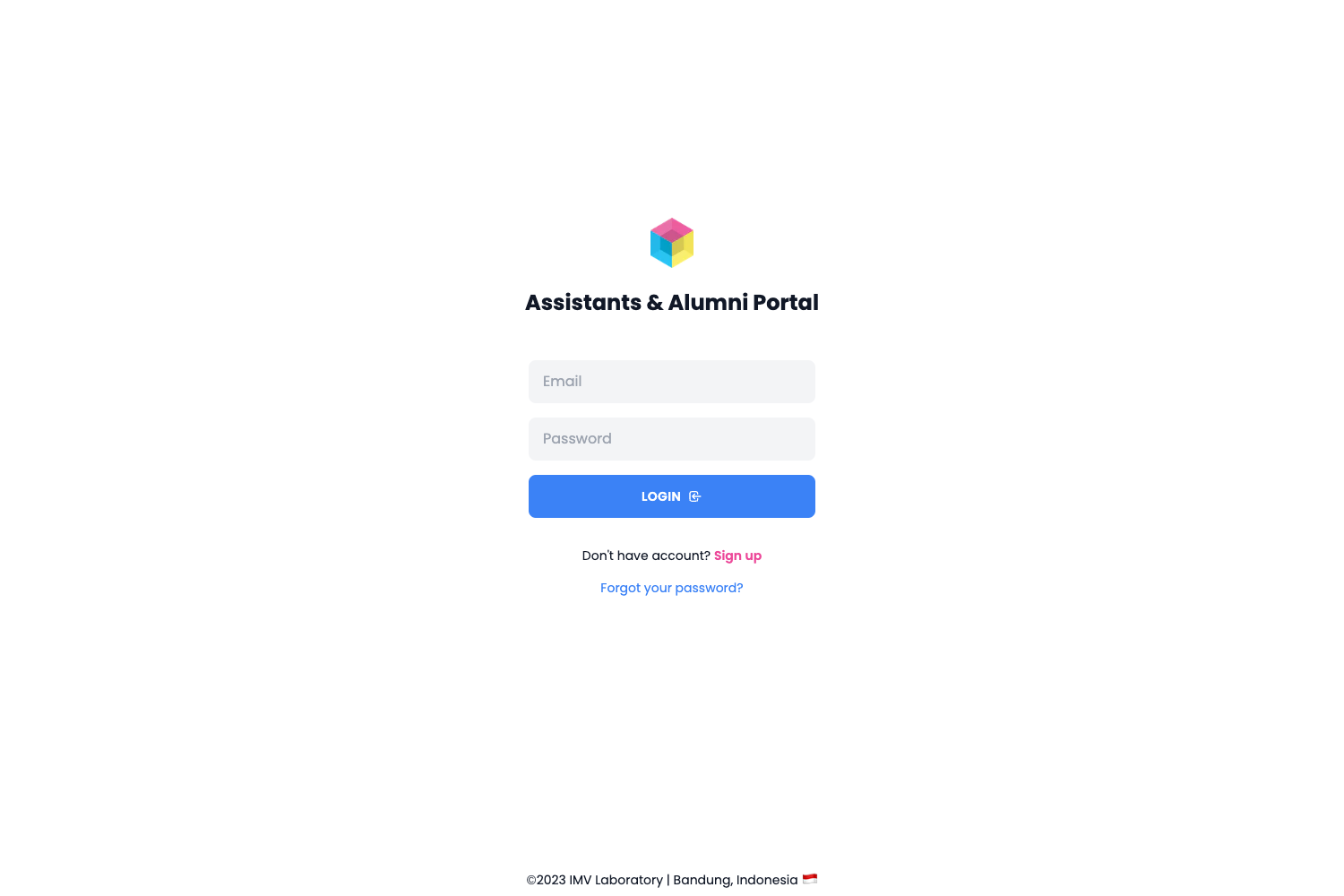
pnpm install,pnpm run start,pnpm run dev). - Adapted UI components — The login screen is adapted from a Tailwind Components sign-up form, and the embed design is adapted from the are-we-there-yet project by GrygrFlzr.
Who is it for?
- Fansub groups — Track and update your group's showtime progress (referred to as "utang" or debt) through a visual web dashboard rather than text commands.
- naoTimes bot administrators — Deploy and configure the panel to give your team a browser-based view of the bot's showtimes data, without granting Discord server access.
- Self-hosters — Run the panel on Vercel or your own Node.js server, provided you can supply the required MongoDB, Redis, and bot socket infrastructure.
- Developers — Use the MIT-licensed codebase as a reference for building Next.js + Tailwind admin dashboards that integrate with a Discord bot backend.
What can you do with naoTimesUI?
- Project managers: View the status of all shows being tracked by naoTimes and identify which entries have outstanding progress, directly in the dashboard.
- Fansub teams: Update progress for shows from a web UI, reducing the need to send Discord commands to the bot.
- Server operators: Connect the panel to your own naoTimes bot socket by setting the BOT_SOCKET_* environment variables, and manage multiple service connections from one interface.
How does naoTimesUI work?
To run it, you first need a naoTimes bot with the naotimesui cogs enabled, plus a Redis server and a MongoDB instance containing the Showtimes database. After deploying the app, you set the bot socket host, port, and password in the environment file (.env), generate a TOKEN_SECRET with openssl rand -hex 32, install dependencies with pnpm install, and start the server with pnpm run start. The panel then fetches information from Discord via the bot socket and renders it in the React dashboard.
Pros and cons
- Pros: MIT-licensed, deployable to Vercel in one click, built on a modern Next.js + Tailwind + TypeScript stack, and includes CI via GitHub Actions.
- Cons: Requires a running naoTimes bot with special cogs, a Redis server, and a MongoDB instance — it is not a standalone dashboard and cannot work without those external services.
FAQ
Is naoTimesUI free?
Yes, the project is open source under the MIT License (see the LICENSE file in the repository).
What do I need to run naoTimesUI?
You need a naoTimes bot with naotimesui cogs enabled, a Redis server, and a MongoDB database with the Showtimes data. You also need environment variables for the bot socket and a TOKEN_SECRET generated via openssl rand -hex 32.
Can I deploy naoTimesUI to Vercel?
Yes, the README includes a one-click "Deploy with Vercel" button that lets you deploy directly from the GitHub repository. You'll be prompted to set the required environment variables during the Vercel setup.
How do I start the development server?
Clone the repository, run pnpm install to install dependencies, then pnpm run dev to start the development server. The project uses pnpm, so you need it installed globally (npm install -g pnpm).