Template details
Venus Admin Dashboard Template
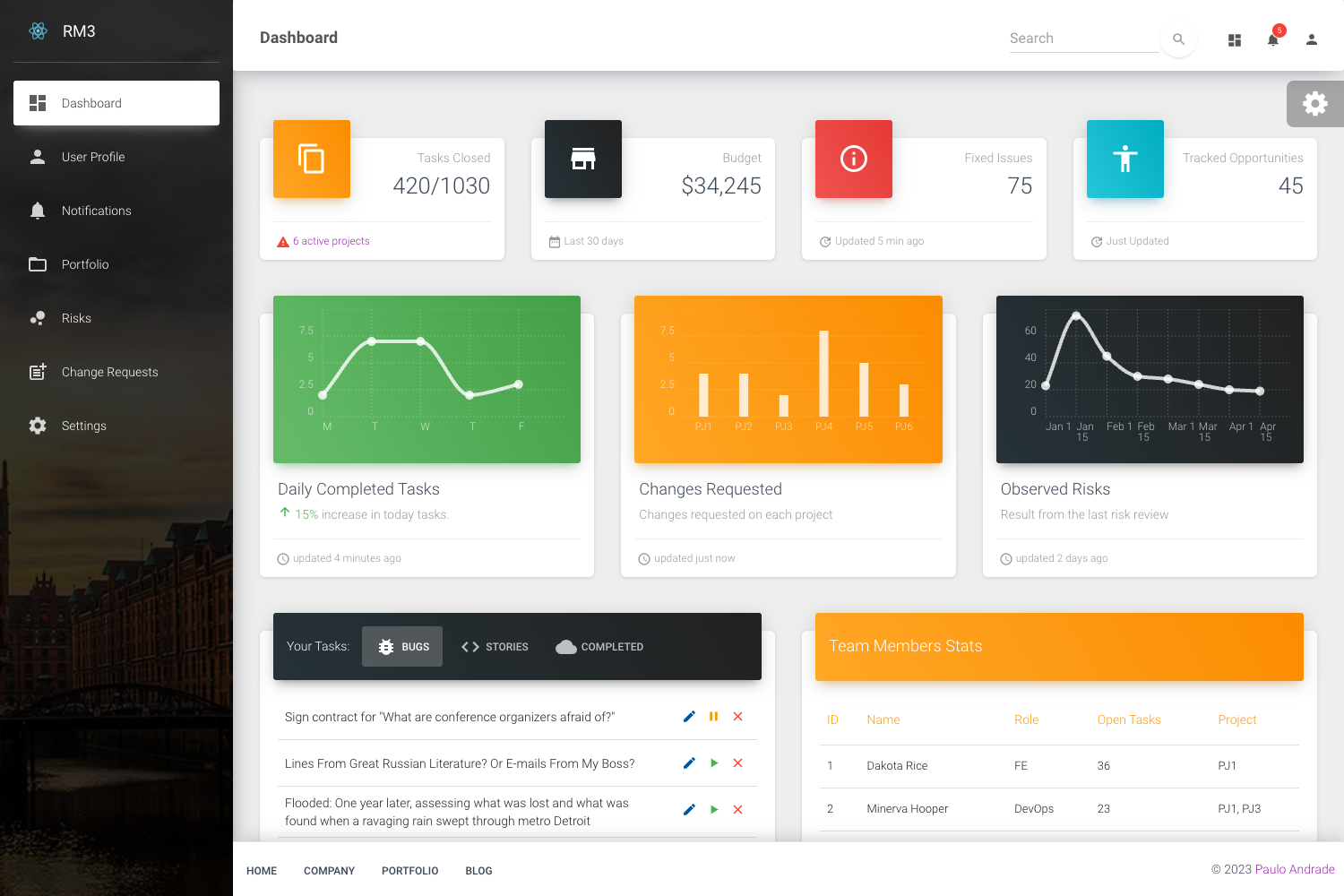
A free multipage admin dashboard template built with Material UI by ThemeWagon, featuring responsive layouts, authentication pages, and clean code.
About this template
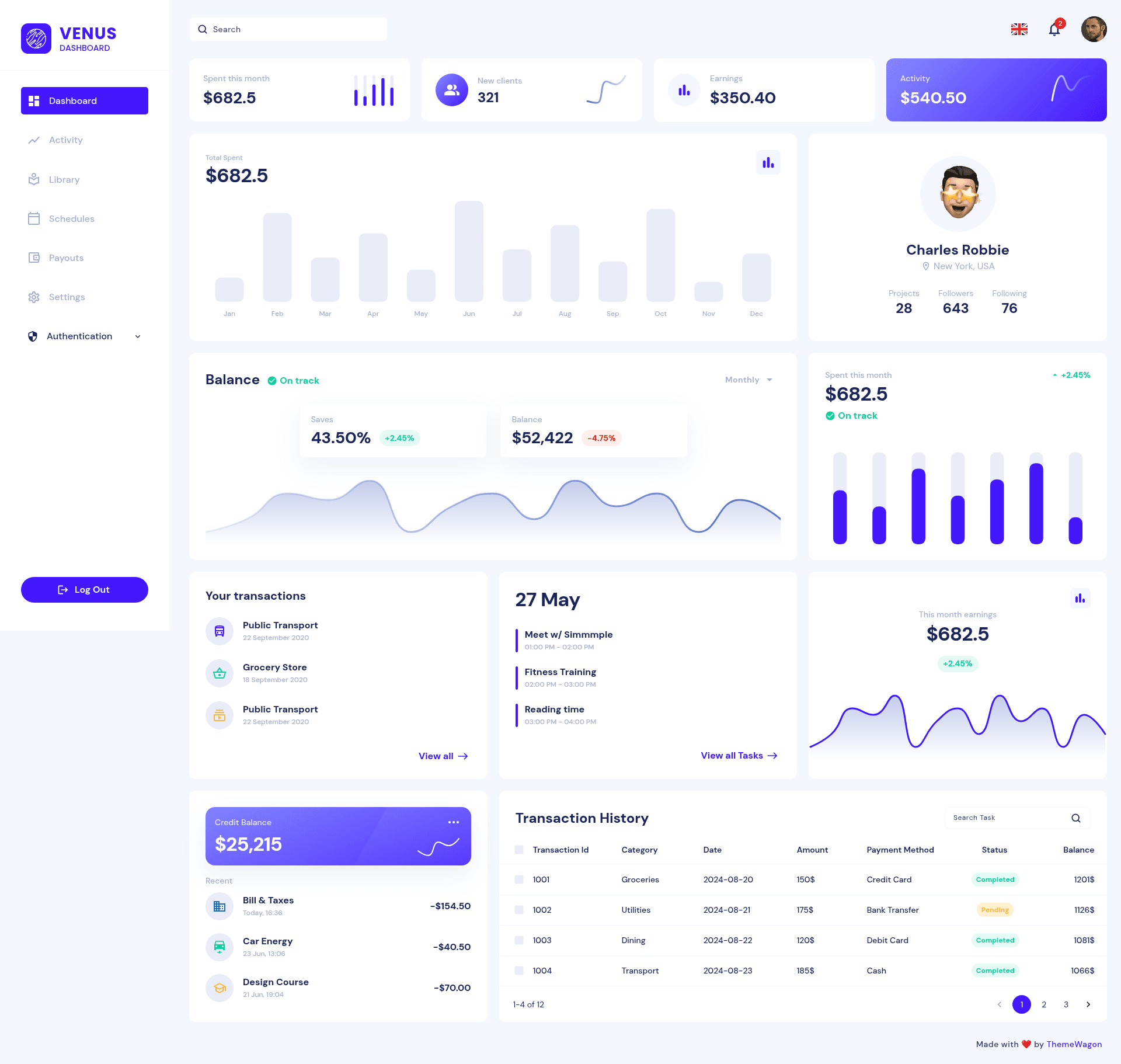
Venus is a free multipage admin dashboard template from ThemeWagon, built with Material UI, that provides a responsive dashboard and authentication pages for web applications.
What is Venus?
Venus is a free, open-source admin dashboard template distributed by ThemeWagon. It takes a standard HTML/JavaScript project structure and produces a fully responsive admin interface with dashboard, sign-in, and sign-up pages. The template runs in any modern browser (Chrome, Firefox, Safari, Edge, Opera) and works on Android, iPhone, and iPad devices. The dashboard and authentication layouts originate from a Figma design by Simmmple, which ThemeWagon converted into Material UI code. Version v1.0.0 was released two years ago and last updated three months ago.
Key Features
- Multipage design — the template ships with more than 3 pre-built pages, including dashboard and authentication views, so each section is a separate HTML page.
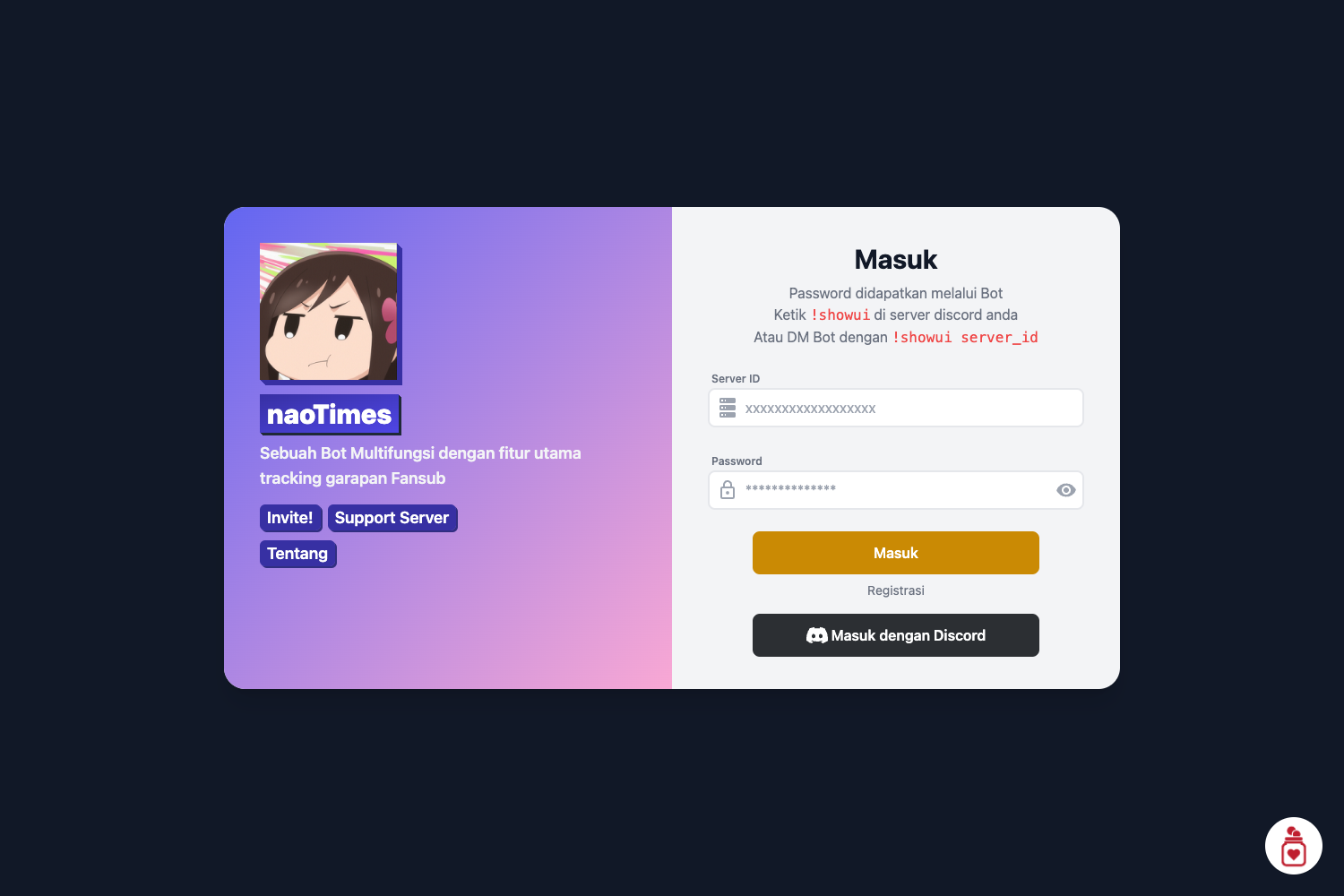
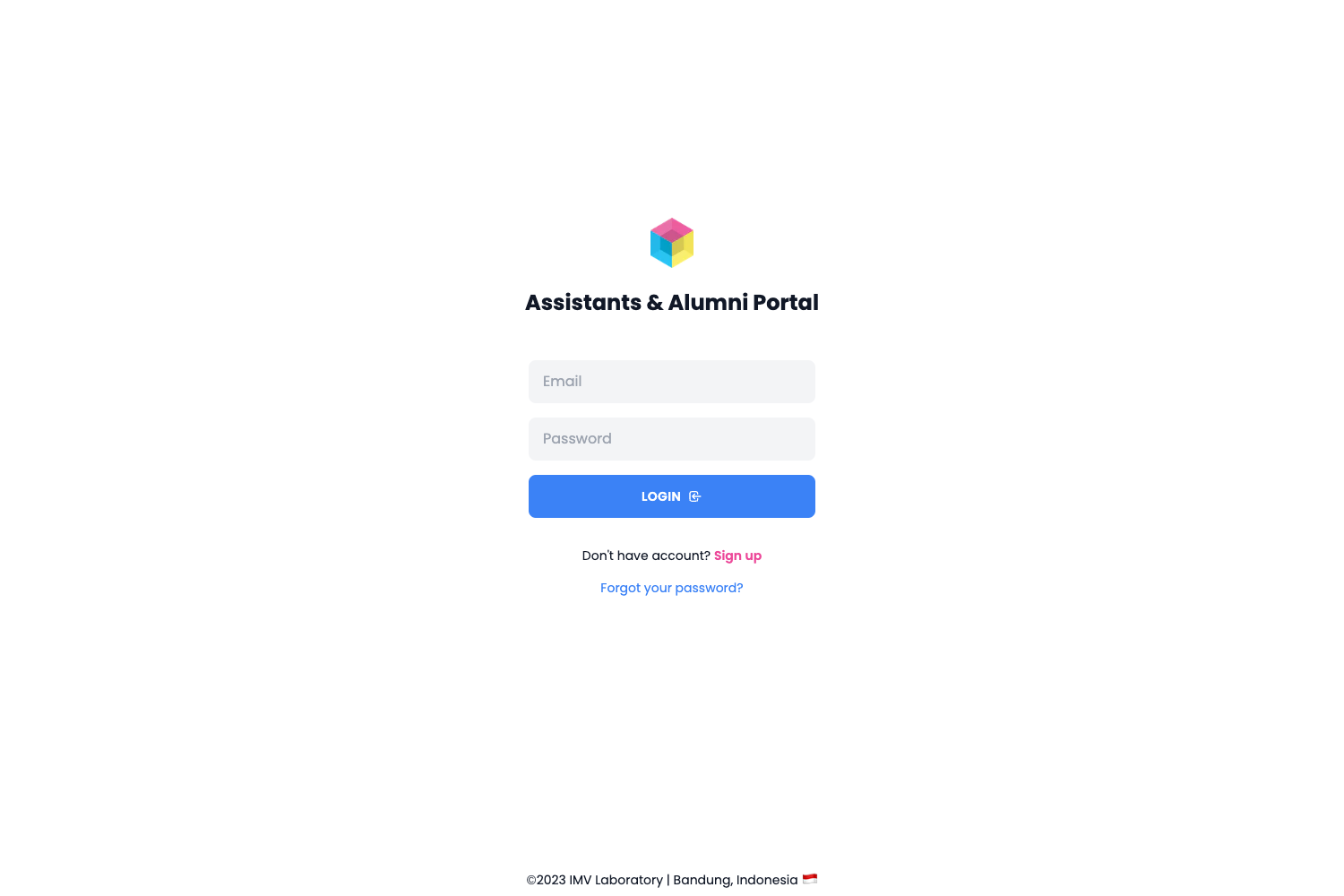
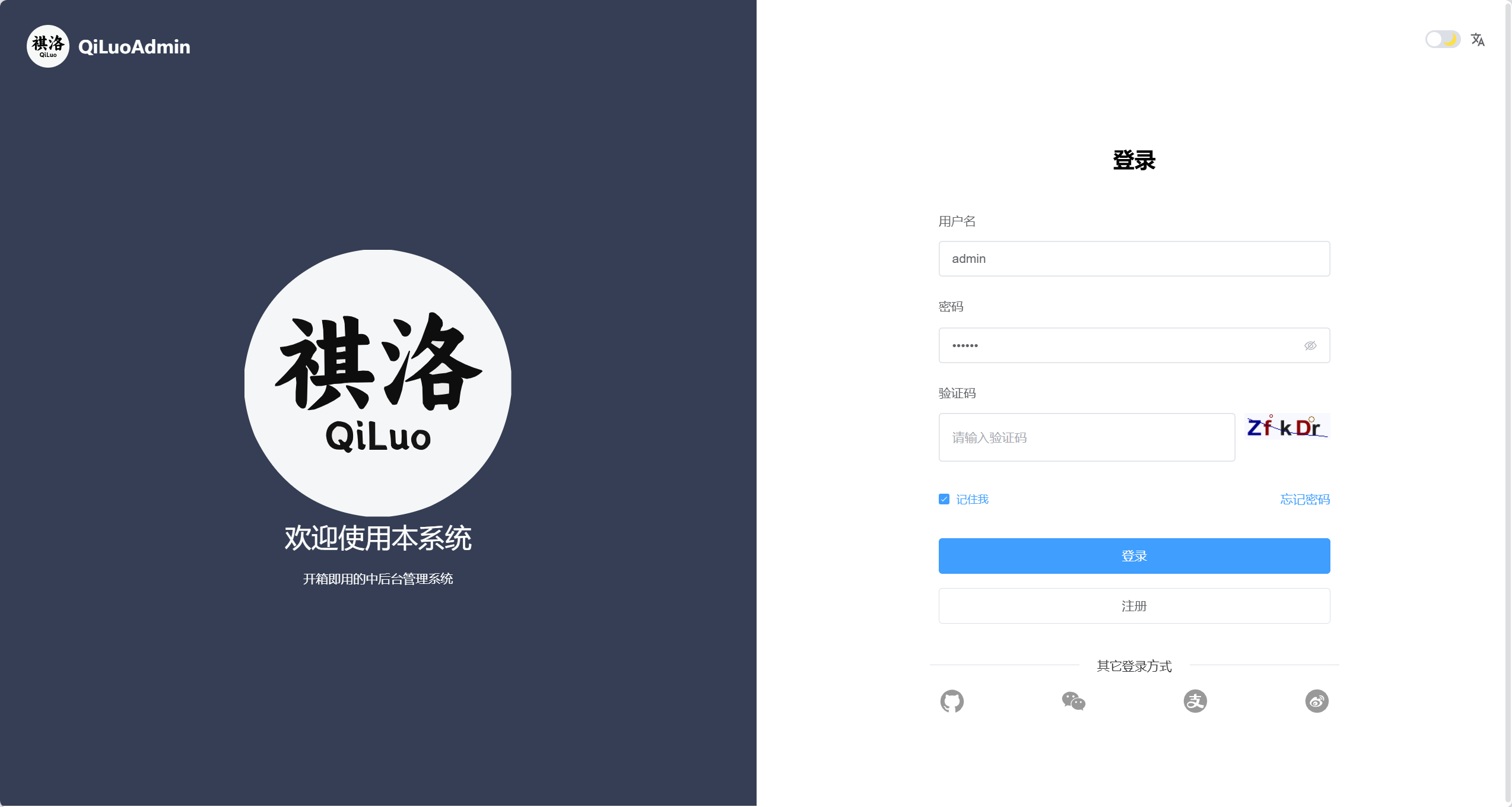
- 2 authentication pages — dedicated sign-in and sign-up pages with different sign-in and sign-up options for user access flows.
- Material UI framework — the interface uses Material UI components and Google Fonts, matching Google's Material Design visual language.
- Data-management components — built-in search filter, pagination UI, and progress bars are included for handling tabular data and task progress.
- Multilingual design — the layout is structured to support multiple languages, which simplifies localization work.
- Fully responsive and cross-browser — the design adapts to screen sizes from mobile to desktop and is tested against Chrome, Edge, Firefox, Opera, and Safari.
- Clean codebase — the HTML, CSS, and JavaScript source files are organized for straightforward customization, with library and plugin files included in the download.
- SEO-optimized markup — the template is described by ThemeWagon as search-engine optimized, aiming for faster loading and better page engagement.
Who is it for?
- Web developers who need a ready-made admin panel for client projects can customize the clean Material UI codebase rather than starting from scratch.
- Startups and SaaS teams can reuse the included authentication pages and dashboard components to spin up the front-end of their product quickly.
- UI designers can study how the original Figma design by Simmmple was implemented as a working Material UI template.
What can you do with Venus?
- Admin panels: assemble a complete back-office interface for managing users, orders, and content using the dashboard page and data-visualization components.
- SaaS sign-up flows: use the two authentication pages as the starting point for a new web application's login and registration screens.
- Internal tools: combine the search filter, pagination UI, and progress bars to build data-heavy internal dashboards for operations teams.
Alternatives
- Dash UI — a free Bootstrap 5 admin dashboard template from ThemeWagon.
- Voler — a free Bootstrap 5 HTML5 admin dashboard template.
- Elite Admin Lite — a free Angular 8 dashboard template from WrapPixel.
FAQ
Is Venus free?
Yes, Venus is a free template by ThemeWagon. You can use it in commercial projects, and it includes lifetime free updates.
What framework does Venus use?
Venus is built with Material UI and uses Google Fonts. It is a standard HTML, CSS, and JavaScript template rather than a React or Vue application.
What pages are included?
The template includes more than 3 pre-built pages, covering a dashboard page and 2 authentication pages (sign-in and sign-up). All demo images, libraries, and JavaScript source files are included in the box.
Which browsers are supported?
Venus is cross-browser-compatible. ThemeWagon lists Chrome, Edge, Firefox, Opera, Safari, plus Android, iPad, and iPhone as compatible targets.
Does Venus support multiple languages?
Yes, the template is flagged as multilingual, meaning the layout is prepared for localization so you can adapt it to different languages.