Template details
Neat Starter
A starter template combining Netlify CMS, Eleventy, Alpine.js, and Tailwind CSS for building static websites.
About this template
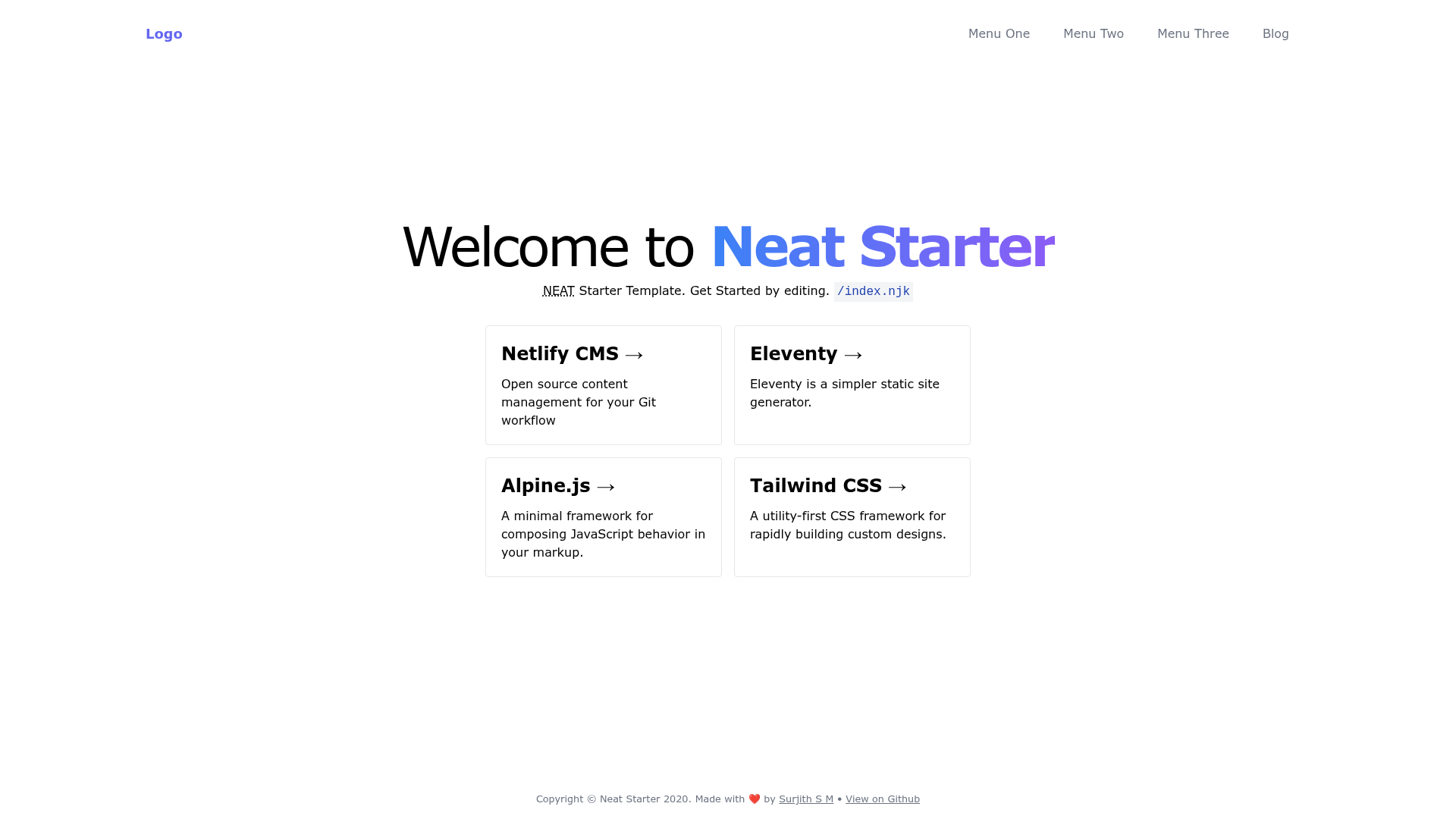
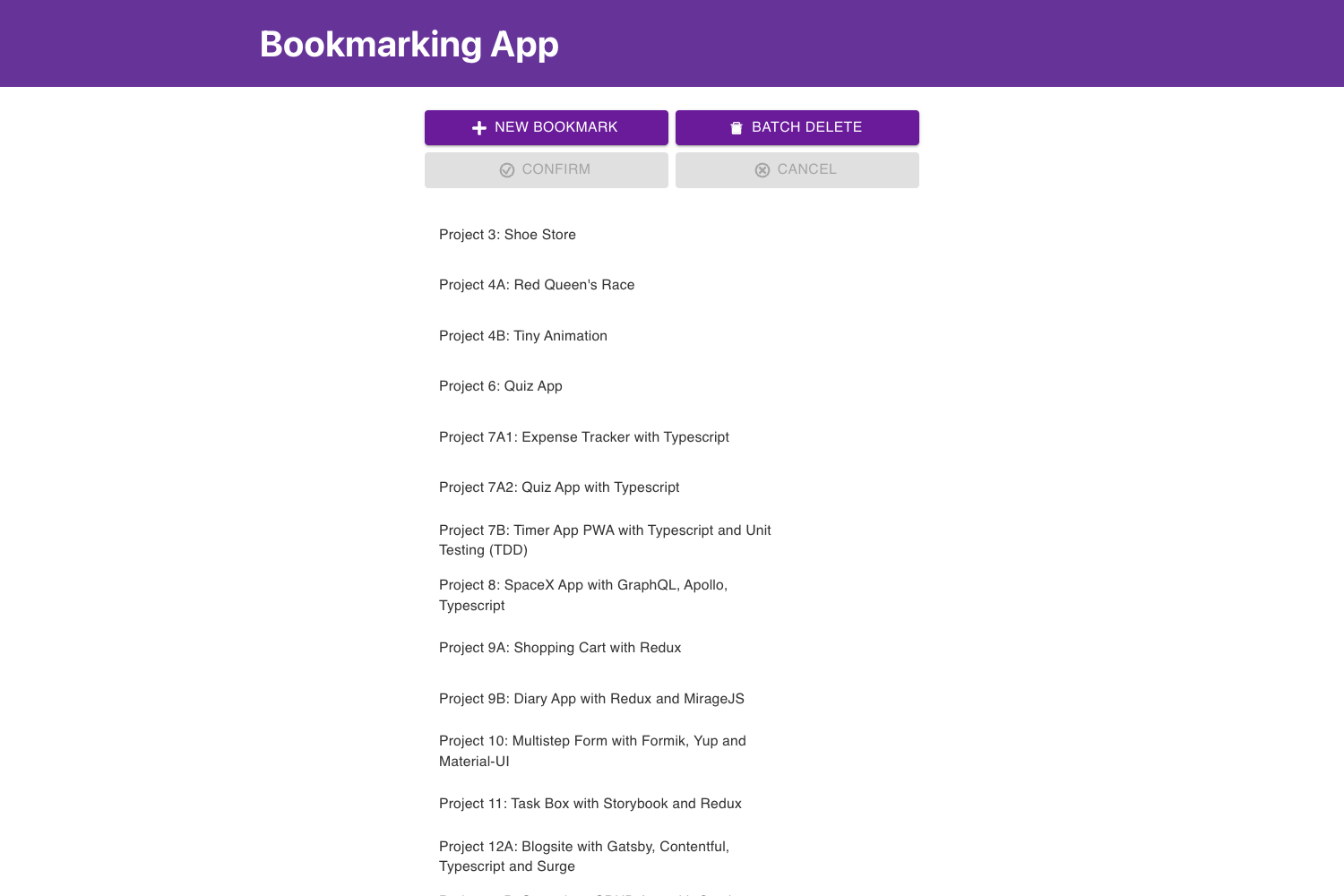
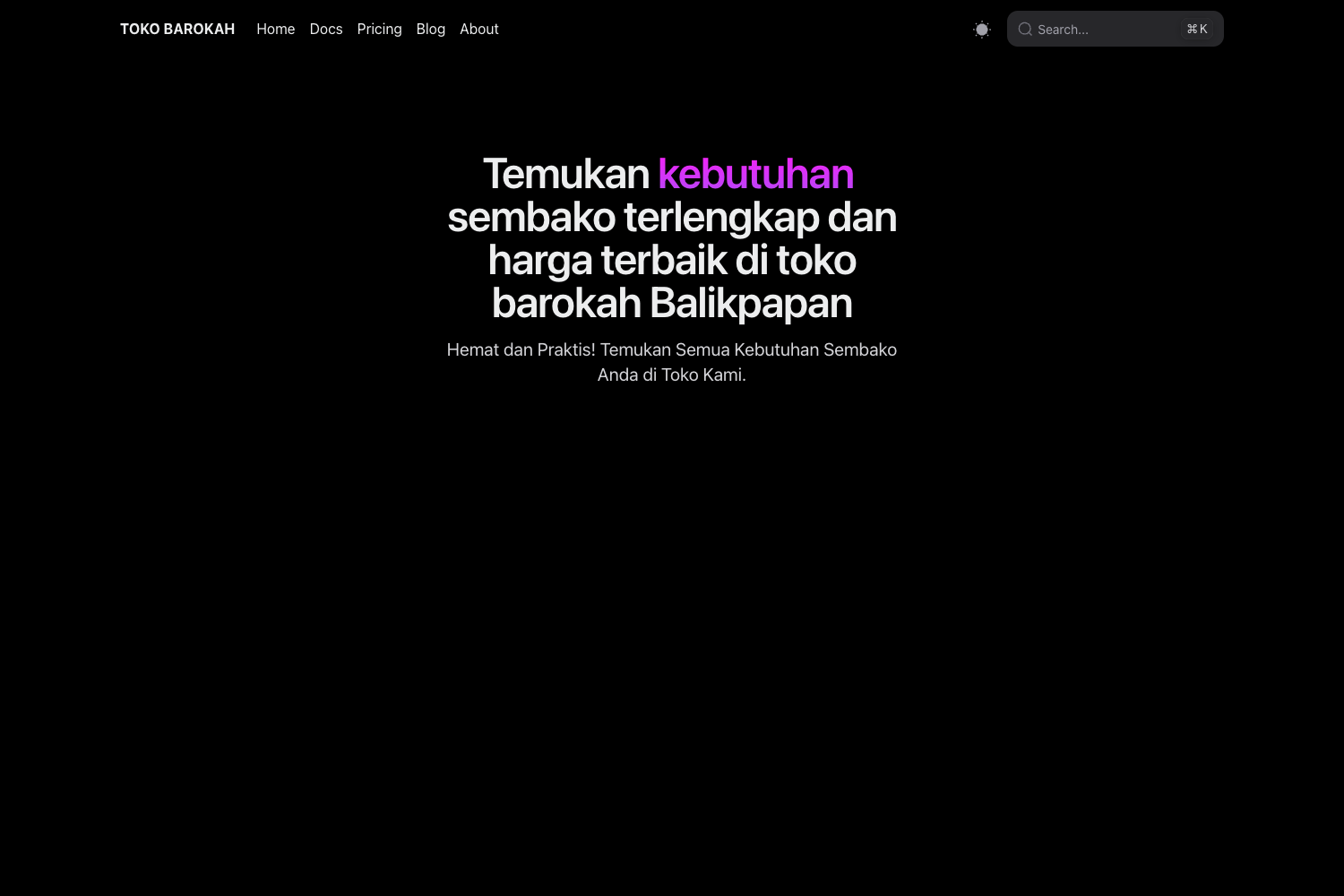
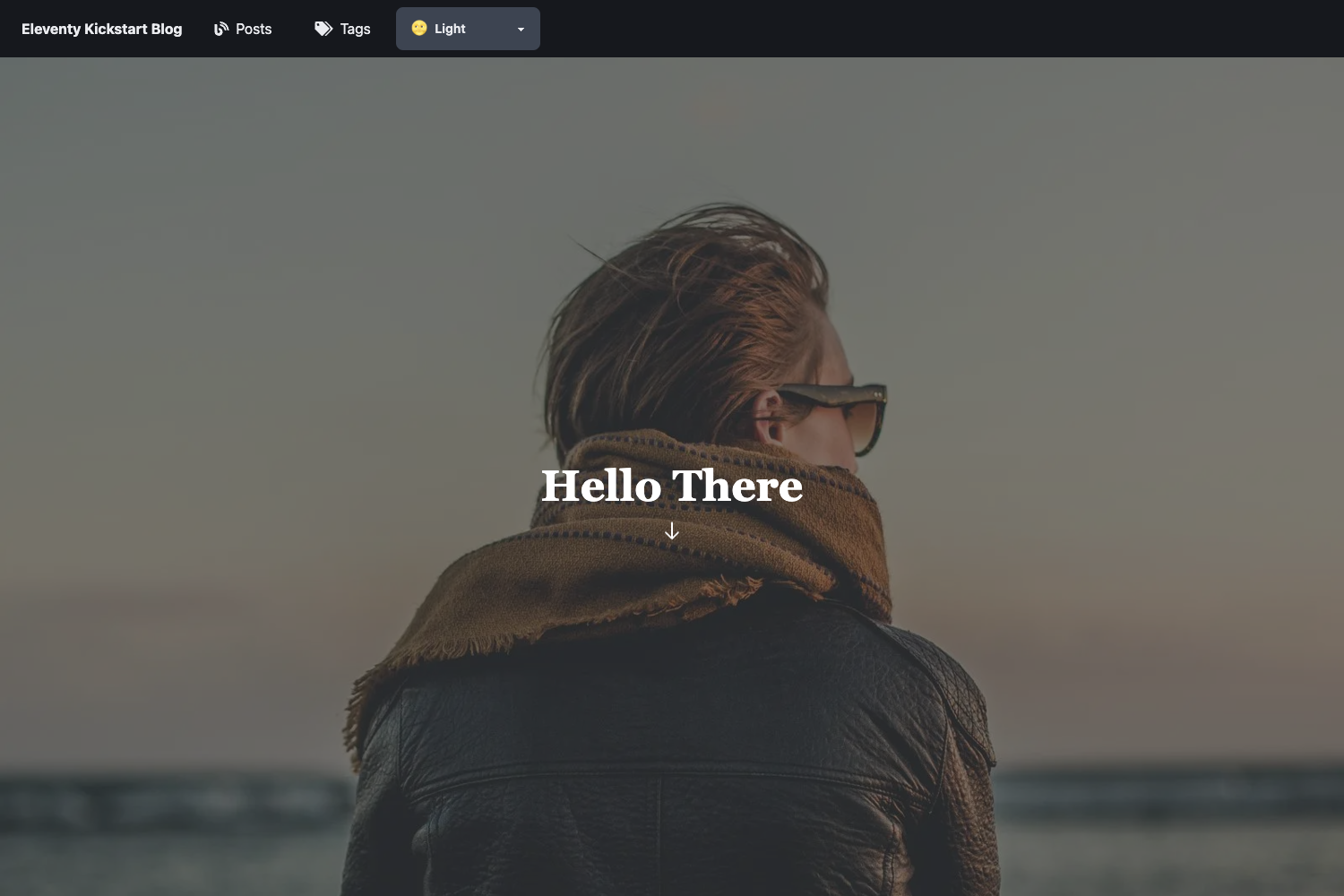
Neat Starter is a public GitHub repository and starter template that combines Netlify CMS, Eleventy, Alpine.js, and Tailwind CSS into a pre-configured static website project.
What is Neat Starter?
Neat Starter is a pre-configured static site template that gives you a working project out of the box: Netlify CMS for content management, Eleventy as the static site generator, Alpine.js for interactive UI, and Tailwind CSS for styling. It takes a fresh clone of the repository and produces a deployable static website with a CMS admin panel. The template was created by Surjith S M (@surjithctly) and the repository includes a live demo and a one-click Deploy to Netlify button.
Key Features
- Netlify CMS — A Git-based CMS that lets non-technical editors update site content through a browser interface, with changes committed back to the repository.
- Eleventy static site generator — Compiles templates and markdown into plain HTML, with no client-side JavaScript required for the final pages.
- Alpine.js — Adds lightweight interactivity such as dropdowns and modals using declarative attributes, without a full JavaScript framework.
- Tailwind CSS — Utility-first CSS framework for building custom designs directly in the markup, with the initial CSS generated on first build.
- One-click Netlify deploy — The README embeds a deploy button that automatically sets up a new Netlify site linked to the GitHub repository and the CMS stack.
- npm-based workflow — Setup uses standard commands:
npm install,npm run build(required once to generate the first CSS), andnpm run startto run the local dev server. - Detailed author tutorial — Surjith S M's blog post walks through the entire NEAT stack, covering how the pieces work together.
Who should use Neat Starter?
- Freelance web developers — A quick starting point for client projects that need a CMS without a backend server.
- Technical bloggers — Write posts as markdown and edit them through Netlify CMS's admin panel.
- Static site beginners — Learn how Eleventy and Netlify CMS fit together by examining a minimal, working example.
Use cases
- Marketing sites: Compose landing pages with Tailwind utility classes, manage copy and images through Netlify CMS, and get fast static HTML output.
- Company blogs: Publish markdown articles, deploy automatically on every Git push, and let editors draft posts through the CMS interface.
- Portfolio sites: Use Alpine.js for filterable project galleries or other light interactions while keeping page weight low.
How does it work?
The template follows a standard Eleventy workflow. After cloning the repository, run npm install to install dependencies, npm run build to generate the first Tailwind CSS output, and npm run start to launch a local development server. Netlify CMS edits content stored in markdown files inside the repository; Eleventy compiles those files into static HTML when the site builds.