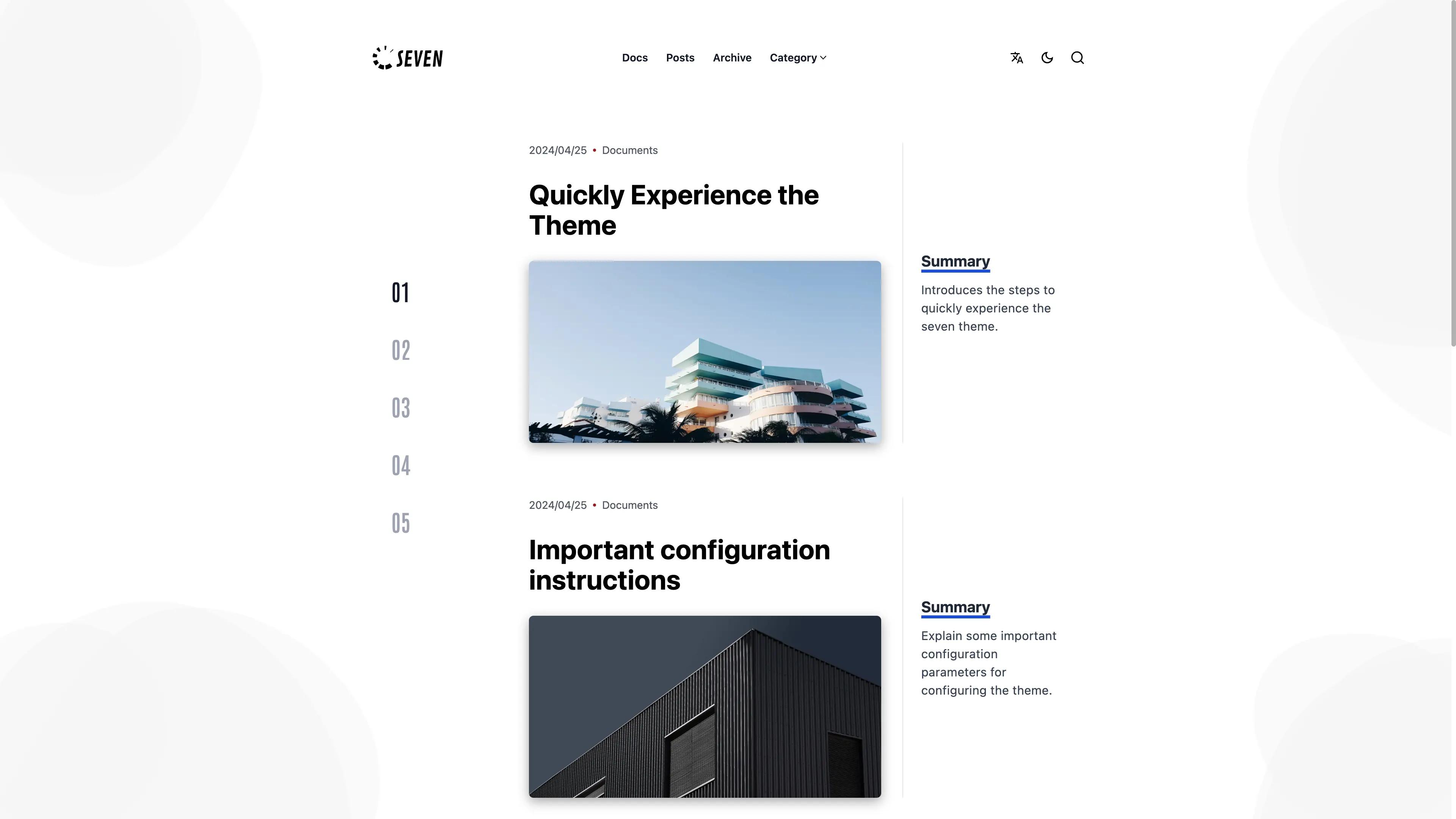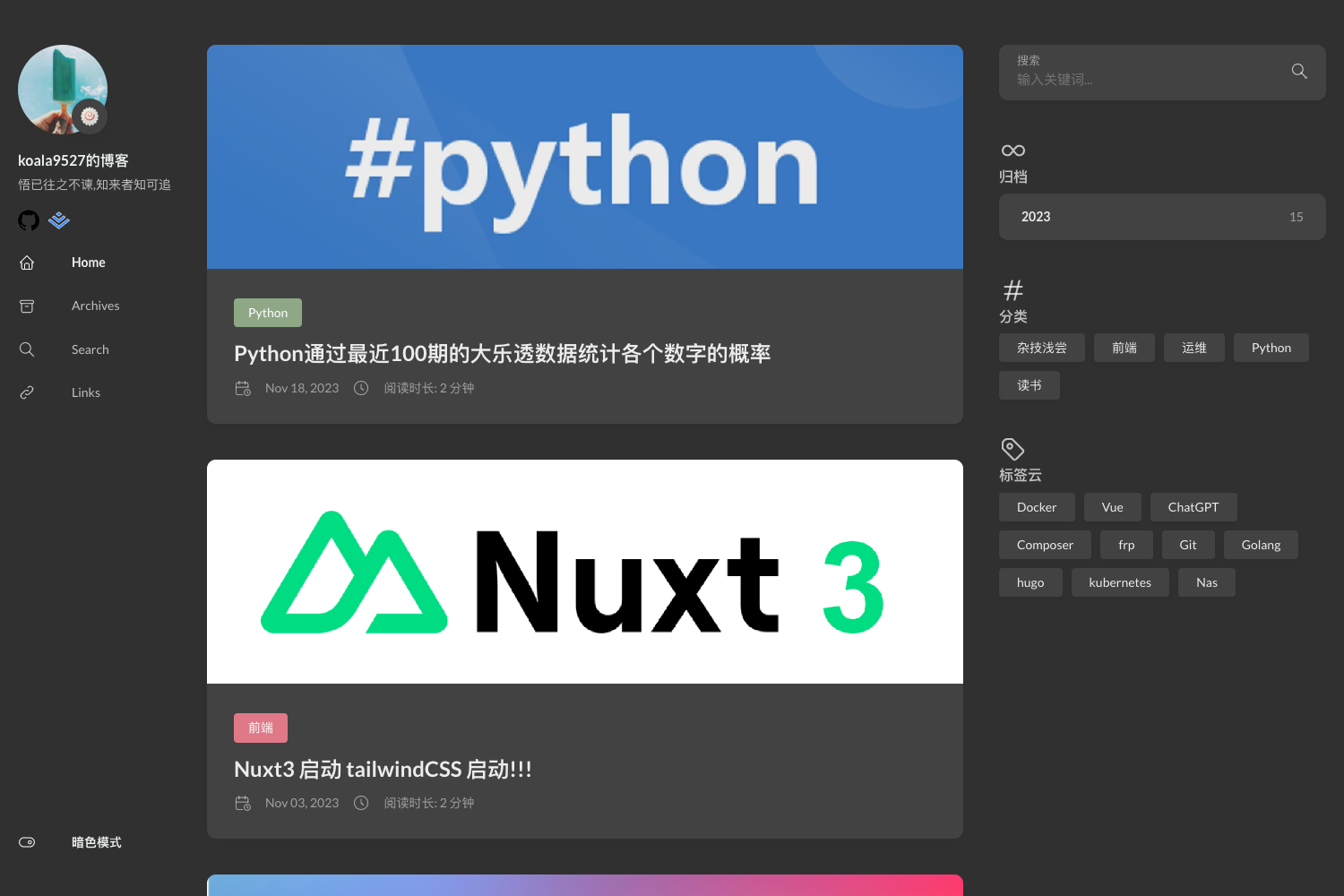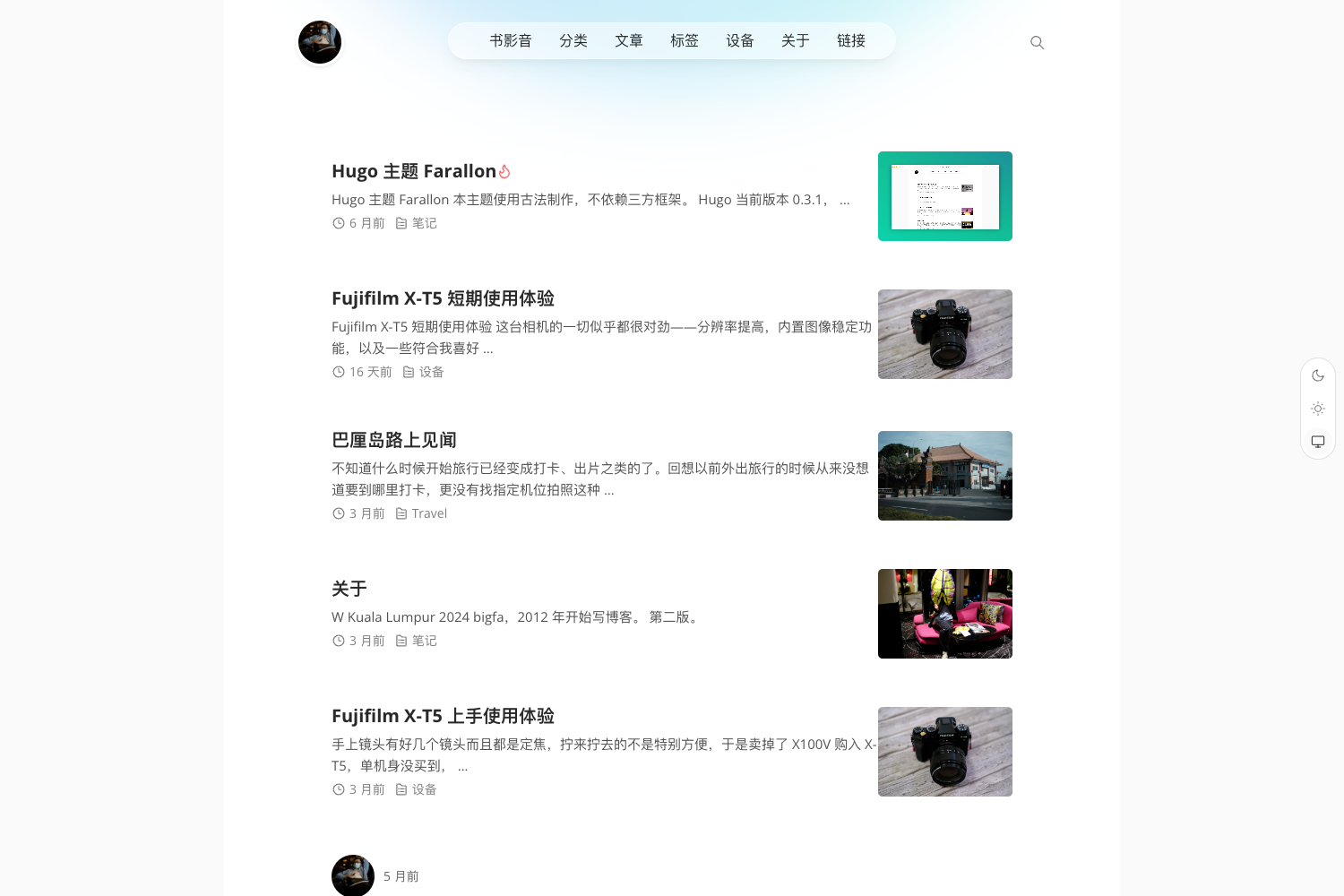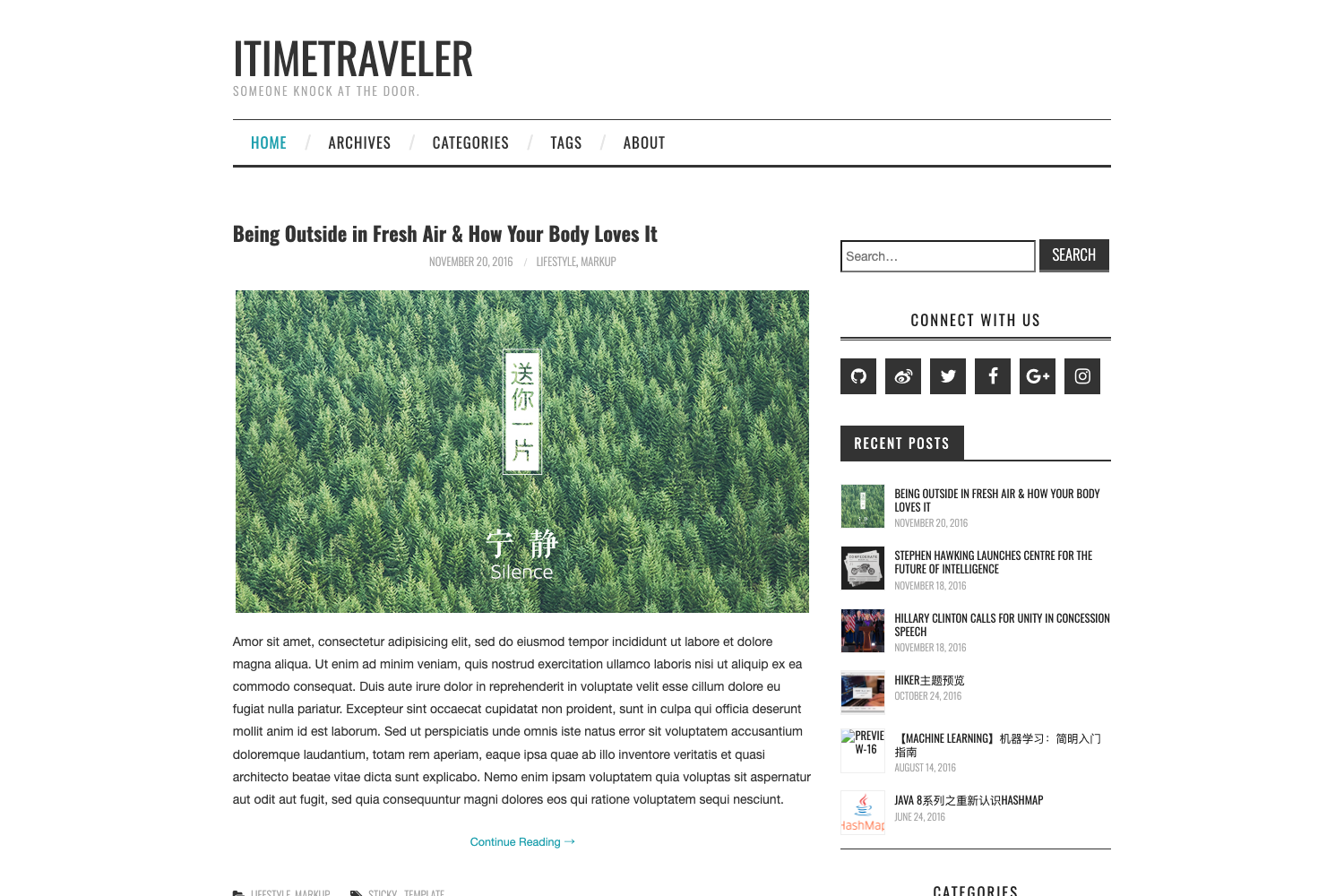
Template details
NewBee
An elegant, clean Hugo theme for bloggers with local search, night mode, Valine comments, and a music player.
About this template
NewBee is a Hugo theme for bloggers that bundles local search, night mode, Valine comments, and a music player into a responsive Light-Neumorphism design.
What is NewBee?
NewBee is a theme for the Hugo static site generator, created by developer xioyito and released in 2022 under the MIT License. It takes Markdown content from a Hugo site and renders it into a blog with archive, categories, tags, and series taxonomy pages, plus an author card and sponsor card. The theme is designed with Light-Neumorphism styling, smooth transitions, and a sidebar that can be opened or closed, making it highly interactive. A configuration example is bundled at NewBee/config-example/hugo.toml so you can copy it into your Hugo root directory to get started quickly.
Key Features
- Local search — Works out of the box without any configuration or external search service.
- Night mode — Toggle between light and dark appearances with a button in the interface.
- Valine comments — Integrates the Valine comment system, which uses LeanCloud for data storage.
- Music player — Built on APlayer and MetingJS, so you can embed and play music from supported providers.
- Multi-language support — Provides translation-ready structure for sites in more than one language.
- Custom header and footer — Lets you override the default header and footer content for your own branding.
- Sidebar control — The sidebar can be opened or closed at any time, giving readers more reading space.
- Visitor and view counts — Displays the number of visitors and page views on your posts.
Who is it for?
NewBee is aimed at individual bloggers and content writers who publish on Hugo and want a visually distinctive, interaction-heavy theme without a lot of setup. It's also a good fit for developers who want a theme they can customize with a simple custom.css file, and for writers who need built-in taxonomies like series and tags to organize long-form content.
What can you do with NewBee?
- Personal bloggers: Publish posts with syntax highlighting, local search, and night mode, so readers can find and read content comfortably on any device.
- Tech writers: Organize tutorials into series using the series taxonomy, and show author and sponsor cards to build a following.
- Multi-language authors: Switch between languages using the theme's multi-language structure, keeping separate content sets per locale.
How does NewBee work?
Installation follows the standard Hugo theme workflow: create a new Hugo site with hugo new site my-blog, clone the NewBee repository into the themes directory, copy the example configuration file from NewBee/config-example/hugo.toml to your site root, then create posts and run hugo server -D. The theme also supports overrides by placing a custom.css file in your site's static directory.
Pricing
NewBee is free and open source. It is released under the MIT License, so you can use, modify, and redistribute it freely for personal or commercial projects.
Alternatives
- PaperMod — a minimalist Hugo theme focused on speed and simplicity.
- Ananke — the classic default Hugo theme, geared toward clean typography.
FAQ
Is NewBee free?
Yes, NewBee is free. It is open source under the MIT License, so you can use it on any Hugo blog without paying a license fee.
Does NewBee support local search?
Yes, local search is built in and works without any configuration. It indexes your content automatically, so visitors can search your site from the search box.
Can I customize the theme's styles?
Yes. You can create a file at static/css/custom.css in your Hugo site and add your own styles to override or extend the theme's default look.
What comment system does NewBee use?
NewBee uses Valine, a comment engine based on LeanCloud. You need to supply your own LeanCloud app credentials to enable comments on your posts.