Template details
Seven
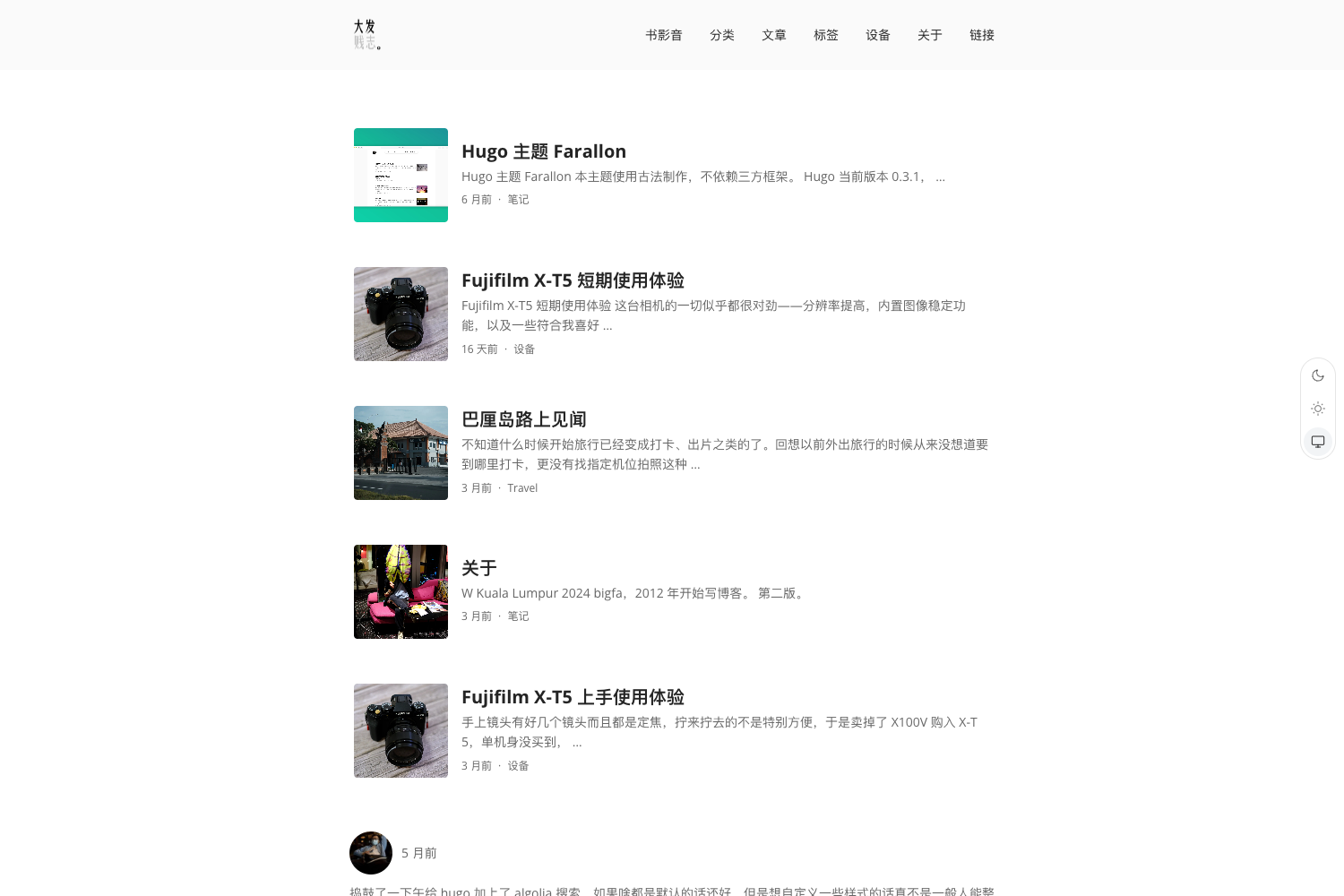
A clean and beautiful Hugo theme built with Tailwind CSS.
About this template
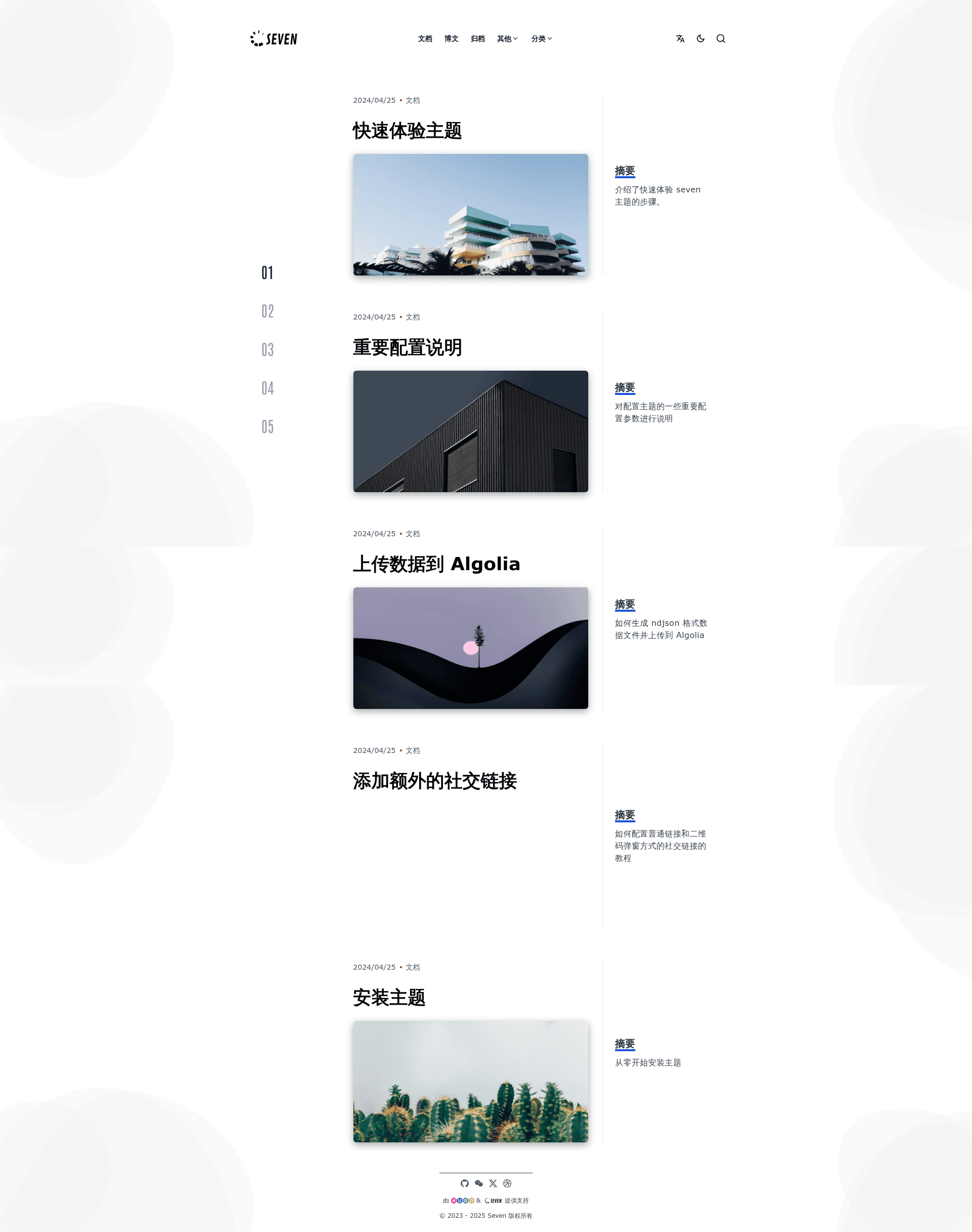
Seven is a Hugo theme built with Tailwind CSS, designed for creating clean and minimal static websites. This open-source project, maintained by mrhelloboy, is distributed under the MIT license and requires Hugo version 0.128.0 or higher.
What is Seven?
Seven is a Hugo theme that uses Tailwind CSS for styling, turning a standard Hugo site into a static website with a clean, minimal design. It takes as input a Hugo project configured through hugo.toml and produces a deployable static site. The theme is installed as a Hugo module via github.com/mrhelloboy/seven and includes an exampleSite directory for quick testing. It is maintained by GitHub user mrhelloboy and licensed under MIT.
Key Features
- Tailwind CSS styling — The entire theme is built using Tailwind CSS, providing utility-first classes and a responsive layout without a separate CSS framework.
- Hugo Modules integration — Install Seven as a Hugo module: add the import path in hugo.toml, then run
hugo mod npm packandnpm installto handle dependencies. - Example site included — The repository ships with an exampleSite folder; running
hugo serverthere launches a working demo you can explore. - Netlify deployment configuration — A netlify.toml file is provided with Hugo 0.128.0, publish directory
public, and separate build commands for production, deploy previews, and branch deploys. - Bilingual documentation — The README is available in English and Chinese, and the example website offers an English version at hugoseven.netlify.app/en.
- Light and dark logo variants — The header displays different logo images depending on the color scheme, indicating the theme supports both light and dark appearances.
- Simple update workflow — The theme can be updated with
hugo mod clean,hugo mod get, andhugo mod tidy.
Who is it for?
- Hugo developers — who want a Tailwind CSS-based theme they can install as a Hugo module and customize with npm dependencies.
- Bloggers and content creators — who need a clean static site with minimal visual noise, deployable to Netlify with the provided configuration.
- Teams using Netlify — who want a ready-made netlify.toml for automated builds and preview environments.
- Open-source learners — who want to study a Hugo theme built with Tailwind CSS, since the source is available on GitHub.
What can you do with Seven?
- Launch a static website — use the exampleSite as a starting point, modify hugo.toml, and deploy to Netlify with the built-in commands.
- Build a bilingual site — take advantage of Hugo's multilingual support and the project's English/Chinese documentation to create a site in both languages.
- Customize the design — because the theme uses Tailwind CSS, you can adjust design tokens, colors, and spacing directly in your site's styles.
How does Seven work?
After creating a new Hugo site, you initialize a Go module with hugo mod init, add the theme import path to hugo.toml, and run hugo mod npm pack followed by npm install. These commands generate a package.json and install the required npm packages. Then hugo server starts a local dev server. For production, the netlify.toml runs hugo --gc --minify.
FAQ
Is Seven free?
Yes, Seven is free and open source under the MIT license. You can use, modify, and redistribute it without paying licensing fees.
What Hugo version does Seven require?
Seven requires Hugo version 0.128.0 or higher, as listed in the Prerequisites section of the README.
How do I install Seven?
The recommended method is Hugo Modules: add github.com/mrhelloboy/seven to your hugo.toml module imports, then run hugo mod npm pack and npm install from your site directory.
How do I update Seven?
Run hugo mod clean, hugo mod get, and hugo mod tidy to update the theme module and its dependencies.
Does Seven work with Netlify?
Yes, the repository includes a netlify.toml example with build commands for production, deploy previews, and branch deploys, so Netlify can build the site automatically after you import the GitHub repository.