Template details
Next Jamstack Portfolio
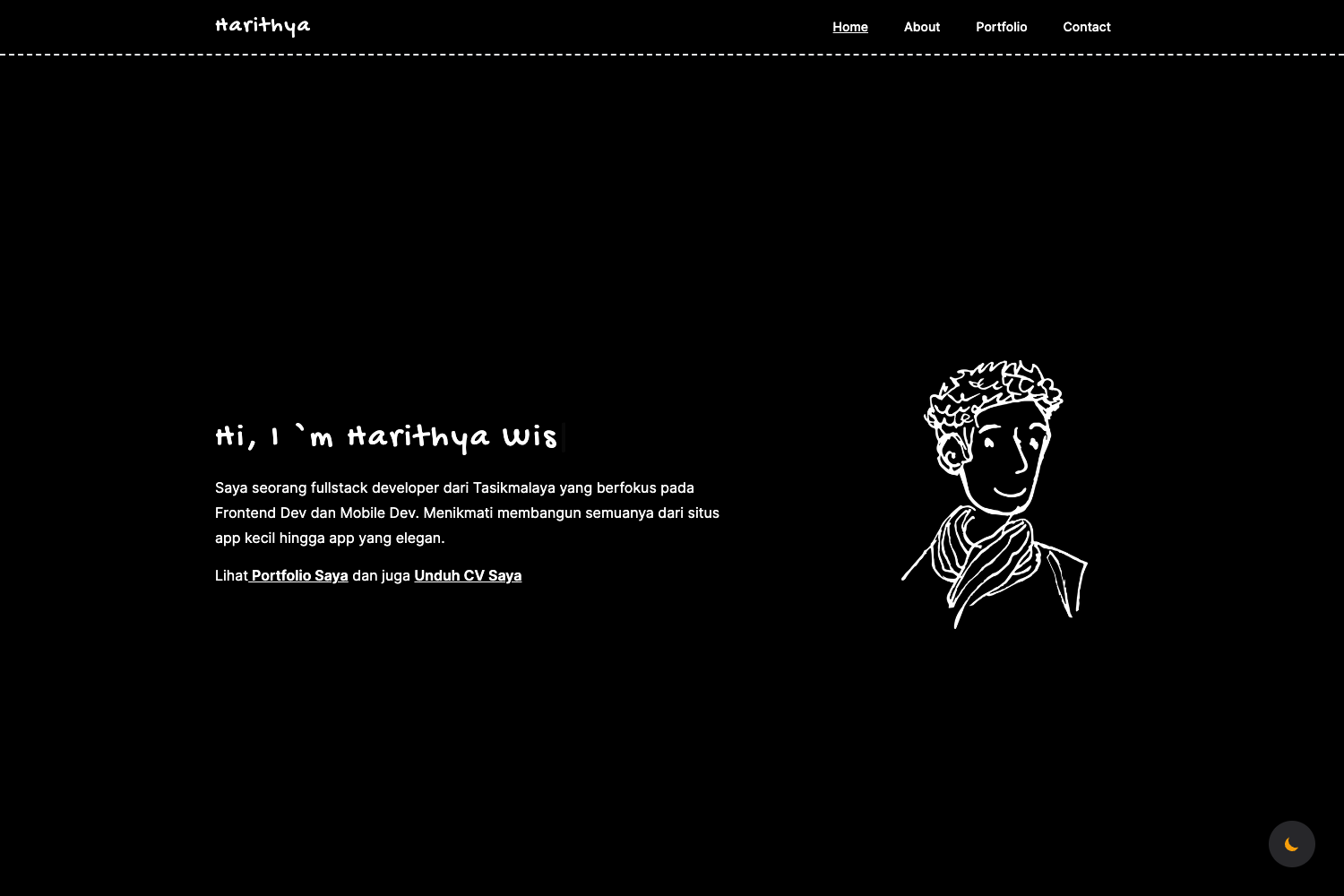
My Portfolio site using Next.js, microCMS, and aspida. JAMstack blog page is implemented and deployed on Vercel.
About this template
Next Jamstack Portfolio is a portfolio and blog starter built with Next.js, microCMS, and aspida, deployed on Vercel as a JAMstack site.
What is Next Jamstack Portfolio?
Next Jamstack Portfolio is a portfolio and blog starter built with Next.js, microCMS, and aspida, deployed on Vercel as a JAMstack site. It takes content from the microCMS headless CMS and typed API definitions from aspida, and produces a static portfolio site with a blog page. The repo is bootstrapped with create-next-app and the source code is organized under a ./src directory.
Key Features
- Next.js framework — Built on Next.js bootstrapped with create-next-app, providing file-based routing and static site generation.
- microCMS integration — Uses microCMS as the headless CMS for content management, accessed through API methods in the lib directory.
- aspida typed API access — All content types from external APIs are defined as aspida types in the apis directory.
- JAMstack architecture — Combines Next.js, microCMS, and Vercel to build and deploy static pages.
- Build-time RSS generation — The builder directory updates RSS of external platforms at build time and exports to static files.
- Google Analytics support — API access methods for Google Analytics Tags are included in the lib directory.
- Styled-components and media queries — Global CSS variables and common styled-components are in the styles directory.
- Organized directory structure — src includes apis, builder, components, hooks, lib, pages, styles, types, and utils for separate concerns.
Who is it for?
- Developers — setting up a Jamstack portfolio with a blog, preconfigured with Next.js, microCMS, and Vercel deployment.
- Frontend engineers — who want typed API access via aspida and structured code organization across hooks, lib, types, and utils.
- Content creators — who want to manage portfolio and blog content through microCMS without editing code.
What can you do with Next Jamstack Portfolio?
- Build a portfolio site: Fork the repository, run yarn install and yarn dev, then customize components, styles, and content.
- Publish a blog: Use microCMS to author posts that render on the JAMstack blog page.
- Track visitors: Use the included Google Analytics Tags methods to monitor site interactions.
- Generate RSS feeds: The builder script updates RSS of external platforms at build time and exports static RSS files.
How does it work?
Fork the repository, install dependencies with yarn install, and start the development server with yarn dev at localhost:3000. At build time, the builder directory updates RSS feeds and lib methods fetch content from microCMS. The result is a static site ready for deployment on Vercel.