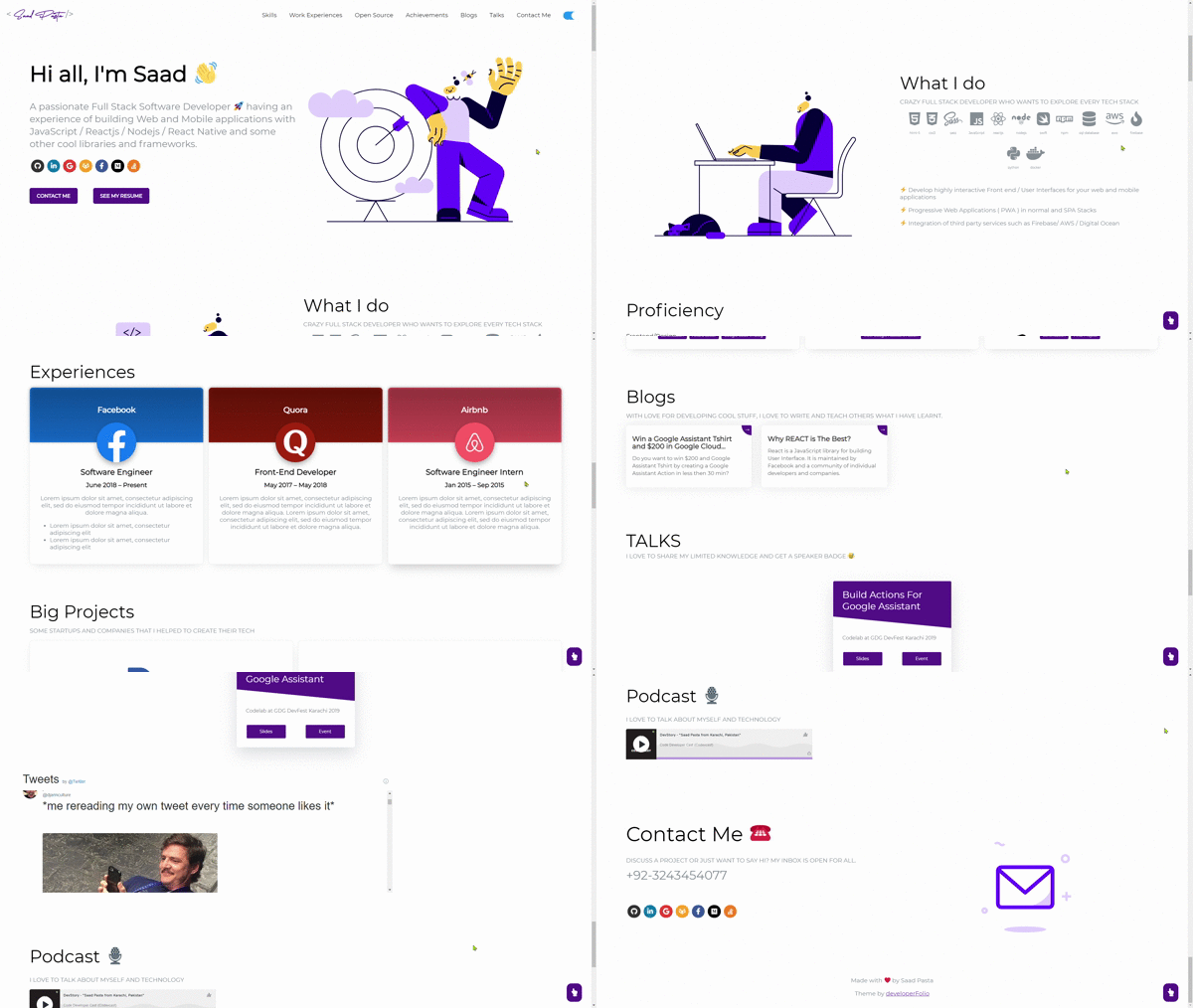
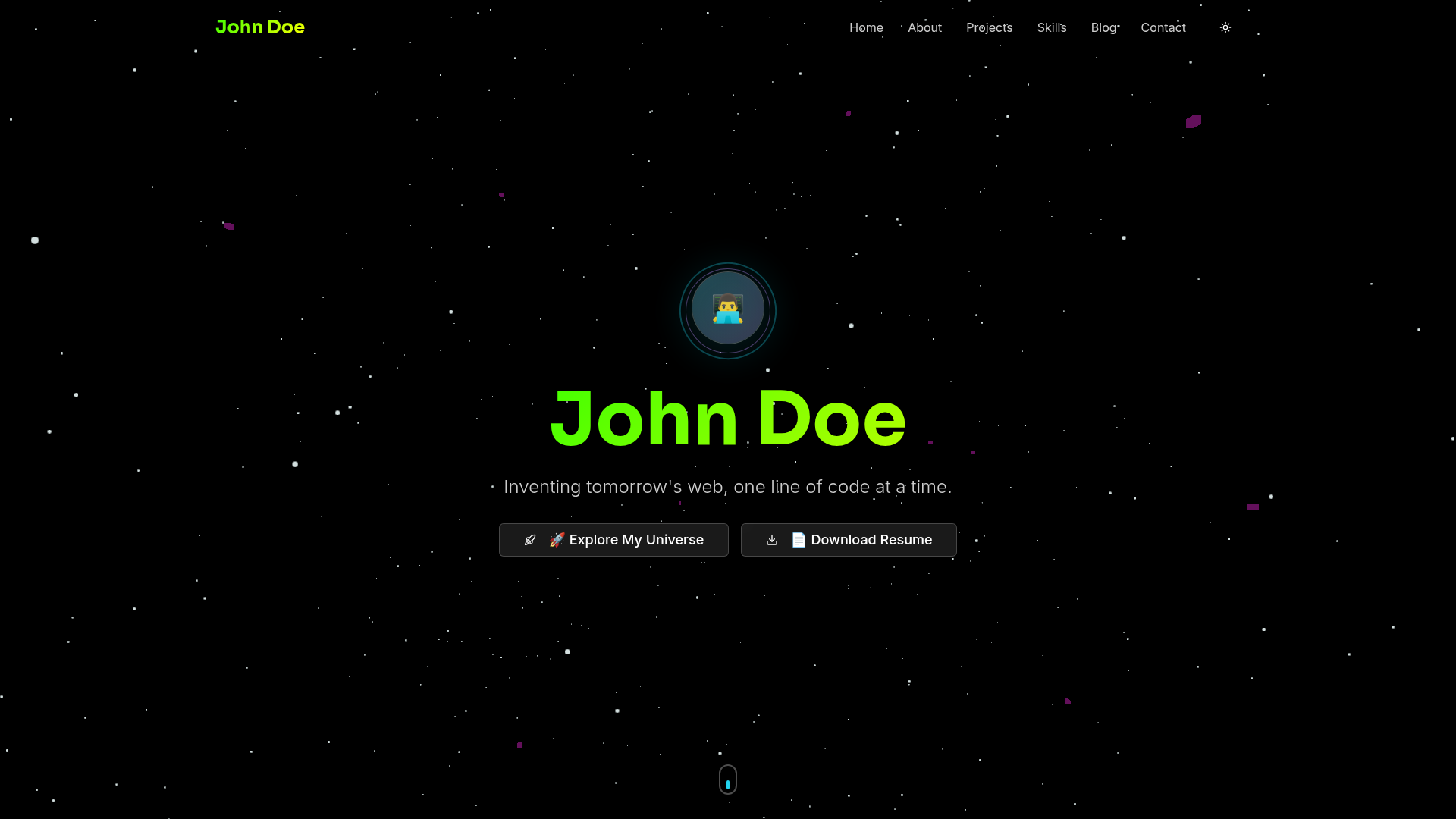
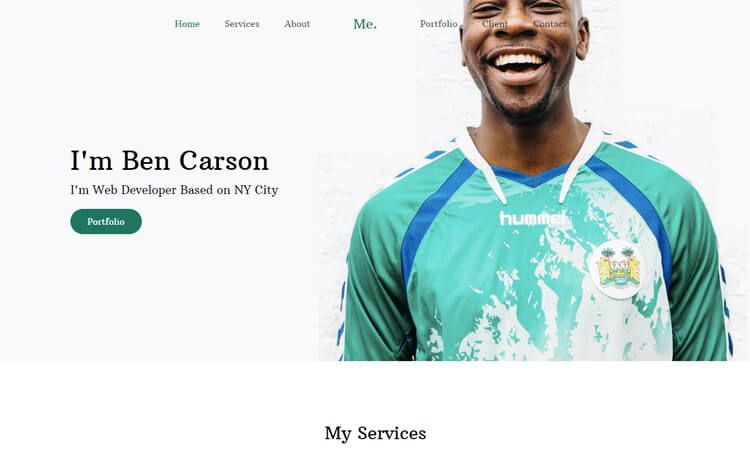
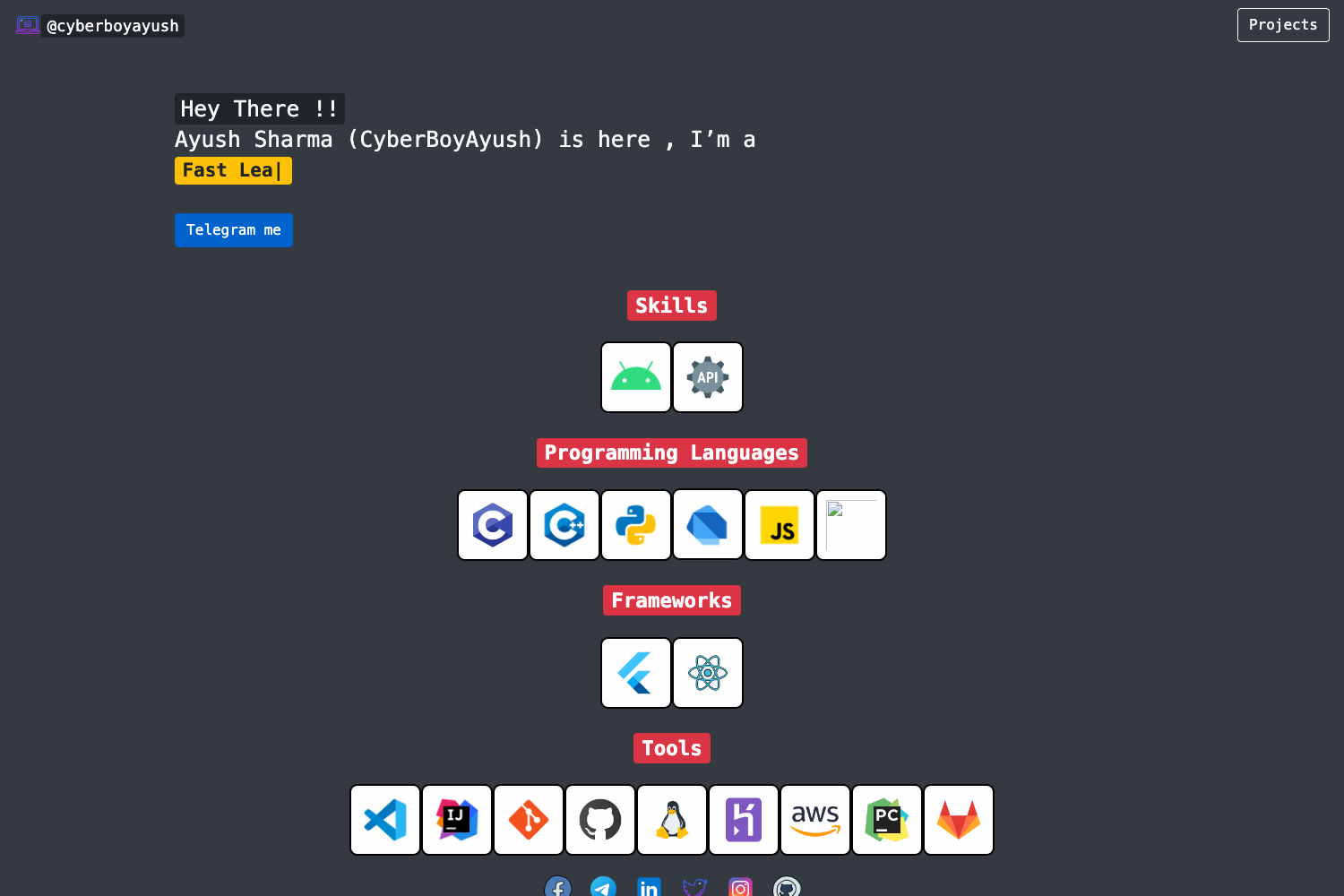
Template details
Academic CV
Hugo-based academic portfolio and CV template with BibTeX import, Jupyter support, AI generation, and free hosting.
About this template
HugoBlox Academic CV is a Hugo theme and portfolio template for academics that turns plain Markdown files into a citable, always-on academic website. Built on the HugoBlox framework, it auto-imports publications from BibTeX or DOI, renders Jupyter notebooks and RMarkdown, supports LaTeX math, and can be deployed free to GitHub Pages, Netlify, Vercel, or Cloudflare. The template is developed by HugoBlox (Lore Labs) and released under the MIT License, with a free base version and paid Pro upgrades.
What is the Academic CV template?
The Academic CV template is a Hugo-based portfolio and résumé theme for building academic websites and CVs without writing code. It takes simple Markdown files (plus optional BibTeX, Jupyter notebooks, and RMarkdown files) and generates a fast static site with publications, projects, talks, courses, and lab pages. It is made by HugoBlox (Lore Labs) as part of the HugoBlox ecosystem and has been available since 2016.
Key Features
- BibTeX / DOI auto-import — Drop in a .bib file and the template generates publication pages with proper citations, metadata, and links automatically.
- Jupyter & RMarkdown support — Publish .ipynb notebooks and RMarkdown files as formatted posts with code, outputs, and narrative intact.
- LaTeX math rendering — Write equations and technical notation natively; content is rendered on the page without plugins.
- Markdown slides — Create reveal.js presentations with math, syntax highlighting, diagrams, and speaker notes.
- AI page generation with Hugo Chat — Describe what you need in plain English and Hugo Chat produces structured pages with correct front matter, shortcodes, and blocks for this template.
- Visual editing with Ownable CMS — Edit the site visually with a drag-and-drop block interface inside VS Code, no coding required.
- Plain Markdown ownership — Every file is human-readable Markdown; there is no database or vendor lock-in, so you can move your content anywhere.
- Free static hosting — Deploy to GitHub Pages, Netlify, Vercel, or Cloudflare Pages on their free tiers.
Who should use Academic CV?
- Students and recent graduates — building an academic portfolio to stand out when applying to labs or industry research roles can replace a flat PDF CV.
- Researchers — maintaining a citable online presence with publications, projects, and talks in one location increases discoverability and citations.
- Faculty and principal investigators — showcasing a lab website with group news, team members, and courses allows the whole group to publish via Markdown.
- Anyone with publications — importing citations from BibTeX or DOI avoids manual reference formatting.
What can you do with the Academic CV template?
- Grant your academic profile more visibility: publish a portfolio that Google Scholar can link back to, and make your work easier to cite and share.
- Create a lab website: the template includes sections for group members, news, and projects that your PhD students can update themselves by editing Markdown.
- Run lecture or course pages: use the course/lecture sections to distribute materials, resources, and assignments — basic in the free version, full-featured in the Pro version.
- Turn notebooks into posts: upload a Jupyter notebook or RMarkdown file and publish it as a polished, reproducible blog post.
How does the Academic CV template work?
You start by deploying a site either in the browser (a live site in 60 seconds, no install) or via the CLI with npx hugoblox create site --template academic-cv, which requires Hugo Extended and Node.js. Then you customize the site by writing Markdown, using the drag-and-drop visual editor in Ownable CMS, or describing what you need to Hugo Chat. The Hugo engine builds the site into static files that you can host anywhere for free.
Pricing
The template itself is free and open source under the MIT License. HugoBlox offers paid upgrades: Academic CV Pro and Resume Pro add premium designs, advanced timeline and layout options, full-featured course/lecture sections, and priority support. The page does not list specific prices, but says you can cancel Pro anytime.
FAQ
Do I need to know Hugo to use Academic CV?
No. You can edit visually with Ownable CMS or write Markdown directly. Hugo is the build engine underneath; you don't need to touch it, though the CLI method requires Hugo Extended installed.
Can I import my existing publications?
Yes. Drop a BibTeX file into the site and publication pages are generated automatically with citations, metadata, and links. There is also DOI-based import to avoid manual formatting.
Can I host my Academic CV site for free?
Yes. The template generates a static site that you can deploy to GitHub Pages, Netlify, Vercel, or Cloudflare Pages, all of which have free tiers for static hosting.
Can I migrate my content later?
Yes. Since your entire site consists of Markdown files in a folder, you can copy them to any other static site generator or host without any vendor lock-in or database export.
What is Hugo Chat?
Hugo Chat is an AI assistant trained on Hugo and HugoBlox documentation. You describe what you want in plain English, and it generates the appropriate pages with correct front matter, shortcodes, and blocks for the Academic CV template. It's free to try.