Template details
Next Shopify Starter
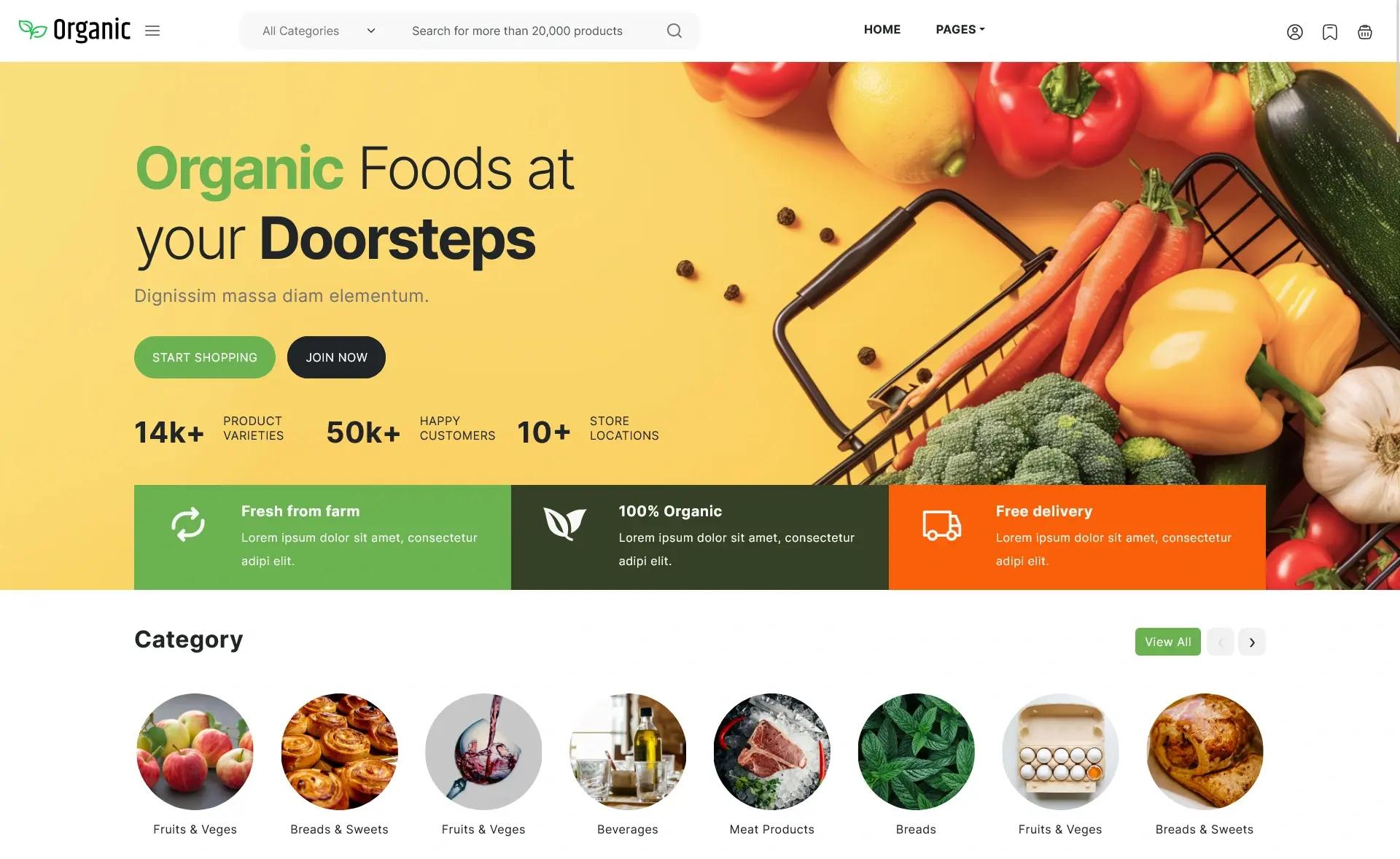
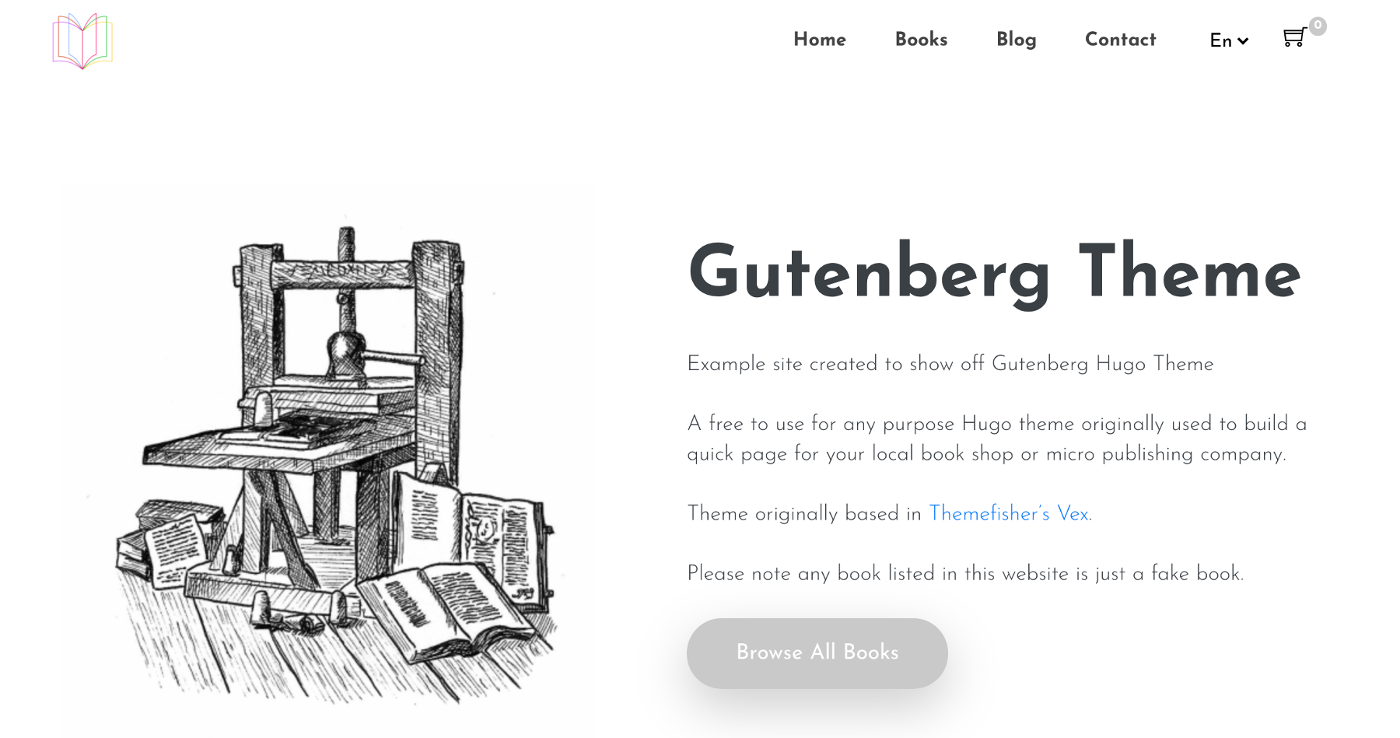
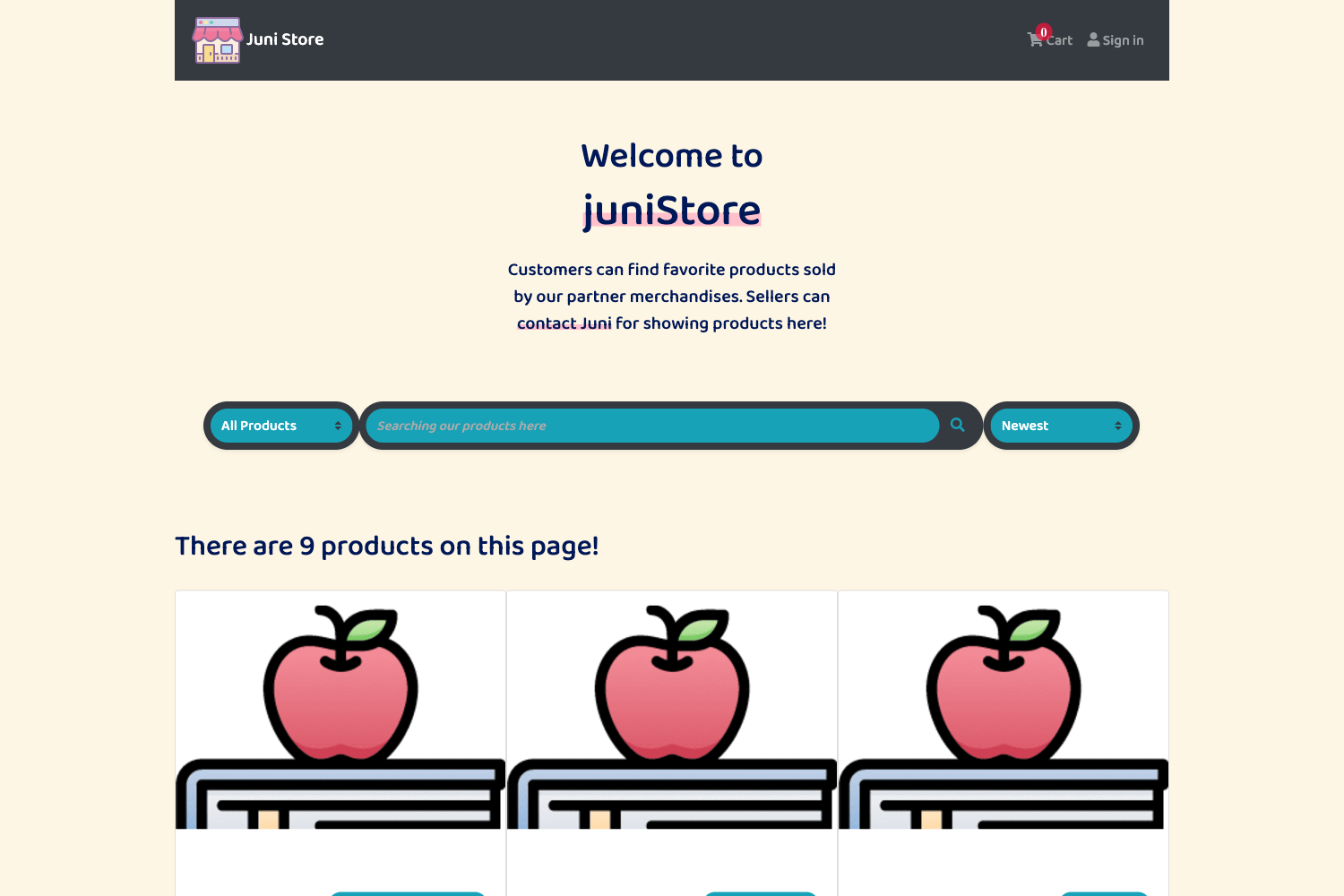
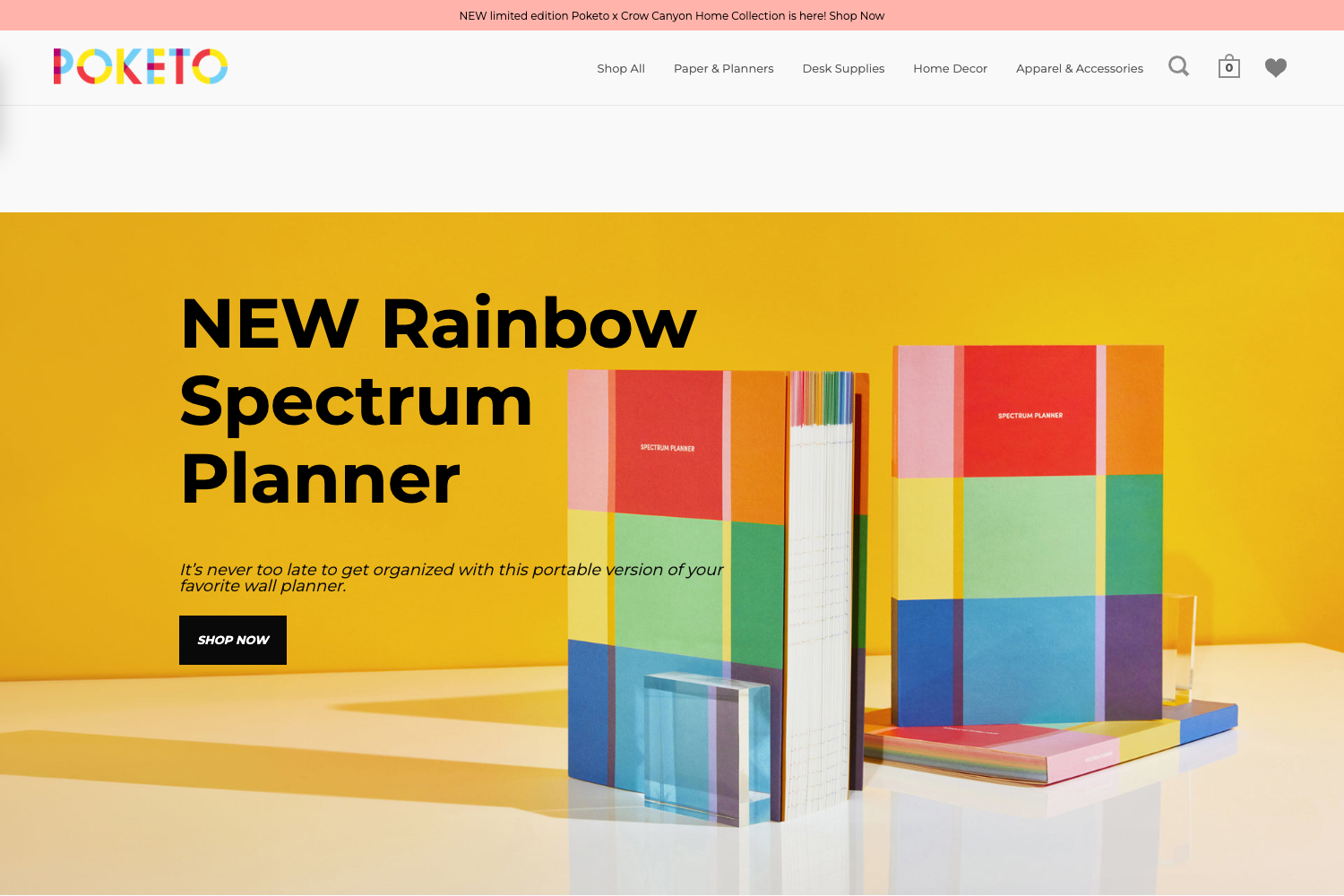
Open-source eCommerce starter using Next.js, Tailwind CSS, and the Shopify Storefront API.
About this template
Next Shopify Starter is an open-source eCommerce starter template that builds a fully functional storefront with Next.js and Tailwind CSS, pulling products and managing cart via the Shopify Storefront API.
What is Next Shopify Starter?
Next Shopify Starter is a complete eCommerce storefront template for developers who want a JAMStack setup using a Shopify backend. It takes a Shopify collection as input through the Storefront API and outputs a Next.js frontend with product listings, a persistent cart, and Shopify Checkout for purchases. The project is available on GitHub with 904 stars, authored by btahir, and released under the MIT License.
Key Features
- Next.js and Tailwind CSS — The frontend is built with the Next.js React framework and styled with Tailwind CSS utility classes, including a configurable color palette in tailwind.config.js.
- Shopify Storefront API with GraphQL — Product, variant, and image data are queried via GraphQL, with queries hardcoded to fetch the Shopify maximum of 250 items per request.
- localStorage cart persistence — Cart contents are saved in the browser's localStorage under a configurable key, so a user's session persists across page reloads.
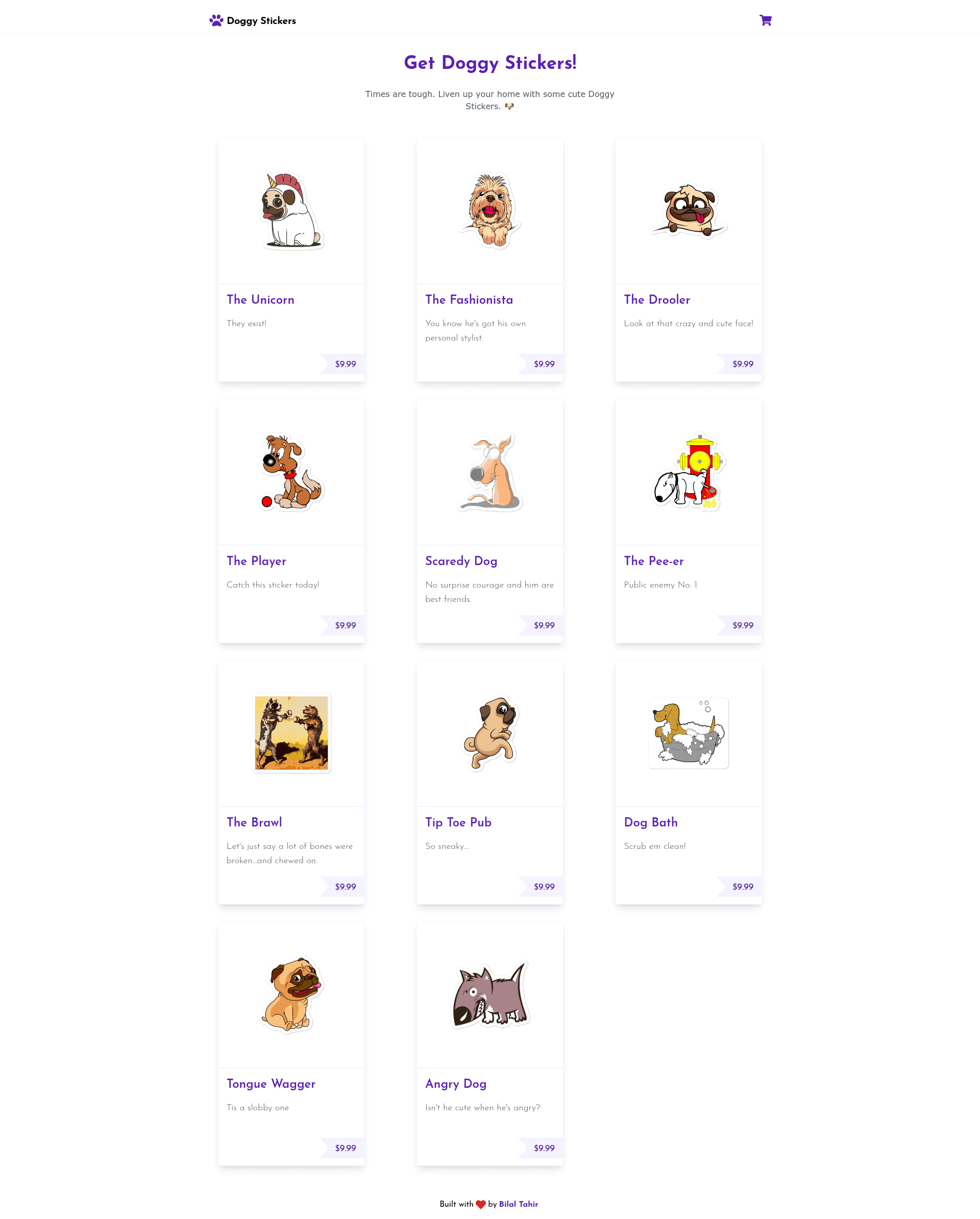
- Shopify Checkout integration — The cart hands off to Shopify's hosted checkout to complete purchases, as demonstrated in the live demo at doggystickers.vercel.app.
- Mobile responsive design — Product listing and cart pages are responsive, with the repository showing desktop and mobile layouts.
- PWA support — The starter includes a manifest.json and icons under public/images/icons, allowing the store to be installed as a progressive web app.
- Configurable site metadata — Edit next.config.js to set site title, description, keywords, URL, image preview, and Twitter handle.
- Easy deployment — Can be deployed to Vercel or Netlify by connecting the GitHub repository and setting four environment variables.
Who is it for?
Next Shopify Starter is aimed at developers who want to build a custom Shopify storefront without using Shopify's default themes. It's also for JAMStack newcomers who need a working reference for integrating Next.js with the Shopify Storefront API, and for merchants who want a fast, responsive storefront with persistent carts and PWA capability.
What can you do with it?
- Custom storefronts: Configure one collection by default, then extend the GraphQL queries to pull multiple collections or your entire store.
- High-performance stores: The repo includes Lighthouse performance screenshots showing a 100 score on both desktop and mobile.
- Persistent shopping experiences: With cart data stored locally, users who close and reopen the browser keep their selected items.
- Installable web apps: Use the PWA manifest to let customers add the store to their home screens.
How does it work?
To get started, create a .env.local file with four variables: NEXT_PUBLIC_SHOPIFY_STORE_FRONT_ACCESS_TOKEN, NEXT_PUBLIC_SHOPIFY_STORE_DOMAIN, NEXT_PUBLIC_SHOPIFY_COLLECTION, and NEXT_PUBLIC_LOCAL_STORAGE_NAME. After installing dependencies with yarn, run yarn dev to launch the development server. When ready, deploy the repository to Vercel or Netlify and configure the same environment variables on the hosting platform.
FAQ
Is the template free to use?
Yes, the code is open source under the MIT License, so you can use, modify, and deploy it without any licensing fees.
How do I change the products shown?
By default the starter queries a single Shopify collection. Set the NEXT_PUBLIC_SHOPIFY_COLLECTION environment variable to the name of the collection you want to display, or modify the GraphQL queries to fetch multiple collections or your whole store.
How many products can be fetched without pagination?
The GraphQL queries are hardcoded to pull 250 items, which is the maximum limit set by Shopify. If you have more than 250 items, you'll need to implement pagination using the cursor field.
Does the cart persist after the user closes the browser?
Yes, cart contents are stored in localStorage under the key defined by NEXT_PUBLIC_LOCAL_STORAGE_NAME, so the cart survives page reloads and browser sessions.
What hosting services are supported?
The template can be deployed to any hosting service that supports Next.js, with Vercel and Netlify being easy options that sync with your GitHub repository.