Template details
Next.js Calendly Template
A Calendly-like scheduling template built with Next.js, TypeScript, Tailwind CSS, and Firebase Auth.
About this template
This is a Calendly-like appointment scheduling template built on Next.js, TypeScript, and Tailwind CSS, providing a starting point for building online booking and calendar applications.
What is the Calendly-like Next.js Template?
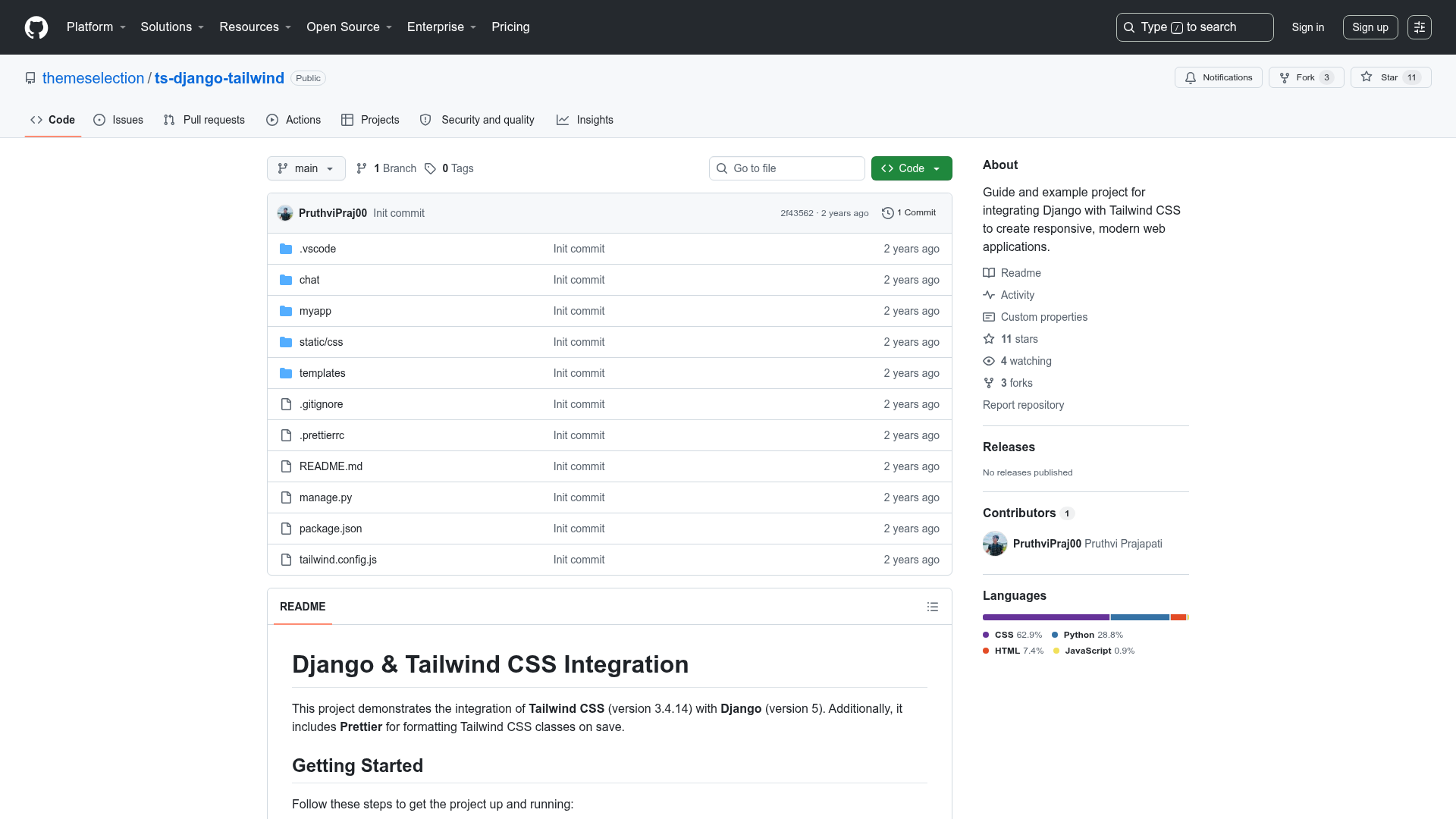
This template is a front-end starter for a scheduling web app in the style of Calendly. It takes environment configuration through a .env file and produces a web application with authentication and payment hooks. The project runs on the Next.js framework, is written entirely in TypeScript, and uses Tailwind CSS for styling. It is hosted as a public repository with 3 stars.
Key Features
- Next.js framework — Bootstrapped with create-next-app, giving you file-based routing, API routes, and server-side rendering out of the box.
- TypeScript source — The entire codebase is written in TypeScript, providing static typing and better editor support.
- Tailwind CSS layout — Styling is built with Tailwind utility classes for rapid UI customization.
- Firebase Auth integration — The project headline lists FirebaseAuth as a core part of the stack.
- NextAuth environment — The
.envtemplate includes NEXTAUTH_URL and OAuth keys for Google, Microsoft Graph, LinkedIn, Facebook, and Twitter (with a note that the Twitter app is not yet set up). - Stripe payment fields — Both
NEXT_PUBLIC_STRIPE_CLIENT_IDandSTRIPE_SERVER_IDare present for wiring in payments. - Email and cloud services — SMTP credentials, Google API credentials, and AWS access keys are included for email, calendar, and storage integrations.
Who is it for?
- Developers who want to skip boilerplate and start building a scheduling application on top of a modern React stack.
- Startups looking to launch an MVP for an appointment booking service with authentication and payments.
- Freelancers who need a custom booking page integrated with their own calendar and payment systems.
What can you do with it?
- Launch a booking page — Set up a public page where clients can view availability and reserve time slots.
- Add social sign-in — Configure any of the listed OAuth providers (Google, Microsoft, LinkedIn, Facebook) to let users log in with existing accounts.
- Accept appointment payments — Connect your Stripe IDs to charge for bookings or premium scheduling features.
- Send confirmation emails — Use SMTP settings to deliver booking confirmations and reminders to customers.
How does it work?
Clone the repository, rename .env.template to .env, fill in the required keys (database URL, secret, OAuth clients, Stripe), then run npm run dev or yarn dev to start the development server. The project uses the standard Next.js development flow.