Template details
Web Builder
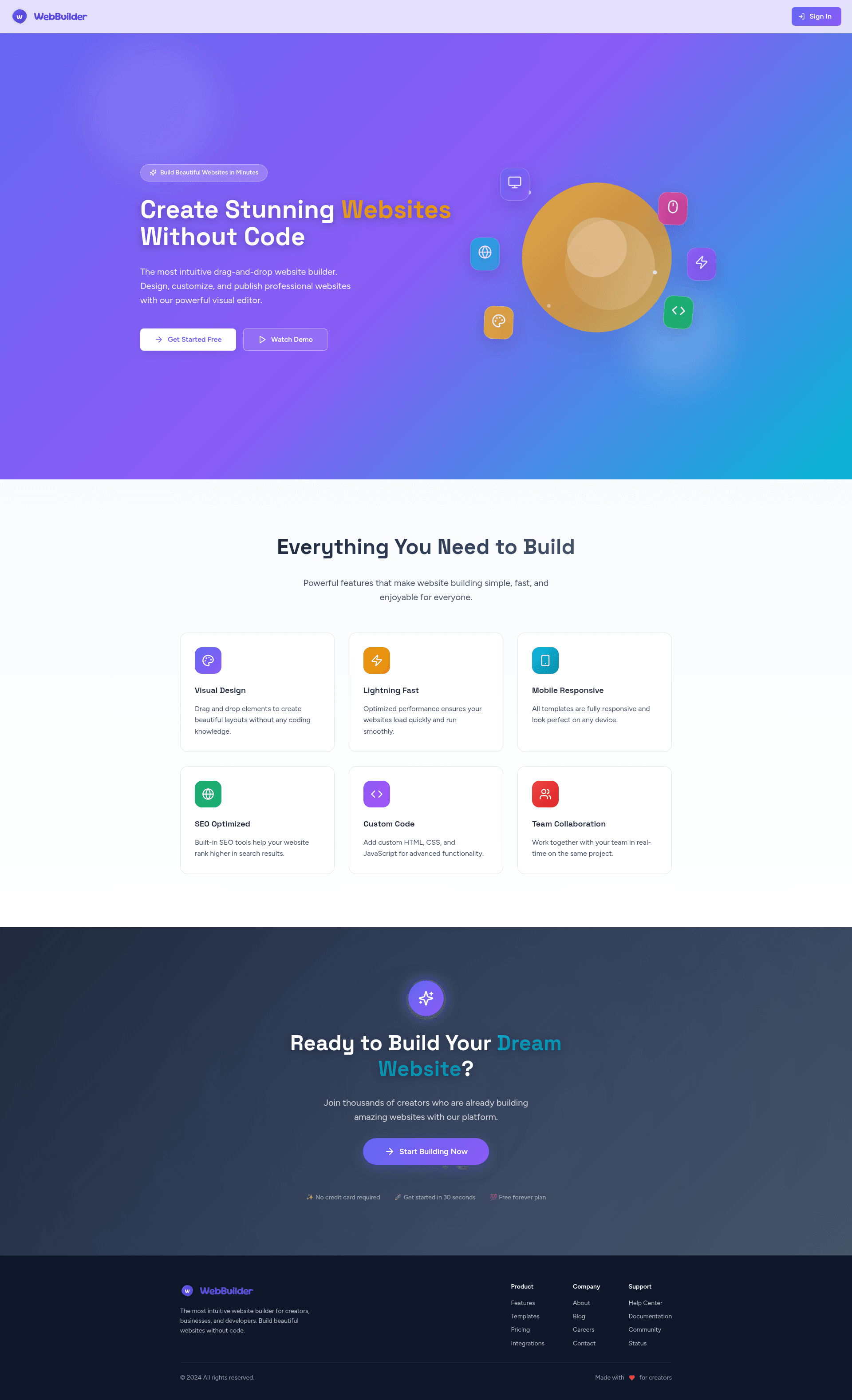
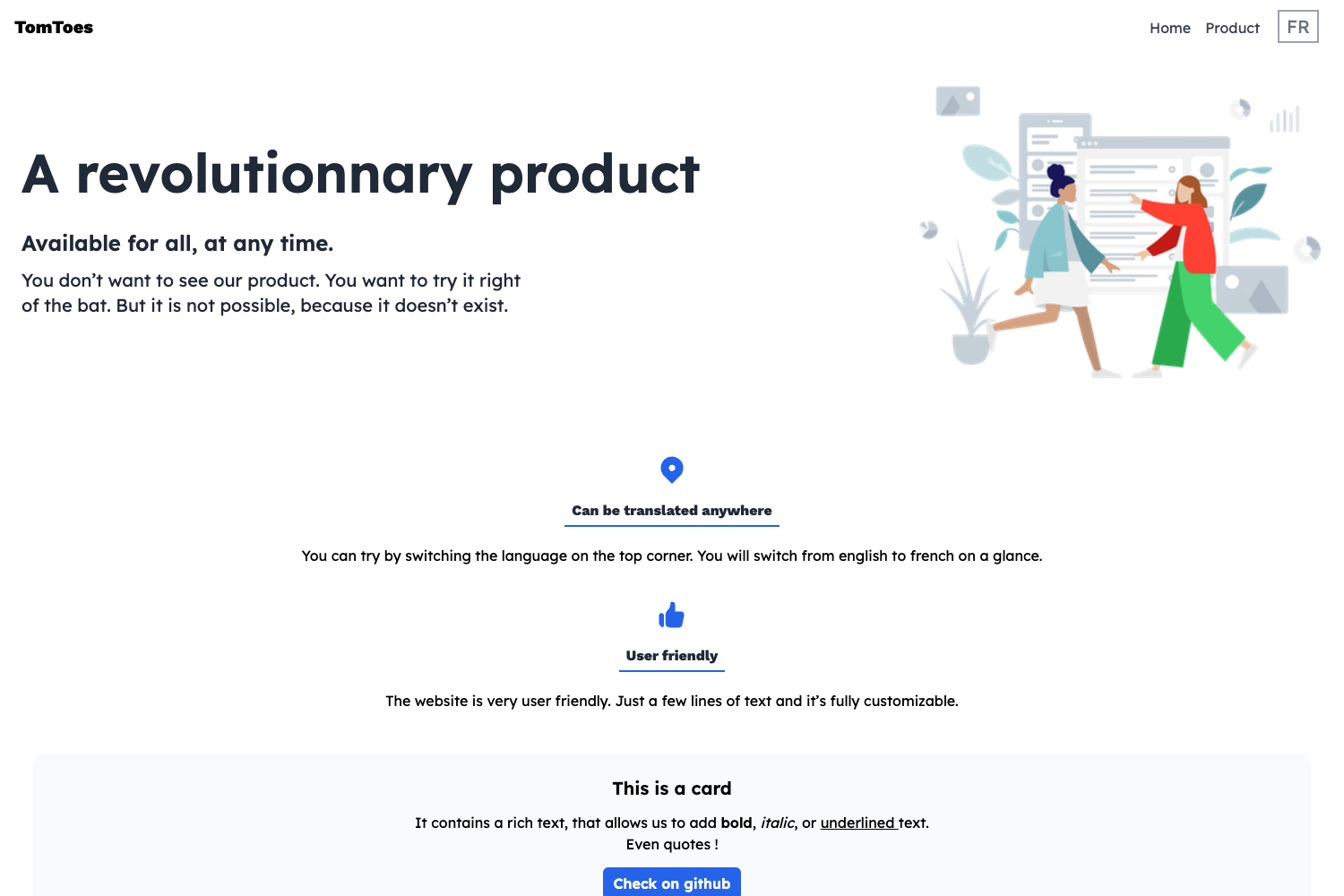
A production-ready React frontend for a website template editor that visually edits HTML templates and outputs HTML/CSS code.
About this template
Web Builder is an open-source React frontend for a website template editor that lets users visually edit HTML templates and export functional HTML and CSS code.
What is Web Builder?
Web Builder is a production-ready example app for visually editing HTML templates, built entirely with Kombai, an AI agent for frontend tasks, across five threads. It takes HTML templates as input and provides a drag-and-drop editor for texts, images, and layout blocks, with HTML and CSS code as the output. The app runs as a Vite-powered single-page application and is built with React 19, TypeScript, Mantine v7, Emotion, Redux Toolkit, and GrapesJS. The repository is published by Kombai and includes Loom recordings of the build threads.
Key Features
- Drag-and-drop editor — GrapesJS powers visual editing of HTML templates: move, resize, and reconfigure layout blocks without writing code.
- Content editing — Edit texts and images directly on the canvas, then see those changes reflected in the generated HTML and CSS output.
- HTML/CSS export — The editor produces functional HTML and CSS code from the edited template, ready to drop into other projects.
- React 19 — Built on the latest React, including concurrent features, for efficient rendering during editor interactions.
- TypeScript — The whole codebase is type-safe, making it easier to maintain and extend than a JavaScript-only editor.
- Mantine v7 and Emotion — UI components use Mantine v7 styled with Emotion CSS-in-JS, giving the interface a consistent, themeable look.
- Redux Toolkit and RTK Query — State management uses Redux Toolkit with RTK Query for data fetching, keeping editor state predictable.
- React Router v7 — Routing handles navigation between editor views and any additional pages in the app.
Who is it for?
- Frontend developers building a custom website builder or template editor can fork this repo as a working starting point instead of wiring GrapesJS, Redux, Mantine, and routing from scratch.
- No-code product teams can use the editor frontend as a reference for letting users customize HTML templates visually while still producing developer-friendly code output.
- Developers exploring Kombai can study the full codebase of an app generated by an AI agent across five threads, plus the Loom walkthroughs of each build step.
What can you do with Web Builder?
- Agencies and freelancers: offer clients a small visual editor to tweak texts, images, and layout blocks of their HTML templates before handing off the final code.
- Product engineers: embed the editor as a template-customization screen inside a larger SaaS app, with Redux Toolkit and RTK Query already wired for state and API calls.
- Learners: use the repository as a concrete example of a GrapesJS-based editor combined with React 19, TypeScript, and Mantine.
How does Web Builder work?
Users work with an HTML template inside the editor, editing texts, images, and layout blocks through a drag-and-drop canvas powered by GrapesJS. Changes are managed in Redux state, and the editor outputs the updated HTML and CSS code for reuse. The app was generated by Kombai in five threads, and the repo links to Loom recordings of each thread plus one additional refactoring thread.