Template details
Next.js Chakra UI Template
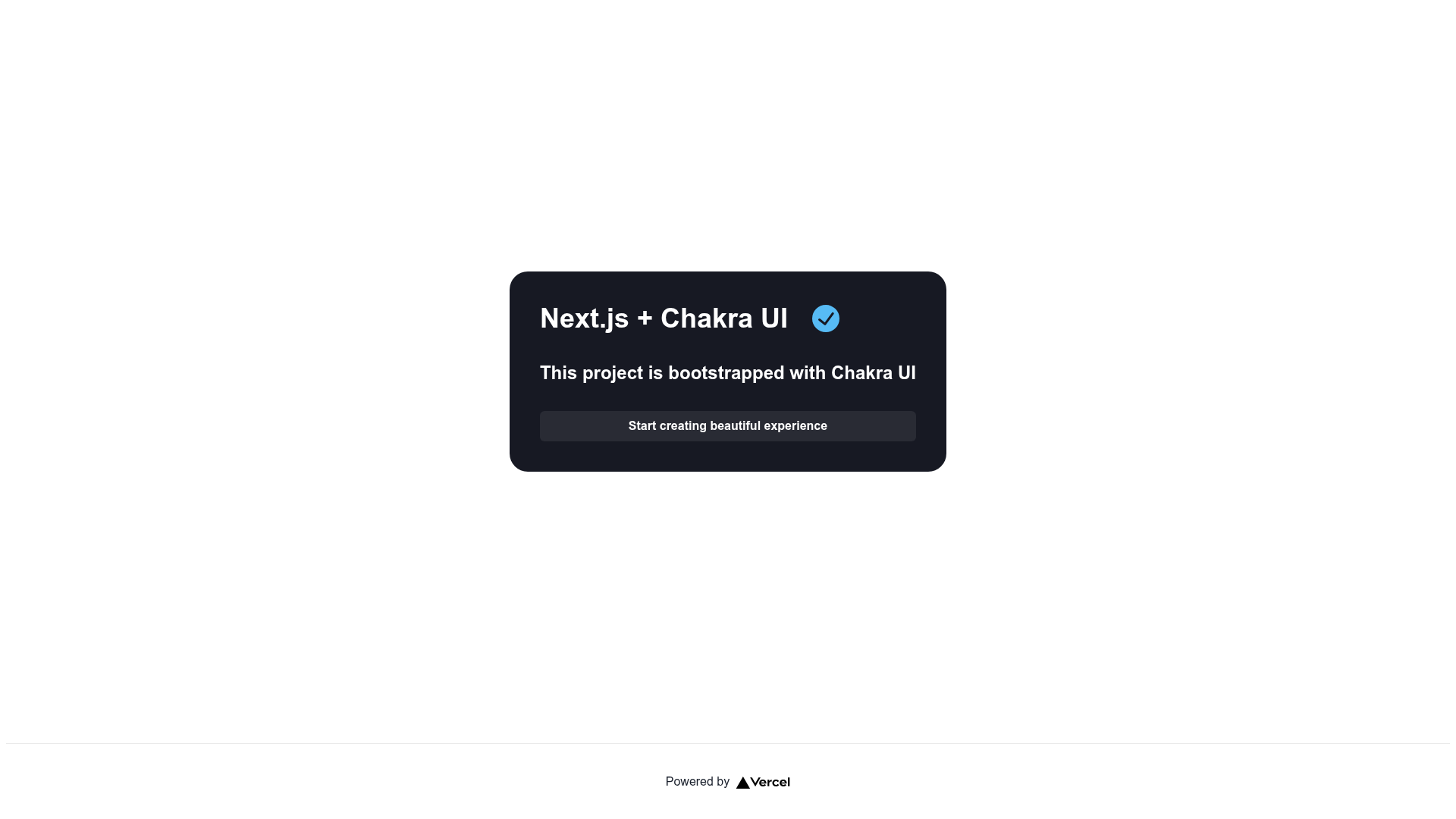
Next.js + Chakra UI ready to use template
About this template
Next.js Chakra UI Template is a boilerplate starter project that pairs the Next.js React framework with the Chakra UI component library, giving you a ready-to-use environment for building React applications.
What is Next.js Chakra UI Template?
Next.js Chakra UI Template is a pre-configured starter repository created with create-next-app and extended with Chakra UI for styling. It takes a fresh Next.js project structure — including the pages directory for React pages and pages/api for serverless API routes — and adds Chakra UI as the component and styling layer. The project runs on Next.js and is designed for deployment on the Vercel Platform. The repository is tagged with topics like "boilerplate", "chakra-ui", "nextjs", "react", and "template", confirming its purpose as a reusable starting point.
What makes Next.js Chakra UI Template stand out?
The template eliminates the setup work of combining Next.js with Chakra UI, so you can start coding components immediately. Key technical facts visible in the project:
- Chakra UI pre-installed — The project description states it is a "Next.js + Chakra UI ready to use template," meaning the Chakra UI dependency and basic configuration are already in place.
- Standard Next.js structure — Bootstrapped with
create-next-app, the project includes a typicalpages/index.jsentry point, apublicdirectory for static assets, and configuration files likenext.config.js. - API routes included — The
pages/api/hello.jsfile demonstrates an API endpoint athttp://localhost:3000/api/hello; any file placed inpages/apiis automatically treated as an API route. - Hot reload during development — When you edit
pages/index.js, the page auto-updates in the browser, so you see changes immediately. - Single-command development server — Run
npm run devoryarn devto start the server onhttp://localhost:3000. - Vercel deployment support — The README emphasizes the easiest deployment path is the Vercel Platform, with a deployment button and documentation links included.
- Default export configuration — The project is set up as a Next.js app, which by default supports static generation and server-side rendering depending on how each page is written.
Who should use Next.js Chakra UI Template?
- React developers starting a new project who want a pre-configured setup with Chakra UI and Next.js, without manually wiring the two together.
- Developers learning Next.js who want a working example with both page rendering and API routes; they can experiment with editing
pages/index.jsandpages/api/hello.js. - Frontend teams that deploy on Vercel and need a minimal, reproducible base for their Next.js applications.
What can you do with Next.js Chakra UI Template?
- Scaffold a new application — Clone the repository and run
npm installfollowed bynpm run devto get a local development environment. - Build custom API endpoints — Edit or add files in the
pages/apidirectory; each file becomes a serverless route under the/apipath. - Deploy to production — Connect the project to the Vercel Platform using the provided deployment documentation; the project is optimized for Vercel's zero-config deployment.
How does Next.js Chakra UI Template work?
The template works exactly like a standard Next.js project. Running npm run dev starts the development server, which compiles React components and serves them at http://localhost:3000. The pages folder determines routing: pages/index.js maps to the root URL, and each additional file creates a corresponding route. API routes are created by placing JavaScript files in pages/api, and they are served as Node.js endpoints. When you're ready to ship, you can build for production with npm run build and start with npm run start, or use Vercel's platform to build and deploy automatically.