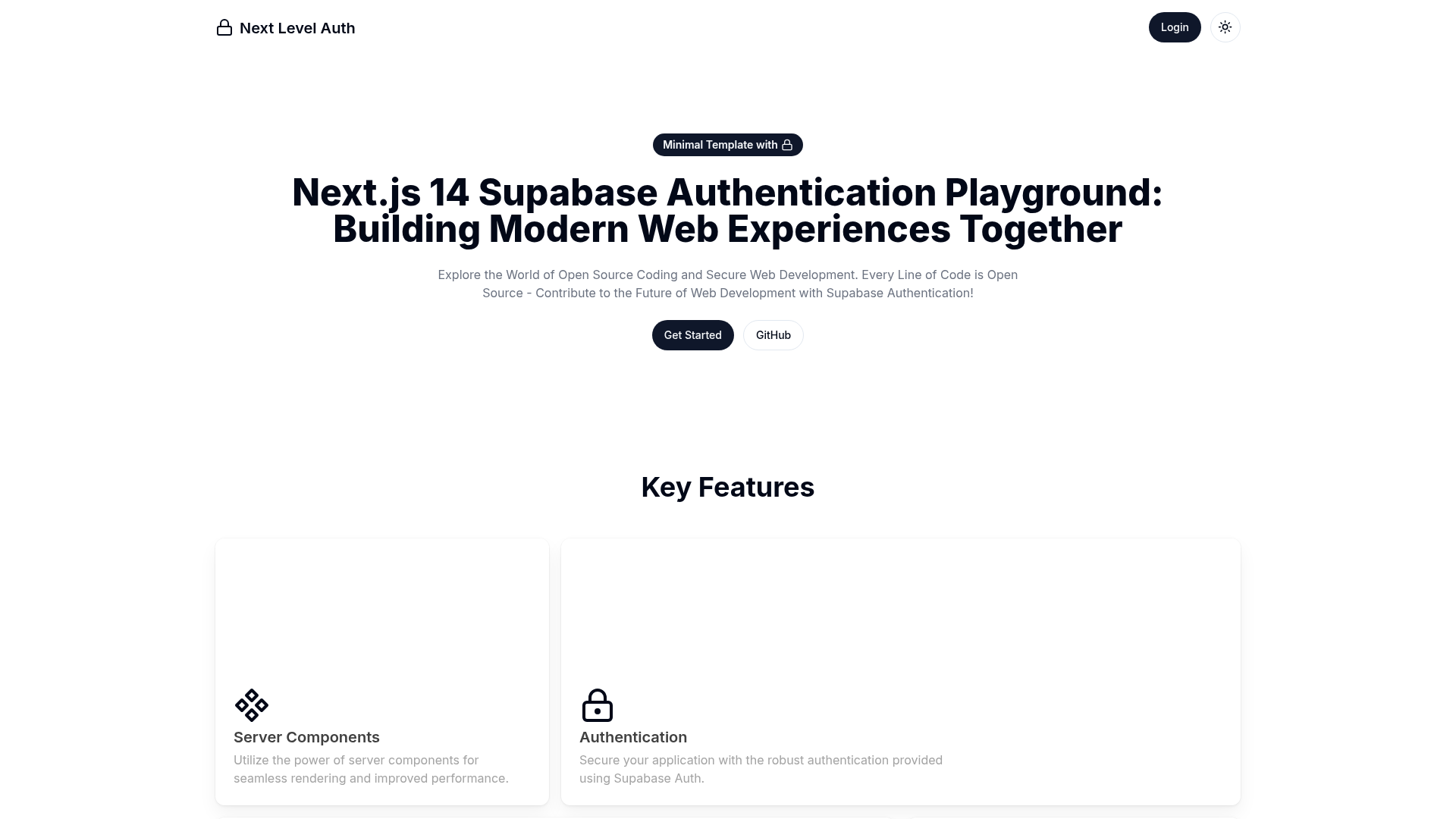
Template details
Nextjs Chakra Dashboard
A dashboard starter built with React, Next.js, and Chakra UI.
About this template
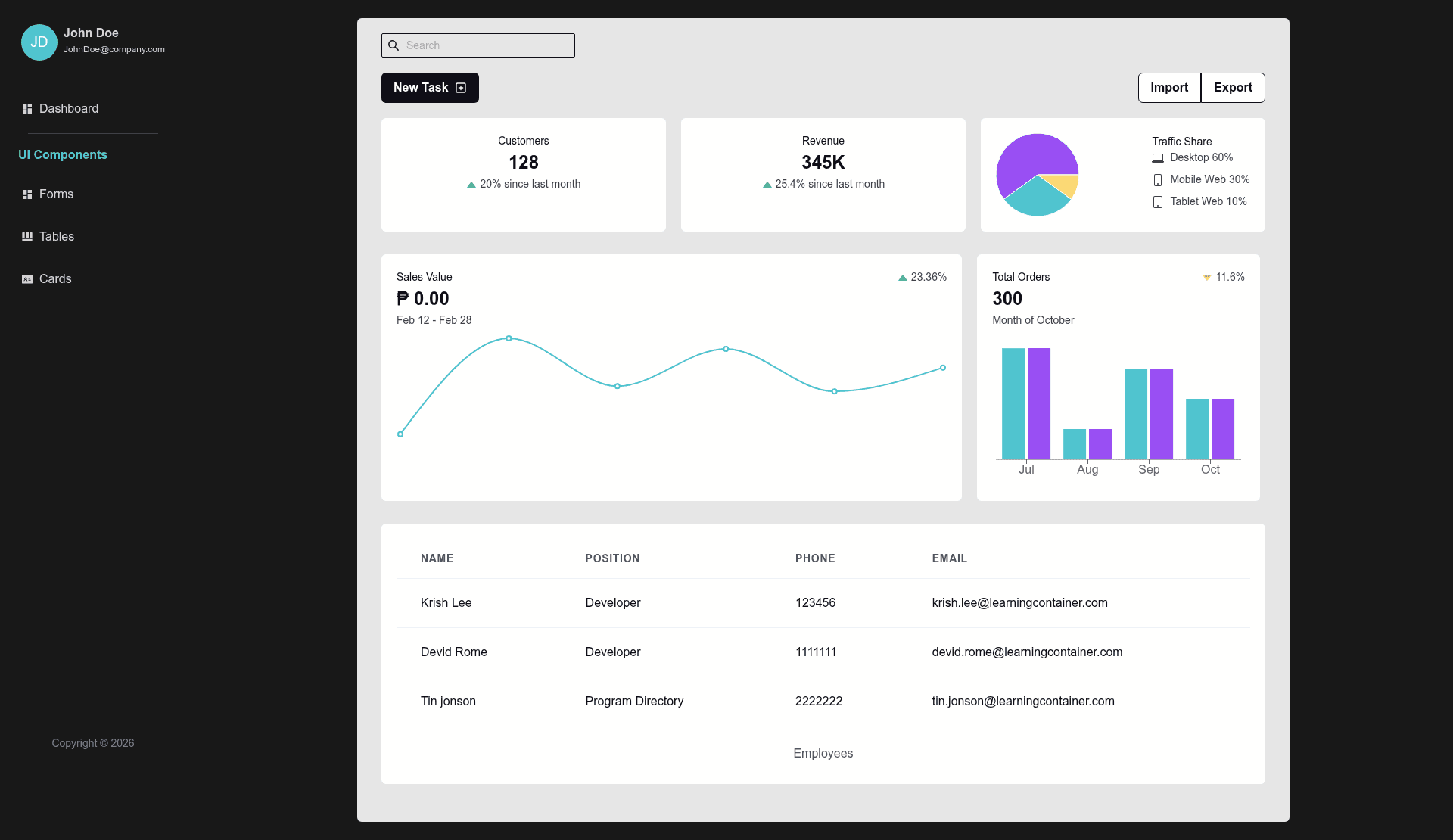
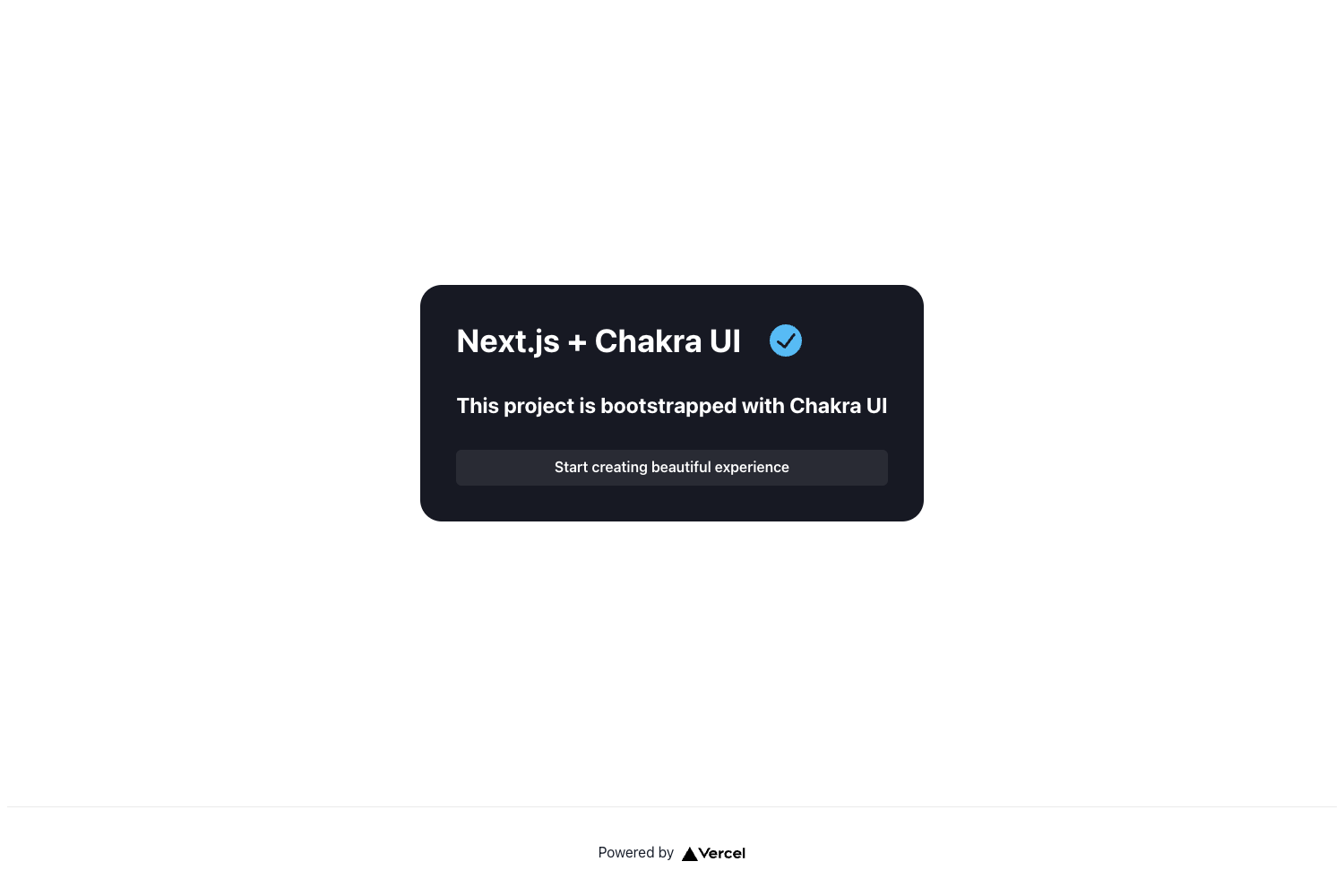
Nextjs Chakra Dashboard is a Next.js starter template for building dashboard applications, combining React, Next.js, and the Chakra UI component library. The repository is described as a "Dashboard starter build react, nextjs and chakra-ui," and it ships with the standard create-next-app project structure, including a sample page and an API route.
What is the Nextjs Chakra Dashboard?
The template is a starting point for a single-page or dashboard web app. It takes the create-next-app boilerplate and adds Chakra UI as the styling foundation, so you get a modern React setup with a ready-made component library. As input, you work with the existing pages/index.js file; as output, the dev server serves a React page at localhost:3000, and any edits to the page file appear immediately in the browser.
Key Features
- Next.js framework — A React-based framework that provides file-based routing, automatic code splitting, and a development server, bootstrapped with create-next-app.
- Chakra UI integration — The repository description and topics confirm Chakra UI is the component library used for building the dashboard's interface.
- File-based routing — Pages live in the pages directory, with pages/index.js mapping to the root URL; the template follows Next.js conventions so adding pages is as simple as adding a file.
- API routes — The pages/api directory is mapped to /api/*, and the included pages/api/hello.js exports a default API function returning a JSON response, accessible at /api/hello.
- Hot-updating page edits — The README states that modifying pages/index.js causes the page to auto-update as you edit the file, enabling fast iteration.
- Multiple package managers — Both npm run dev and yarn dev are supported for starting the development server.
- Vercel deployment path — The README links to the Vercel Platform for one-click deployment and to the official Next.js deployment documentation.
Who should use the Nextjs Chakra Dashboard?
This template suits several audiences:
- React developers — who want a pre-wired Next.js project with Chakra UI so they can skip the configuration and jump straight into building dashboard components.
- Product teams building admin panels — who need a foundation that includes API routes for mock data and a component library for tables, forms, and navigation.
- Startup founders — who are prototyping an internal tool or customer-facing dashboard and want a minimal codebase that can be deployed to Vercel quickly.
What can you do with the Nextjs Chakra Dashboard?
- Build a custom admin dashboard — start from the included index page and add your own charts, data tables, and forms using Chakra UI components.
- Prototype a SaaS application — use the example API route to serve mock data while developing the React frontend, then replace it with real backend calls.
- Learn Next.js by example — the create-next-app structure gives you a working app with file-based routing and API routes to study and modify.
How does the template work?
After cloning the repository, install dependencies with npm install or yarn. Then run npm run dev or yarn dev to start the development server at http://localhost:3000. Edit pages/index.js and the page auto-updates; API routes are defined in pages/api, and the sample endpoint lives at /api/hello.
Deploying the template
The README points to the Vercel Platform as the easiest way to deploy the Next.js app, with a deployment link and the official Next.js deployment documentation linked for further details.