Template details
Next.js Commerce
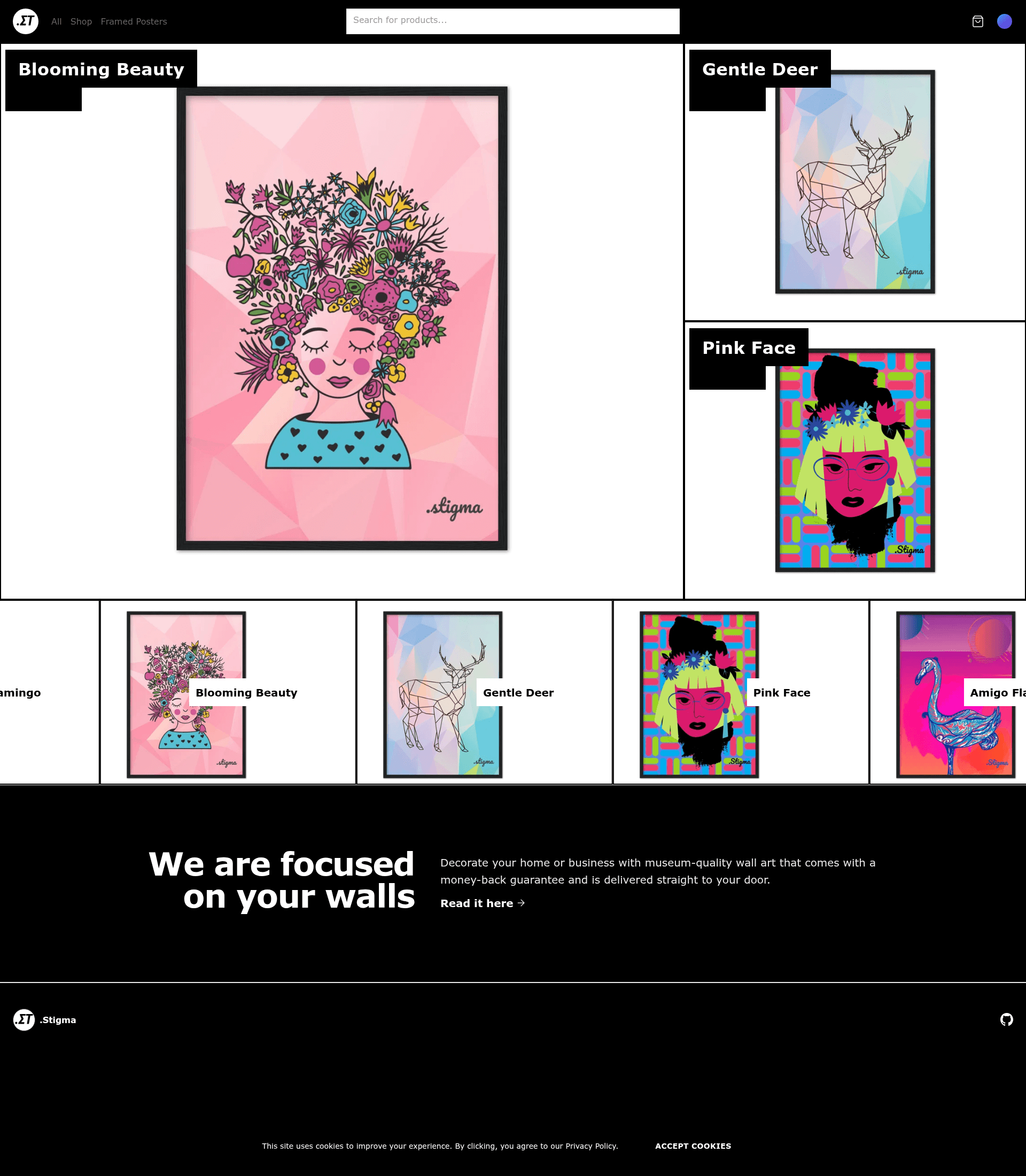
Open-source all-in-one starter kit for high-performance e-commerce sites, built on Next.js.
About this template
Next.js Commerce is an open-source, all-in-one starter kit for building high-performance e-commerce storefronts with the Next.js framework, created by Vercel and the open-source community.
What is Next.js Commerce?
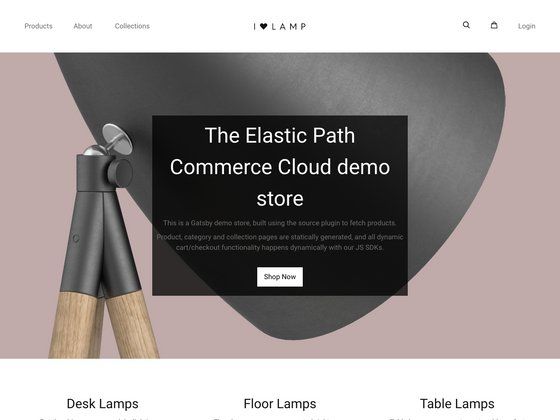
Next.js Commerce is a complete starting point for e-commerce websites. It takes API credentials from a headless commerce backend as input and produces a fully customized, deployable storefront with product listing, cart, and checkout flows. The template runs on any platform that supports Next.js, with first-class deployment on Vercel via a one-click deploy button. It is maintained by Vercel and includes live demos for six commerce providers.
Key Features
- Performant by default — The starter leverages Next.js features like automatic code splitting, image optimization, and server-side rendering to deliver fast page loads out of the box.
- SEO Ready — Built-in metadata handling and semantic markup help storefronts rank well in search results.
- Internationalization — The template supports multiple locales so you can build storefronts for global markets.
- Responsive UI components — A complete set of storefront components, including product cards, product detail pages, cart, and checkout, adapt to any device size.
- Dark mode support — A dark mode toggle is included, using next-themes and styled with Tailwind CSS (per repository topics).
- Standardized data hooks — The framework/commerce folder provides typed helpers for product, cart, and customer operations, so the UI works consistently across backends.
- Out-of-the-box integrations — The template ships with working integrations for BigCommerce, Shopify, Swell, Saleor, and Vendure. Each integration is a provider that plugs into the core framework.
- Feature flags — A features API lets you disable whole UI sections (cart, search, wishlist, customer auth, custom checkout) by toggling flags in a configuration file, so unused code is not bundled.
Who is it for?
- Developers who want a modern, performant e-commerce frontend without building everything from scratch. They can clone the repository, set environment variables for a provider, and have a working store immediately.
- Agencies that build online stores for clients can use the template as a repeatable starting point, rebranding and extending it per project.
- E-commerce teams moving to headless commerce can adopt the starter to separate their frontend from a legacy backend while keeping the store's functionality.
- Open-source contributors interested in commerce infrastructure can create new providers by following the documented API in framework/commerce/new-provider.md and submit a pull request with a demo.
What can you do with Next.js Commerce?
- Launch a demo store: Deploy to Vercel with the provided button and choose a provider like Shopify or BigCommerce to see a live storefront.
- Switch providers: Change the COMMERCE_PROVIDER value in .env.local and set the new provider's credentials; the UI automatically works with the new backend.
- Customize features: Turn off the wishlist or custom checkout for your store by editing the configuration file, and the UI will remove all related code.
- Extend the framework: Use the provider API to build a new integration for a backend that is not officially supported, then share it with the community.
How does Next.js Commerce work?
The template uses a provider-based architecture. The core framework, found in framework/commerce, defines data types and helpers that all providers extend. When you set the environment variable COMMERCE_PROVIDER and add the matching credentials, the UI routes all data operations through that provider. A config file with feature flags controls which UI sections are active, keeping the bundle lean. New providers are added as folders under framework and must follow the documented interface.
FAQ
Is Next.js Commerce free?
Yes, Next.js Commerce is open source. You can use, modify, and deploy it without licensing fees. It is available on GitHub under the Vercel organization.
Which commerce backends are supported?
Out of the box, the template supports BigCommerce, Shopify, Swell, Saleor, and Vendure. Live demos for these providers are linked in the repository. The architecture also makes it possible to add new providers.
How do I change the commerce provider?
Open .env.local and change COMMERCE_PROVIDER to the desired provider (for example, shopify). Then add that provider's required environment variables, which are listed in .env.template. Finally, update the path aliases in tsconfig.json to point to the provider's framework folder.
Can I toggle features like the cart or wishlist?
Yes. The configuration file commerce.config.json contains a features object. Set a feature to true or false, and the UI will include or remove all code related to that feature. Note that the selected provider must support the feature.
How do I create a new integration?
Follow the documentation in framework/commerce/new-provider.md. Build a new provider folder under the framework directory, extend the types from framework/commerce, and provide a valid demo. Submit a pull request and the maintainers will review it.