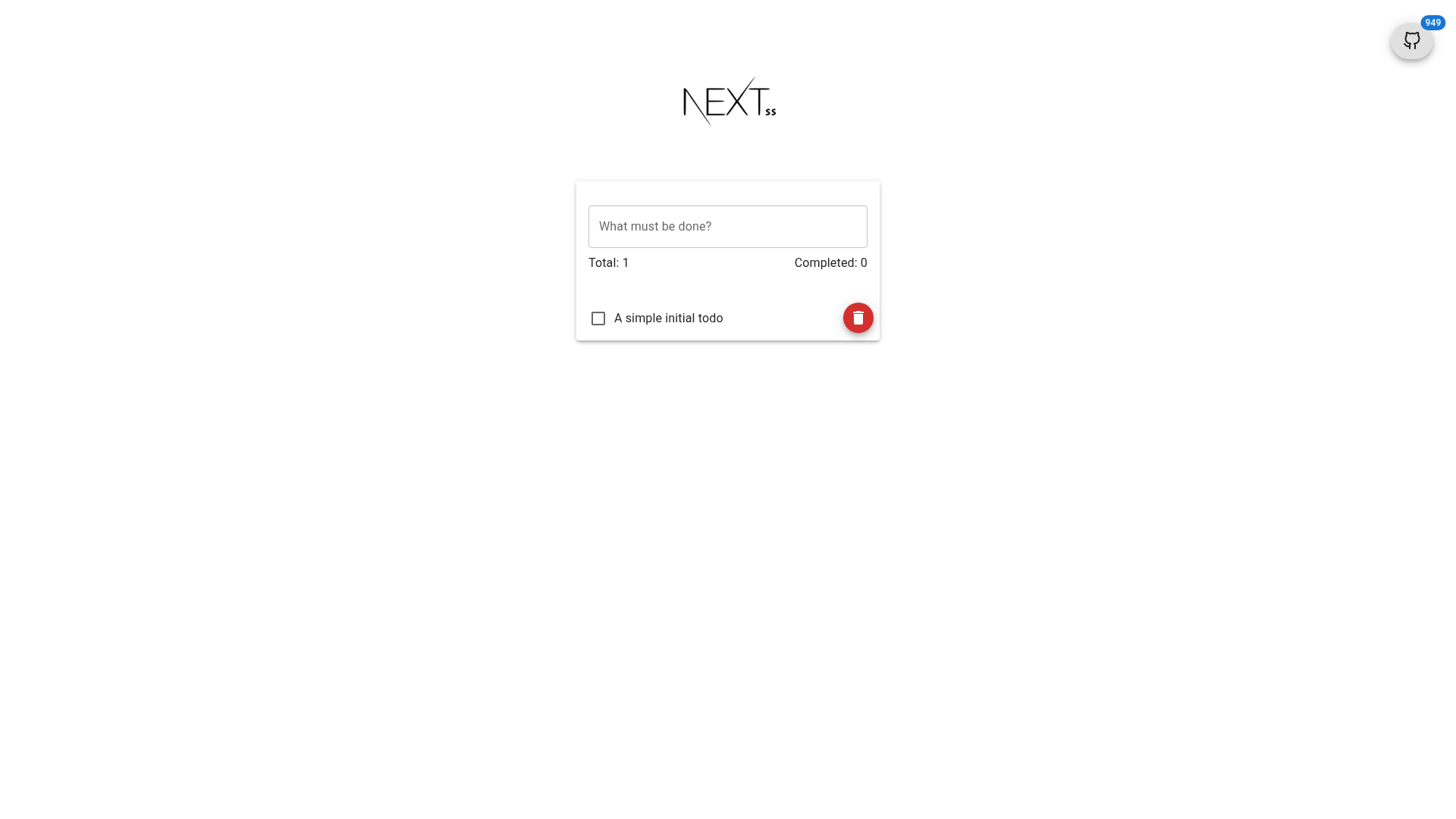
Template details
nextjs-fullstack-typescript-boilerplate
A full-stack Next.js TypeScript template focused on functionality over UI, featuring Zustand, TanStack Query, and ESLint 9 support.
About this template
nextjs-fullstack-typescript-boilerplate is a Next.js boilerplate template that provides a pre-configured full-stack foundation with cookie-based authentication, TanStack Query, Zustand, and strict code quality tooling.
What is nextjs-fullstack-typescript-boilerplate?
It is a full-stack Next.js TypeScript template focused on functionality over UI, giving developers a monorepo structure with preconfigured state management, authentication, and DevOps workflows. It runs on Node.js 24 or later and uses pnpm as the package manager. The template includes demo credentials for admin login (admin@example.com / admin) and is maintained by Nisharg Shah.
Key Features
- Monorepo structure — Pre-arranged monorepo layout for managing shared code, apps, and packages in a single repository.
- Fully typed TypeScript — Entire codebase is written in TypeScript, providing type safety across both server and client code.
- Full-stack Next.js — Combines React frontend with Next.js API routes for backend logic in one application.
- TanStack Query for server state — Uses React Query to handle server cache, fetching, and data synchronization.
- Zustand for client state — Lightweight state management for UI state that stays on the client, complementing server-state handling.
- Cookie-based authentication — Authentication and authorization flow implemented with cookie sessions; demo login uses admin@example.com / admin.
- Custom navigation loader — Configurable loading behavior for page transitions beyond Next.js defaults.
- Prettier & strict ESLint 9 — Enforced formatting and linting rules; ESLint 9 support is explicitly included.
- Husky and lint-staged pre-commit — Validates staged files on commit and blocks commits unless all rules pass (unless
--no-verifyis used). - Dockerfile & GitHub Actions — Pre-configured containerization and CI/CD pipeline for deployment.
Who should use nextjs-fullstack-typescript-boilerplate?
- Full-stack JavaScript developers who want a ready-made Next.js boilerplate with auth and state management already wired up, saving hours of setup time.
- Teams adopting monorepo practices who need a codebase organized for multi-package development within a single repository.
- DevOps-oriented developers who want built-in Docker and GitHub Actions workflows to automate build, test, and deployment from the start.
What can you do with it?
- Scaffold a new production app: Start a full-stack Next.js project with authentication, data fetching, and state management pre-installed; then replace the demo content with your own.
- Learn architecture patterns: Study how cookie-based auth and TanStack Query are integrated with TypeScript in a monorepo setup.
- Set up CI quickly: Use the included GitHub Actions and Dockerfile to automate build, test, and deployment from day one.
How do you get started?
- Install
pnpmglobally and ensure Node.js 24 or later is available. - Run
pnpm installto install all dependencies. - Run
pnpm devto start the development server. - Log in with admin@example.com / admin to access the authenticated parts of the app.
FAQ
Is the template free to use?
The README does not mention a license or price, but it is a public repository with 46 stars, suggesting it is freely available as a boilerplate template.
What Node.js version is required?
Node.js 24 or later is required. The template explicitly states that only pnpm should be used; npm and Yarn are not supported.
What authentication method is included?
Cookie-based authentication and authorization are implemented. Default credentials are admin@example.com with password admin.
Can I use npm or Yarn?
No. The template explicitly states to use only pnpm. Using npm or Yarn may break the setup, as the project is configured specifically for pnpm.
Does the template include ESLint 9?
Yes, ESLint 9 support is listed as a feature, paired with Prettier and strict lint rules. Husky and lint-staged enforce these rules on every commit.