Template details
Next.js Image Gallery Starter Template
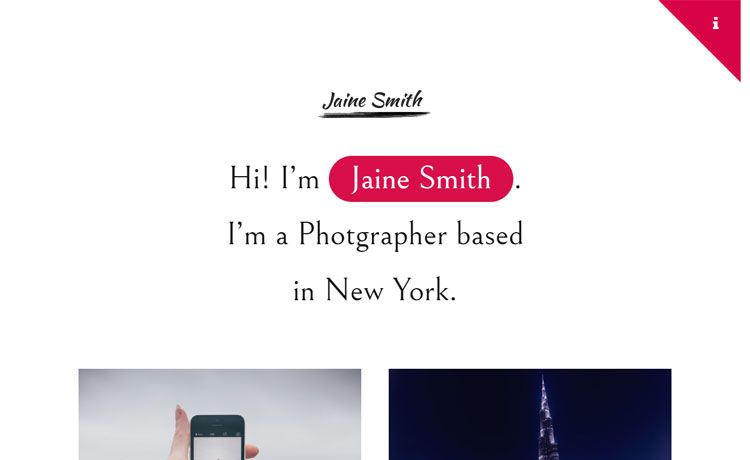
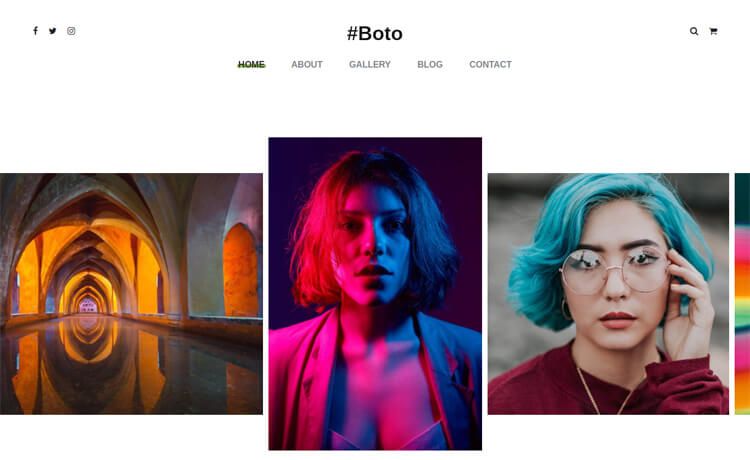
An image gallery template built with Next.js, Vercel Blob, and Tailwind CSS, featuring blur placeholders and optimized images.
About this template
The Next.js Image Gallery Starter Template (also called the with-vercel-blob example) is an official Next.js example from Vercel that turns a Vercel Blob store full of images into a responsive gallery site built with Next.js and Tailwind CSS.
What is the Next.js Image Gallery Starter Template?
This template is a complete codebase for an image gallery website. It takes Vercel Blob storage as its image source and produces a gallery page where every image is optimized by next/image and rendered on a Tailwind-styled page. It runs on Next.js and is intended to be deployed to Vercel, but you can also run it locally. The template was published in Vercel's Next.js examples repository.
Key Features
- Build-time image discovery — Uses the
@vercel/blobSDK'slist()API to find every image stored in the root of your Vercel Blob store when the site is built. - Automatic dimension detection — Each image is probed with sharp to determine its width and height, so the layout doesn't shift while loading.
- Base64 blur placeholders — Pre-generates base64 blur placeholders for each image and passes them to
next/imagefor a blur-up effect before the full image loads. - Responsive image optimization — The blob
urlis served directly throughnext/image, which generates responsive avif and webp variants on demand via Vercel's image optimizer. - Tailwind CSS styling — The page layout is styled with Tailwind CSS, with no separate CSS framework configuration to set up.
- One-click deployment — A Deploy with Vercel button clones the repository, creates a fresh project, and asks you to set the BLOB_READ_WRITE_TOKEN environment variable.
- create-next-app scaffolding — You can bootstrap the project locally with
npx create-next-app --example with-vercel-blob with-vercel-blob-app.
Who should use this template?
- Next.js developers who want to see a concrete integration of the Vercel Blob SDK with
next/imageand sharp. - Photographers and visual artists who need a no-frills gallery site for a portfolio and already plan to store images in Vercel Blob.
- Developers building demos or prototypes who need a generic image gallery at the start of a project and want it deployable to Vercel in one click.
What can you do with this template?
- Photographers: upload a set of portfolio images to a Vercel Blob store, deploy the template, and get a responsive gallery with blur-up placeholder loading.
- Developers: use the code as a reference for combining Vercel Blob's list API, sharp-based metadata extraction, and
next/imageoptimization. - Content teams: spin up a lightweight internal image gallery that pulls from a central blob bucket without maintaining a database.
How does this template work?
The workflow follows the setup steps in the README. First, create a Vercel Blob store and upload images to its root. Then copy .env.local.example to .env.local and set BLOB_READ_WRITE_TOKEN to the store's read/write token. After installing dependencies and running npm run dev, the app calls the blob SDK's list() API at build time, processes each image with sharp, and renders the gallery using next/image.
FAQ
Is this template free to use?
The template code itself is open source as part of the Next.js repository. However, Vercel Blob is a paid storage service with its own pricing tiers, and deploying to Vercel uses the platform's free or paid plans.
Do I need a Vercel account to run this?
You need a Vercel account to create a Vercel Blob store, because the template reads images from a blob store using a token. You can run the project locally once that token is set in .env.local.
What environment variables are required?
The only required environment variable is BLOB_READ_WRITE_TOKEN, the read/write token for your Vercel Blob store. The example's .env.local.example file shows where to put it.
Can this template work with other storage services like S3?
No, the example is specifically written for Vercel Blob. It imports the @vercel/blob SDK and calls its list() API, so switching to S3 or another provider would require rewriting the data-fetching code.
How are image sizes and blur effects generated?
At build time, the template uses the sharp image processing library to read each image's dimensions and generate a base64 blur placeholder. Those values are then passed to Next.js's next/image component, which handles the responsive and format optimization.