Template details
Boto
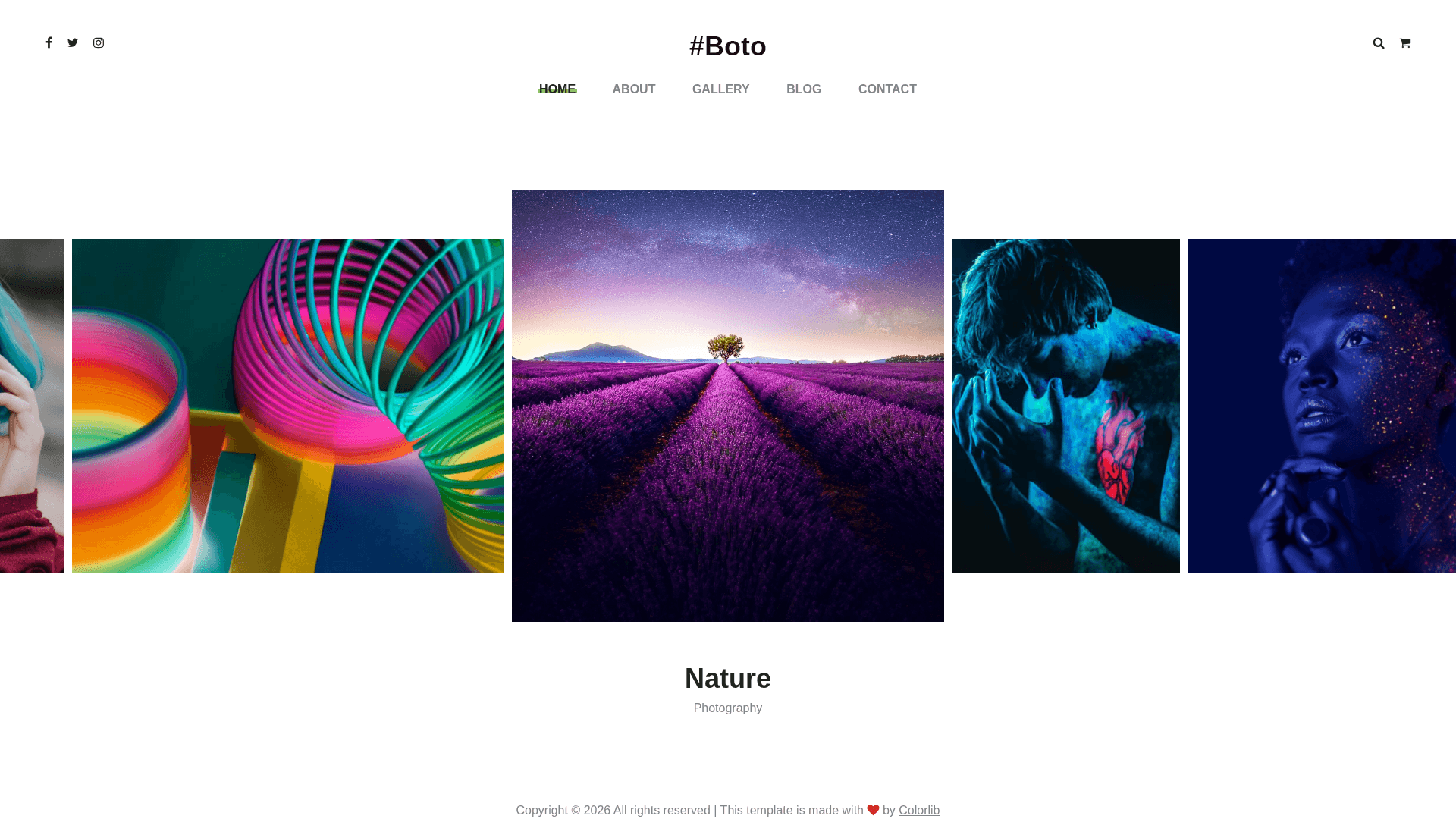
Free Bootstrap 4 HTML5 photo gallery website template with a clean, minimal design, modal image viewer, and multi-page layout.
About this template
Boto is a free Bootstrap 4 HTML5 photo gallery website template from Colorlib that packages a multi-page portfolio layout with image carousels, a modal viewer, and a blog section into a single downloadable bundle.
What is Boto?
Boto is a free multi-page HTML5 website template built on Bootstrap 4 and FontAwesome, distributed by ThemeWagon and created by Colorlib. It is designed specifically for photo gallery and photography portfolio sites; the download includes 7 HTML files, CSS and SCSS source files, JavaScript files, font icons, and library/plugin files. The template runs entirely in the browser—no server-side framework—and is 100% responsive with cross-browser support for Chrome, Edge, Firefox, Safari, Opera, and mobile browsers.
Key Features
- Bootstrap 4 and HTML5/CSS3 — The layout is built on the Bootstrap 4 grid with hand-written HTML5 and CSS3, plus SCSS source files for styling customization.
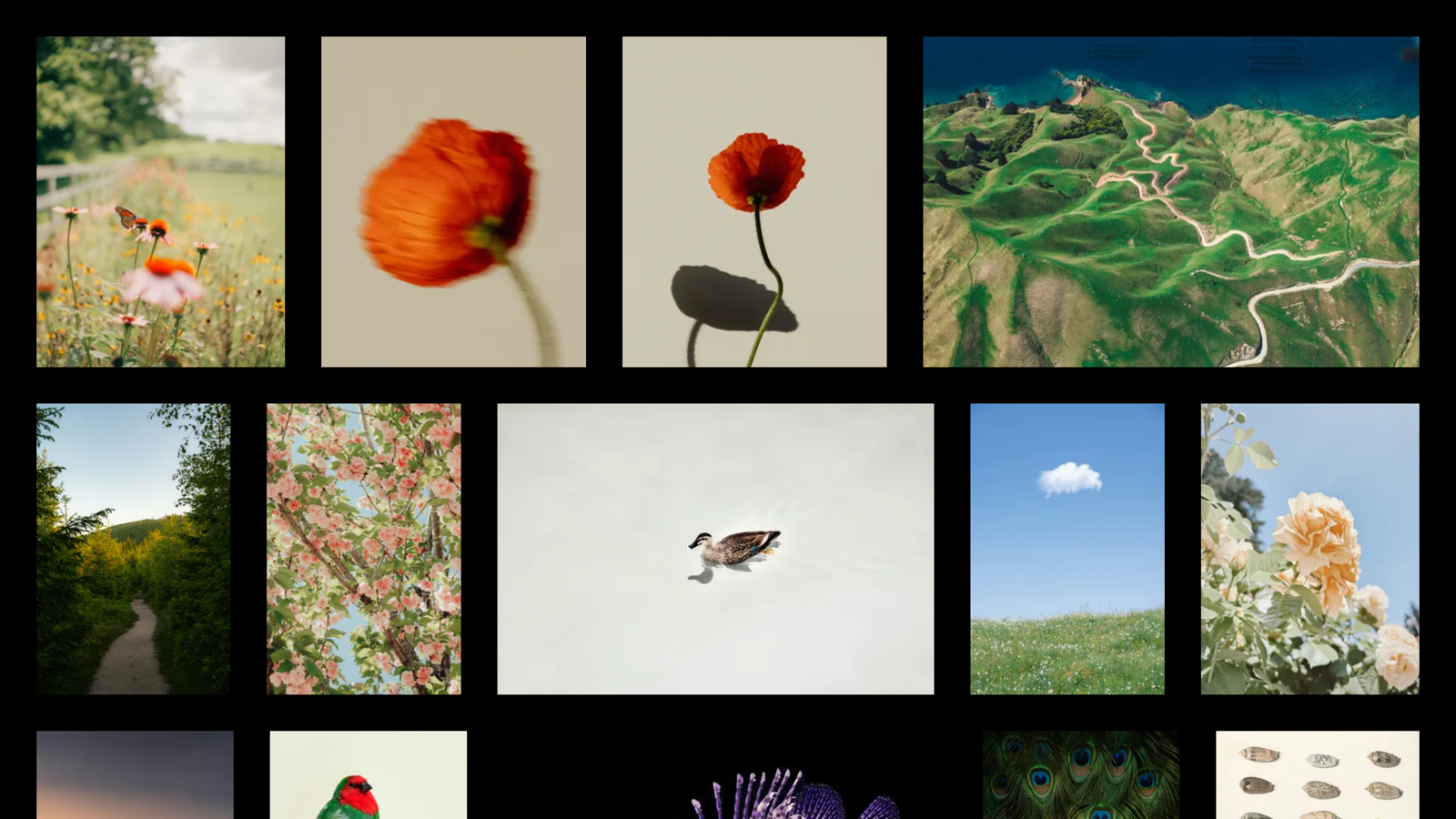
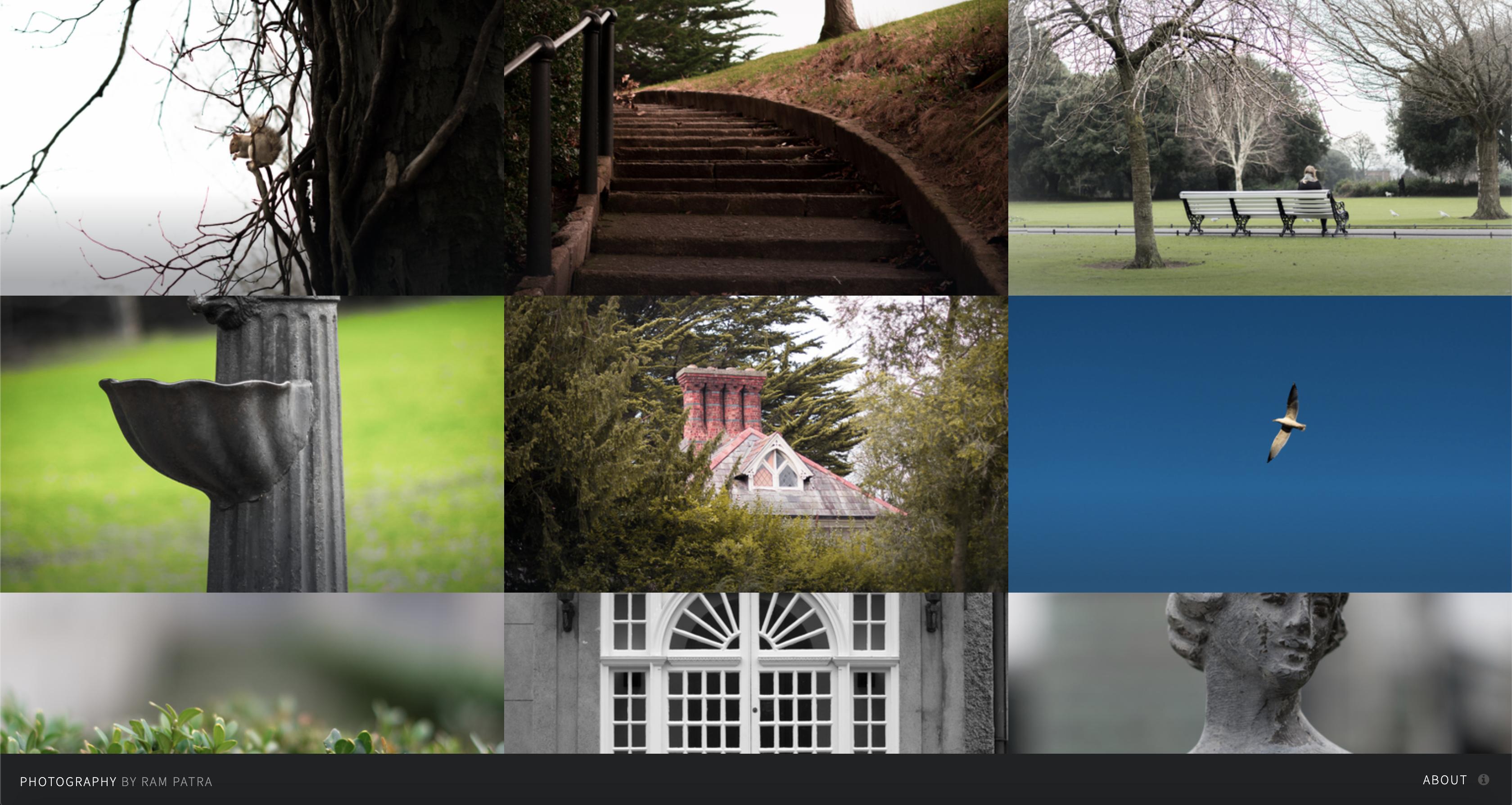
- Image gallery with modal viewer — A built-in gallery section opens photos in a modal image viewer, and hover effects add interactivity to gallery thumbnails.
- Image carousel — Owl Carousel and Slick plugins power carousels and slideshows for showcasing featured images.
- Multi-page structure — The bundle contains 7 HTML pages (e.g., gallery, blog, contact), so a full site can be assembled without a CMS.
- Off-canvas search and drop-down menu — The navigation includes a slide-in search option and a SlickNav-powered drop-down menu for mobile.
- Progress bars and preloader — A CSS3 preloader animates on page load, and progress bars are included for skills or stats sections.
- Forms — Contact form and comment form UI are included, ready to be wired to a backend.
- FontAwesome icons — Icons throughout the design come from the FontAwesome icon font, and the package includes the icon library files.
Who is it for?
- Photographers — Build a portfolio site to display galleries, with a modal viewer that lets visitors inspect large photos.
- Creative studios and agencies — Use the multi-page structure to add an about page, blog, and contact page alongside a portfolio.
- Web developers — Start from well-commented, organized HTML and SCSS code to quickly produce a client site without building CSS from scratch.
What can you do with Boto?
- Photographers: publish image galleries with a carousel and modal viewer so visitors can browse high-res shots without leaving the page.
- Freelance designers: set up a multi-page personal site with a blog section, contact form, and hover-effect portfolio grid.
- Agencies: adapt the 7 HTML pages into a full company site with drop-down navigation, off-canvas search, and progress bars for client stats.
Pricing
Boto is free to download from ThemeWagon, open source, and licensed for commercial use. The page also notes lifetime free updates for the template.
Alternatives
- Halen — a free Bootstrap 4 photography website template also distributed by ThemeWagon.
- Multiverse — a free HTML5 photography template from ThemeWagon with a different grid-style gallery presentation.
- PhotoShoot — another free photography website template, described as creative and highly flexible.
FAQ
Is Boto free?
Yes. Boto is offered as a free download from ThemeWagon with an open-source license, and the page states it can be used in commercial projects with lifetime free updates.
What is included in the Boto download?
The package includes all demo images, 7 HTML files, CSS and SCSS files, JavaScript source files, FontAwesome font icons, and library/plugin files such as Bootstrap 4, Owl Carousel, SlickNav, and Slick.
Does Boto work on mobile devices?
Yes. The template is described as 100% responsive and cross-browser compatible, with compatibility listed for Chrome, Edge, Firefox, Safari, Opera, and mobile devices. SlickNav also provides a mobile drop-down menu.
Who created Boto?
Boto was created by Colorlib, and it is distributed by ThemeWagon, where it has been downloaded about 6,000 times.