Template details
Next.js Starter
A starter template for Next.js apps with Prisma, GraphQL, Tailwind CSS, and TypeScript.
About this template
Next.js Site Starter is a boilerplate template for building full-stack Next.js applications with Prisma, GraphQL, and Tailwind CSS, created by Nicholas Griffin as a starting point for side projects.
What is Next.js Site Starter?
Next.js Site Starter is a starter template repository that scaffolds a Next.js application with a typed full-stack stack: Prisma for database access, a GraphQL server, and Tailwind CSS for styling. It takes a database connection string as input and produces a runnable Next.js app with GraphQL queries and database migrations. The template runs on Node.js with the Next.js framework and is authored by Nicholas Griffin, who describes it as an initial starting point for his own side projects.
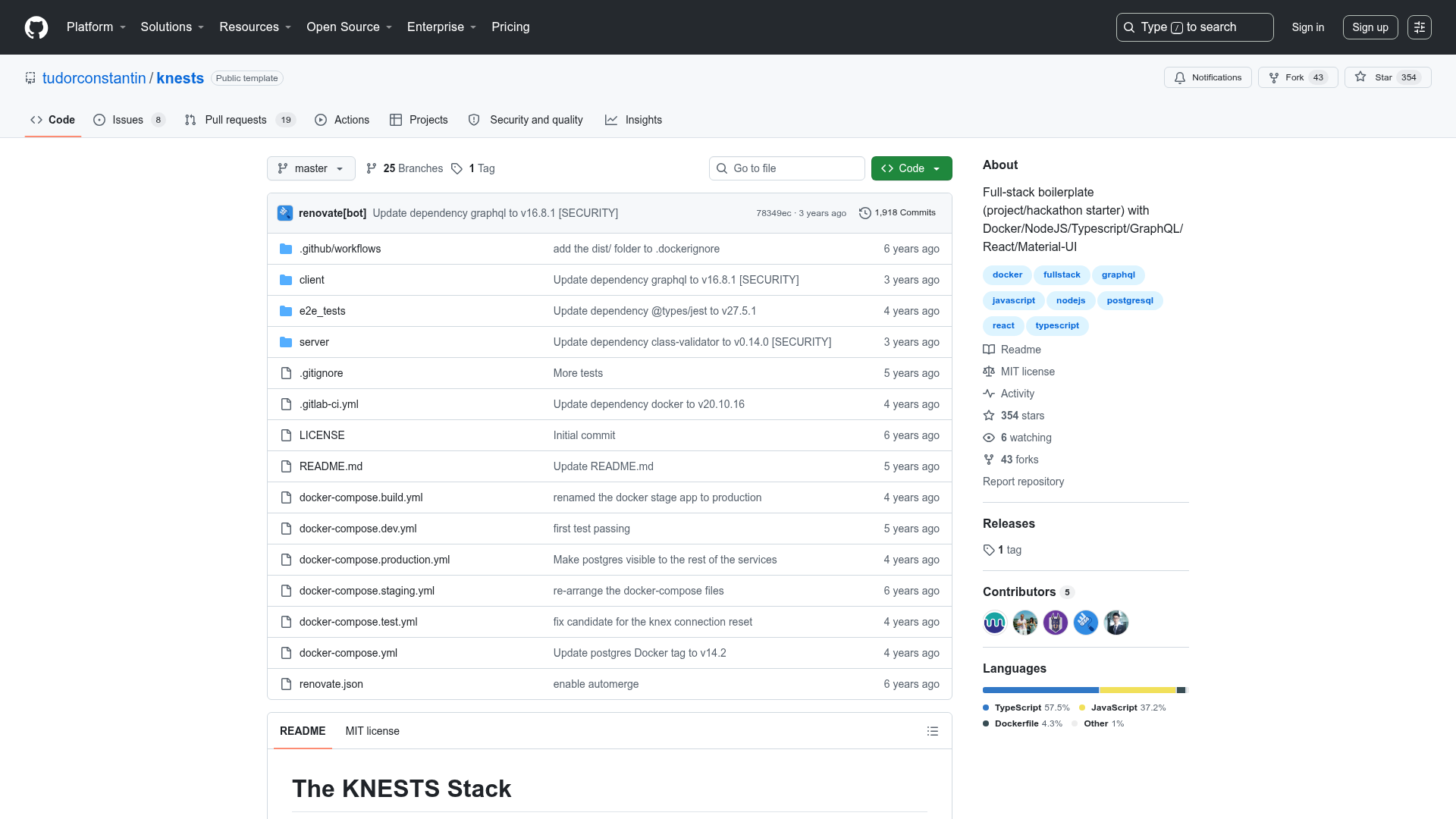
The repository is written entirely in TypeScript, uses yarn as the package manager, and includes a GitHub Actions continuous integration workflow that reports the latest pull request status. The repository topics list Apollo, PostgreSQL, Prisma, Redis, GraphQL, Next.js, Tailwind CSS, and TypeScript.
Key Features
- Next.js framework — The app is built on Next.js, giving you React-based pages with server-side rendering and a structured way to add routes and API endpoints.
- Prisma ORM — Prisma handles database access; you supply a DATABASE_URL connection string and run yarn migrate-dev to create your schema on first connection.
- GraphQL server — The template includes a GraphQL server, and the repository topics list Apollo, so you can define resolvers and expose data through GraphQL.
- Tailwind CSS — Styling is handled with Tailwind CSS utility classes, allowing fast, consistent UI development.
- TypeScript everywhere — The whole stack is typed, from Next.js pages to Prisma client and GraphQL operations.
- urql and GraphQL Code Generator — Run yarn gql-gen to generate typed urql hooks from your GraphQL queries, automating client-side data fetching code.
- Database migration commands — Separate commands for development (yarn migrate-dev) and production (yarn migrate-deploy) keep schema changes under control.
- Redis in the stack — Redis appears in the repository topics, suggesting support for caching or session storage, though the README does not provide configuration details.
Who is it for?
- Side-project developers — who want a pre-configured Next.js + Prisma + GraphQL stack so they can focus on their product logic instead of boilerplate setup.
- Full-stack TypeScript developers — who value type safety across the database, API, and UI layers and want a consistent typed experience.
- Developers learning GraphQL — who can experiment with a working GraphQL server and generated urql hooks to understand the request flow from client to database.
What can you do with it?
- Scaffold a new full-stack app — Start with a working Next.js application, add your own pages, components, and GraphQL resolvers, and deploy with production-ready migrations.
- Set up a typed GraphQL API — Define Prisma models, write GraphQL resolvers, and generate urql hooks so your frontend queries are type-checked.
- Speed up database-driven development — Use the included Prisma migration commands to evolve your schema in development and apply changes in production consistently.
How does it work?
- Copy the .env.example file to .env and edit the DATABASE_URL environment variable to point to your database.
- Run yarn install to install all dependencies.
- On first database connection, run yarn migrate-dev to create the initial schema.
- Run yarn dev to start the local application at http://localhost:3000.
To build for production, run yarn build and execute yarn migrate-deploy to apply any pending migrations.
FAQ
Is Next.js Site Starter free?
Yes, the template is published in a public GitHub repository, so anyone can use, copy, and modify it without a license fee.
What database does it use?
PostgreSQL is listed in the repository topics, and Prisma expects a DATABASE_URL connection string. The README does not specify whether other databases are supported.
How do I generate GraphQL hooks?
Run yarn gql-gen after setting up the project. This uses GraphQL Code Generator and urql, as mentioned in the README, to produce typed hooks for your GraphQL queries.
How do I apply database migrations in production?
Run yarn migrate-deploy. The template provides this production migration command, while development uses yarn migrate-dev.