Template details
KNESTS Stack
Full-stack boilerplate (project/hackathon starter) with Docker, NodeJS, TypeScript, GraphQL, React, and Material-UI.
About this template
The KNESTS Stack
The KNESTS Stack is a full-stack TypeScript boilerplate that pairs Next.js, NestJS, Knex, GraphQL, and Docker to scaffold web apps with authentication and an admin dashboard.
What is the KNESTS Stack?
The KNESTS Stack is a full-stack boilerplate (project/hackathon starter) created by Tudor Constantin that combines KNEx.js, NEST.js, NExT.js, TypeScript, GraphQL, and Docker. It runs on Docker Compose with separate development and test configurations, using PostgreSQL as the database (from repo topics). The stack provides a working application with signup, login, and an admin dashboard, built with React hooks and Material-UI on the frontend and NestJS with a GraphQL layer on the backend. Its goal is to let you start building web apps as fast as possible while following Node.js best practices from the nodebestpractices repository.
Key Features
- Full-stack architecture — NestJS backend, Next.js frontend, Knex.js query builder, GraphQL API, and TypeScript across the whole codebase.
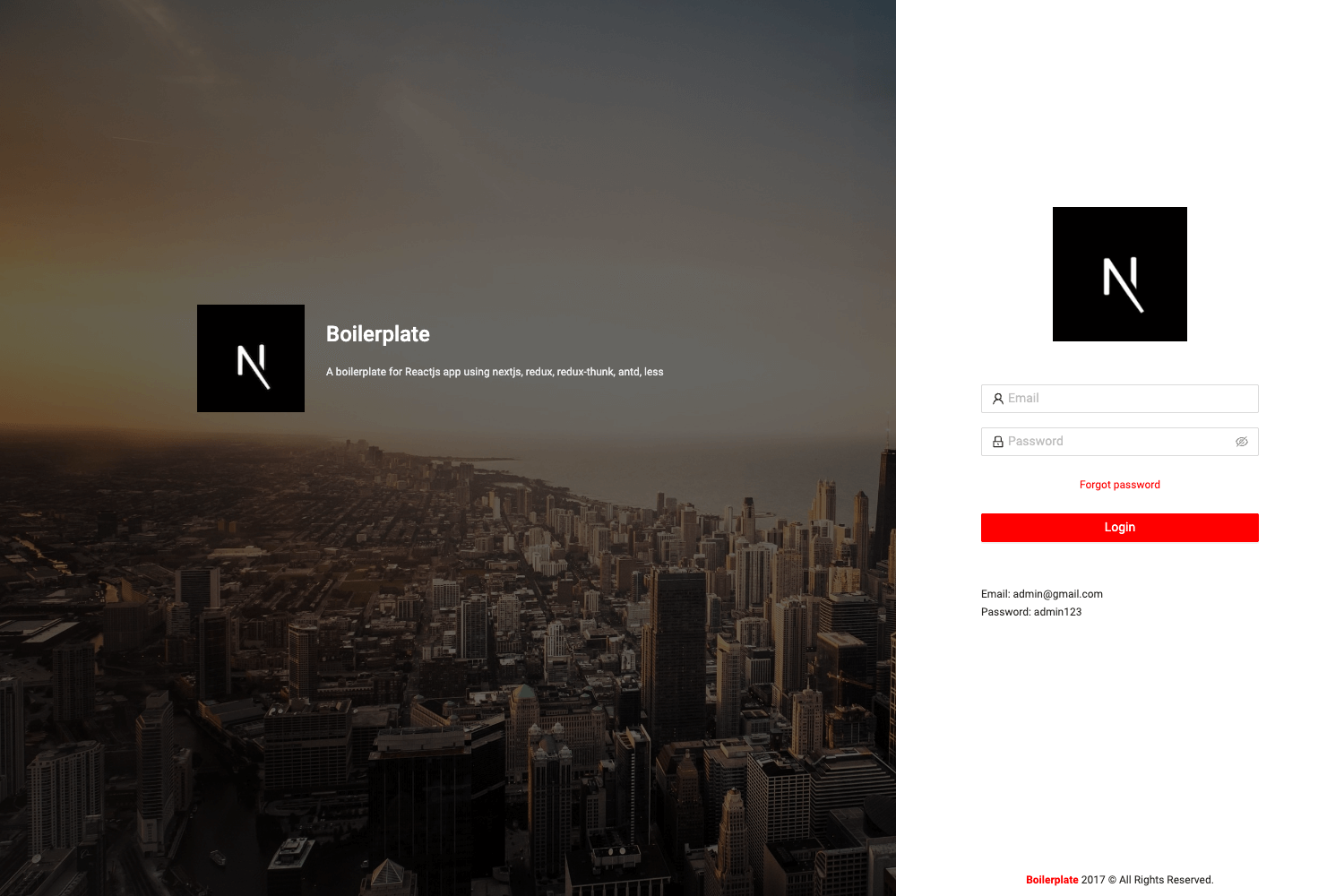
- Pre-built authentication — Working /signup and /login pages with their functionality included; search-and-replace "knests" with your project name to customize.
- Admin dashboard — A responsive Material-UI dashboard template from devias.io, with a large and small screen layout (shown in the repo screenshots).
- Docker orchestration — Docker Compose files for dev and test environments, using dedicated Docker networks (traefik-public and knests-dev) and a migration endpoint at /api/migrate.
- Database migrations — Apply the latest migrations by visiting http://localhost:8080/api/migrate before creating your first user.
- Built-in documentation — Separate frontend and backend docs in the client and server folders to help with debugging.
- Project-ready structure — Includes client and server directories, Docker images for services, and a roadmap for adding Playwright e2e tests, GitHub Actions, and Kubernetes deployment.
Who is it for?
- Hackathon participants: spin up a complete full-stack application with authentication and a dashboard in a few commands, letting you focus on your app's unique features.
- Full-stack TypeScript developers: use it as a reference implementation for combining NestJS, Next.js, GraphQL, and Docker in a single repo.
- Startup founders building MVPs: replace the placeholder name, apply migrations, and have a production-ready foundation with admin UI and user management.
What can you do with it?
- Scaffold a new web app: clone the repo, run the Docker commands, and get a working app with login/signup and a dashboard.
- Learn modern Node.js patterns: study a codebase that follows Node.js best practices and uses GraphQL and TypeScript.
- Customize the UI: swap the devias.io admin theme for your own design or extend the existing pages.
How does it work?
First, clone the repository and create two Docker networks: docker network create traefik-public and docker network create knests-dev. Then run docker-compose -f docker-compose.yml -f docker-compose.dev.yml up --build -V --force-recreate (after removing the client/dist folder). After the containers start, visit http://localhost:8080/api/migrate to apply database migrations, then go to http://localhost:8080/signup to create your first user. To reuse the project, search for "knests" in the codebase and replace it with your own project name.
Pros and cons
- Pros: combines a modern full-stack JavaScript ecosystem in one repo; Dockerized environment reduces setup issues; authentication and admin dashboard are included out of the box.
- Cons: requires Docker on your machine; lacks CI/CD and full end-to-end tests (these are on the roadmap); internationalization and Kubernetes deployment are not yet implemented.