Template details
Next.js Store
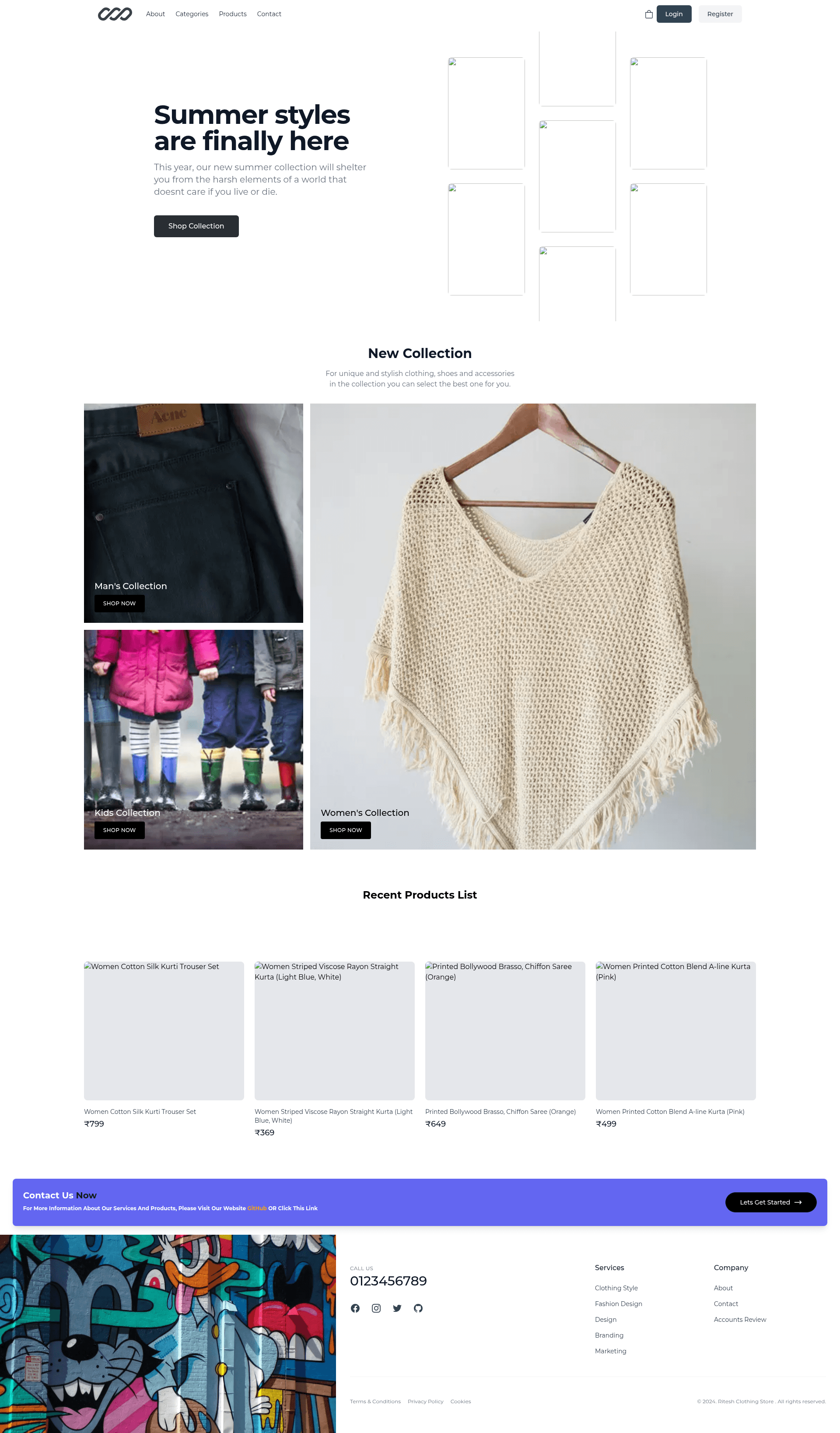
Full E-commerce Website using Next.js
About this template
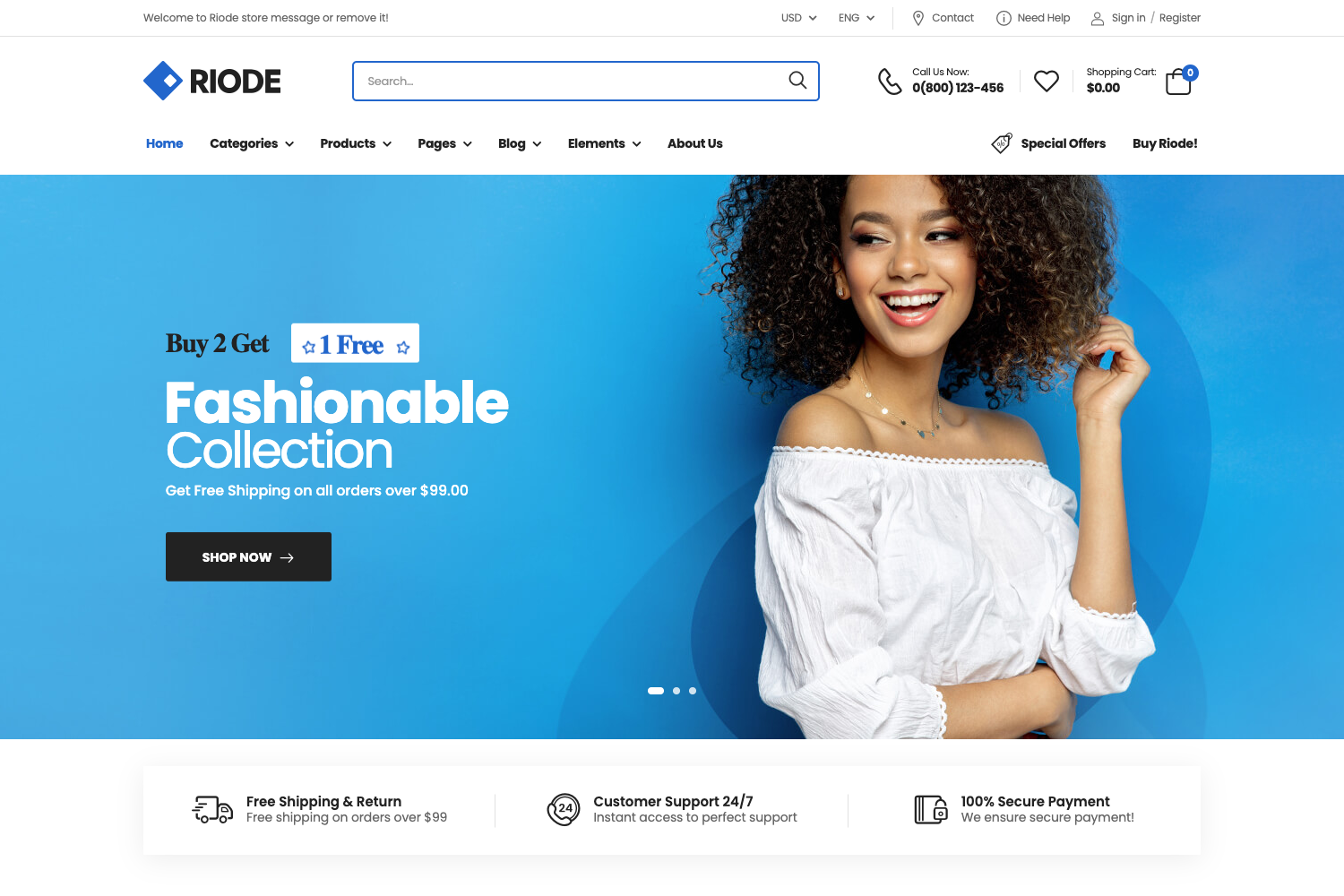
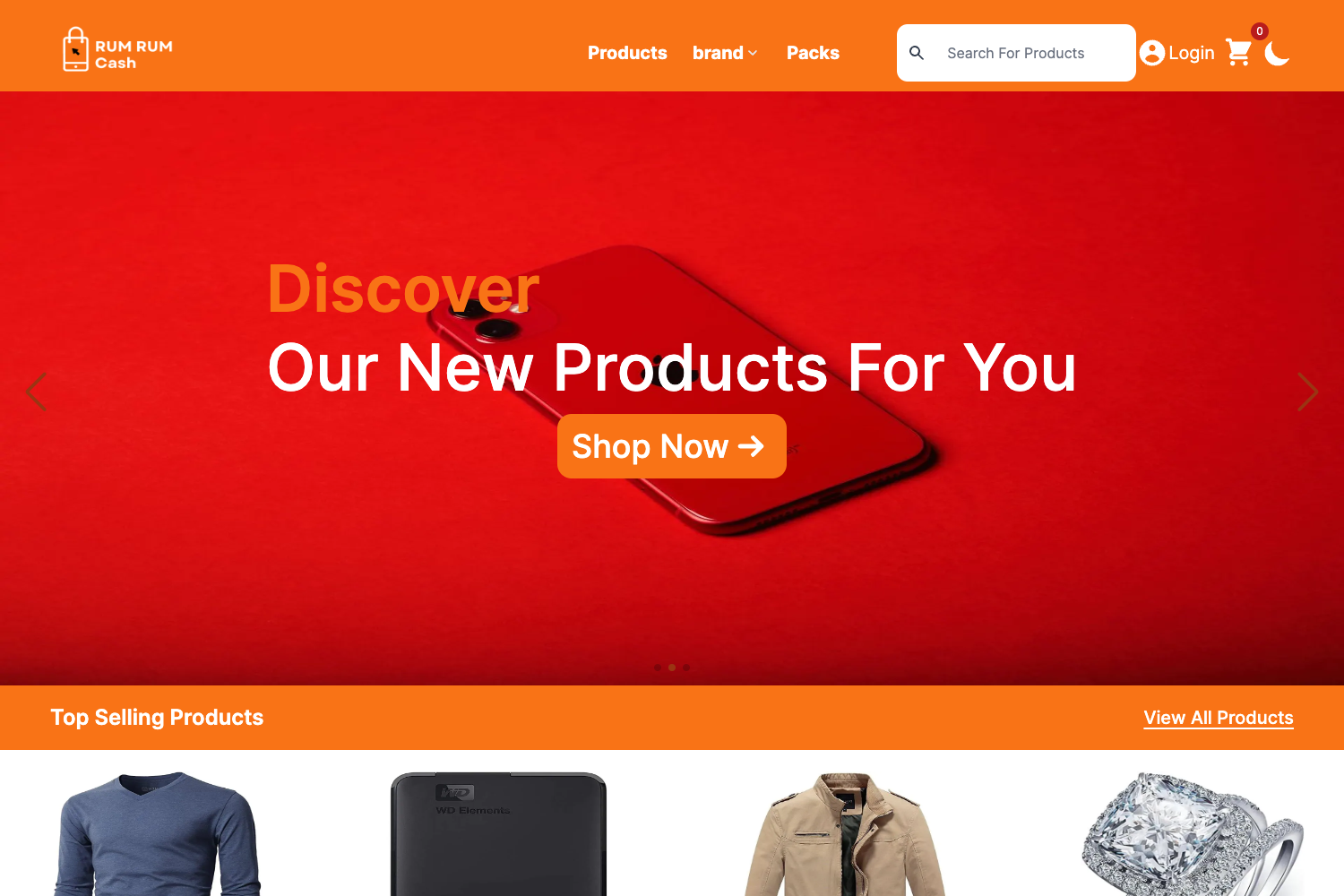
Next.js Store is a full e-commerce website template built with Next.js, React, Firebase, and Mongoose, providing a ready-to-customize storefront with JWT authentication.
What is Next.js Store?
Next.js Store is an open-source, MIT-licensed starter project for building e-commerce websites. It takes environment variables for database connection, JWT secrets, and Firebase keys as input, and produces a running Next.js storefront served by npm run dev. The project is maintained by the developer riteshk-007 on GitHub.
Key Features
- JWT Authentication — Uses the
JWT_SECRETenvironment variable to sign and verify JSON Web Tokens for user authentication. - Firebase Integration — Connects to Firebase through the
FIREBASE_KEYenvironment variable, enabling cloud services. - Database Connectivity — Uses the
CONNECT_DBenvironment variable to connect to a database; the Mongoose topic indicates MongoDB integration. - Next.js Framework — Built on Next.js (React), giving server-side rendering, routing, and API routes.
- Environment Variable Configuration — All sensitive settings are managed through a
.envfile, keeping credentials out of the codebase. - MIT License — Free to use, modify, and distribute commercially without restrictions.
Who is it for?
- E-commerce developers — Use this as a starting point to build a custom storefront without setting up authentication and database wiring from scratch.
- Startups — Launch a basic online store quickly by cloning the repo, adding credentials, and customizing the pages.
- Next.js learners — Study a real-world Next.js project structure that includes Firebase and Mongoose integration.
What can you do with Next.js Store?
- Build an online storefront: Deploy a full e-commerce site with a product catalog, cart, and checkout by extending the provided templates.
- Test authentication flows: Experiment with JWT-based login and secure routes using the built-in JWT secret configuration.
- Integrate Firebase services: Use Firebase for user management, databases, or storage by plugging in your Firebase key.
How does Next.js Store work?
The setup is a standard Next.js workflow: clone the repository, install dependencies with npm install, create a .env file at the root with the required variables, and run npm run dev to start the development server.
Pricing
Next.js Store is free and open source under the MIT license, so you can use it for personal or commercial projects without paying fees.
FAQ
What is Next.js Store?
Next.js Store is a full e-commerce website template built with Next.js, React, Firebase, and Mongoose. It provides the foundation for an online store with JWT authentication and database connectivity, and it is available under the MIT license.
What environment variables does it need?
The project requires three environment variables in a .env file: CONNECT_DB for the database connection string, JWT_SECRET for signing JSON Web Tokens, and FIREBASE_KEY for connecting to Firebase.
How do I run Next.js Store?
Clone the repository, run npm install to install dependencies, create a .env file with the required keys, and start the development server with npm run dev. Then open the localhost URL in your browser.
Is Next.js Store free?
Yes, it is released under the MIT license, which allows free use, modification, and redistribution, including for commercial purposes.
Does Next.js Store use MongoDB?
The project uses Mongoose, which is an Object Data Modeling library for MongoDB. The CONNECT_DB environment variable is intended to hold the connection string to a MongoDB database.