Template details
Next.js TypeScript ESLint Prettier Template
Create a new project with Next.js, TypeScript, Eslint, Prettier in just 1 second and you don't need to setup anything.
About this template
Next.js + TypeScript + ESLint + Prettier Template is a GitHub boilerplate that scaffolds a new Next.js project with TypeScript, ESLint, and Prettier pre-configured, removing the need for manual setup. It is maintained by igdev116 and published as a public repository under the topics eslint, nextjs, prettier, react, template, and typescript.
What is Next.js + TypeScript + ESLint + Prettier Template?
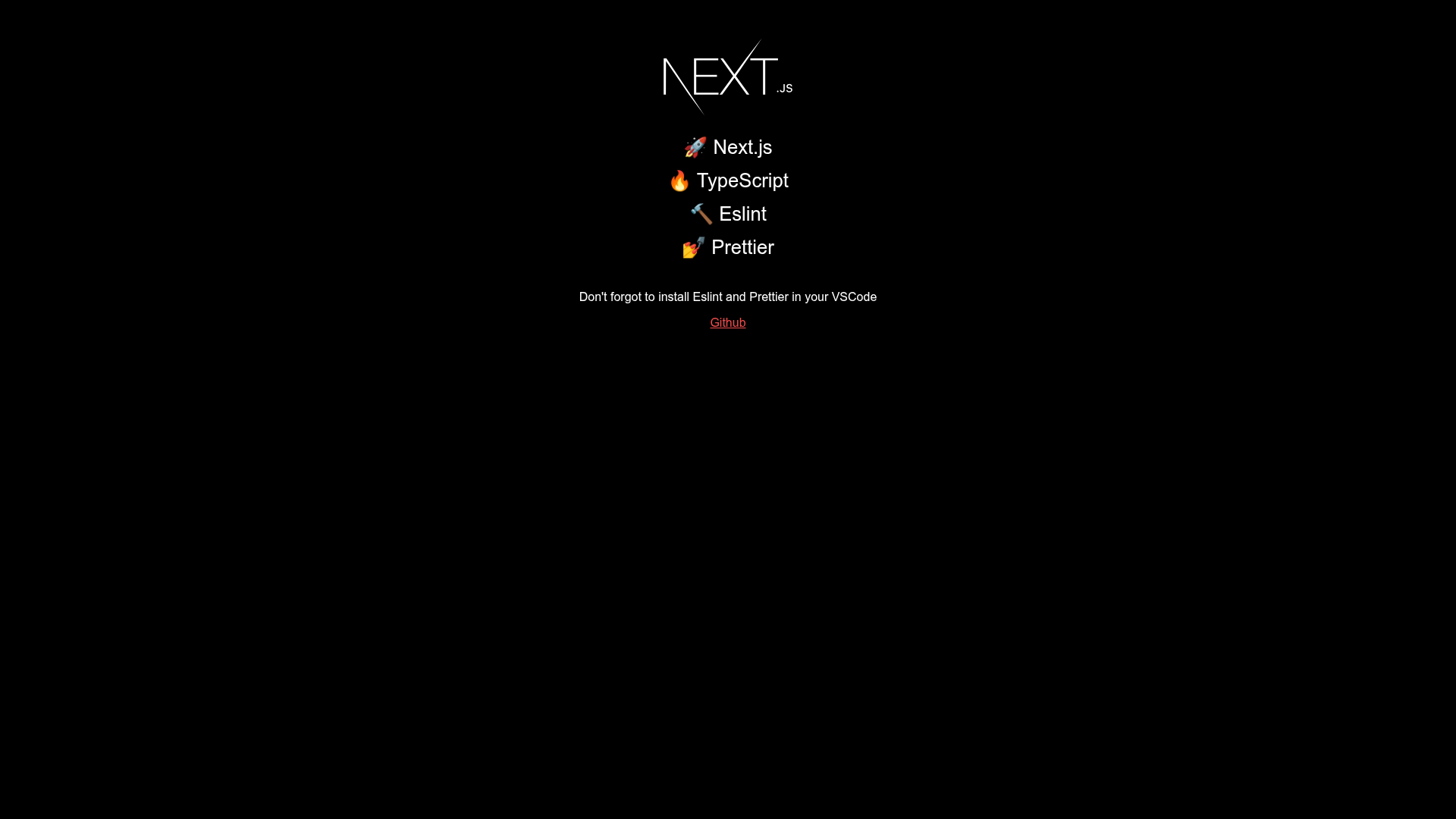
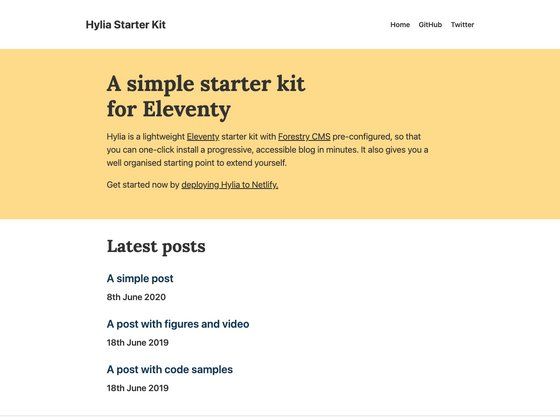
The template is a starting point for building Next.js applications with a development environment already configured. It takes a fresh clone of the repository and yields a runnable Next.js project with TypeScript for type checking, ESLint for linting, and Prettier for code formatting. The project runs on Node.js using yarn as the package manager, and it includes a live Vercel deployment at https://next-ts-eslint-prettier-tau.vercel.app for previewing the default output.
Key Features
- Alias Import — The template ships with a pre-configured alias import setup so you can use short, clean import paths instead of long relative paths when referencing project modules.
- Hook Warning — ESLint is configured to enforce React hooks rules, surfacing warnings for common mistakes like calling hooks conditionally.
- Prettier Warning — Prettier is integrated with ESLint so code formatting issues appear as lint warnings, helping you keep the codebase styled consistently.
- TypeScript by Default — The project is typed with TypeScript out of the box, so you don't need to add the TypeScript compiler or configuration yourself.
- Yarn-Based Workflow — The README instructs you to install dependencies with yarn install and start the development server with yarn dev.
- Vercel-Ready — The repository includes a working Vercel deployment link, indicating the project is structured for straightforward deployment to Vercel.
Who should use this template?
Developers want to start a new Next.js project with TypeScript and code-quality tooling already in place. It is especially useful for:
- Next.js beginners who want a working setup without reading through Next.js configuration guides.
- Solo developers and hackathon participants who want to scaffold a project quickly and start coding immediately.
- Teams that standardize on ESLint and Prettier because the template provides their agreed lint rules and formatting defaults from the first commit.
What can you do with this template?
- Kick off a new app: Clone the repository, run yarn install and yarn dev, and you have a live Next.js development server with TypeScript and linting already working.
- Create a base for a library or component demo: Use the pre-configured alias imports and formatting as a starting point for a focused project.
- Deploy a prototype to Vercel: Follow the existing deployment link as a reference to publish your own instance through Vercel's platform.
How does this template work?
The README outlines a four-step workflow: clone the repository with git clone https://github.com/igdev116/next-ts-eslint-prettier.git, install dependencies with yarn install, start the development server with yarn dev, and if you plan to use your own Git history, delete the existing .git folder using rm -rf .git.
FAQ
Is this template free to use?
The repository is public on GitHub, and no license or price is mentioned in the README. You can clone it and use it as the basis for your own projects without any stated cost.
Does this template use yarn or npm?
The setup instructions exclusively use yarn commands (yarn install and yarn dev). If you prefer npm, you would need to adapt the commands yourself.
Is Next.js based on React?
Yes, Next.js is a React framework, and the repository's topics include react. The template inherits React's component model and ecosystem.
Can I run this template without TypeScript?
No, TypeScript is baked into the project configuration from the start. The template's purpose is to provide a TypeScript setup, so removing it would require reconfiguring the project manually.