Template details
Hylia
Hylia is a lightweight Eleventy starter kit with Forestry CMS pre-configured for building accessible, progressive blogs.
About this template
Hylia is a lightweight Eleventy starter kit, pre-configured with Forestry CMS, that builds an accessible, fast-loading blog or personal website.
What is Hylia?
Hylia is an open-source starter kit for the Eleventy (11ty) static site generator. It takes Markdown content and design tokens as input and produces a static HTML website with an RSS feed, offline support, and a built-in styleguide. Hylia ships with a pre-configured Forestry CMS, so editors can manage posts, pages, navigation, and theme settings without touching code. The project is maintained in the hankchizljaw/hylia GitHub repository and is particularly early in its development, with feedback welcomed.
What makes Hylia stand out?
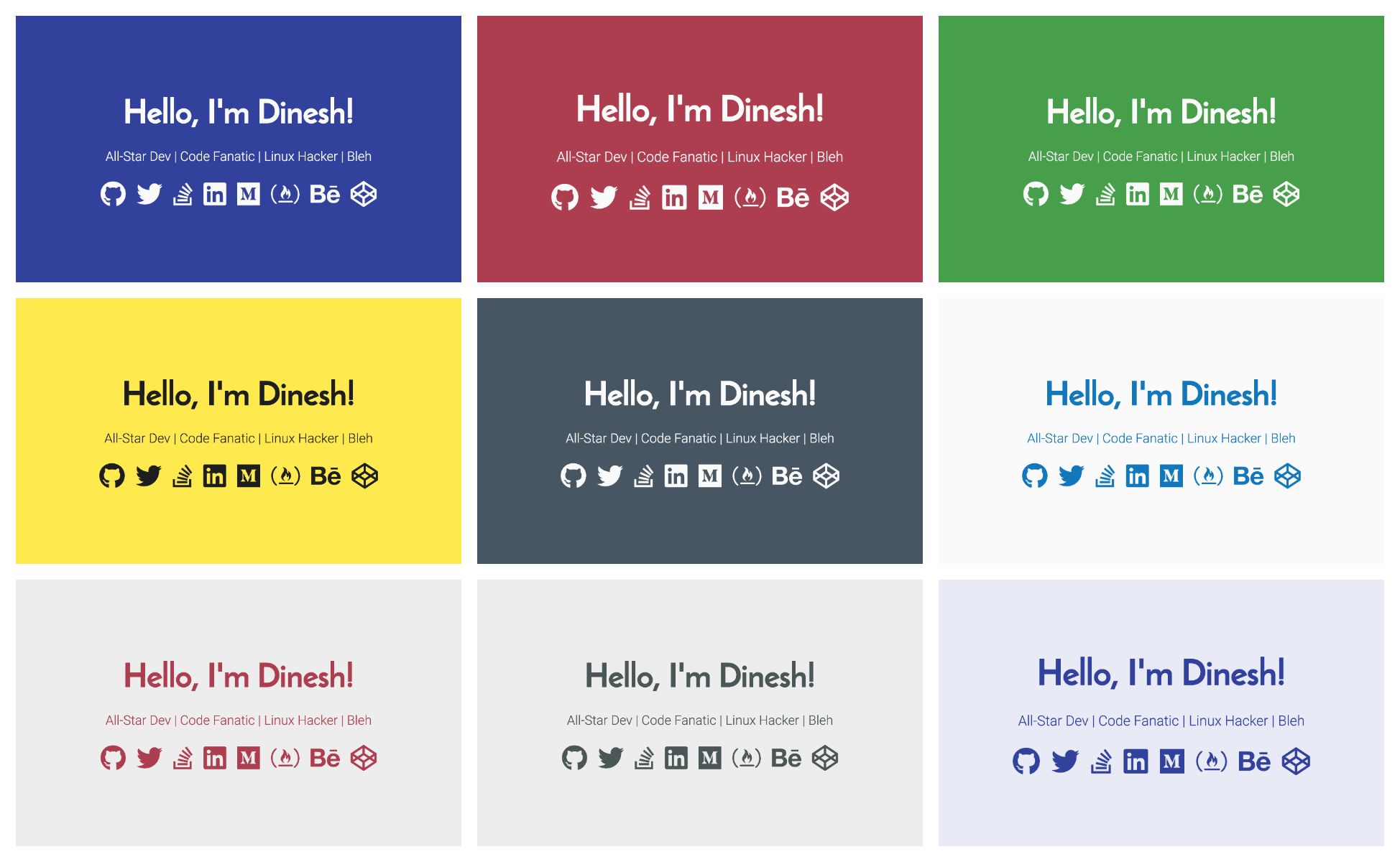
Hylia stands out for its combination of a tiny front-end, a token-driven design system, and a CMS setup that works out of the box. Key features include:
- Design tokens — Control colours, size ratio, and fonts from a single
tokens.jsonfile or through the Forestry CMS "theme settings" sidebar. - Sass system with utility class generator — A config-driven Sass architecture (based on the Stalfos v2 framework) that can generate responsive utility classes like
md:float-leftfrom a config map. - Service worker for offline reading — Pages are cached so visitors can read posts without a connection.
- RSS feed — A built-in feed for post syndication.
- Netlify Forms-ready contact form — A basic form is included and can be wired to Netlify's form handling.
- Tagging and tag archives — Each post can be tagged, and tag archive pages are generated automatically.
- Pre-configured Forestry CMS — Content editors get a visual interface for home page content, posts, generic pages, global site data, navigation, and theme tokens.
- Built-in styleguide — A styleguide page ships by default and can be removed by deleting
src/styleguide.njk.
Who is Hylia for?
Hylia suits developers who want a well-organised Eleventy starting point, content editors who need a visual CMS, and bloggers who want a fast, accessible site without a heavy framework. Developers can extend the Sass utilities and templates; editors can write Markdown, create drafts, and preview final rendering in Forestry; bloggers get an offline-capable, RSS-powered blog.
What can you do with Hylia?
- Bloggers: Publish articles through Forestry CMS, using the pre-configured preview server to see drafts before they go live.
- Developers: Add custom responsive utility classes via the Stalfos config map, or change the design tokens to match a brand.
- Site owners: Turn on offline caching via the service worker and connect the contact form to Netlify Forms.
- Theme designers: Edit the design tokens in
_src/data/tokens.jsonto restyle the whole site without touching CSS.
How does Hylia work?
Hylia is installed by importing the repository into Forestry (one-click install) or cloning it and running npm start for local development. Content is written in Markdown and managed through Forestry; the Eleventy build compiles templates and Sass, and you produce a production version with npm run production. The Sass pipeline first generates a _tokens.scss file from the design tokens config, then compiles the CSS.
FAQ
Is Hylia free to use?
Yes, Hylia is free to use and its source code is available on GitHub. The repository is public, and the project invites contributions through a contribution guide and code of conduct. No pricing information or license restrictions appear on the project page. The roadmap and issues are also public for anyone to review or contribute to.
What tech stack does Hylia use?
Hylia uses Eleventy (11ty) as the static site generator, Sass for styling, Nunjucks for templating, and Forestry CMS for content management. It also includes a service worker for offline functionality and an RSS feed for syndication. The project is built on the Stalfos v2 framework for its Sass architecture and utility class generation.
What is not yet implemented in Hylia?
According to the project roadmap, pagination, webmentions, Netlify Forms-powered comments, and a web sharing API integration are still on the to-do list. The project is described as "super early" and feedback is welcome. The roadmap also includes a facility to add your own logo or branding, plus proper documentation for Sass and the CMS.
Can I customise the theme of my Hylia site?
Yes. You can adjust design tokens (colors, size ratio, and fonts) through the Forestry CMS theme settings or by editing src/_data/tokens.json. The styleguide page shows the default styles and lives in src/styleguide.njk. Removing that file removes the styleguide page from the site.