Template details
Nuxt 3 + DatoCMS + Bulma demo
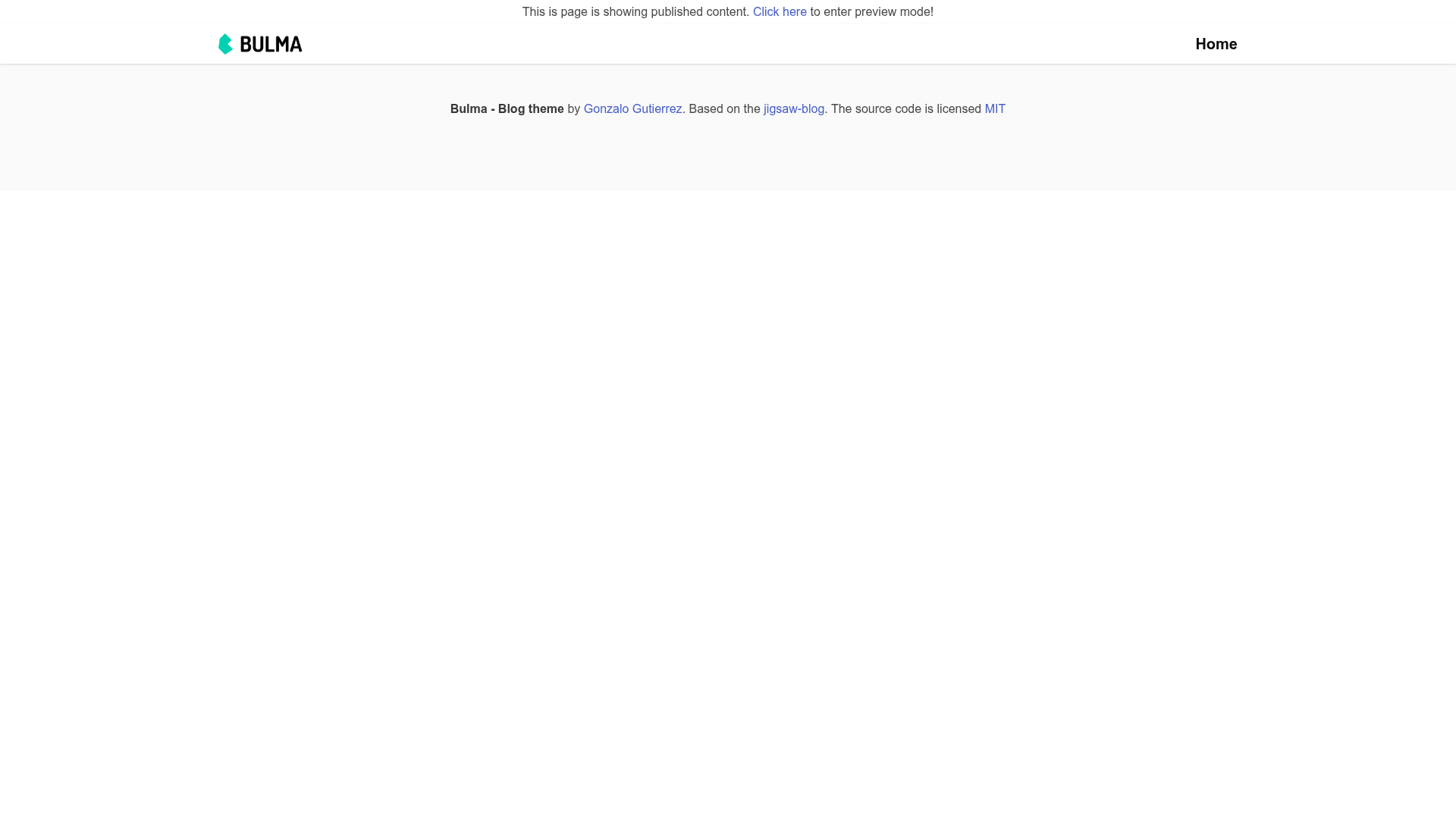
DatoCMS + Nuxt.js + Bulma blog demo
About this template
Nuxt 3 + DatoCMS + Bulma demo is a boilerplate blog project from DatoCMS that demonstrates how to combine the Nuxt 3 framework with the DatoCMS headless CMS and the Bulma CSS framework, including a live preview feature for draft content.
What is Nuxt 3 + DatoCMS + Bulma demo?
This is an official demo repository (datocms/nuxtjs-demo) that shows a blog website built with Nuxt 3, using DatoCMS as the content source and Bulma for styling. It takes DatoCMS records as input and outputs a Nuxt 3 site that can display both published and draft content. The project runs on Nuxt 3, which is based on Nitro, the server framework that supports edge functions for preview mode.
Key Features
Preview mode — Displays DatoCMS draft contents and updates content immediately when saving records, without requiring a page reload. This works only for records that have been published at least once.
One-click deployment on DatoCMS — A deploy button lets you launch the demo directly from the DatoCMS dashboard, tying the repo to a DatoCMS project.
Edge-function based preview — Preview mode relies on edge functions, which are supported by most modern hosting providers via Nitro, Nuxt's server engine.
Four production environment variables — For safe production deployment, the demo explains setting NUXT_ENV_PREVIEW_MODE_PASSWORD, NUXT_ENV_DATOCMS_API_BUNDLE_SAFE_TOKEN, NUXT_ENV_DATOCMS_API_DRAFT_ENABLED_TOKEN, and NUXT_ENV_PREVIEW_MODE_ENCRYPTION_SECRET; only NUXT_ENV_DATOCMS_API_TOKEN is needed for local development.
Nuxt conventional scripts — Standard npm scripts for development (npm run dev), production build (npm run build), preview (npm run preview), and static generation (npm run generate).
Bulma styling — The user interface is built with Bulma, a Flexbox-based CSS framework, keeping the demo lightweight and responsive.
Who is it for?
Nuxt developers who want a complete, working example of integrating DatoCMS with Nuxt 3 and understanding how to handle previews.
Content editors who need a blog demo where they can see draft DatoCMS content before it goes live, with instant updates after saving.
Agencies and freelancers building headless CMS websites for clients can use this as a starting point, especially the preview and secret-management guidance.
What can you do with this template?
Launch a blog demo quickly — Clone the repository, add a DatoCMS read-only API token to .env, run npm install and npm run dev, and you have a local blog at localhost:3000.
Learn preview implementation — Study how the demo signs a preview cookie with an encryption secret and uses draft-enabled tokens to show unpublished records.
Deploy with proper security — Follow the safety check section to configure separate tokens for safe and draft content, so draft data is not leaked in production.
How does it work?
The demo fetches content from DatoCMS through the Content Delivery API using tokens. In preview mode, it uses a draft-enabled token and edge functions to deliver live content, while a password-protected preview mode controls access. The README explains the environment variable setup and the difference between local development and production configuration.