Template details
Next-Bootstrap-ts
React project scaffold based on TypeScript, Next.js & Bootstrap
About this template
Next-Bootstrap-ts is a React project scaffold from idea2app that combines TypeScript, Next.js, Bootstrap, and Workbox into a production-ready template for building web applications with a preconfigured toolchain.
What is Next-Bootstrap-ts?
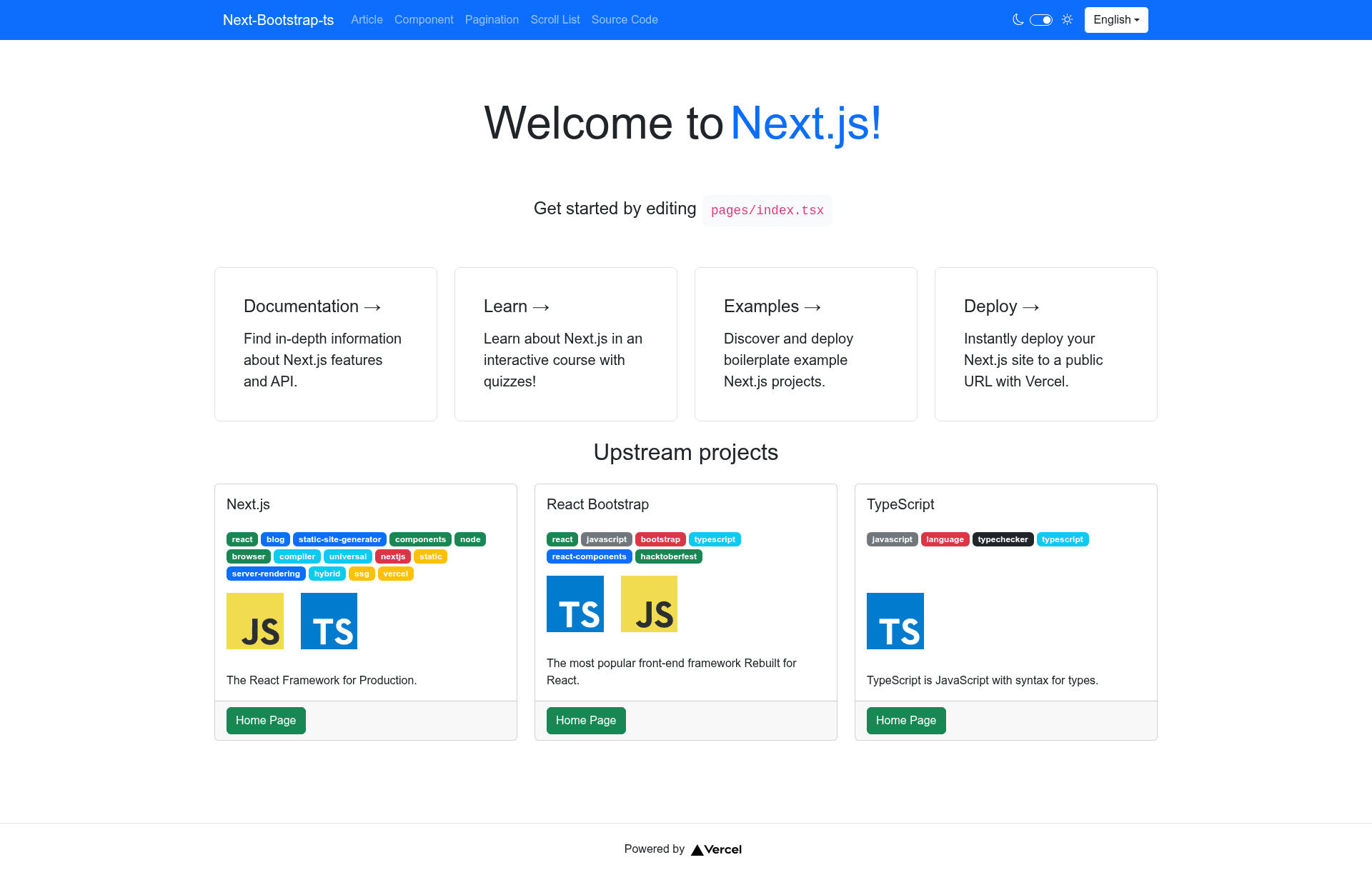
Next-Bootstrap-ts is an open-source GitHub repository template that scaffolds a Next.js application bootstrapped with create-next-app. It takes a new GitHub repository and provides a runnable web app with example pages, API routes, PWA support via Workbox, state management with MobX, and Sentry error monitoring. The template is designed to be deployed on Vercel through built-in GitHub Actions workflows, and it also supports Docker packaging with pnpm pack-image and pnpm container.
According to the README, the project uses TypeScript v6, Next.js v16, Bootstrap v5, Workbox v6, MobX v6, and Koa v3. The development server starts with pnpm dev and serves on http://localhost:3000. Code lives in pages/index.tsx for the homepage, pages/api/ for API routes, and example routes under pages/article, pages/component.tsx, pages/pagination.tsx, and pages/scroll-list.tsx.
Key Features
- TypeScript plus MDX v3 — The source language is TypeScript, and markdown content is supported via MDX v3 for writing articles as JSX.
- Next.js v16 component engine — Uses Next.js as the React framework, providing file-system routing and server-side rendering out of the box.
- Bootstrap v5 UI suite — Includes Bootstrap v5 for responsive styling and prebuilt UI components, applied throughout the sample pages.
- Workbox v6 PWA framework — Adds a service worker layer so the app can support installability and offline capabilities.
- MobX v6 state management — Integrates MobX observables for managing shared state in React components.
- Koa v3 API router — The
pages/apidirectory is backed by Koa v3, so you can build custom REST endpoints alongside page routes. - CI/CD with GitHub Actions and Vercel — The repository includes a main workflow that runs continuous integration; connecting Vercel variables as repository secrets gives every commit a preview URL.
- Sentry monitoring — Environment variables
SENTRY_AUTH_TOKEN,SENTRY_ORG,SENTRY_PROJECT, andNEXT_PUBLIC_SENTRY_DSNconfigure error tracking. - Example page implementations — Major examples cover markdown articles, editor components, a pagination table, a scroll list, and a custom Not Found page.
Who is it for?
- React developers who want a preconfigured Next.js and TypeScript starter instead of manually setting up Webpack, Babel, and ESLint.
- Product teams shipping web apps that need Bootstrap UI, PWA installation, and Sentry error reporting in one base.
- Developers learning SSR and SSG who can study the example pages for markdown rendering, client-side pagination, and infinite scroll.
- Open-source maintainers who want GitHub App integrations for issue labels, PR badges, and project kanbans built into their workflow.
What can you do with Next-Bootstrap-ts?
- Content publishers: Post markdown articles through the article page template, rendered with MDX.
- Admin dashboard builders: Use the pagination table and scroll-list examples to display tabular and streaming data.
- Form and editor builders: Extend the editor components in
pages/component.tsxto create custom input experiences. - Branding the 404 page: Customize the Not Found page to match your organization's design and links.
How does Next-Bootstrap-ts work?
First, install pnpm globally with npm i pnpm -g. Then run pnpm dev to launch the development server. Edit pages/index.tsx and the browser auto-updates; API routes are available at http://localhost:3000/api/hello and can be modified in pages/api/hello.ts. The pages/api directory is mapped to /api/* for all server endpoints.
FAQ
How do I create a repository from this template?
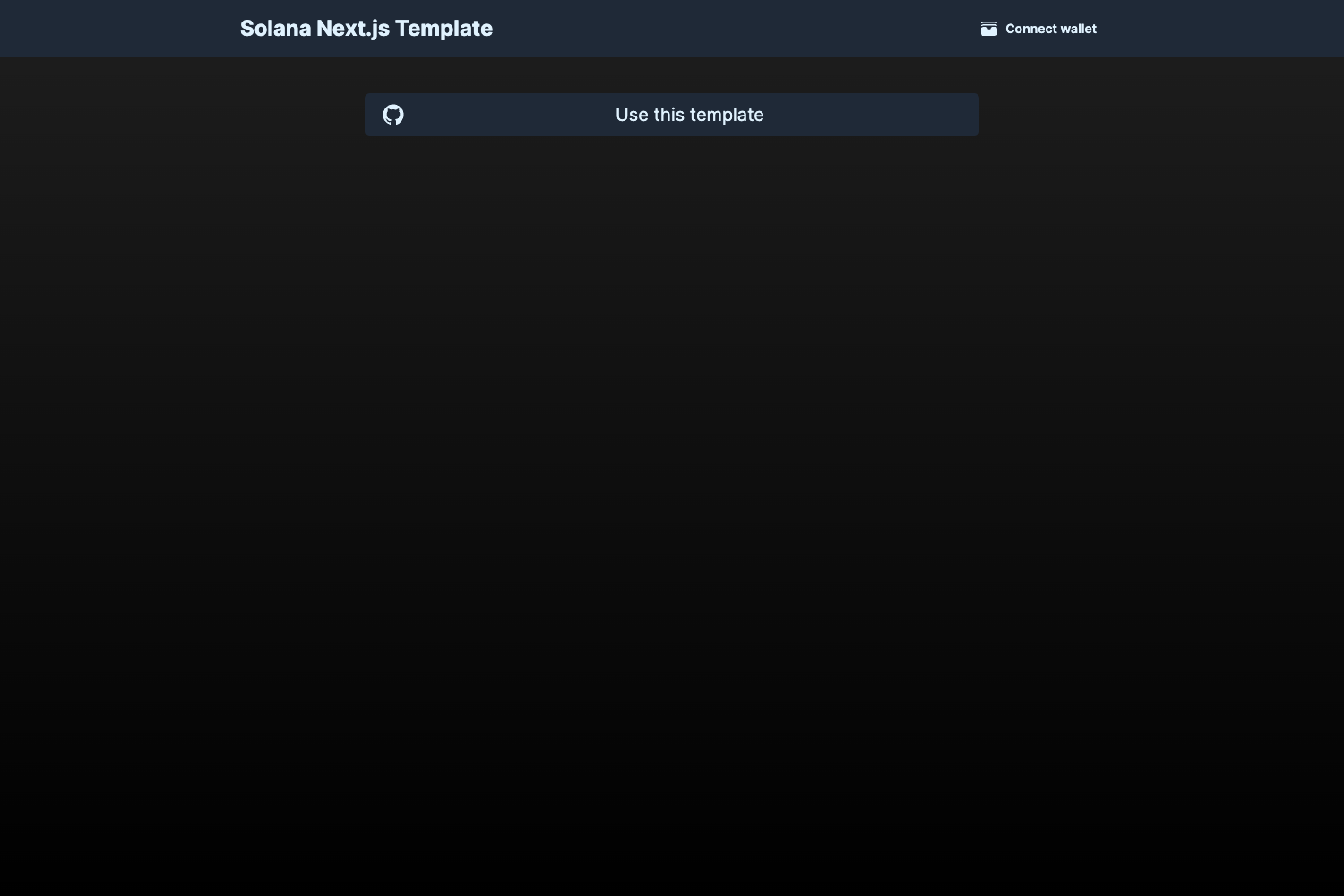
Click the "Use this template" button on the GitHub page, which creates a new repository in your account or organization. The README recommends installing GitHub apps like Probot settings and PR badge in that namespace first.
Does Next-Bootstrap-ts include PWA support?
Yes. The tech stack lists Workbox v6 as the PWA framework, and the scaffold is set up to add service worker functionality. You configure and expand it for offline and install behaviors.
What environment variables are required for Sentry?
The template uses SENTRY_AUTH_TOKEN (in .env.local) and SENTRY_ORG, SENTRY_PROJECT, NEXT_PUBLIC_SENTRY_DSN (in .env) for uploading source maps and initializing the SDK. These are linked to Sentry's official Next.js setup docs.
Can I deploy with Docker?
Yes. The repository includes a Docker workflow: run pnpm pack-image to build an image and pnpm container to start a container. You can also deploy on the Vercel platform directly from the template.