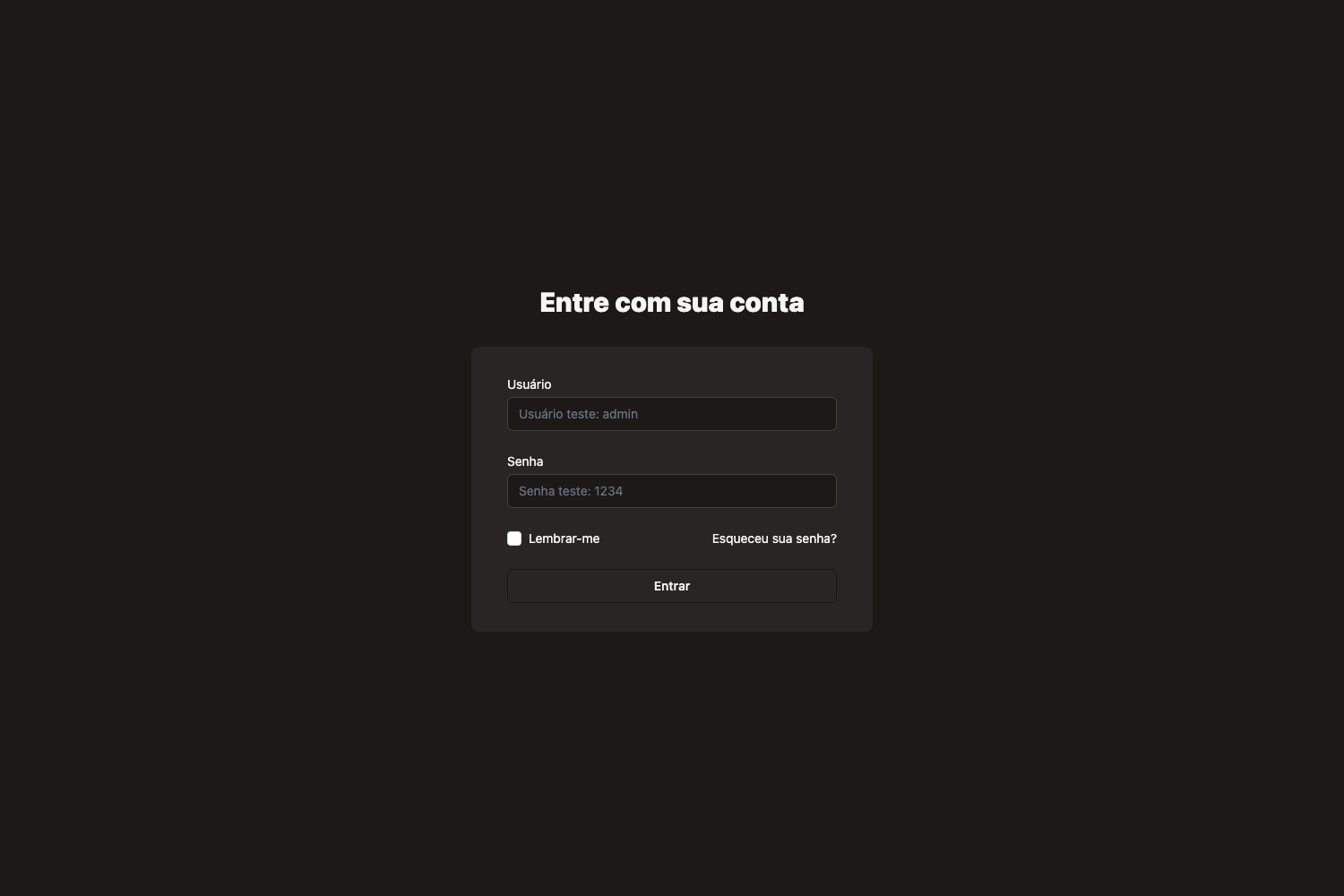
Template details
Nuxt Element Admin
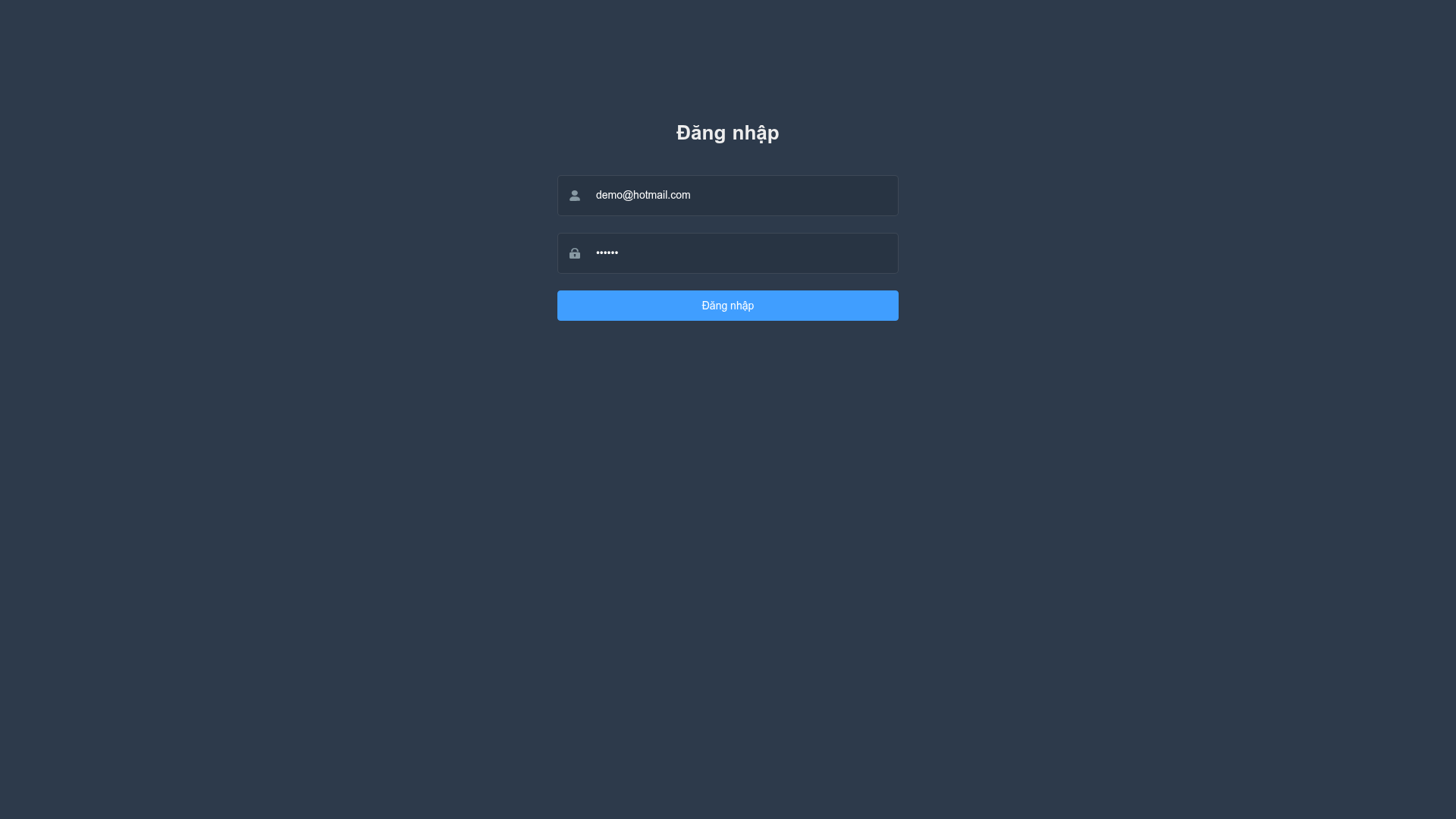
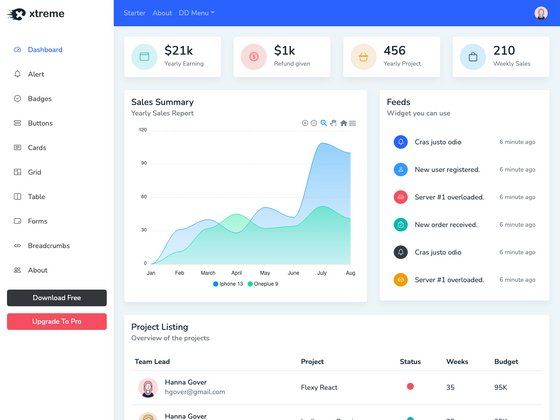
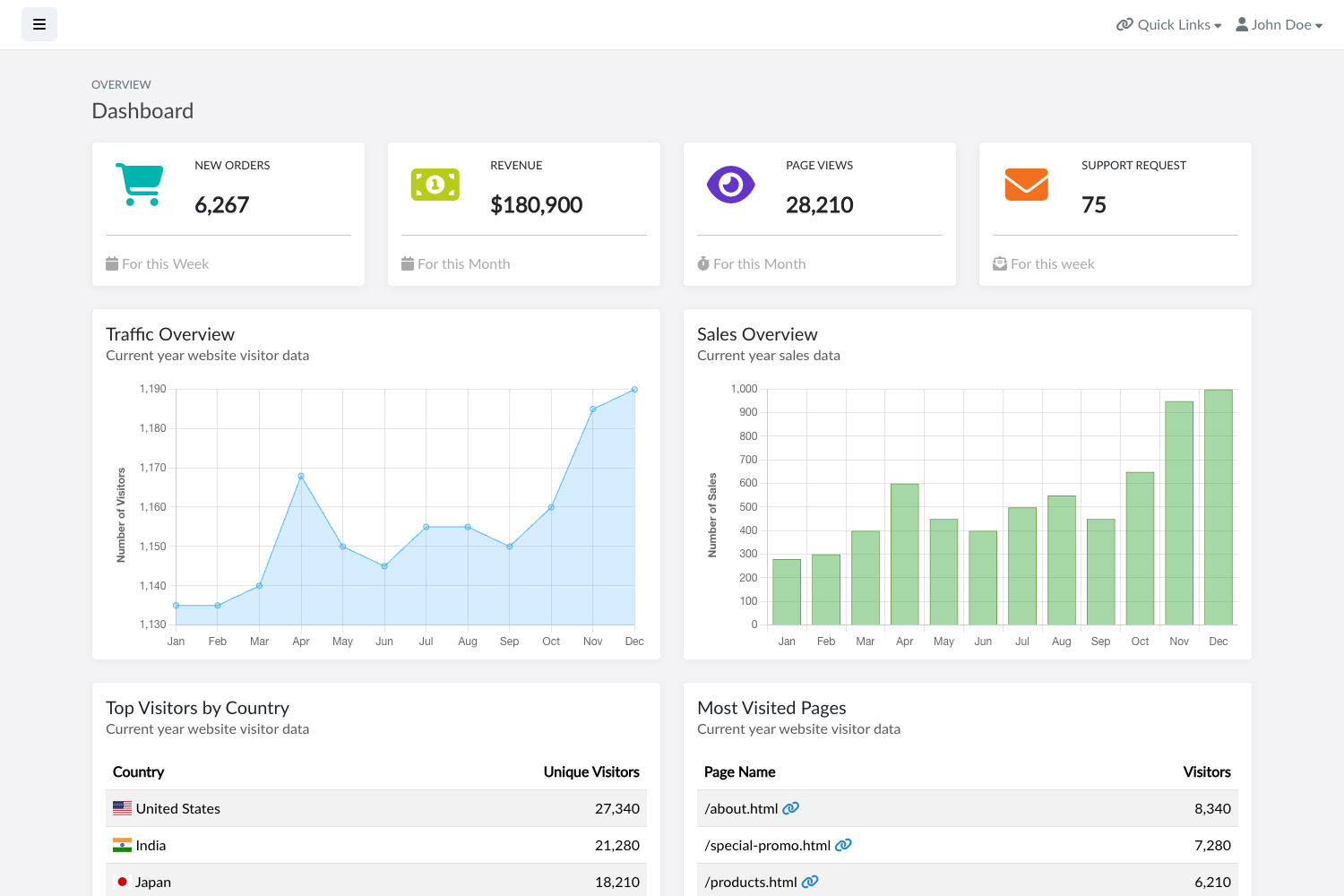
Admin page with element-ui + nuxtjs, supporting SSR and responsive mobile.
About this template
nuxt-element-admin is an open-source admin dashboard starter built on Nuxt.js and Element UI, providing a ready-to-run foundation for building responsive admin panels with server-side rendering support. The project is maintained by GitHub user nguyenduclong-ict, has 13 stars in its repository, and includes a live demo hosted on GitHub Pages.
What is nuxt-element-admin?
nuxt-element-admin is a Nuxt.js-based admin template that pairs the Vue framework with the Element UI component library. As a starter kit, it accepts environment configuration through a .env file (copied from .env.example), and it produces a running admin dashboard with a mock API server, responsive mobile layout, SSR support, and production build outputs. The project uses Yarn as its package manager and includes scripts for development, mocking, building, starting, and static site generation.
Key Features
- Nuxt.js with SSR — The project runs on Nuxt.js, enabling server-side rendering out of the box; the README explicitly lists
ssras a supported feature. - Element UI integration — Uses Element UI as the component library, providing tables, forms, menus, and other admin interface elements ready to use.
- Responsive mobile layout — The admin interface is designed to adapt to mobile screens, as stated in the project's description.
- Mock server — Ships with a separate mock server that runs on localhost:3001 via
yarn mock, useful for front-end development without a backend. - Hot reload development —
yarn devstarts the development server with hot reload at localhost:3000. - Production build and start —
yarn buildcreates a production bundle, andyarn startserves it. - Static generation —
yarn generateoutputs a static site, making deployment to GitHub Pages or any static host possible. - Update core script —
yarn update:corerefreshes thelib/andstore/directories from an upstream template, helping keep the project's core files in sync.
Who is it for?
nuxt-element-admin is aimed at developers who need a pre-configured admin dashboard rather than building one from scratch. Vue and Nuxt.js developers can use it as a starting point for client projects, while frontend teams can leverage its SSR and responsive design for building back-office interfaces that work on desktops, tablets, and phones. It also suits rapid prototyping, since the included mock server lets developers see a working dashboard immediately without setting up an API.
What can you do with it?
- Build an admin dashboard for a SaaS product — use the Element UI components and Nuxt layout to manage users, orders, or analytics views.
- Create a responsive back-office interface — the template's mobile support makes it possible to manage content from a phone or tablet browser.
- Prototype an internal tool quickly — run
yarn mockandyarn devto get a functional dashboard with mock data in minutes. - Deploy a static demo —
yarn generateproduces a static version that can be hosted on GitHub Pages, as shown by the project's own demo.
How does nuxt-element-admin work?
The README provides a linear workflow: clone the repository, remove the existing .git directory and re-initialize Git to start a fresh project history, then optionally run yarn update:core to pull the latest core files. After that, copy .env.example to .env, install dependencies with yarn, and use the provided scripts — yarn dev for hot-reload development, yarn mock for the mock server, yarn dev:all to run both, and yarn build/yarn start for production. For static output, yarn generate creates a deployable site.