Template details
Next-Admin
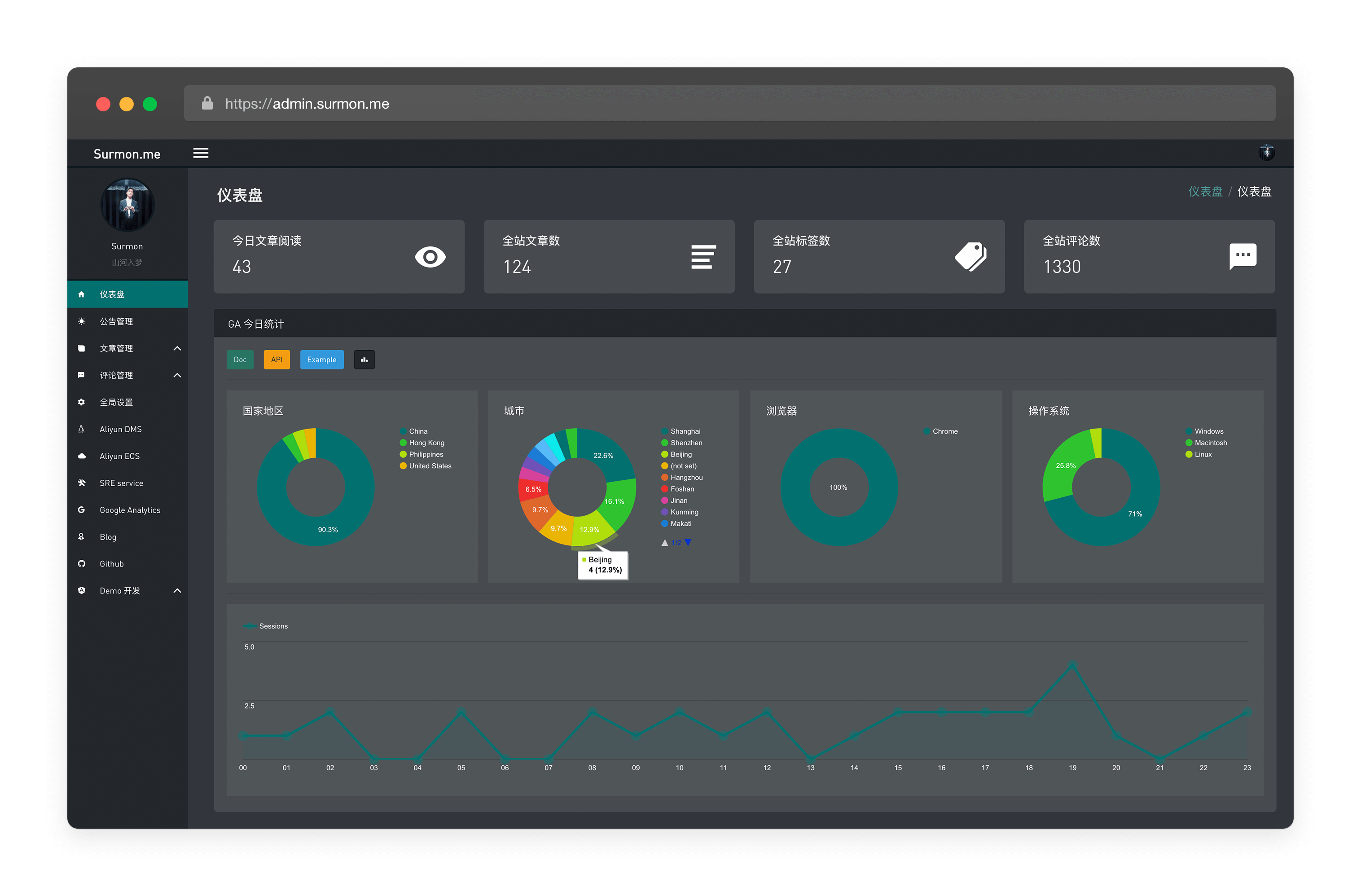
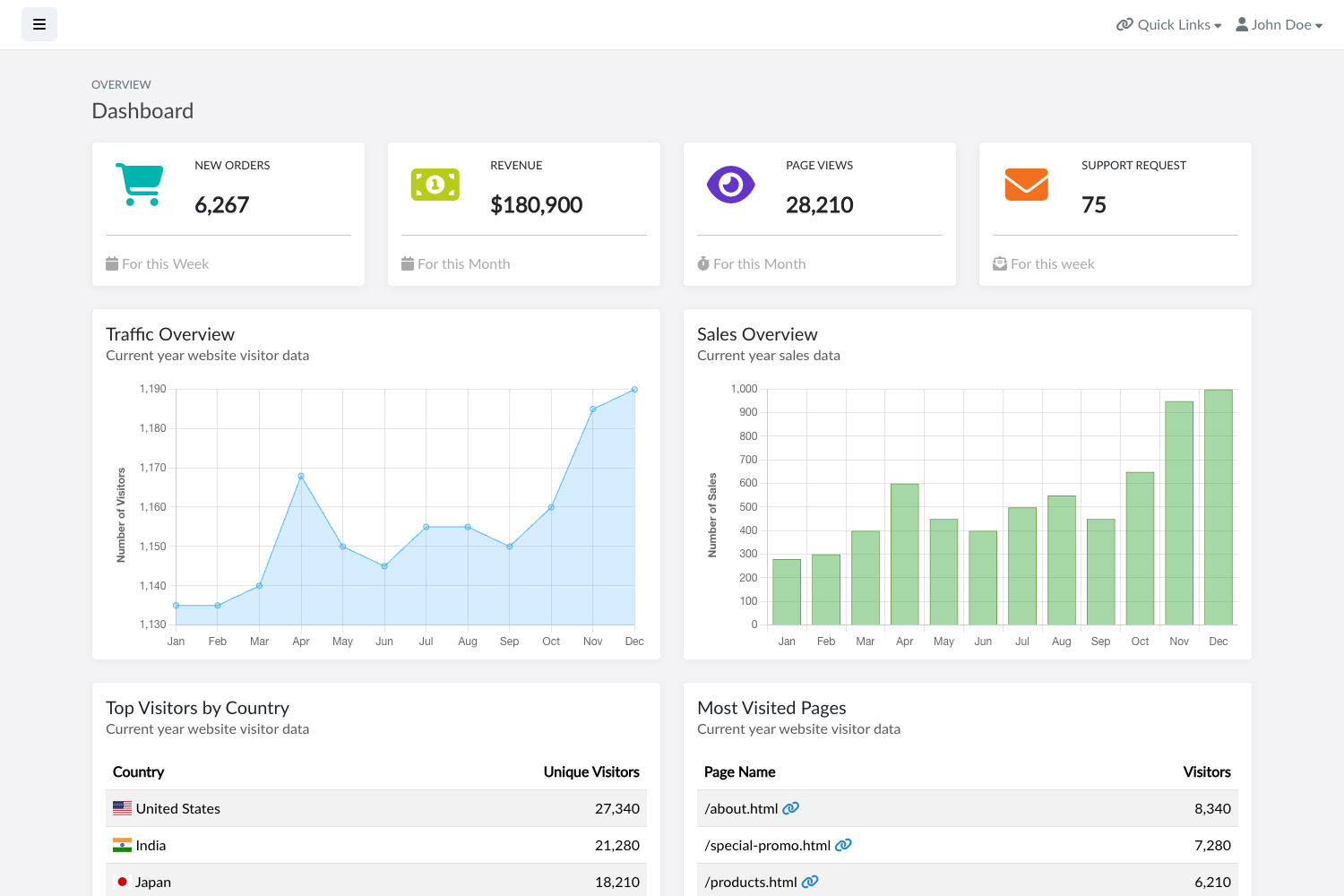
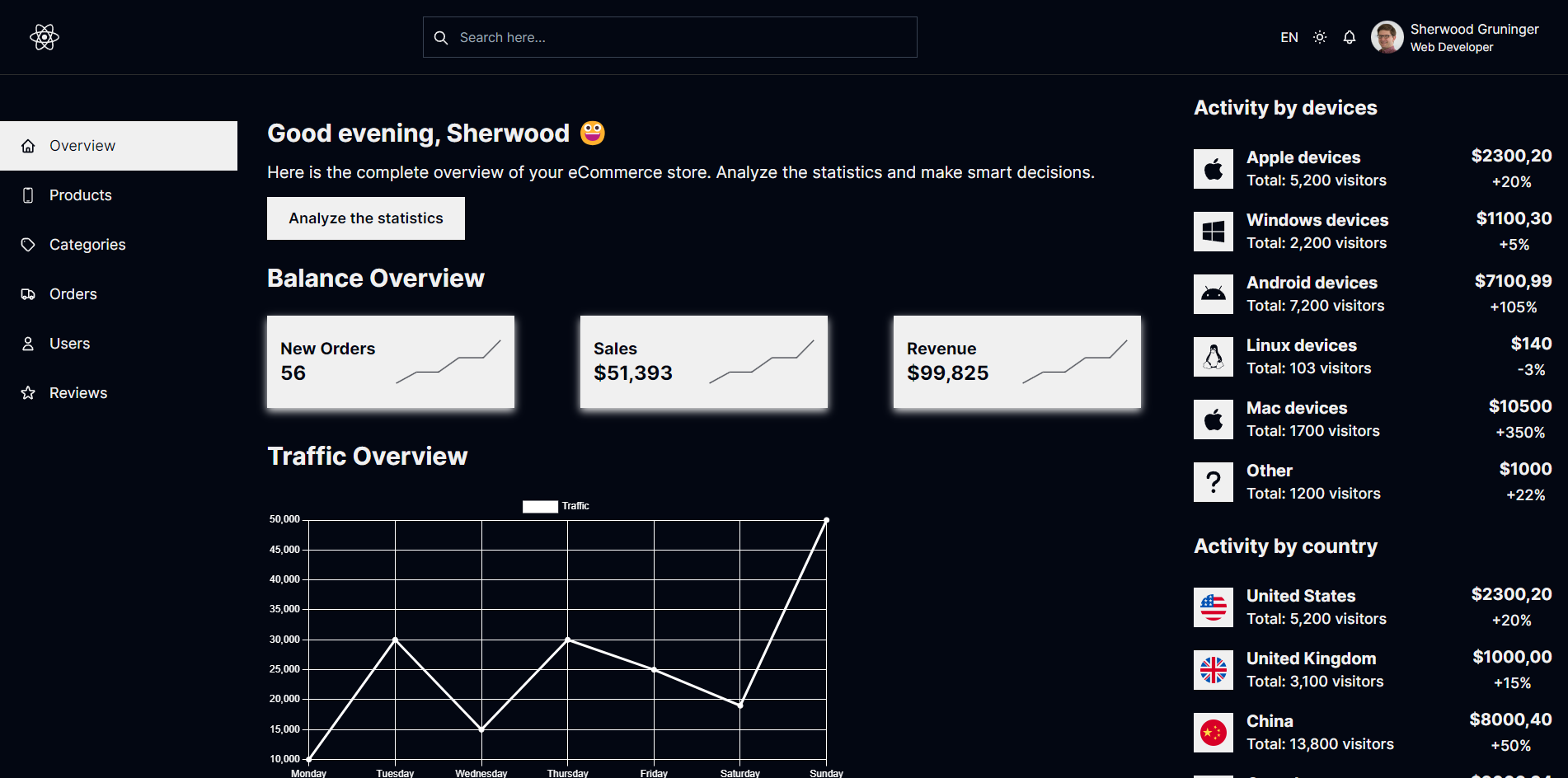
Admin dashboard page written in NextJS and TailwindCss, featuring dark mode and runtime theme colors.
About this template
Next-Admin is a React and Next.js admin dashboard template that gives developers a Tailwind CSS-styled starting point for building back-office interfaces, with dark mode and runtime theme-color switching included.
What is Next-Admin?
Next-Admin is a dashboard page template written in React and Next.js, styled with Tailwind CSS. It is a front-end project: you clone it, install dependencies, and run the development server to see a ready-made admin layout in the browser. The template is published as a GitHub repository, with repository topics listing dashboard, nextjs, react, and tailwind-css. Its core function is to give developers a pre-built base for administration panels rather than starting from a blank page.
What makes Next-Admin stand out?
The template combines a modern React/Next.js stack with Tailwind's utility-first CSS and a few runtime theming capabilities.
- React and Next.js foundation — Built with React and Next.js, the project supports server-side rendering, file-based routing, and the broader React ecosystem.
- Tailwind CSS components — UI elements are styled using Tailwind CSS classes, allowing design changes through configuration files instead of handwritten CSS.
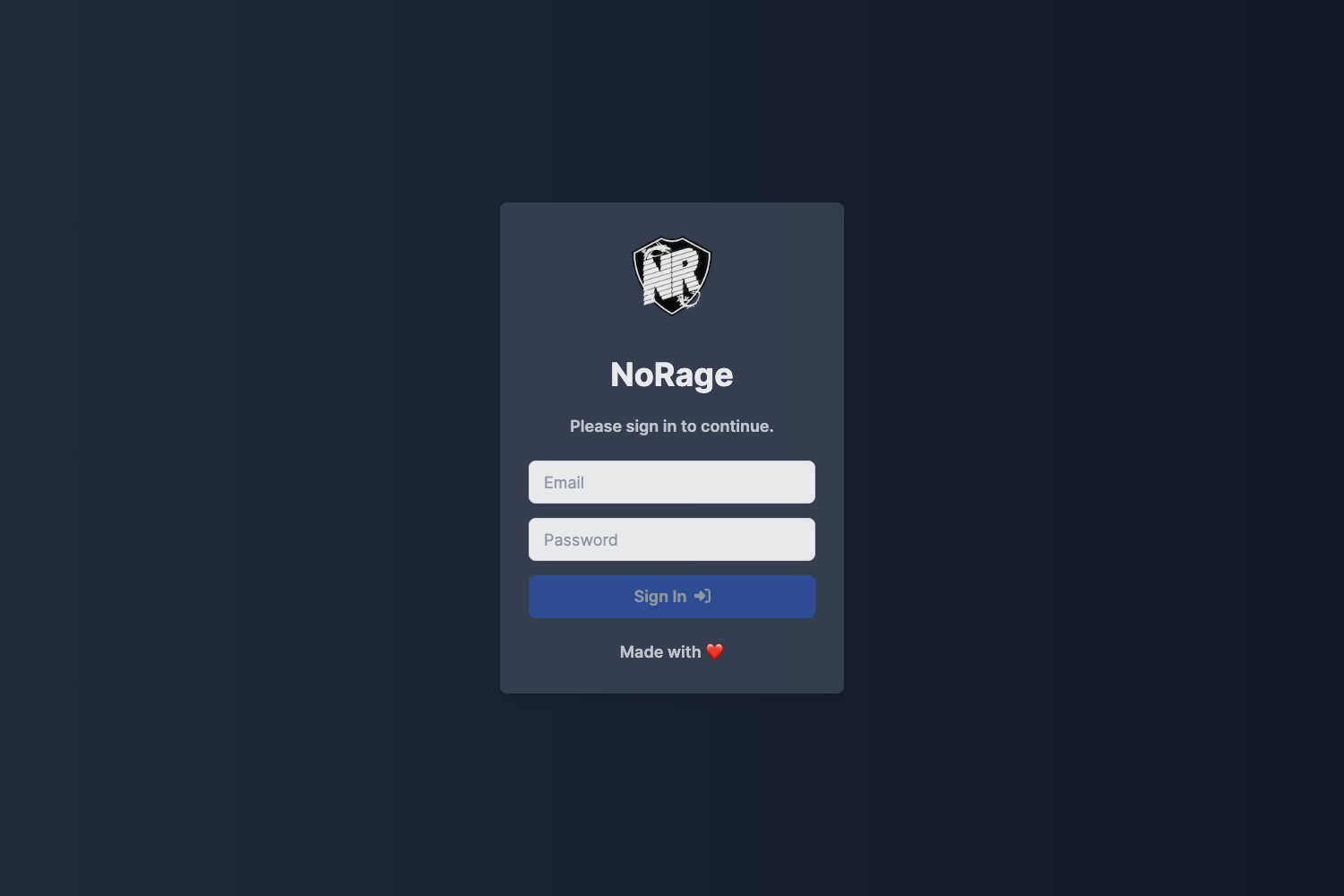
- Dark mode — A dark theme is included as a first-class feature, giving administrators a low-light viewing option.
- Runtime theme colors — Theme colors can be changed at runtime without a rebuild, so accent palettes can be swapped while the dashboard is running.
Who should use Next-Admin?
- Next.js developers who want a pre-built dashboard shell to save setup time on internal tools or client projects.
- Startup teams that need a functional admin UI quickly and plan to customize it with their own components and data layer.
- Freelance web developers building custom back-office panels and wanting a Tailwind-based foundation that they can restyle for different clients.
What can you do with Next-Admin?
- Stand up a dashboard fast: run
npm run devand open http://localhost:8080 to view the template immediately. - Experiment with themes: use the runtime theme color change and dark mode toggle to preview different brand looks without a rebuild.
- Use as a learning reference: study how a Tailwind CSS utility layout is organized inside a Next.js app for building your own admin screens.
How does Next-Admin work?
The project follows the standard Next.js development workflow. After cloning the repository, install dependencies with npm install or yarn, then start the development server via npm run dev or yarn dev. The dashboard is served at http://localhost:8080. There is no additional configuration described on the page beyond these commands.
FAQ
Is Next-Admin free?
The project is available as a public GitHub repository, which suggests it is free to use, but the visible content does not state a license. Check the repository before using it commercially or in a product you distribute.
What tools do I need to run Next-Admin?
Because it is a Next.js app, you need Node.js and either npm or yarn on your machine. The page lists npm run dev and yarn dev as the two ways to launch the development server.
Does Next-Admin include dark mode?
Yes, dark mode is listed as a feature of the template. It also includes runtime theme color changes, so you can alter the accent colors in the browser without restarting the development server.
Where does the dashboard appear when I run it?
The template starts at http://localhost:8080 on your local machine. Open that URL in your browser after running the dev command to view the dashboard.