Template details
Angular Admin
Admin panel for surmon.me built with Angular and Bootstrap 4; deprecated, use surmon.me.admin.
About this template
Angular Admin is a deprecated open-source admin panel for the surmon.me blog, built with Angular and Bootstrap 4, originally forked from ng2-admin. It serves as the management interface for the NodePress CMS ecosystem and has been replaced by the newer surmon.me.admin project.
What is Angular Admin?
Angular Admin is a web dashboard project that provides a backend management interface for the surmon.me blog, a platform built on NodePress as its RESTful API service. The project is written in Angular (repository tags reference Angular 4 and Angular 9) with Bootstrap 4 for UI components, and it was originally derived from the ng2-admin starter template. The author is surmon-china, and the repository explicitly warns that this version is deprecated; users should adopt the successor project surmon.me.admin.
Key Features
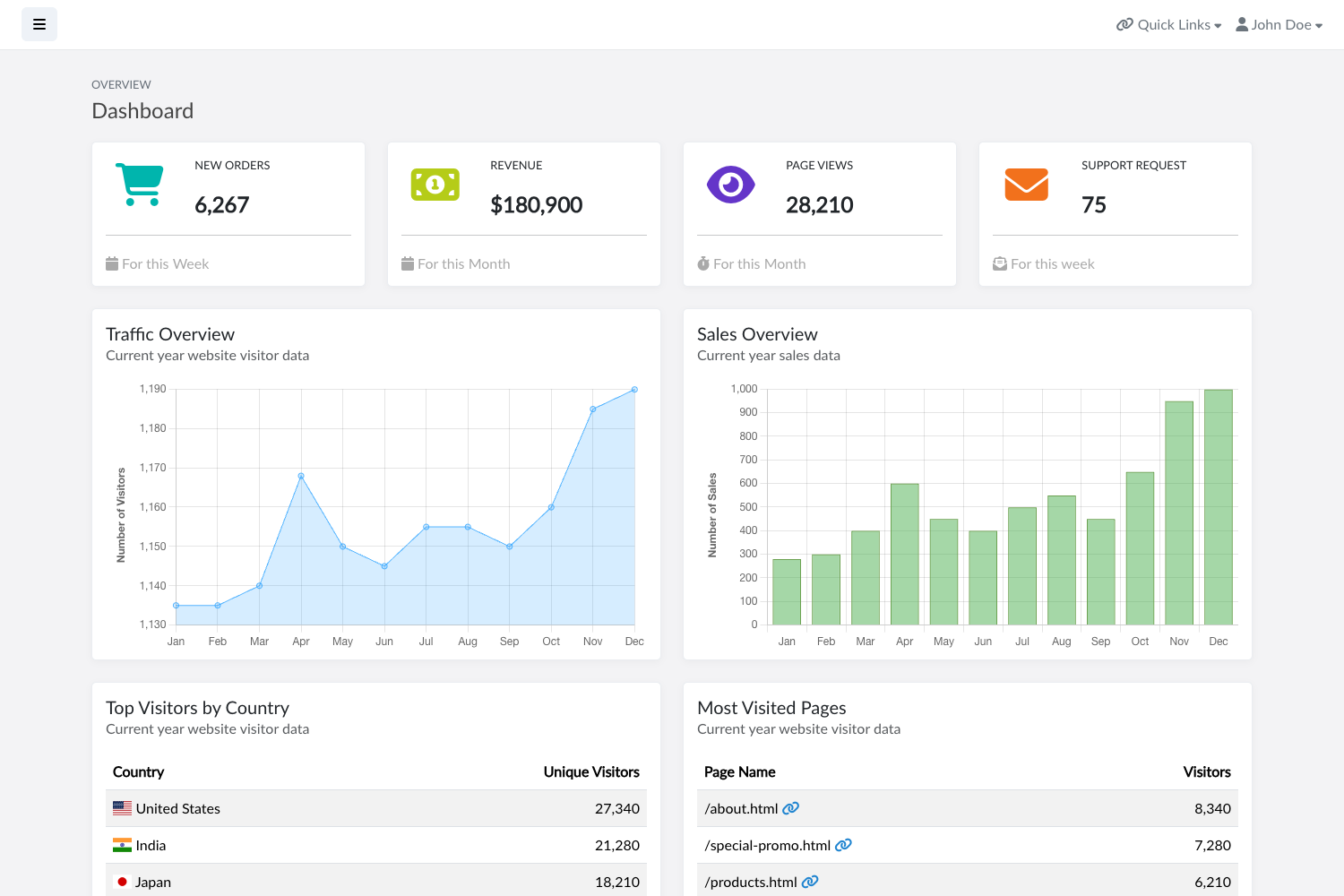
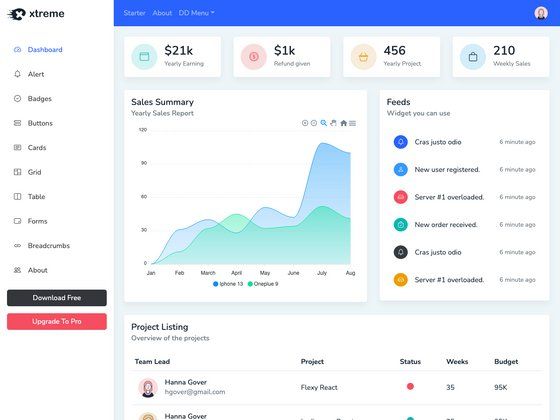
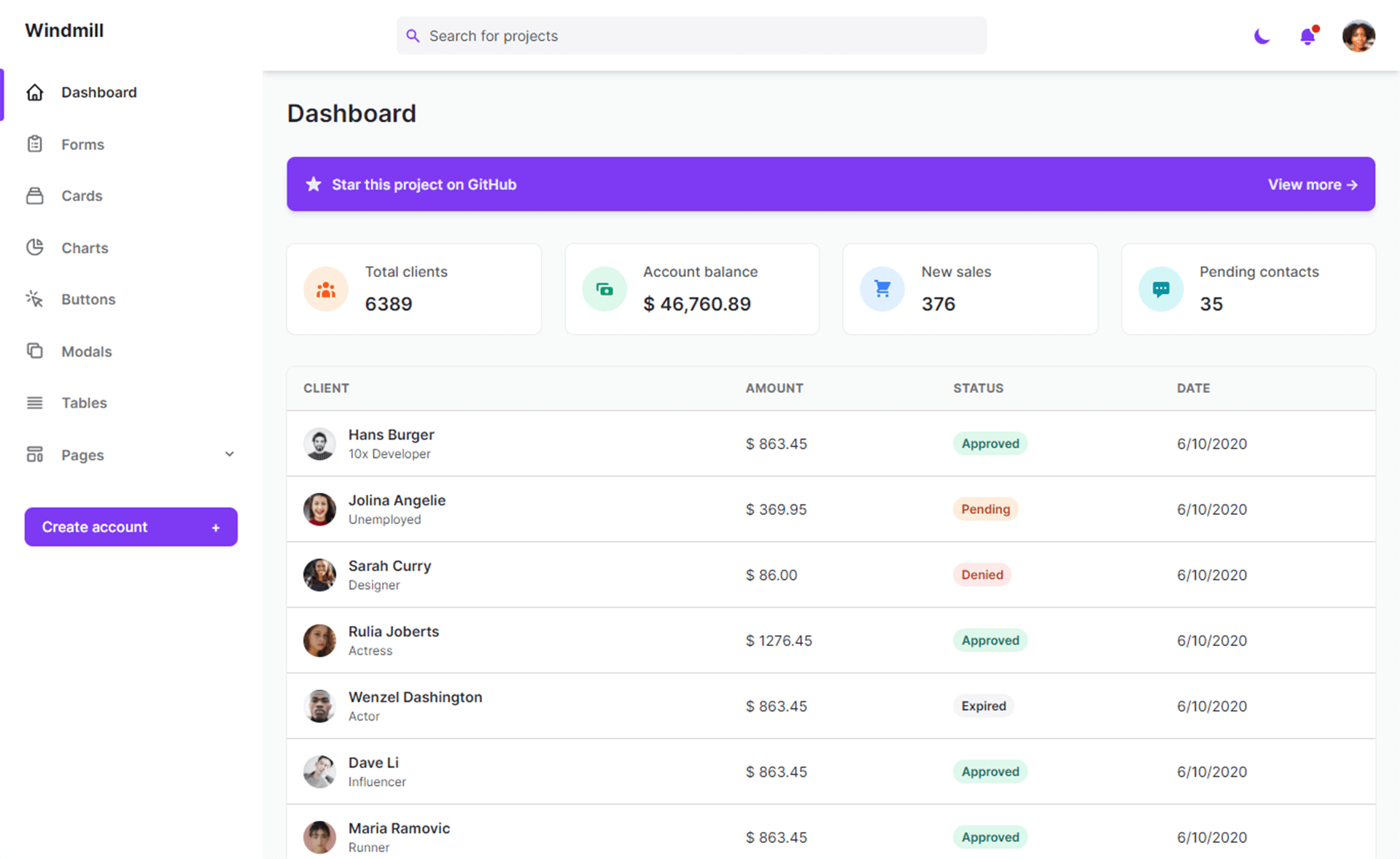
- Angular + Bootstrap 4 stack — The UI is built with Angular components styled by Bootstrap 4, offering a responsive dashboard layout for desktop and mobile administration.
- NodePress integration — This admin panel is designed to work with NodePress, the RESTful API service that acts as the CMS core for the surmon.me blog ecosystem.
- JWT authentication components — The repository tags include angular2-jwt, indicating that JSON Web Token authentication is part of the implementation.
- Developer workflow — Yarn scripts provide hot-reload development at localhost:4200, plus lint, unit test, end-to-end test, and production build commands.
- GitHub Actions CI/CD — The repository includes an actions setup where any opened pull request triggers a build test, and a merged pull request to master triggers a server deployment.
- Related ecosystem projects — It is linked to surmon.me (an SSR blog site), surmon.me.native (a blog native app), and NodePress, forming a complete blog platform.
Who is it for?
- Blog owners using NodePress — They can manage site content through this ready-built Angular admin interface, which connects to their NodePress backend.
- Angular developers — They can study or reuse a real-world admin dashboard implementation with Bootstrap 4 theming, JWT auth, and an organized project structure.
- Maintainers of the surmon.me ecosystem — They can understand the legacy admin codebase or migrate to the newer surmon.me.admin project.
What can you do with Angular Admin?
- Manage blog content: Use the dashboard to create and edit articles, moderate comments, and configure site settings through the NodePress API.
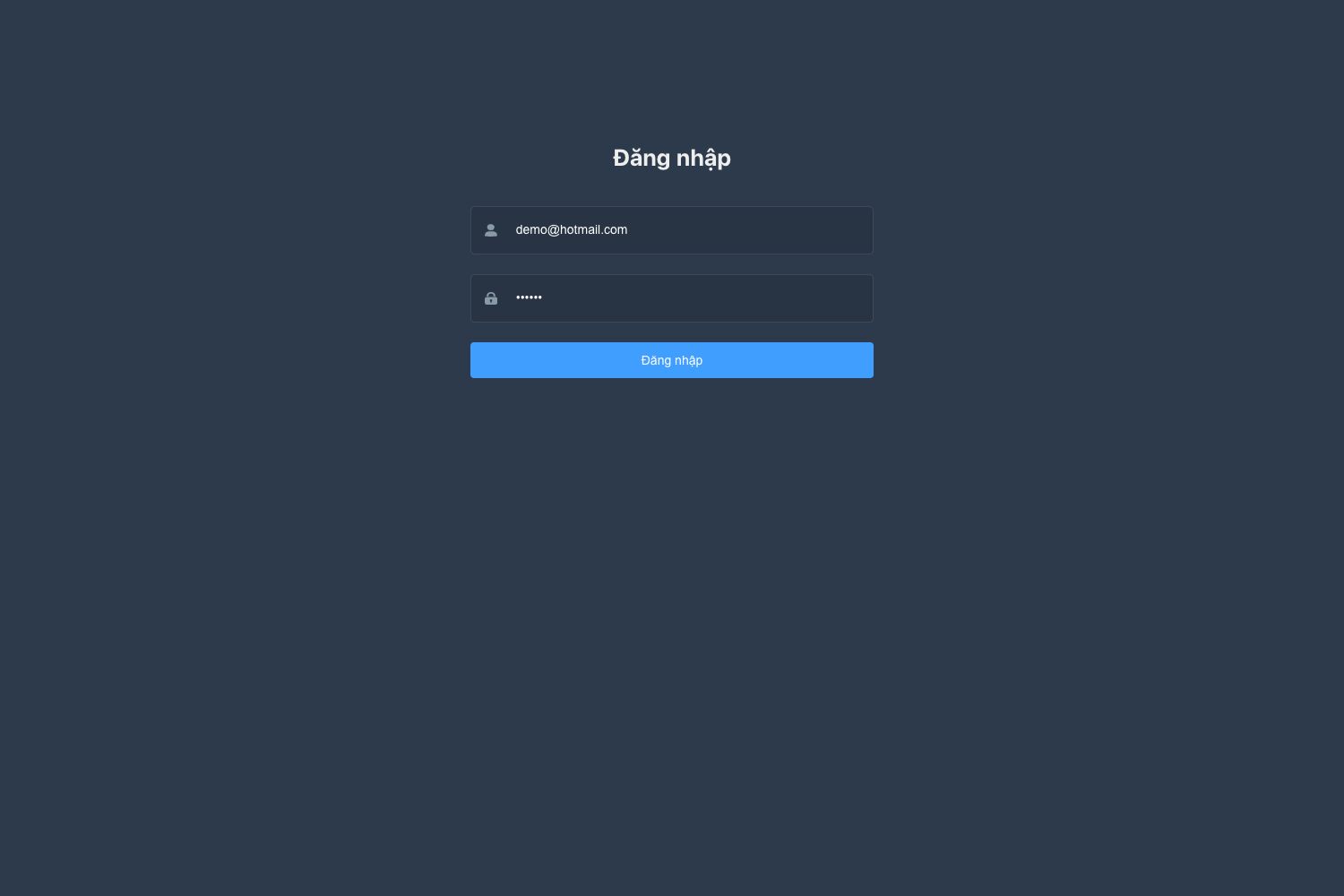
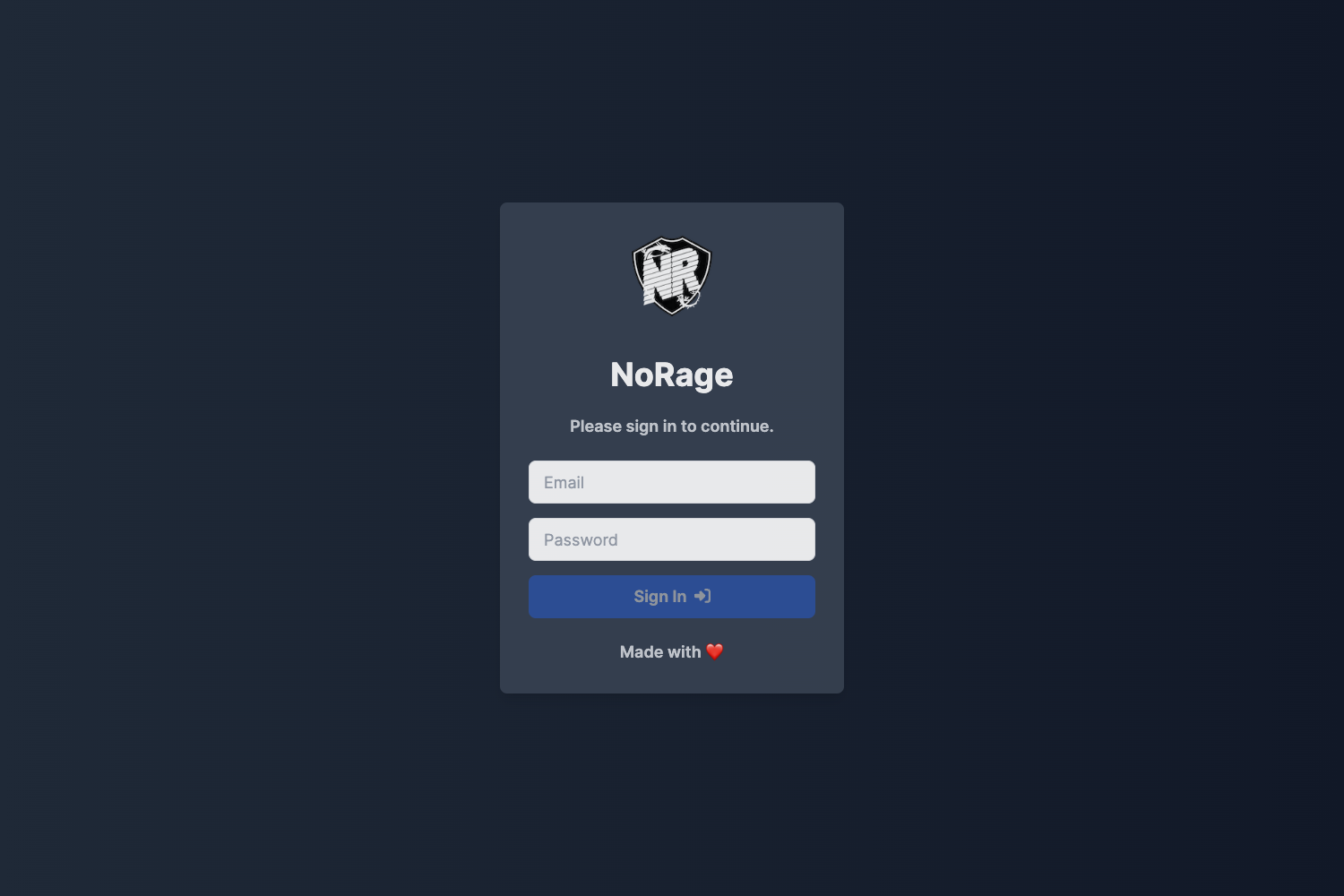
- Authenticate as an administrator: Leverage the angular2-jwt-based authentication flow to protect admin routes and API calls.
- Automate deployment: Set up the included GitHub Actions workflows so that any PR triggers a build test and merges to master automatically deploy to a server.
How does Angular Admin work?
Angular Admin runs as a standard Angular application. After cloning the repository, run yarn to install dependencies, then yarn dev to start a development server with hot reload at localhost:4200. For production, yarn build creates the compiled output, and the repository provides local build and remote deploy scripts (local:build:tar and local:deploy) for CD workflows.
Pros and cons
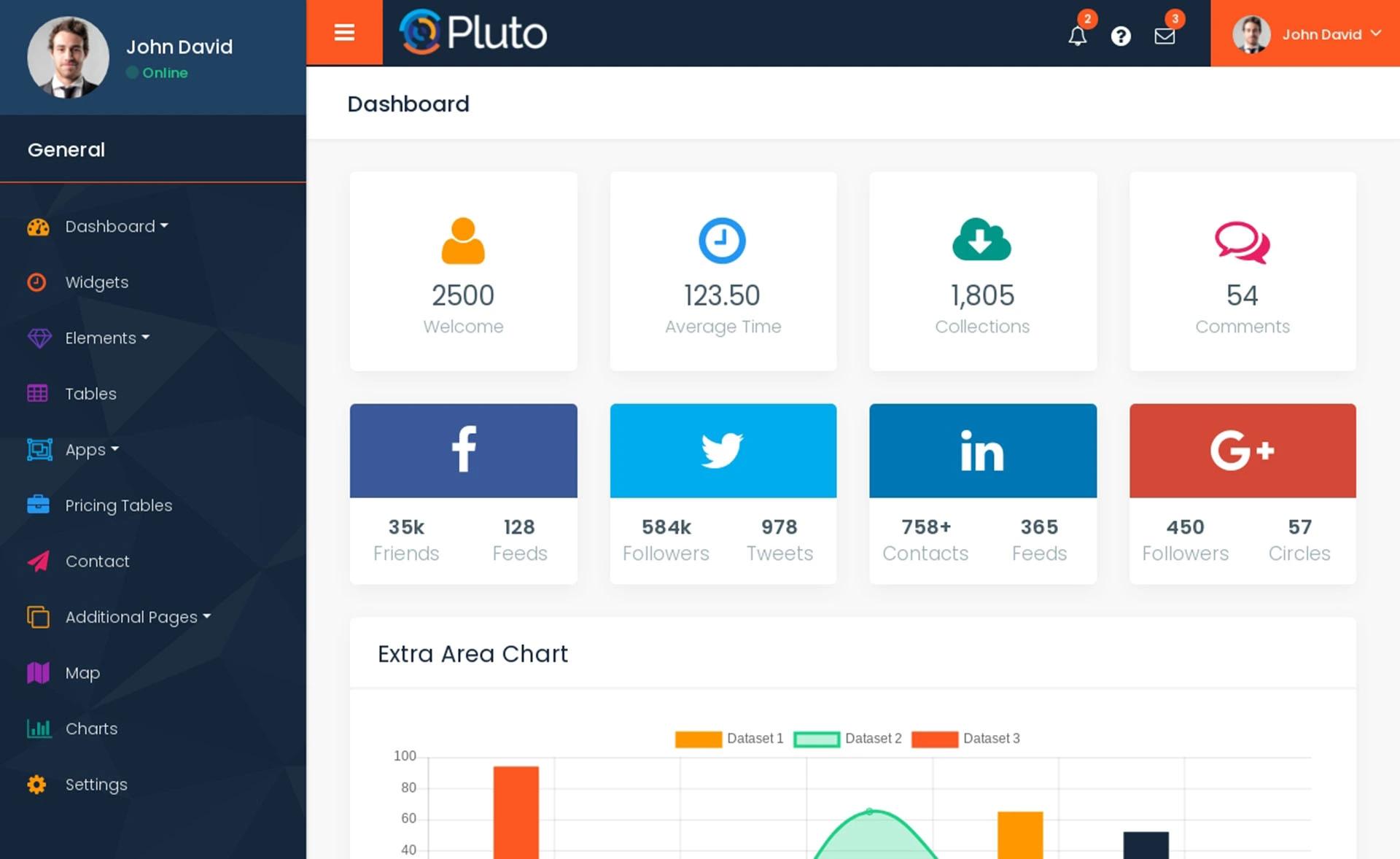
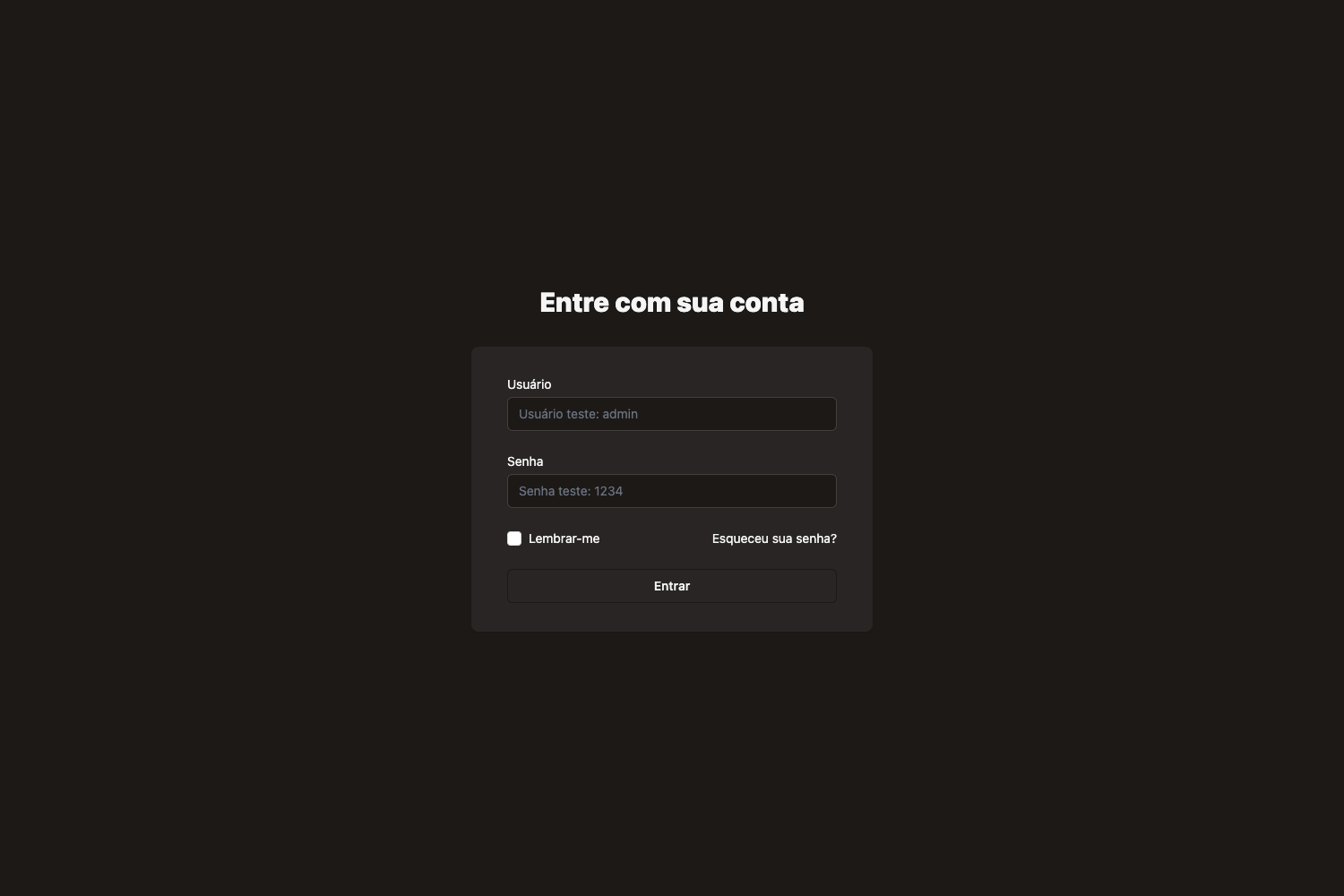
- Pros: Free and open source; built with widely known technologies (Angular, Bootstrap 4); designed to integrate with a real CMS backend (NodePress); includes a dark dashboard theme and CI configuration.
- Cons: The project is officially deprecated and no longer receives updates, and the README directs users to the newer surmon.me.admin instead.
Alternatives
- surmon.me.admin — the official successor admin project recommended in this repository's deprecation notice.
- ng2-admin — the upstream admin starter template from which this project was originally forked.
FAQ
Is Angular Admin free to use?
Angular Admin is an open-source project published on GitHub. The README includes a license badge linking to the LICENSE file, so usage terms are defined there. Since it is deprecated, developers should consider the successor surmon.me.admin for new work.
Is Angular Admin still maintained?
No. The top of the README contains a warning that this project has been deprecated and the maintainers point users to the new admin project surmon.me.admin. The legacy repository remains available for reference but is not actively developed.
How do I run Angular Admin locally?
Run yarn to install all dependencies, then yarn dev to start a development server that serves the app with hot reload at localhost:4200. Additional commands include yarn lint, yarn test, yarn e2e, and yarn build for quality checks and production builds.
What backend does Angular Admin use?
Angular Admin is designed to work with NodePress, a RESTful API service that acts as the CMS core for the surmon.me blog platform. The admin communicates with NodePress to manage blog content and site data.