Template details
Nuxt3 Portfolio
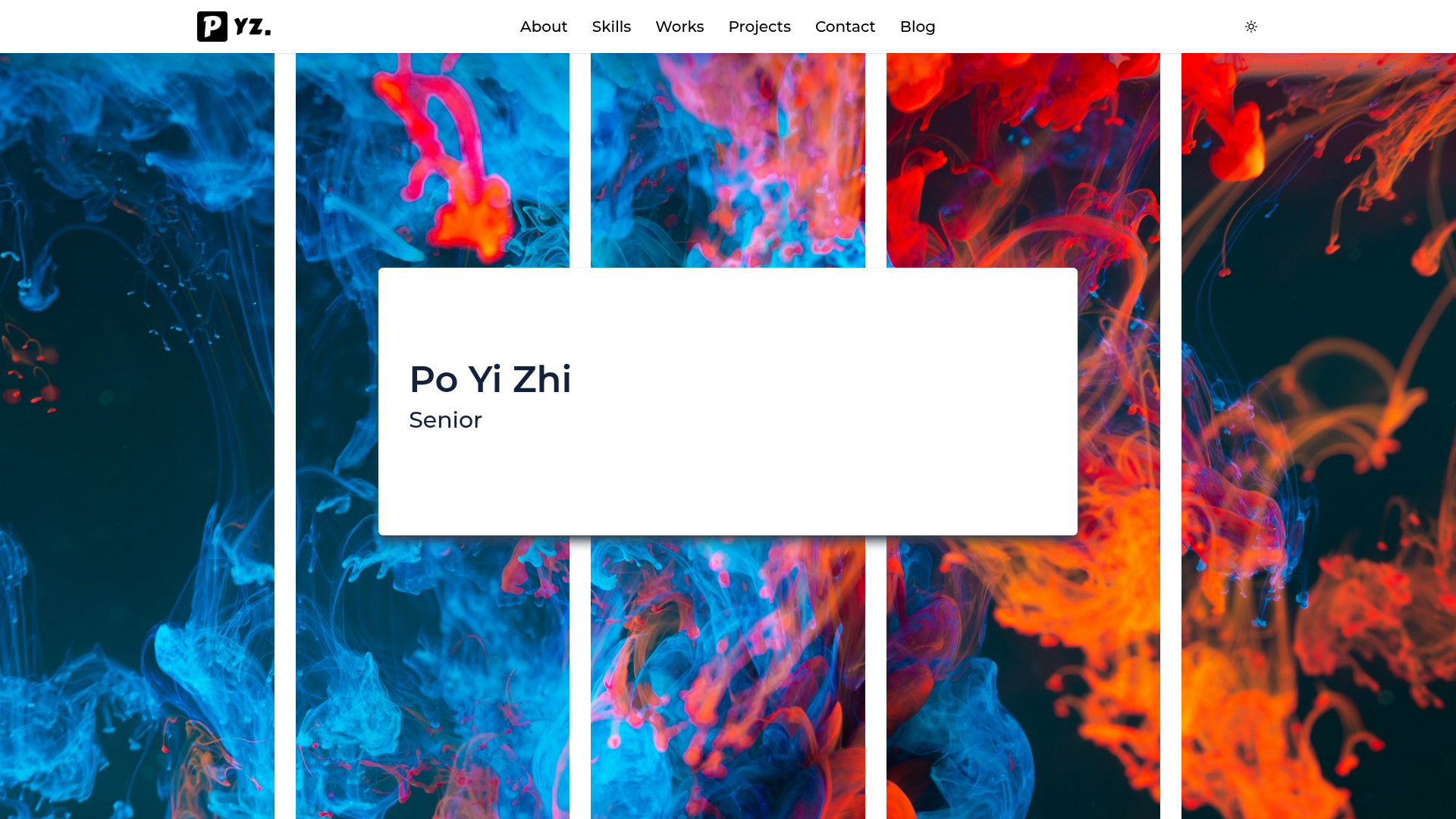
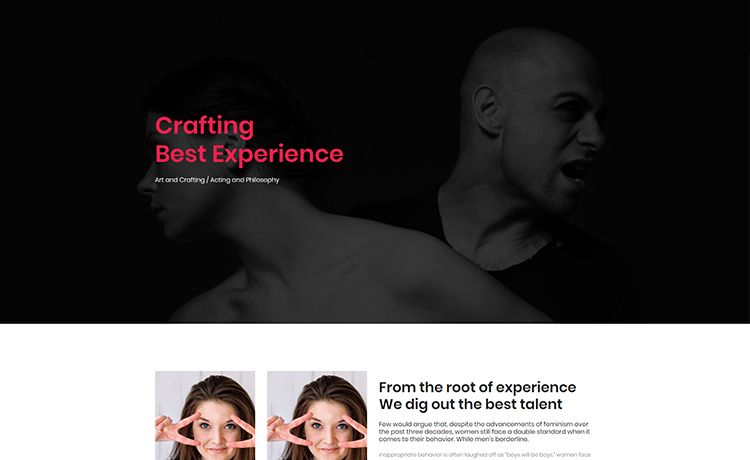
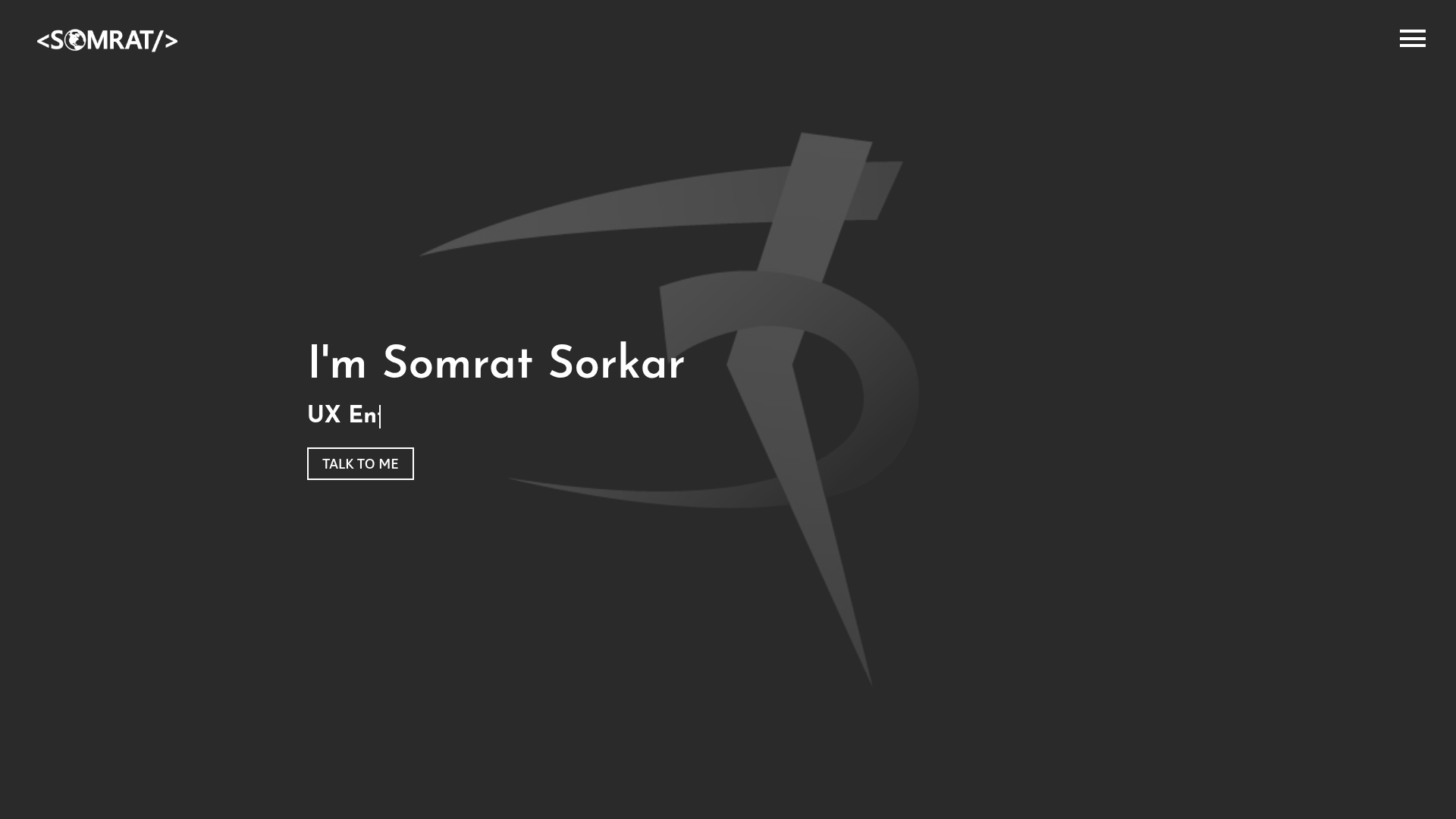
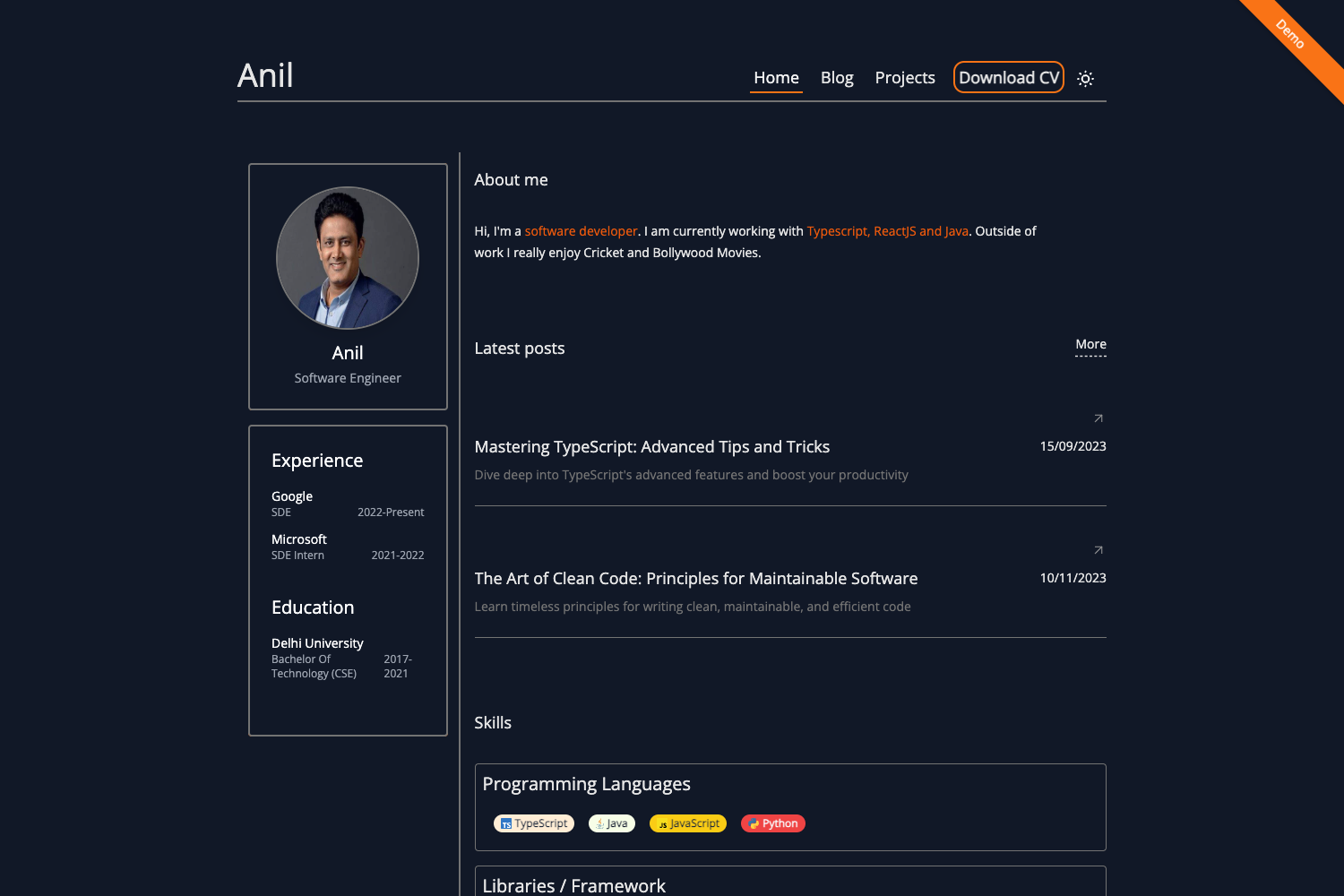
Personal portfolio website built with Nuxt3 and TailwindCSS, featuring GSAP animations, HeadlessUI, and Netlify deployment.
About this template
The Nuxt3 Portfolio Website is a publicly available personal portfolio template built on Nuxt 3 and Tailwind CSS that turns your project list, work history, and resume into a modern, deployable single-page site with GSAP scroll animations and a one-click Netlify deployment button.
What is the Nuxt3 Portfolio Website?
The Nuxt3 Portfolio Website is a portfolio starter scaffolded with Nuxt 3, the Vue 3 meta-framework, and styled with Tailwind CSS. It takes your content—projects, experience, and links—and renders a polished one-page site; the README includes a one-click Netlify deploy button, a list of dependencies, and links to design resources. The repository is hosted on GitHub with 47 stars and asks users to remove the included Google Analytics script before reusing the project.
Key Features
- Nuxt 3 framework — Built on Nuxt 3 with file-based routing, Vue 3 composition API, and a development server at localhost:3000 via
npm run dev. - Tailwind CSS + SASS — Utility-first styling with Tailwind CSS plus SASS for custom CSS, so you can adjust colors, spacing, and typography without a component library.
- GSAP and ScrollTrigger — Includes GreenSock's GSAP animation library with ScrollTrigger for stagger and scroll-linked effects; the README links a Vue GSAP stagger animation tutorial.
- Headless UI and Heroicons — Uses Headless UI for accessible, unstyled primitives and Vue Heroicons for clean inline icons.
- ESLint + Prettier — ESLint for linting and Prettier (listed in topics) for consistent code formatting.
- Theme toggle composable reference — Links to a Nuxt 3
useThemecomposable example, giving a pattern for adding light/dark mode. - Netlify one-click deploy — A Deploy to Netlify button pre-configures build settings for quick static hosting.
- Resume download tutorial — References a tutorial and a resume maker tool, so you can implement a CV/PDF download button inline.
- Curated design resources — Provides links to favicon generators, trending color palettes, stock images, and web design courses to help customize the site.
Who is it for?
- Vue developers — who want a modern portfolio without building from scratch; they can edit content and run standard npm scripts to start developing.
- Freelancers — who need a professional site to showcase client work and a resume download, with an easy Netlify deploy path.
- Design-minded developers — who want to learn GSAP animations and Tailwind theming in a Nuxt project; the README links relevant tutorials and references.
- Students — who need a portfolio for internships or job applications and want a free starter with design resources included.
What can you do with it?
- Showcase your work: Add your project screenshots, descriptions, and links; the template renders them in an animated, scroll-triggered layout.
- Launch on Netlify: Click the Deploy to Netlify button to get a live URL in minutes without managing a server.
- Study modern Vue patterns: Examine the GSAP stagger animation code and the theme toggle composable reference to learn composition API patterns.
- Personalize quickly: Use the linked Coolors palettes and negative-space stock images to replace colors and imagery with your own brand.
How does it work?
Clone the repository, then run npm install to fetch dependencies. Use npm run dev for a hot-reload local development server at localhost:3000, and npm run build to create a production bundle. The README also documents a Netlify deployment button so you can host the static output without extra configuration.
FAQ
How do I run the Nuxt3 Portfolio Website locally?
Clone the repository and run npm install to install dependencies. Then start the development server with npm run dev; it will be available at localhost:3000 with hot reload. To create a production build, use npm run build and preview with npm run start.
Is the Nuxt3 Portfolio Website free?
Yes, the repository is publicly available on GitHub with 47 stars. There is no mention of a paid license or pricing in the README, so you can freely use it as a starting point for your own portfolio.
Does the template include Google Analytics?
Yes, the README includes a "Remarks" section that explicitly says: "Please remove my Google Analytic Script before using this project." So before deploying your own version, you need to delete that script to avoid sending data to the author's analytics.
Can I deploy the Nuxt3 Portfolio Website to platforms other than Netlify?
The README only documents a Netlify deployment button, but the Nuxt 3 build output is a static site that can be hosted on any static host or CDN. Since it's a Nuxt 3 app, you can also use server routes if you need SSR, though the default build is static.
What dependencies does the template use?
It uses Nuxt 3, TailwindCSS, Heroicons, HeadlessUI/vue, ESLint, GSAP (with ScrollTrigger), and SASS. This stack is visible in the README's "Technologies used" section and the repository topics.