Template details
open-admin
open-admin is an administrative interface builder for Laravel that generates CRUD backends with just a few lines of code, forked from laravel-admin.
About this template
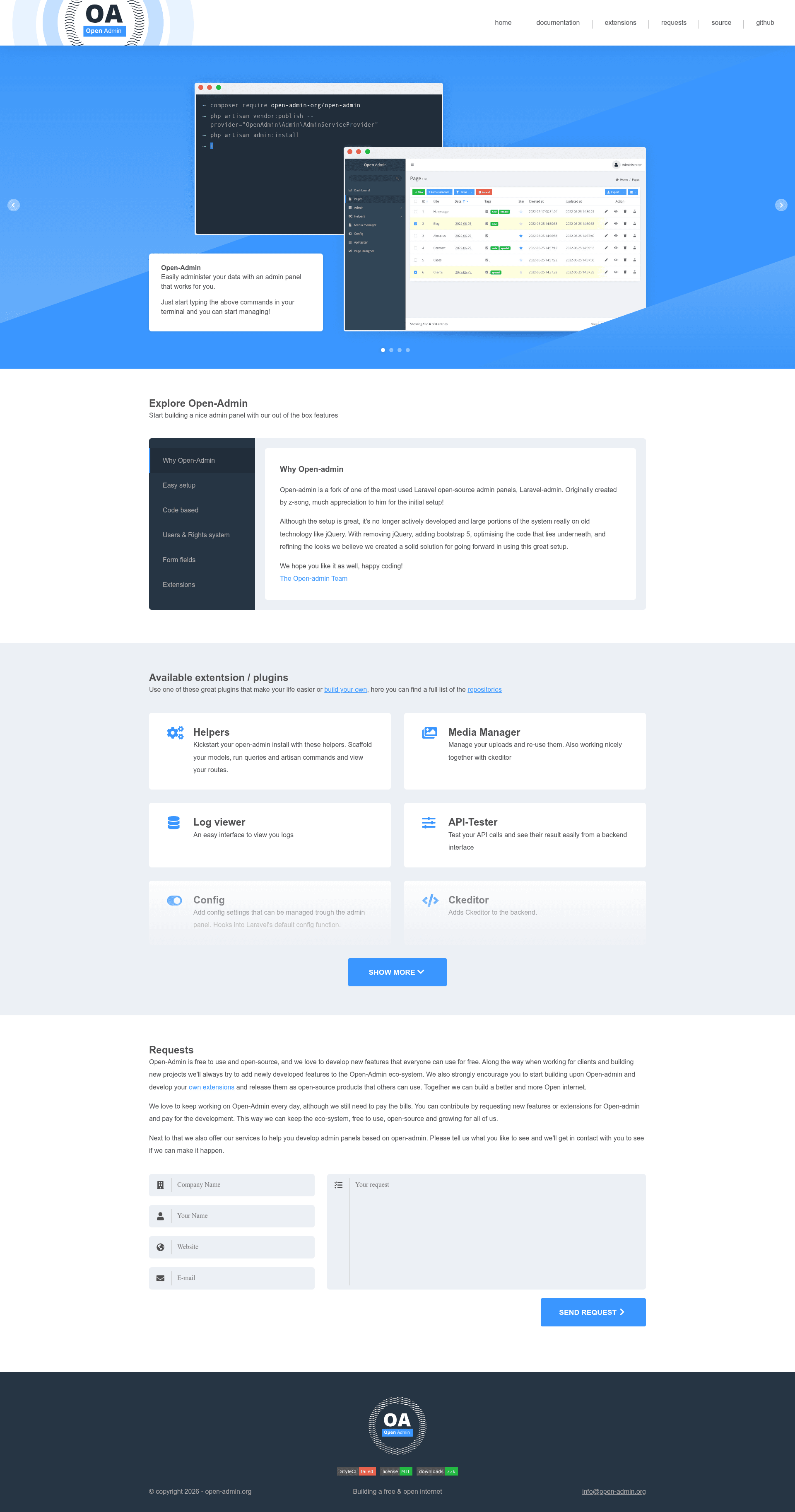
open-admin is an open-source Laravel package that builds a full administrative interface with CRUD backends from a few lines of code, forked from laravel-admin and rebuilt on Bootstrap 5 with vanilla JavaScript.
What is open-admin?
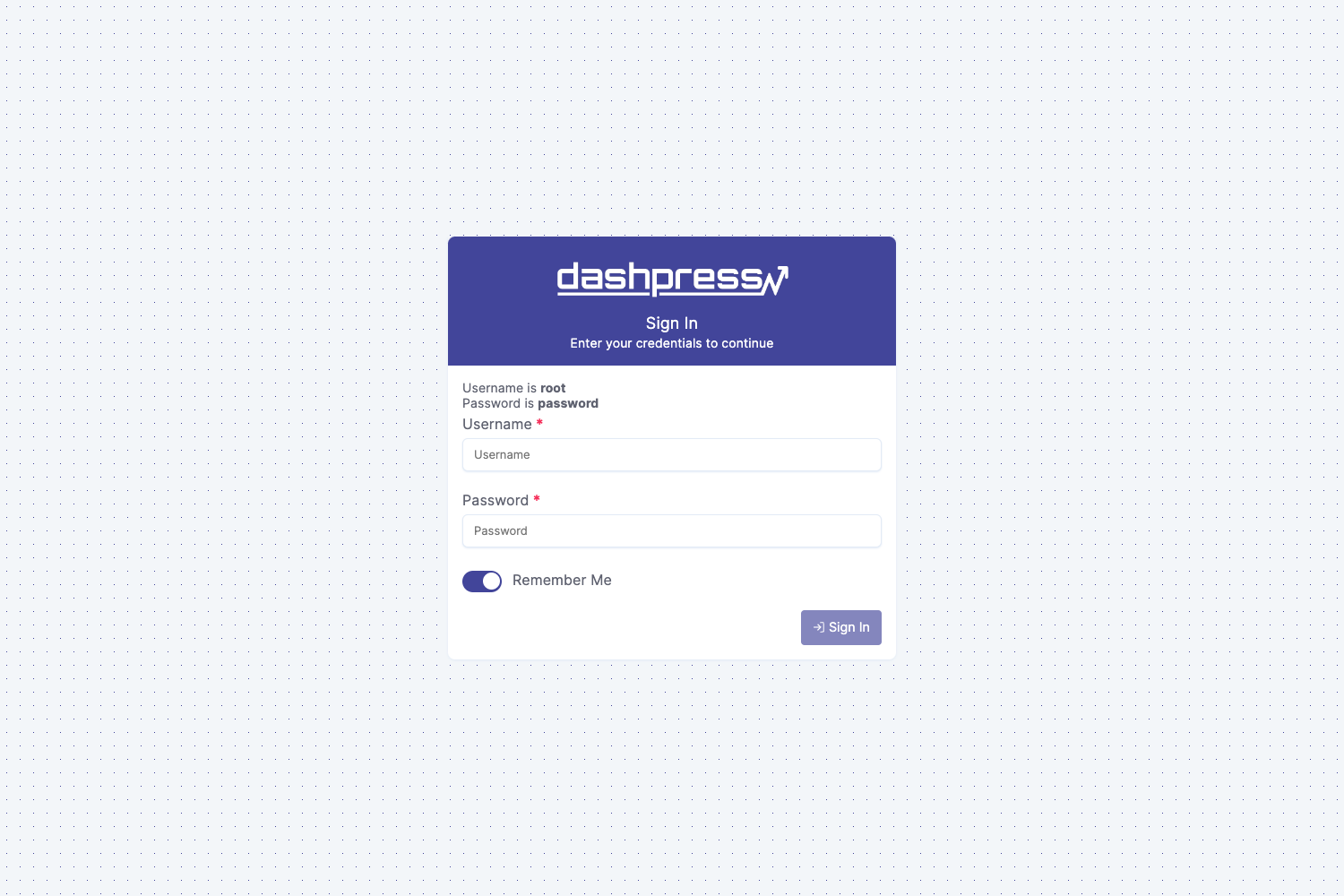
open-admin is an administrative interface builder for Laravel that lets developers create CRUD backends with minimal code. It runs on Laravel 7.0+ and PHP 7.3+, takes Eloquent model definitions and grid/form configurations as input, and produces a ready-to-use admin panel at the /admin route with default admin/admin login. The package is maintained by the open-admin-org on GitHub and is MIT licensed.
Key Features
- Bootstrap 5 UI — The frontend is rebuilt on Bootstrap 5 and vanilla JavaScript, removing the jQuery dependency present in the original laravel-admin.
- CRUD scaffolding — Build list grids, forms, and detail pages for Eloquent models with only a few lines of PHP code.
- Configurable installation — After publishing, config/admin.php lets you change the install directory, database connection, and table names.
- Official extensions — Provides extensions for media management, config management, sortable grids, CkEditor, API testing, cron scheduling, log viewing, page designing, exception reporting, and Redis management.
- Built-in plugins — Integrates Axios, Choicesjs, Font-awesome, Moment, LeafletJS with OpenStreetMaps, Sweetalert2, Toastify, Flatpickr, Sortablejs, Nprogress, Dual-Listbox, and Coloris.
- MIT licensed — Free to use and modify for personal and commercial projects.
Who should use open-admin?
- Laravel developers — Who need to quickly generate a functional admin panel without writing frontend code, using grid and form builders.
- Agencies and freelancers — Building CRUD-heavy backends for clients who want a fast, self-hosted admin interface with a modern Bootstrap 5 look.
- Project maintainers — Who want an extensible admin area with tools like log viewing, Redis management, and API testing built in.
What can you do with open-admin?
- Admin panel generation — Scaffold list, create, edit, and delete views for any Eloquent model with grid and form builders.
- File management — Use the media-manager extension to browse and manage local files through a web interface.
- API testing — Use the api-tester extension to make and inspect API calls directly from the admin panel.
- Log monitoring — Use the log-viewer extension to read Laravel logs without leaving the admin.
How does open-admin work?
Installing open-admin requires a Laravel application with a configured database. Run composer require open-admin-org/open-admin, publish assets and config with php artisan vendor:publish --provider="OpenAdmin\Admin\AdminServiceProvider", then execute php artisan admin:install. After installation, the panel is accessible at /admin with the default credentials admin/admin.
Pros and cons
- Pros — No jQuery dependency (lighter frontend), modern Bootstrap 5 UI, active extension list, easy installation.
- Cons — Smaller community than its parent laravel-admin; extension compatibility is tied to open-admin v1.x versions.
Alternatives
- laravel-admin — The original project by z-song that open-admin forked; it uses a jQuery-based UI.
- Voyager — A Laravel admin package with a built-in BREAD generator and page builder.
FAQ
Is open-admin free?
Yes, open-admin is released under the MIT License and is free to use in personal and commercial projects.
What are the requirements for open-admin?
It requires PHP 7.3.0 or higher, Laravel 7.0.0 or higher, and the Fileinfo PHP extension.
How do I change the admin path?
After publishing config with vendor:publish, edit the config/admin.php file and change the install directory setting.
Does open-admin work without jQuery?
Yes, open-admin was rebuilt on Bootstrap 5 and vanilla JavaScript, removing jQuery from the admin interface.
Can I extend open-admin?
Yes, open-admin supports extension development; the official extensions are listed in the repository and you can create your own following the extension development docs.