Template details
Nx Monorepo
Learn to implement a monorepo with a single Next.js site using Nx.
About this template
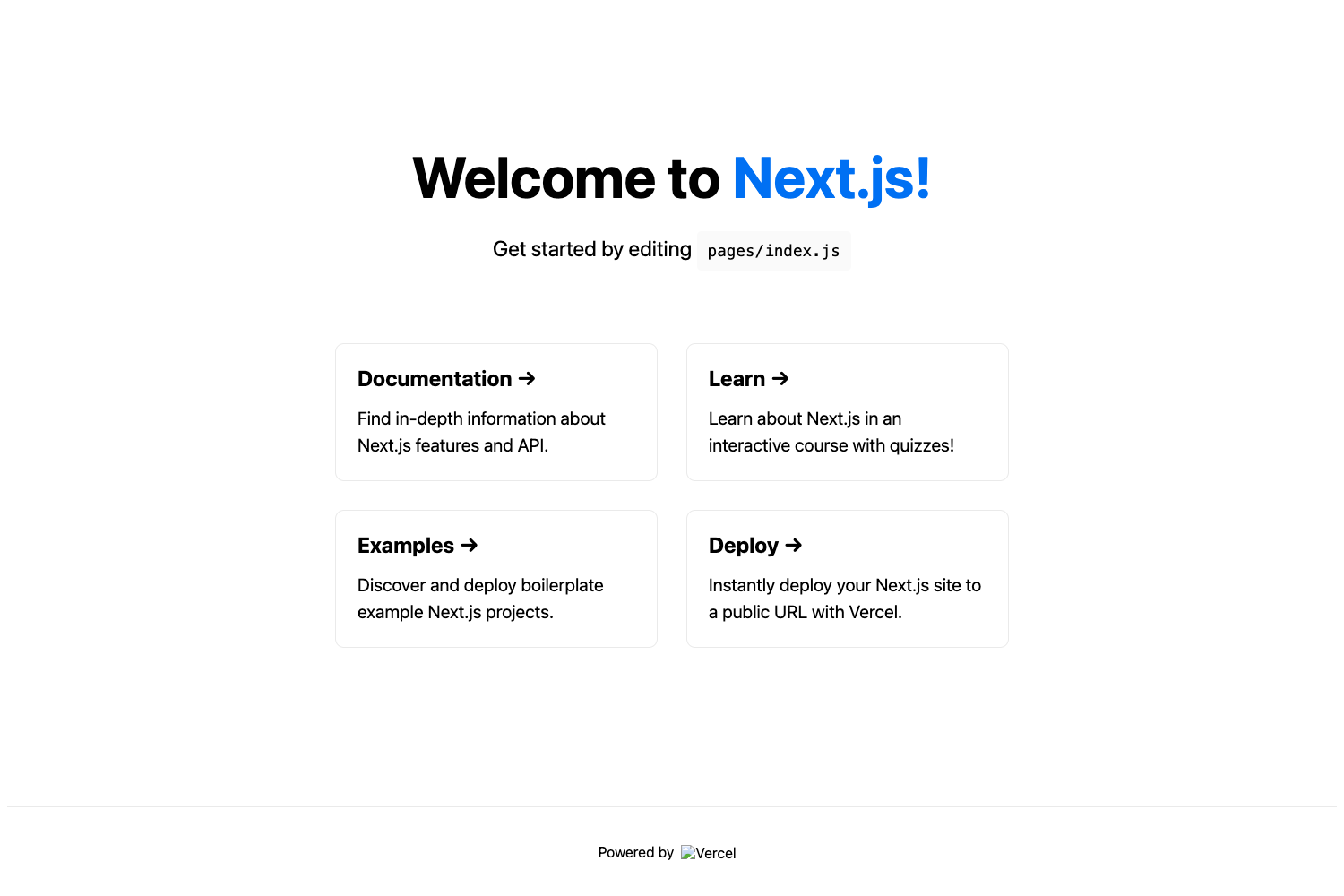
Nx Monorepo with Next.js is a Vercel-published example that demonstrates how to structure a single Next.js application inside an Nx workspace, complete with one-click deployment options and development commands tuned for Vercel.
What is the Nx Monorepo example?
This example, from the Vercel examples repository, walks through creating a monorepo where a single Next.js site lives in the apps/app directory. It uses Nx as the build system and @nrwl/react plugins for generating React applications, libraries, and components. The repo is bootstrapped with create-next-app and can be deployed to Vercel via a one-click clone that sets the output directory to out/.next and runs npx nx build app --prod.
Key Features
- One-click Vercel deployment — The included deploy button clones the repository, sets the root directory to
apps/app, specifies the output directory asout/.next, and usesnpx nx build app --prodas the build command. - Nx task orchestration — Run
npx nx serve appfor a dev server onhttp://localhost:4200with hot reload, ornpx nx build appto produce build artifacts in thedist/directory. - Code scaffolding — Generate new components with
nx g @nrwl/react:component my-component --project=app, new applications withnpx nx g @nrwl/react:app new-app, and new libraries withnpx nx g @nrwl/react:lib my-lib. - Jest unit testing — Execute tests with
npx nx test app, or usenpx nx affected:testto run only tests affected by a change. - Nx Cloud support — The workspace is configured to work with Nx Cloud out of the box; existing projects deployed to Vercel should set
NX_CACHE_DIRECTORY=/tmp/nx-cacheto enable caching. - Multiple apps and libraries — Nx allows creating multiple applications and libraries in the same workspace, with libraries imported from
@with-nx/mylib.
Who should use this template?
- Next.js developers who want to adopt a monorepo structure without losing the familiar
create-next-appworkflow. - Teams building multiple apps or libraries that need shared code and consistent build/test tooling across projects.
- Developers deploying to Vercel who want a reference setup showing the correct build command, root directory, and cache settings for an Nx workspace.
What can you do with it?
- Scaffold new applications and libraries — Use the
@nrwl/reactgenerators to add apps and libs to the workspace, then share code between them via package-style imports. - Run targeted test suites — With
npx nx affected:test, only the tests touched by a change execute, which speeds up CI pipelines. - Deploy directly to Vercel — Use the one-click deploy link to get a live demo of the example, or adapt the build settings for an existing Nx monorepo.
- Speed up builds with Nx Cloud — The included Nx Cloud configuration lets you share build and test caches across team members when
NX_CACHE_DIRECTORYis set correctly.
How does it work?
Bootstrap the example with npx create-next-app --example https://github.com/vercel/examples/tree/main/solutions/nx-monorepo nx-monorepo using npm, Yarn, or pnpm. Then start the development server with npx nx serve app, build with npx nx build app, and test with npx nx test app. For Vercel, either click the deploy button or configure the project manually with the provided build command and root directory.
Pros and cons
- Pros: Clear, centralized commands for scaffolding, testing, and building through Nx; the example is ready for Vercel deployment with the correct output directory and build command; including Nx Cloud integration from the start.
- Cons: The page notes that older @nrwl/nx-cloud versions below 14.6.0 require manual configuration of
cacheDirectoryinnx.jsonto matchNX_CACHE_DIRECTORYon Vercel, which adds an extra setup step for existing projects.
Alternatives
Turborepo is a direct alternative for monorepo management with its own caching and task runner, and Vercel also publishes a Turborepo-based monorepo example.
FAQ
How do I start the development server?
Run npx nx serve app from the workspace root. The development server starts at http://localhost:4200 and automatically reloads when you change source files.
How do I generate a new component or library?
Use nx g @nrwl/react:component my-component --project=app for a component, npx nx g @nrwl/react:app new-app for an application, or npx nx g @nrwl/react:lib my-lib for a shared library.
How do I run unit tests?
Run npx nx test app to execute all unit tests with Jest. To run only the tests affected by a change, use npx nx affected:test.
How do I deploy this to Vercel?
Use the one-click deploy button in the example's README, or manually set the root directory to apps/app, the output directory to out/.next, and the build command to cd ../../ && npx nx build app --prod.
Does the example support Nx Cloud?
Yes, the workspace is configured to work with Nx Cloud. For Vercel deployments, set the NX_CACHE_DIRECTORY environment variable to /tmp/nx-cache to enable caching; older versions of @nrwl/nx-cloud also need matching cacheDirectory in nx.json.