Template details
Smix
A standards-respecting starter kit for Eleventy. Go Indie.
About this template
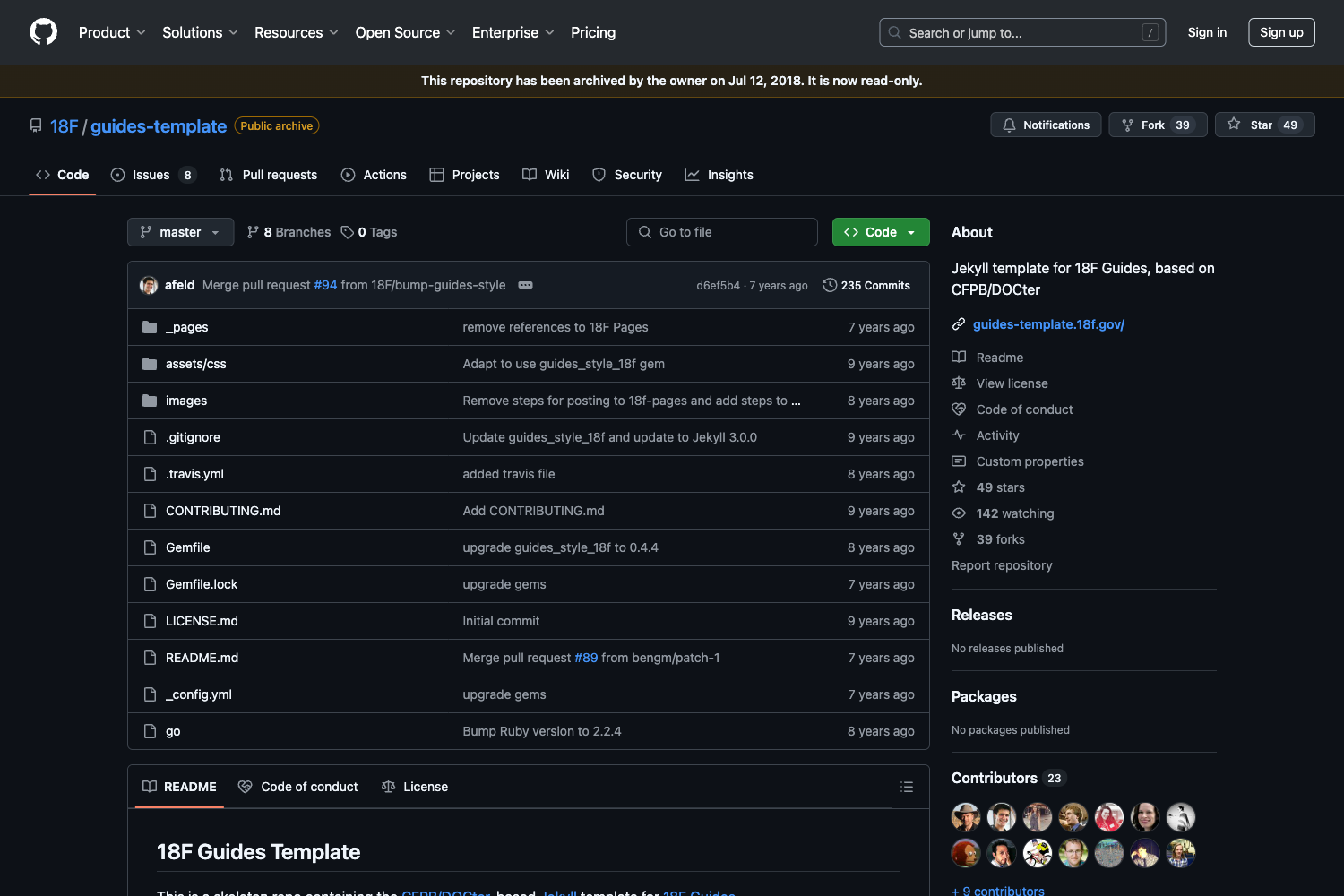
Smix is an open-source Eleventy starter kit by GitHub user hirusi that builds a standards-respecting static blog with IndieWeb support, dark mode, and SEO metadata out of the box. It accepts Markdown content and outputs a static HTML site with an Atom feed, sitemap, and microformats2 markup. The repository, which shows 119 stars, is considered complete by its author, and further improvements are expected via community pull requests.
What is Smix?
Smix is a starter kit for Eleventy, the static site generator, designed for indie web developers who want a personal blog or portfolio without a heavy framework. As input it takes Markdown files for posts and pages; as output it produces a static site with an Atom feed, XML sitemap, and SEO meta tags. It uses PostCSS for CSS and esbuild for JavaScript bundling.
Key Features
- Standards-compliant Atom feed — Uses the RFC822 date format and respects published and updated timestamps on each post.
- Dark mode via custom media queries — The included PostCSS custom media query makes dark mode work without extra JavaScript.
- SEO and social meta tags — Open Graph and Twitter Card tags are generated for each page, plus a
content-descriptionmeta tag for search and social snippets. - Sitemap with changeFrequency — The generated XML sitemap tells search engines how often to crawl, complemented by a
robots.txtfile. - IndieWeb microformats2 support — Includes h-card, h-entry, and h-feed; supports Article, Note, Reply, and Photo post types that work with Microsub readers.
- PostCSS pipeline — Imports, nesting, purge, minification, autoprefixer, custom properties, custom selectors, and LCH color coding are all configured.
- esbuild JavaScript bundling — ES modules are transpiled and bundled; a convenience command (
npm run dev:jsb) creates page-specific bundles. - Accessibility-first typography — The Atkinson font from Braille Institute is included, with system font fallbacks, good contrast, and a prefers-reduced-motion media query.
Who is it for?
- Indie web developers who want a simple, standards-respecting platform for publishing their own content and owning their identity online.
- Bloggers who write in Markdown and want a static site with an Atom feed, SEO tags, and clean typography without configuring a CMS.
- Developers building a personal portfolio who need page-specific JavaScript and a lightweight build setup using Eleventy, PostCSS, and esbuild.
What can you do with Smix?
- Publish IndieWeb post types: Write articles, notes, replies, and photos in Markdown; they automatically appear in both the microformats h-feed and the Atom feed.
- Share content with rich previews: Every page gets Open Graph and Twitter Card meta tags, so links display nicely on social platforms.
- Create a dark-mode website with minimal effort: The custom media query handles dark mode styling automatically, while the PostCSS pipeline optimizes CSS for production.
- Add custom JavaScript per page: Use the
jsbcommand and thepageJavascriptEleventy block to include page-specific modules without affecting the global bundle.
How does Smix work?
Smix is built with Eleventy, which processes Markdown files from the src directory and outputs static HTML to dist. To start, run the npm development scripts: npm run dev:js bundles the default index.js, and npm run dev:jsb --in=portfolio.js --out=portfolio.js bundles a page-specific script from src/assets/js/portfolio.js to dist/assets/js/portfolio.js. You include that script in a layout using the pageJavascript block. The CSS goes through PostCSS with the plugins listed above before being minified and purged.
FAQ
Does Smix support dark mode?
Yes, Smix includes dark mode out of the box via PostCSS custom media queries. The styling uses a custom media query that can also respect prefers-reduced-motion for animations.
What post types are supported?
Smix supports four IndieWeb post types: Article, Note, Reply, and Photo. These are written in Markdown and appear automatically in both the h-feed and the Atom feed.
Is there a per-tag RSS feed?
Not yet. The project's to-do list includes feed per tag, but as of now only a single global Atom feed is generated.
Can I use page-specific JavaScript?
Yes. Run npm run dev:jsb --in=portfolio.js --out=portfolio.js to create a bundle, then include it in a layout using the pageJavascript block.