Template details
astro-naut
Starter template for static site generator Astro, pre-configured for accessibility and security.
About this template
astro-naut is a free and open-source starter template for the Astro static site generator, providing a pre-configured project scaffold for building modern, accessible static websites.
What is astro-naut?
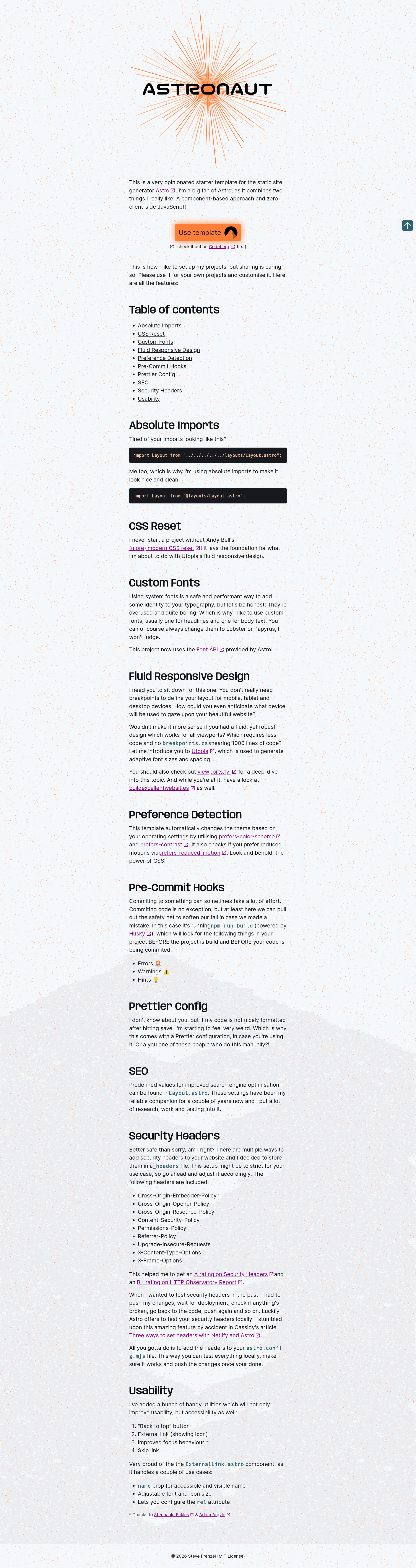
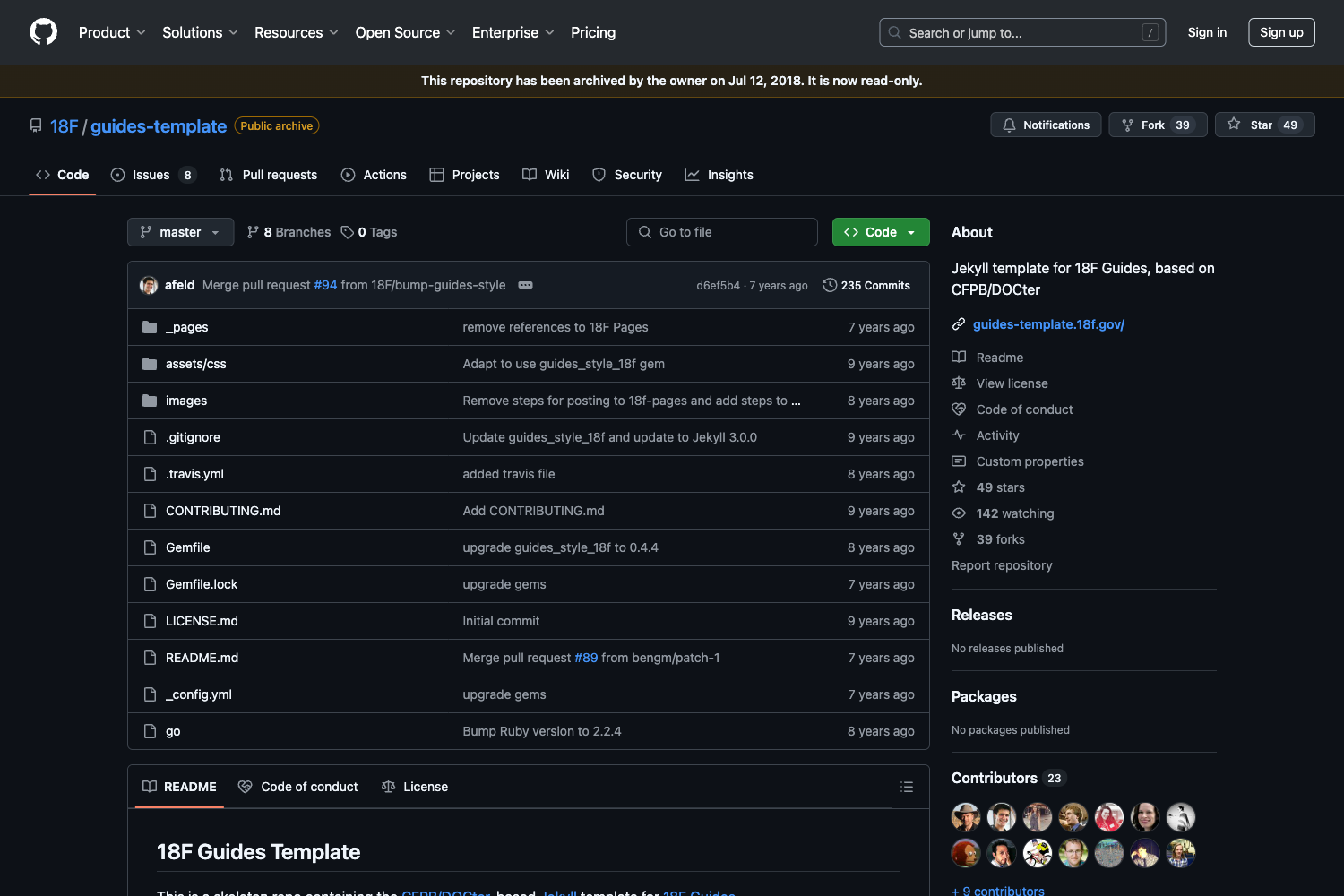
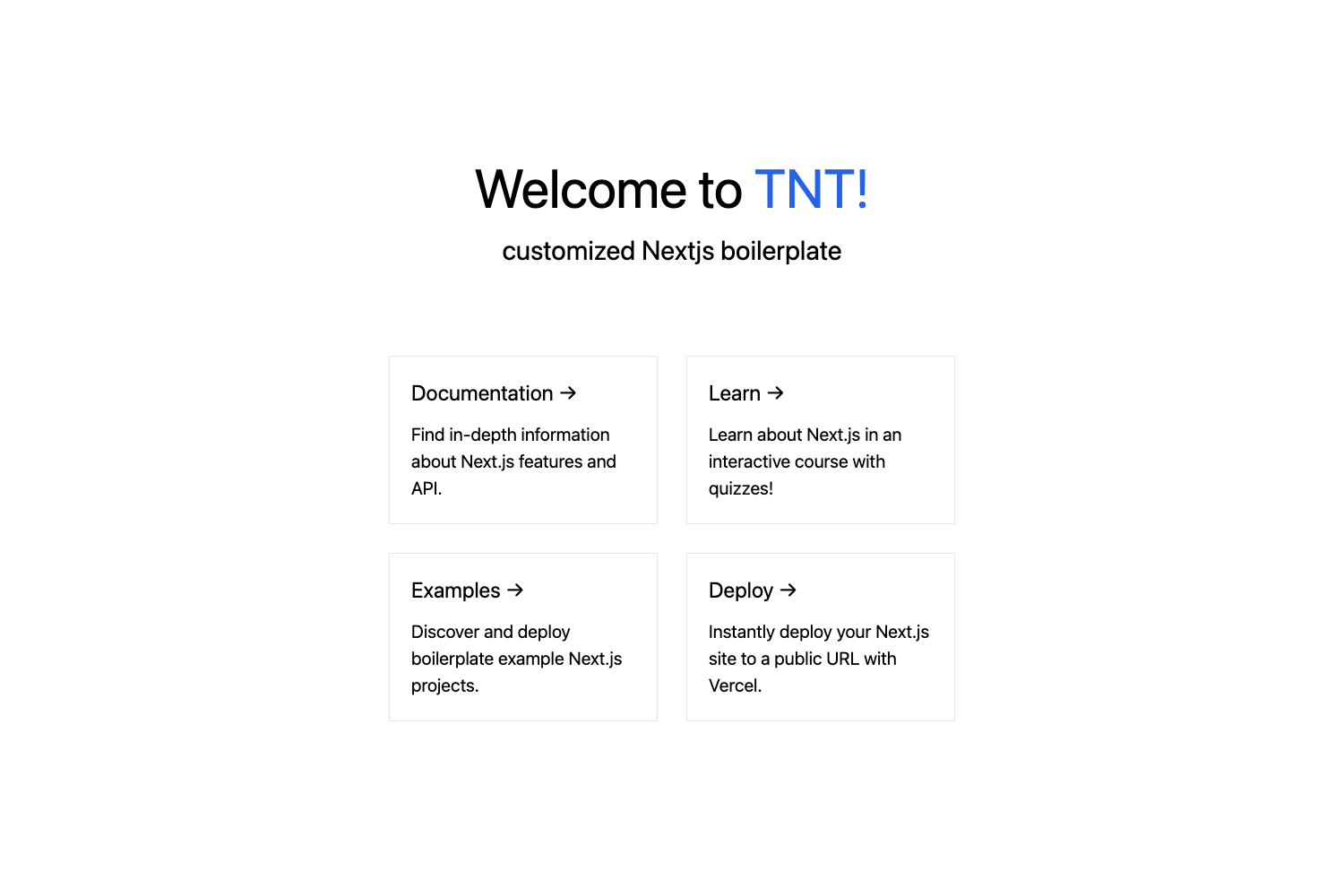
astro-naut is a starter template created by Steve Frenzel (stvfrnzl) and hosted on Codeberg that gives you a ready-to-run Astro project structure. You input an empty repository by clicking "Use this template" and get a fully configured Astro site with TypeScript, Prettier, Husky Git hooks, and a VSCode workspace. The template has been updated from Astro v5 to Astro v6, and a live demo is available at https://astro-naut.statichost.eu/ to show what the default site looks like.
Key Features
- Astro v6 foundation — The template was updated from Astro v5 to Astro v6 in March 2026 and dependencies were refreshed in June 2026, keeping the scaffold current with the latest framework releases.
- Accessibility focus — The repository is tagged with a11y and accessibility, making accessibility an explicit part of the project's stated scope.
- TypeScript configuration — A tsconfig.json is included, and the template follows the Astro 5+ practice of removing the separate src/env.d.ts file for cleaner setup.
- Code formatting with Prettier — A .prettierrc.mjs file is included so code style is consistent across contributors.
- Husky Git hooks — A .husky directory contains Git hook scripts, with deprecated lines already removed to align with modern Husky usage.
- Editor settings — A .vscode folder ships with the template to standardize editor configuration.
- Standard source layout — Both src and public folders are pre-arranged in Astro's conventional structure for components, pages, and static assets.
- Lean language stack — The codebase is composed of Astro (73.8%), CSS (20.7%), and JavaScript (5.5%), comprising about 2.6 MiB in total.
Who is it for?
- Astro developers — who want a pre-built starting point instead of manually wiring up TypeScript, Prettier, Husky, and editor settings.
- Teams prioritizing accessibility — who need a baseline where a11y and accessibility are already announced in the project's topic tags.
- Codeberg users — who prefer to host and collaborate on a template within the Codeberg platform, using its built-in "Use this template" flow.
What can you do with astro-naut?
- Build a personal website — create a static personal site by customizing the provided src folder and deploying the output to any static host.
- Create a landing page — use the scaffold to produce a simple, performant landing page with the included CSS and JavaScript.
- Learn modern Astro setup — explore the Astro v6 project structure as a reference for current best practices in static site generation.
FAQ
Is astro-naut free to use?
Yes, the repository is publicly available on Codeberg under an open-source license. The project page does not mention any paid tiers or commercial restrictions, and a LICENSE file is present in the root directory.
What Astro version does astro-naut use?
The template has been updated from Astro v5 to Astro v6, so it targets Astro 6. The package.json and astro.config.mjs files in the repository define the exact dependency versions for your environment.
Does astro-naut have a live demo?
Yes, the project page links a live demo at https://astro-naut.statichost.eu/. The demo shows the default appearance of a site generated from the template.
How do I use astro-naut as a template?
Open the repository on Codeberg and click the "Use this template" button to create a new repository pre-populated with the files. Then clone the new repository locally, install dependencies with npm, and start the development server with npm run dev.