Template details
online-shopping-system-with-advanced-admin-page
A PHP/MySQL e-commerce project with customer storefront and admin dashboard, designed for XAMPP/WAMP as a DBMS college project.
About this template
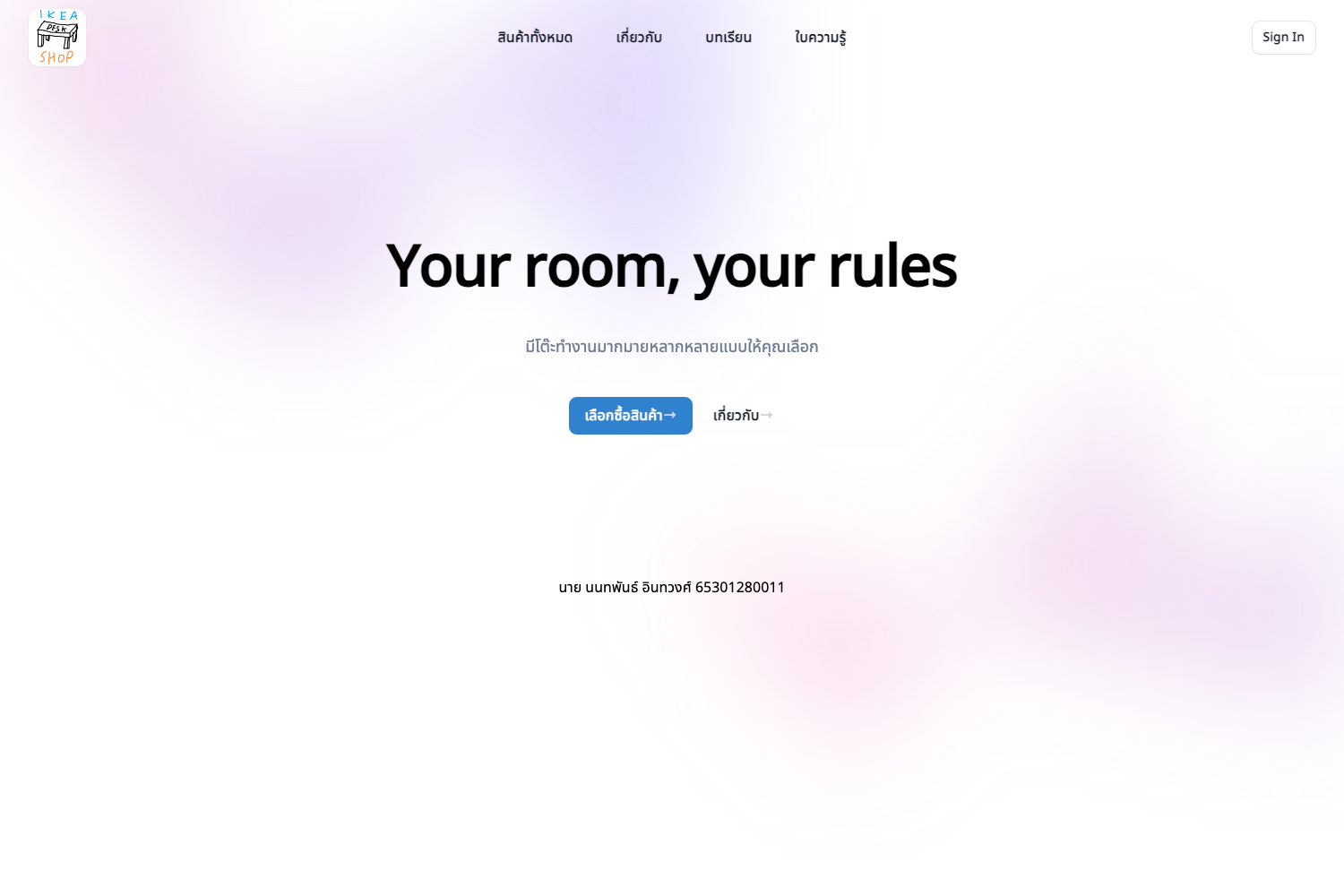
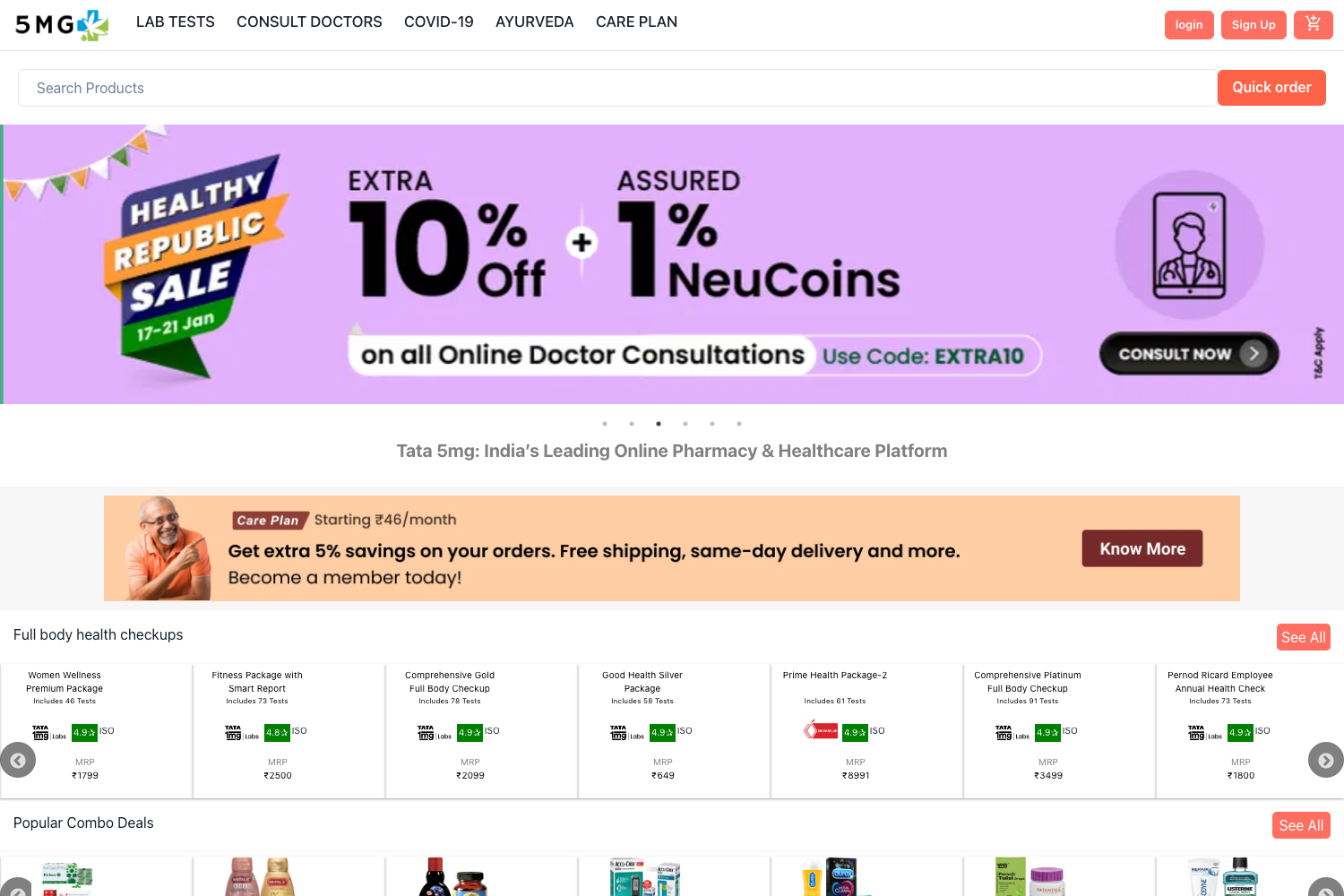
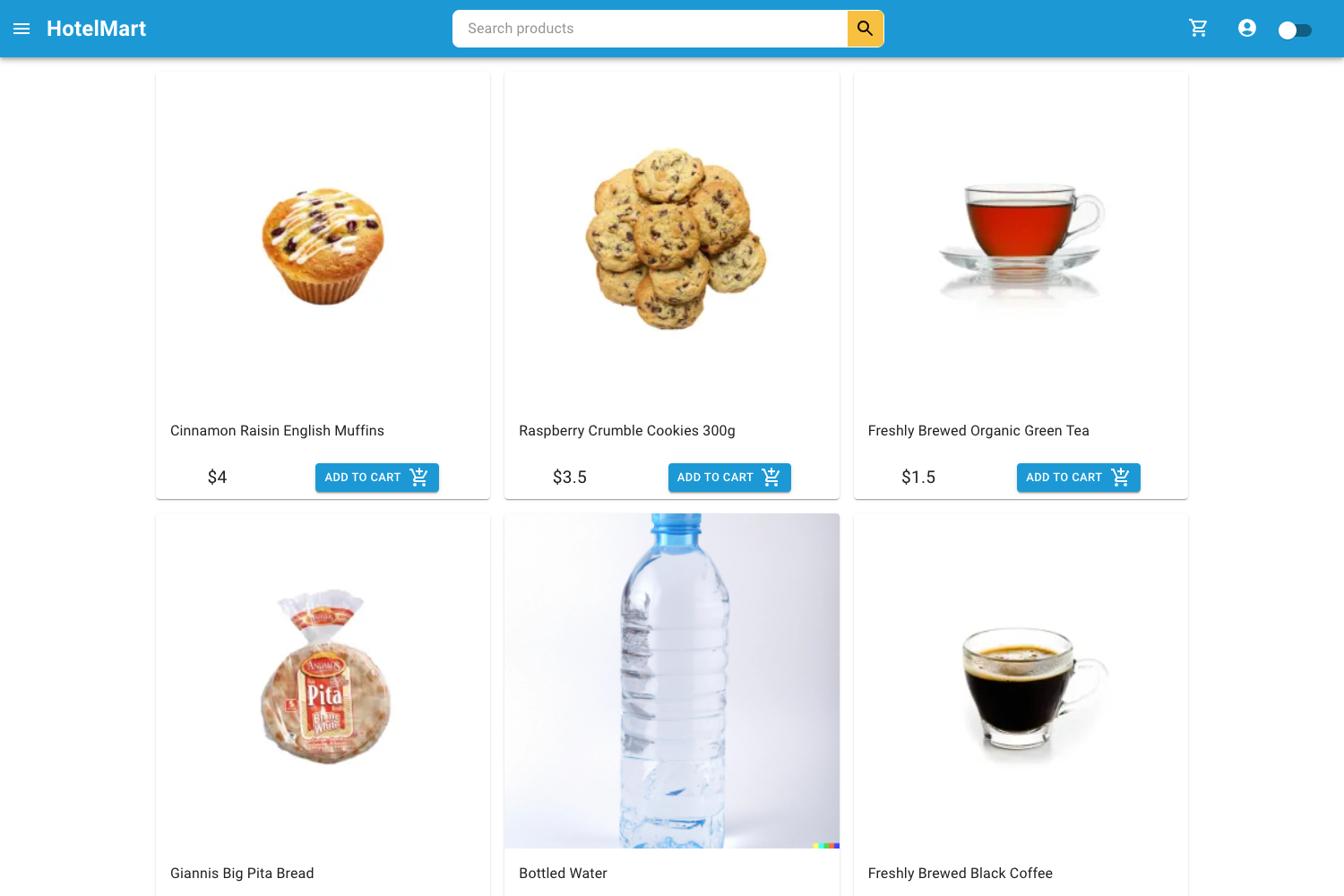
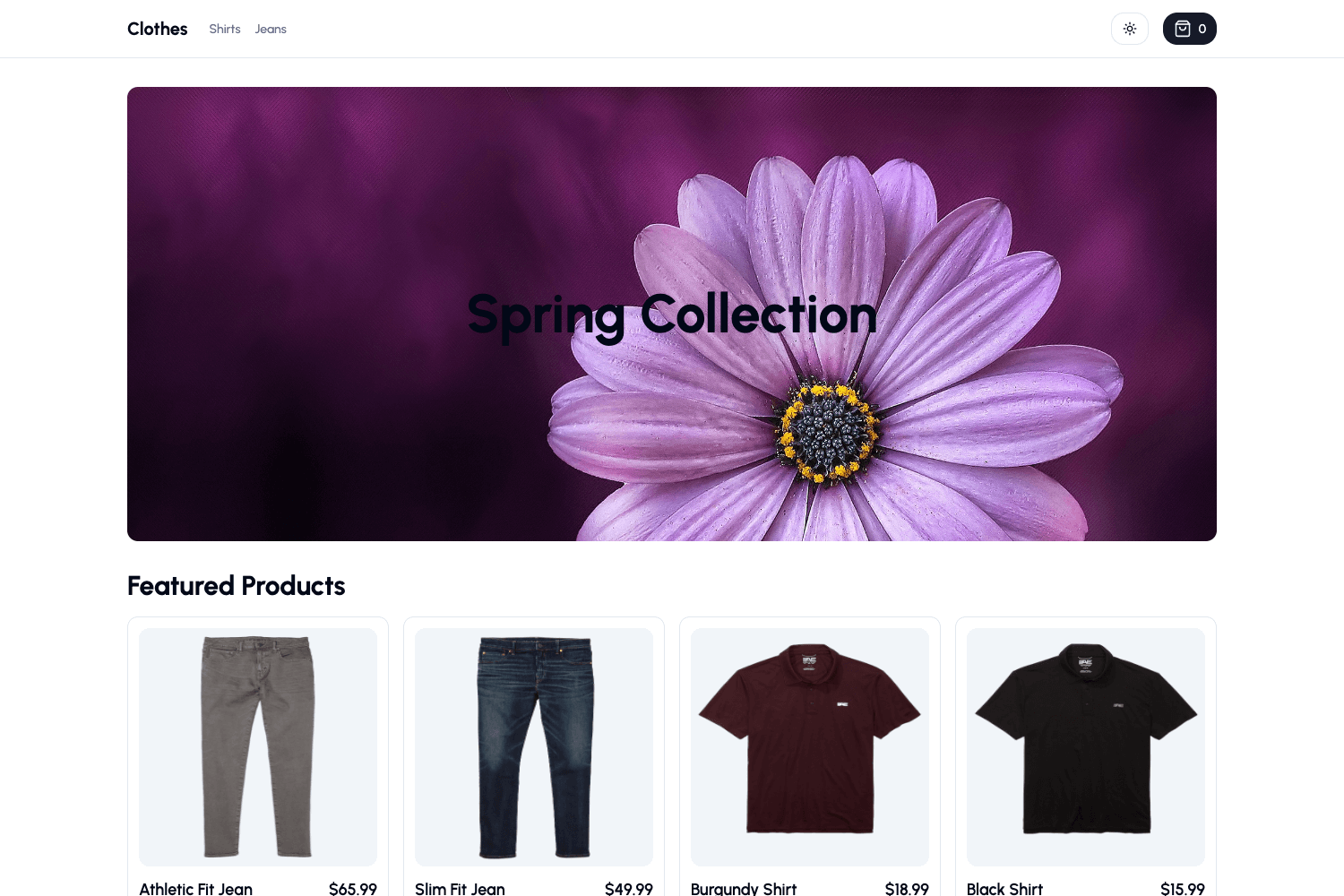
online-shopping-system-with-advanced-admin-page is an open-source PHP and MySQL e-commerce project that provides both a customer storefront and an admin dashboard for product and user management. Built for XAMPP/WAMP environments, it is designed as a DBMS (Database Management System) project, ideal for college coursework and learning PHP/MySQL web development.
What is online-shopping-system-with-advanced-admin-page?
This is a database-driven e-commerce web application. It accepts an SQL dump (onlineshop.sql) to set up its relational database and produces a full shopping experience: a store page, product grid, shopping cart, user registration/login, and an admin area. The application runs on Apache and MySQL via XAMPP or WAMP, and is developed by GitHub user PuneethReddyHC.
What makes it stand out?
- Admin dashboard — A dedicated admin interface reachable with default credentials (admin@gmail.com / password 123456789) that lets you add products, manage users, and view product lists.
- Separate user and admin layouts — Customers interact with a storefront, while administrators use a different set of pages for backend control.
- Shopping cart — A cart page allows customers to collect products before checkout.
- Search functionality — Includes a search page and search filters for locating products by keyword.
- Modal-based registration and login — Users sign up and sign in through modal dialogs rather than separate pages.
- Database import — The repository includes onlineshop.sql, which you import through phpMyAdmin to create all required tables.
- Product zoom — The product page includes an image zoom feature for inspecting items.
- Premium upgrade — The author offers a paid version with extra features including a wishlist, order listing, product reviews, updated routing, and a fixed search bug.
Who is it for?
- College students — A ready-made DBMS project with step-by-step installation instructions and a provided SQL dump, suitable for database course assignments.
- PHP beginners — A working codebase to study how PHP pages, MySQL queries, sessions, and modals fit together in a real application.
- Freelance developers — A starting point for building a custom online shop that can be extended and restyled.
What can you do with it?
- Students and educators: Deploy a working e-commerce system locally to demonstrate CRUD operations, relational schema design, and web application architecture.
- Developers: Examine the admin layout to see typical admin panel patterns, including user management and product inventory screens.
- Small business owners: Use it as a quick base for an online catalog with cart and user accounts, then modify the PHP code to match specific needs.
How does it work?
Install XAMPP or WAMP, start Apache and MySQL, then clone the repository into the htdocs directory. Create a database named onlineshop in phpMyAdmin, import the onlineshop.sql file from the database folder, and open the site in a browser. Register a customer account or log in with the admin credentials.
Pricing
The repository on GitHub is free to download and use. The author advertises a premium version with additional features like wishlist, order listing, and reviews, but no price is stated in the README.
FAQ
Is this project free?
The base version is open-source and free to use. The author sells a premium upgrade with extra features, but the free code can be downloaded and installed without cost.
What are the system requirements?
You need a local web server environment such as XAMPP or WAMP, which provides Apache and MySQL. The installation steps also assume you can run git commands and edit files under the htdocs directory.
How do I log in as an admin?
Use the credentials listed in the README: email admin@gmail.com or username admin, with password 123456789.
What database name should I use?
The instructions specify creating a database named onlineshop and importing the onlineshop.sql file from the database folder in the repository.
Can I use this for a live website?
This project is designed for local development and college coursework. Putting it online would require moving the PHP files to a PHP/MySQL web server and adjusting database configuration, which is not covered in the README.