Template details
E-commerce Store Website
Next.js storefront with Stripe checkout, 12 themes, order tracking, and a companion admin dashboard.
About this template
E-commerce Store Website is a Next.js storefront template that pairs with a separate E-commerce Admin Dashboard, built to run multiple themed storefronts and process payments through Stripe. It is a frontend application for browsing products, managing carts, checking out, and tracking orders, and it is published by Keeshigan Pirabaharan under an MIT License.
What is the E-commerce Store Website?
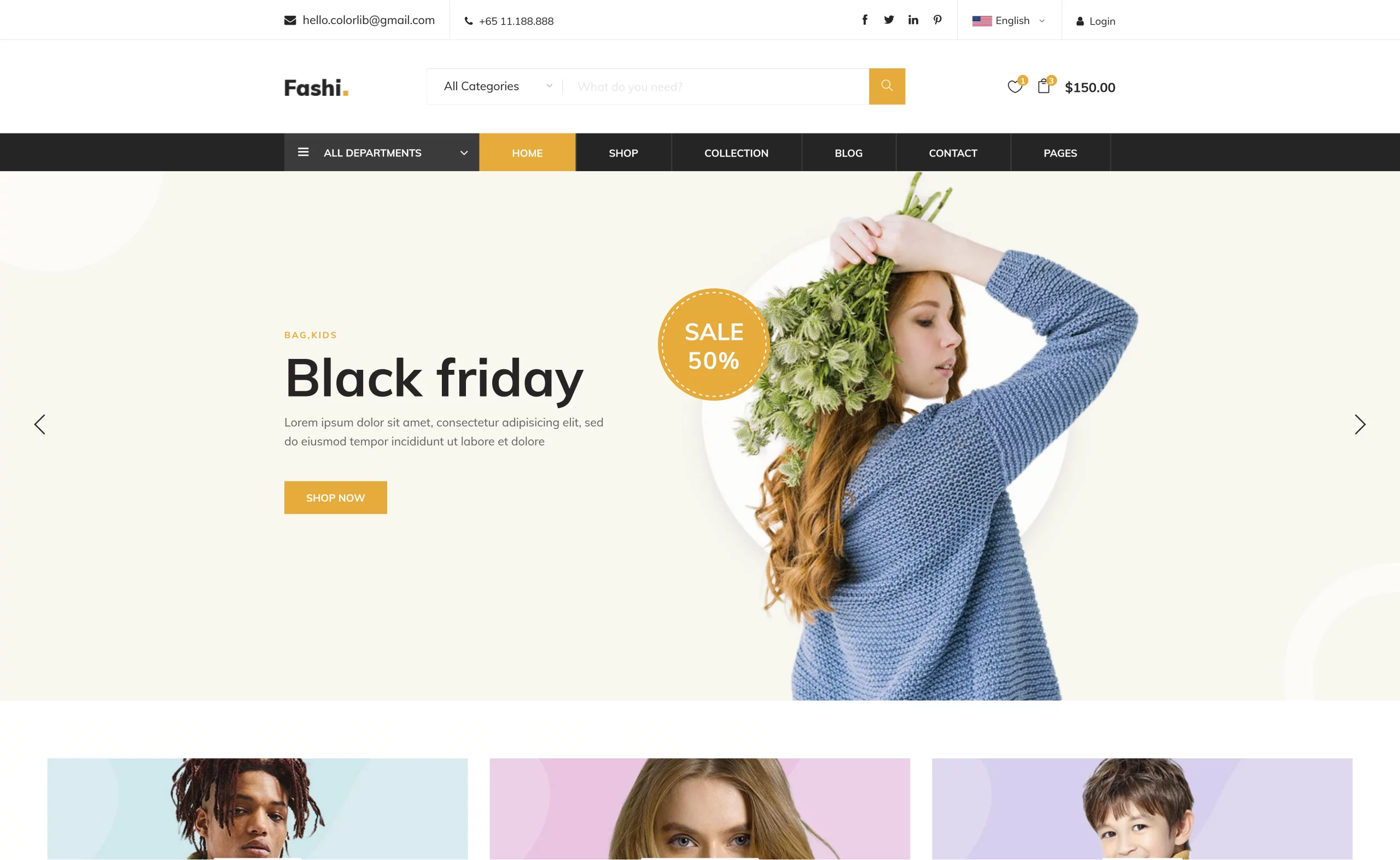
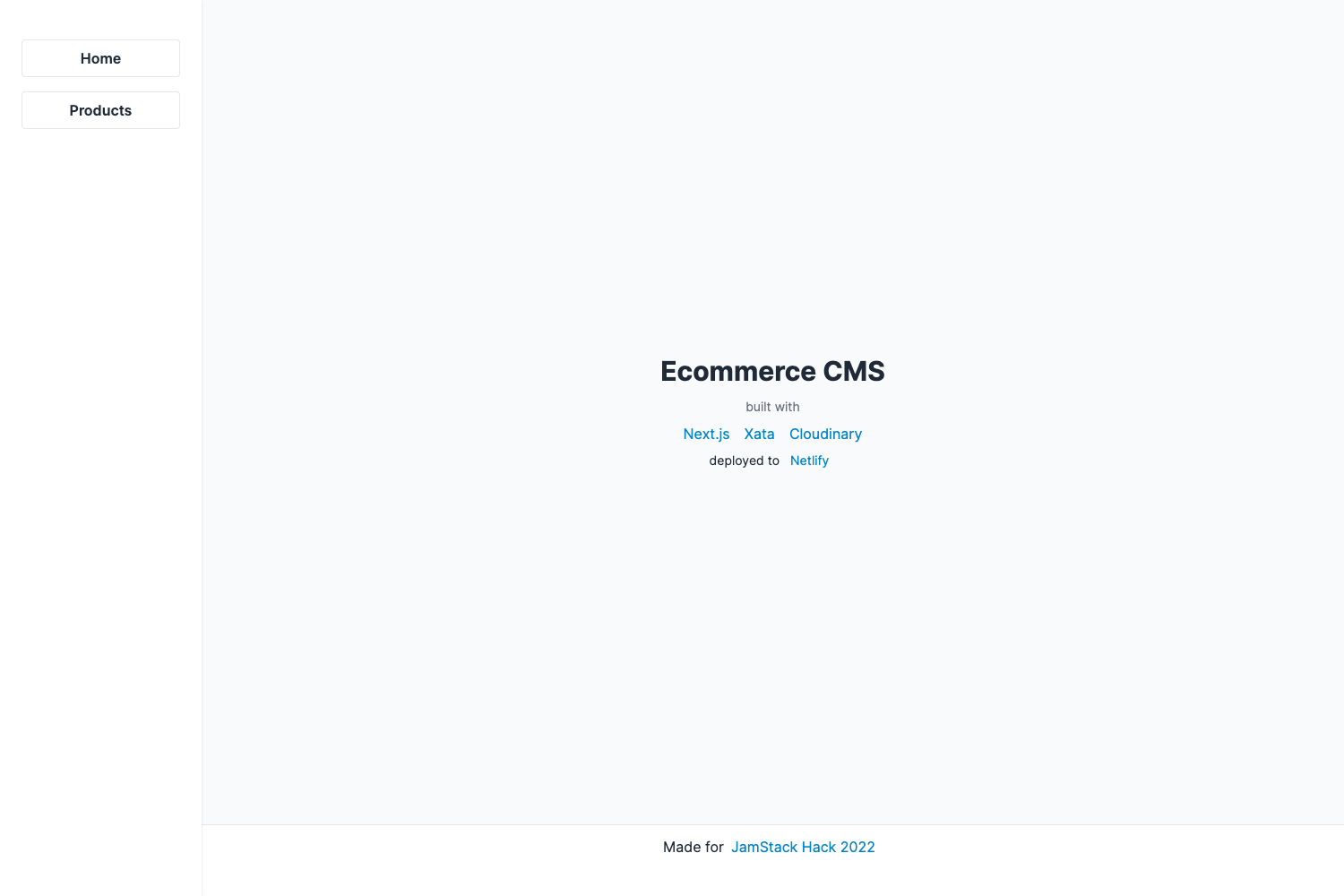
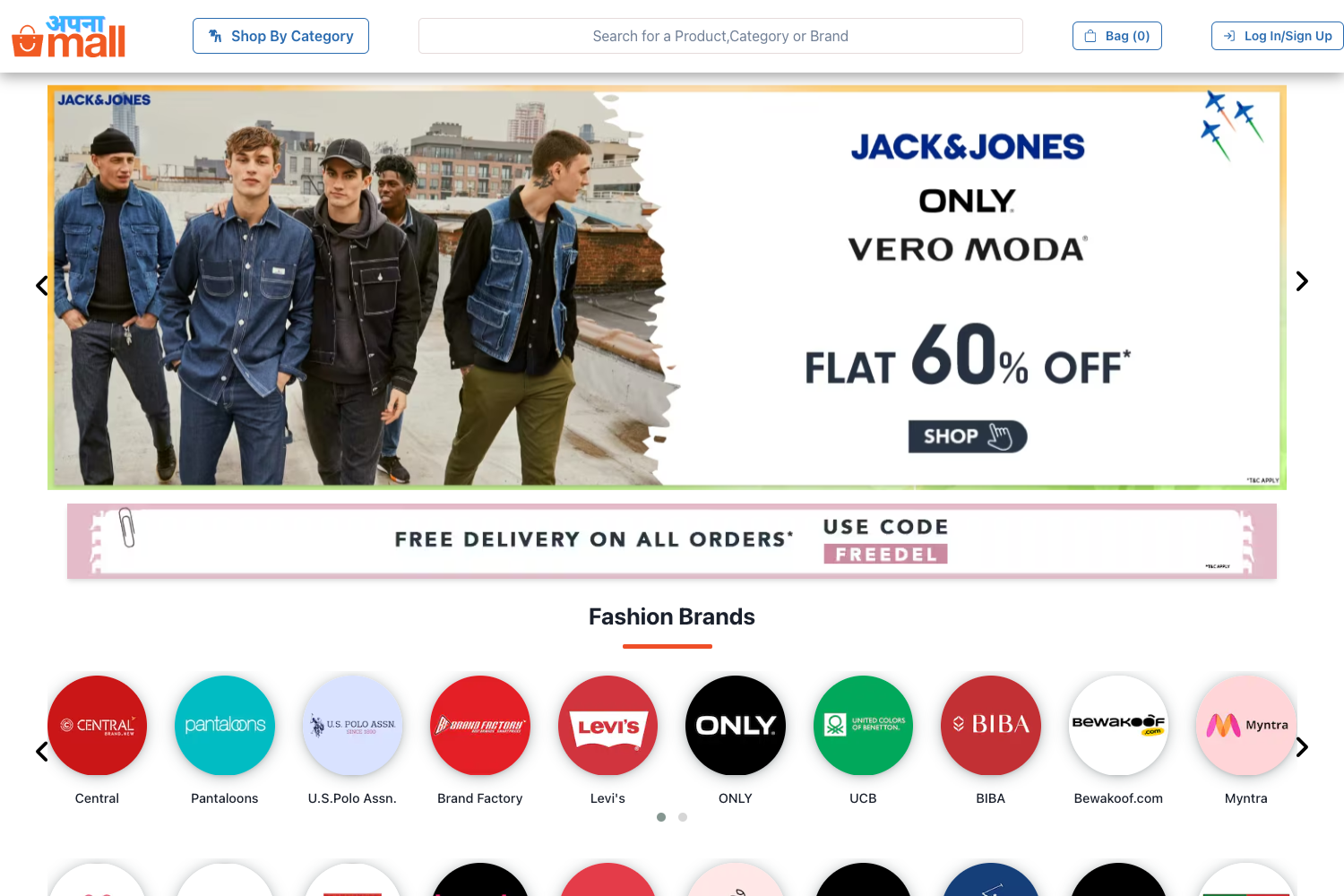
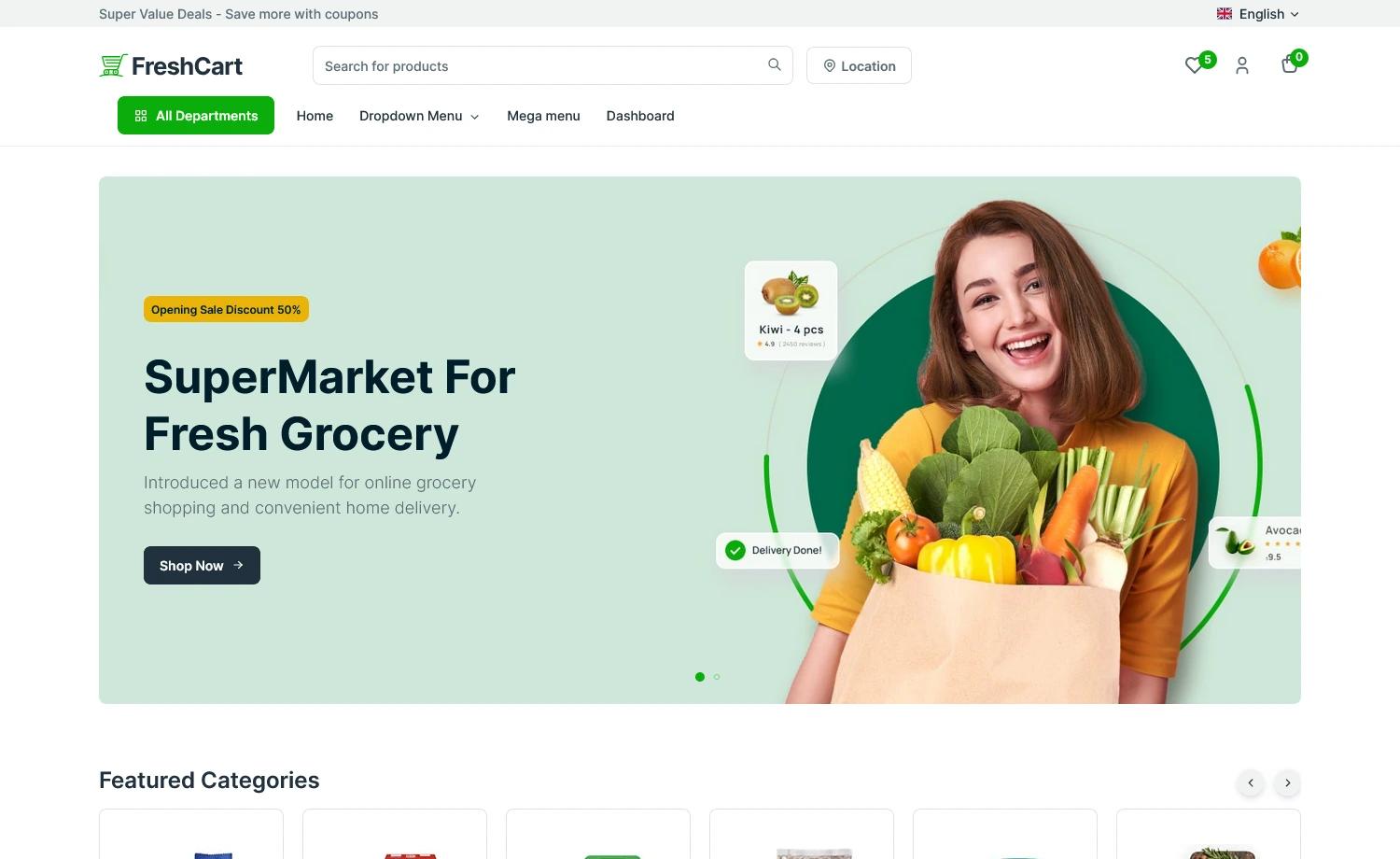
The E-commerce Store Website is a client-facing storefront built with Next.js and the Next.js 13 App Router, styled with Tailwind CSS and Shadcn UI components, and integrated with Stripe for payment processing. It takes product data managed in the companion E-commerce Admin Dashboard and presents it as a browsable catalog with category pages, product detail views, cart management, checkout, order confirmation emails, and on-site order tracking. Its output is a live shopping experience that can be themed across 12 store themes, including a dark mode.
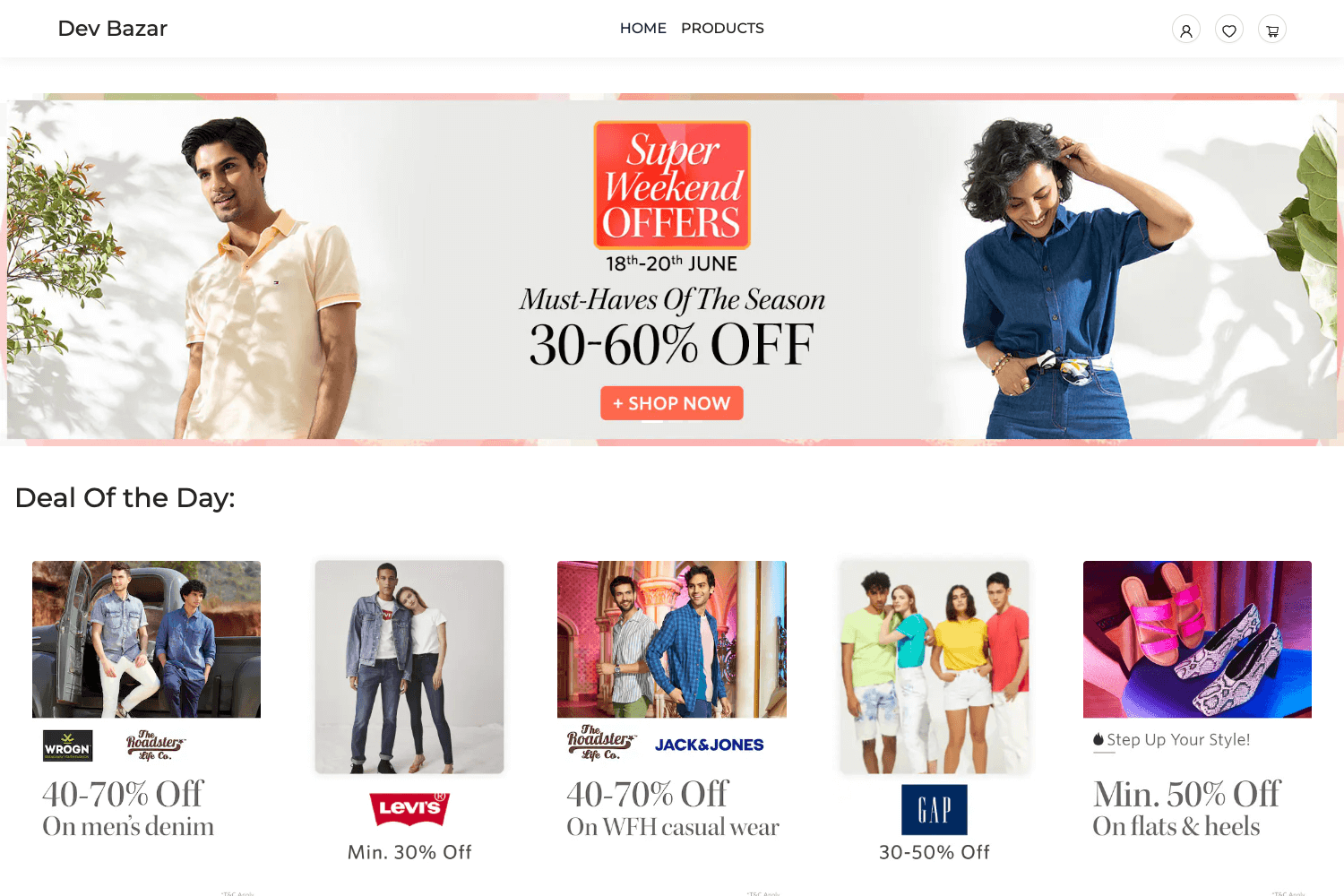
The project also demonstrates multi-store capability: two demo storefronts, a clothing store and a shoe store, run from the same test account to show separate shopping experiences for distinct product categories.
Key Features
- Product catalog and category pages — Browse a diverse product catalog organized by categories, with pages for product details, pricing, and order status.
- Cart and checkout flow — Add products to a cart, review quantities, proceed through a checkout form, and complete purchases with Stripe-secured payments.
- Secure Stripe integration — Payments are processed through Stripe, including support for recurring payments, with test-card data provided for demos.
- 12 store themes — Switch between a dozen store themes, including an eye-friendly dark mode, from the storefront itself.
- Order confirmation emails — Receive immediate email confirmation with purchase details after checkout.
- On-site order tracking — Monitor the status and location of orders directly on the website without leaving the storefront.
- Multi-store demo setup — Two live demo stores (clothing and shoes) illustrate how the same platform can power separate storefronts for different product lines.
Who is it for?
- E-commerce developers building a modern storefront with Next.js and Stripe who want a working reference for catalog, cart, and checkout implementation.
- Store owners who need a customer-facing website that is managed from a separate admin dashboard rather than an all-in-one platform.
- Freelancers and agencies looking to deploy multiple distinct storefronts from one codebase, as demonstrated by the clothing and shoe demo stores.
- Developers evaluating Stripe checkout flows who want a complete, MIT-licensed example they can modify and reuse.
What can you do with the E-commerce Store Website?
- Launch a branded storefront: Set up one or more storefronts from this Next.js template, choose one of 12 themes, and start selling products with Stripe checkout.
- Run separate stores for separate categories: Use the multi-store pattern to run a clothing store and a shoe store independently, each with its own shopping experience.
- Track orders and confirm purchases: Let customers receive order confirmation emails and track their order status and location on the site.
- Extend the storefront with an admin dashboard: Pair the store with the separate E-commerce Admin Dashboard repository to manage products, orders, and store settings from one backend.
How does the store website work?
The shopping flow is straightforward: visitors browse the product catalog, click a product for details and pricing, add items to the cart, review the cart, and proceed to checkout. A checkout form is filled with test data, and payment is completed on Stripe's payment page. After purchase, an order confirmation email is sent, and the order status becomes visible on the order page.
FAQ
Is the E-commerce Store Website free?
Yes, the project is licensed under the MIT License, so the source code can be freely used, modified, and distributed with attribution.
What technologies does it use?
The stack is Next.js (App Router), Shadcn UI, Tailwind CSS, and Stripe for payments. It also works with the companion E-commerce Admin Dashboard, which is maintained in a separate GitHub repository.
Does this template include an admin dashboard?
No. The storefront is the customer-facing website only. The admin dashboard is a separate project hosted at a different live URL and repository, and the storefront is designed to be managed by that dashboard.
How do I test the checkout process?
The demo uses test data in the checkout form and Stripe's test payment page. The content directs users to fill the checkout form with test card data, so no real money is involved when trying the live demo.