Template details
Flotiq Gatsby Shop 2
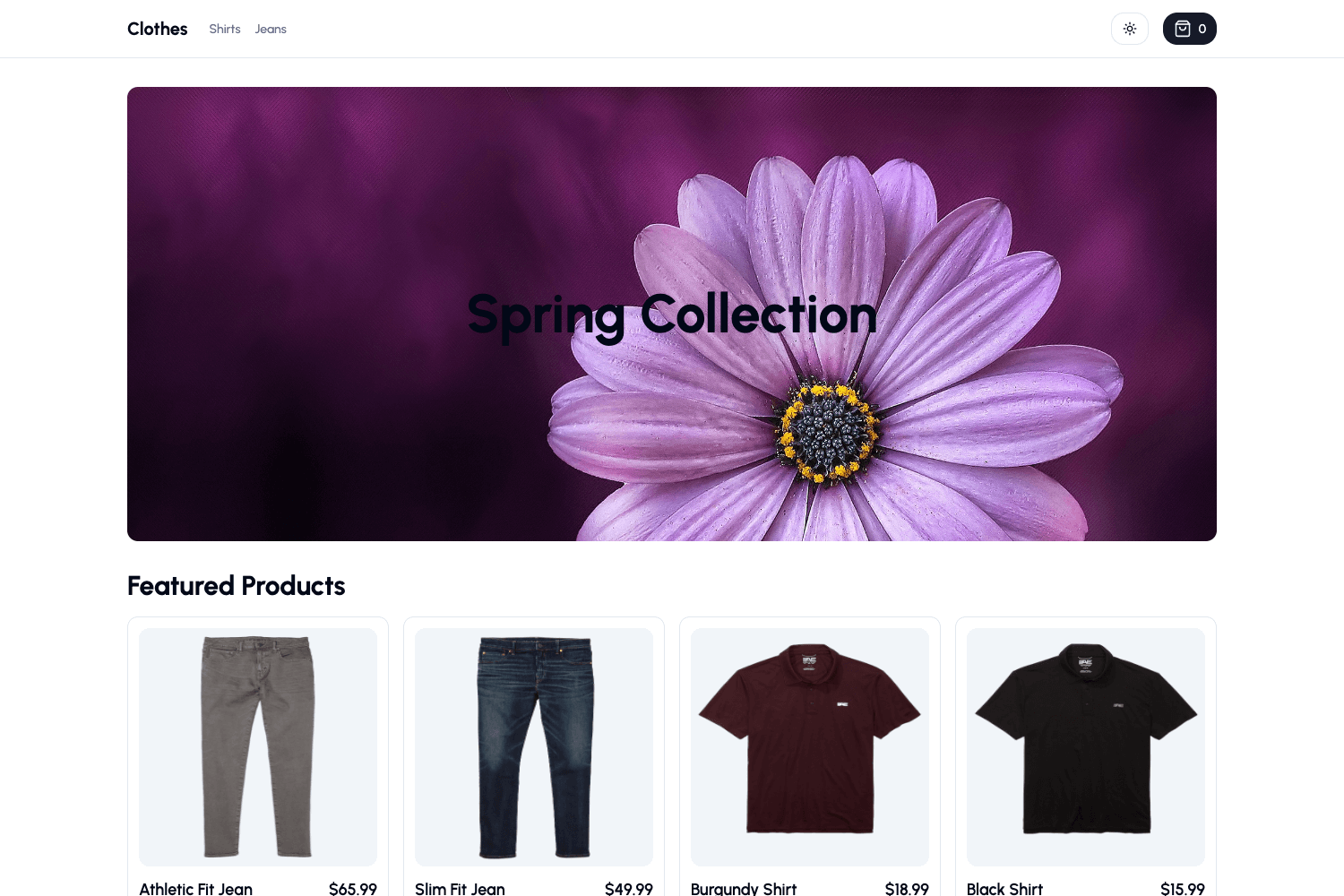
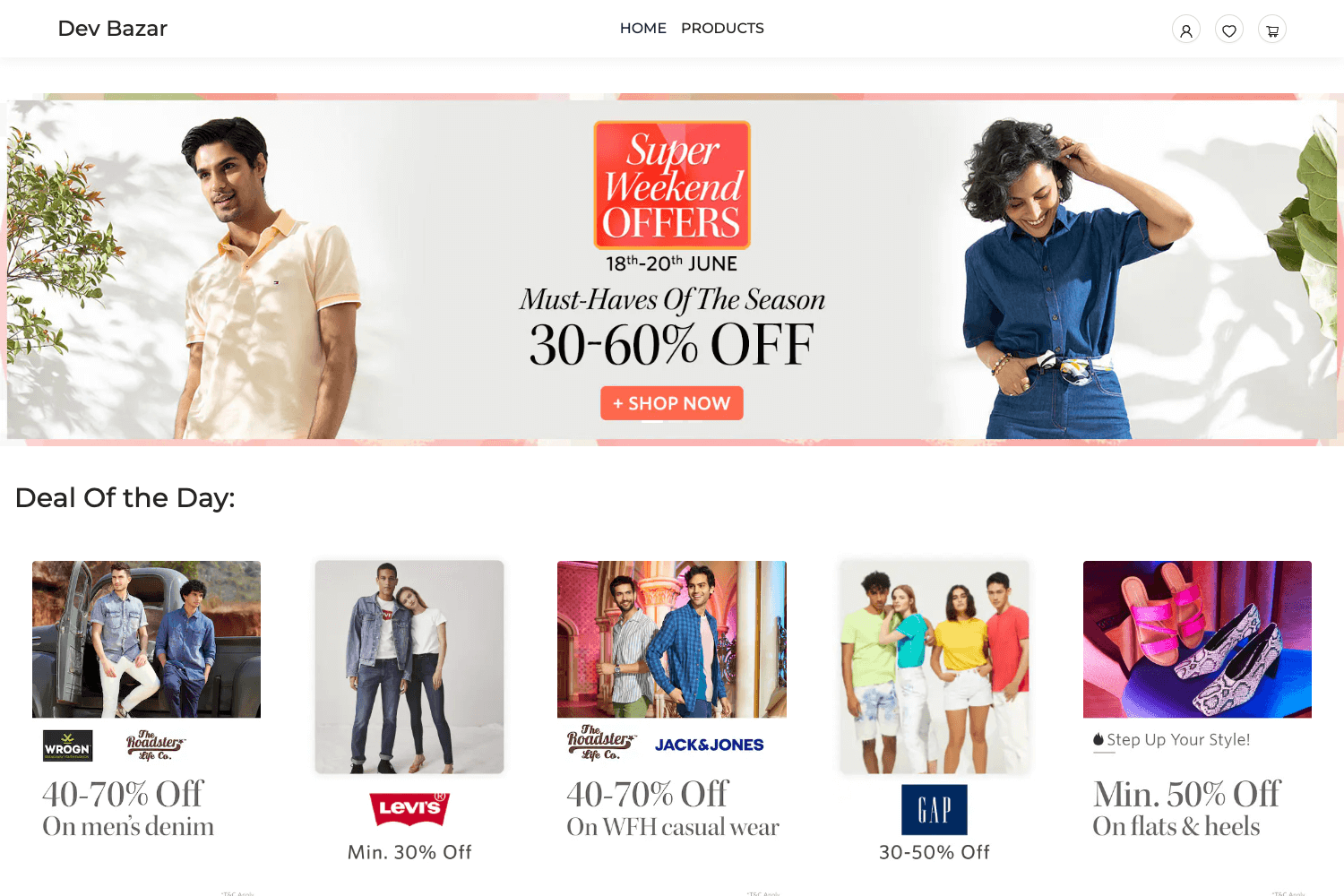
Gatsby 5 e-commerce starter with Flotiq headless CMS, Tailwind CSS, and Snipcart checkout.
About this template
Flotiq Gatsby Shop 2 is a Gatsby 5 e-commerce starter that connects the Flotiq headless CMS to a Tailwind CSS storefront with Snipcart checkout.
What is Flotiq Gatsby Shop 2?
Flotiq Gatsby Shop 2 is a free, open-source (MIT) starter for building an online shop on Gatsby 5. It takes a Flotiq read/write API key and a Snipcart API key as environment variables, imports four example product objects into your Flotiq account, and outputs a static retail site with a working shopping cart. The starter is maintained by Flotiq and uses the official gatsby-source-flotiq plugin along with the flotiq-components-react library to fetch and render content.
Key Features
- Gatsby 5 framework — Runs on Gatsby 5 and requires Node 18 or newer; includes standard files such as gatsby-config.js, gatsby-node.js, and gatsby-browser.js.
- Flotiq headless CMS integration — Products and pages are managed in the Flotiq editor and pulled into the site via gatsby-source-flotiq; the .flotiq directory defines the content types needed.
- Tailwind CSS utility styling — Styling is configured through tailwind.config.js with global styles in src/style, and the source code organizes components, sections, and templates under src.
- Snipcart shopping cart — Checkout is powered by Snipcart; a public test API key is provided for demos, and a paid Snipcart plan is required for production use.
- Flotiq React components — The flotiq-components-react library renders content objects consistently across the storefront.
- One-command project setup — Running
flotiq start [projectName] [flotiqApiKey]clones the repository, installs npm dependencies, writes .env variables, imports sample data, and launches gatsby develop. - Multiple deployment targets — One-click deploy buttons are available for Heroku, Netlify, and Cloudflare Workers; Netlify and Gatsby Cloud have dedicated Flotiq plugins to trigger rebuilds on content changes.
- Sample content and build tooling — The import command adds four example objects, and the repo includes ESLint, Prettier, and Tailwind configuration out of the box.
Who is it for?
- Developers building headless e-commerce sites — They get a complete Gatsby 5 storefront wired to Flotiq and Snipcart, skipping the initial scaffolding.
- Existing Flotiq users — Teams already using Flotiq can extend this starter to sell products with minimal configuration.
- Agencies and freelancers prototyping shops — The one-command setup and sample data make it quick to produce a demo store for client presentations.
What can you do with it?
- Launch an online store: Use your own Flotiq API key, add products in the Flotiq editor, and deploy the static site to Netlify, Heroku, or Cloudflare Workers.
- Learn a Gatsby and headless CMS workflow: Study how gatsby-source-flotiq fetches data and how gatsby-node.js creates pages from content objects.
- Customize the storefront: Edit src/templates/index.js and see changes live in the browser during development.
How does it work?
The provided Flotiq CLI command handles the entire setup automatically: it creates the project from the repository, installs dependencies, sets the required environment variables in .env.development, imports the .flotiq sample data, and starts the development server. If you skip the CLI, you can manually configure GATSBY_FLOTIQ_API_KEY, SNIPCART_API_KEY, and GA_MEASUREMENT_ID, then run flotiq import .flotiq [flotiqApiKey] before building.
Pros and cons
- Pros: MIT-licensed and free to use; one-command installation; sample data included; deploy buttons for three hosting platforms.
- Cons: Requires a Flotiq account and a read/write API key; content updates in the CMS require rebuilding the site (unless you use the refresh or webhook integrations); Snipcart's production checkout requires a paid Snipcart plan.
Pricing
The Flotiq Gatsby Shop 2 starter is released under the MIT license, so the template itself is free. Snipcart, the integrated shopping cart provider, offers a free test key for development, but commercial use requires purchasing a Snipcart plan.
FAQ
Does Flotiq Gatsby Shop 2 require Node 18?
Yes. The project needs Node 18.0.0 or newer because it uses Gatsby 5.
How do I add my own Flotiq API key?
Put your read/write API key in the .env.development file as GATSBY_FLOTIQ_API_KEY. The README also explains how to obtain the Snipcart API key from the Snipcart dashboard.
Is the Snipcart test key safe for production?
No. The public test API key shown in the README is only for testing the demo; a paid Snipcart plan is required to run a commercial shop.
What should I do after updating content in Flotiq?
Rerun gatsby develop during development, or gatsby build in production. If you change a Content Type Definition, run gatsby clean first. You can also use Flotiq's plugins for Gatsby Cloud or Netlify to automate rebuilds.