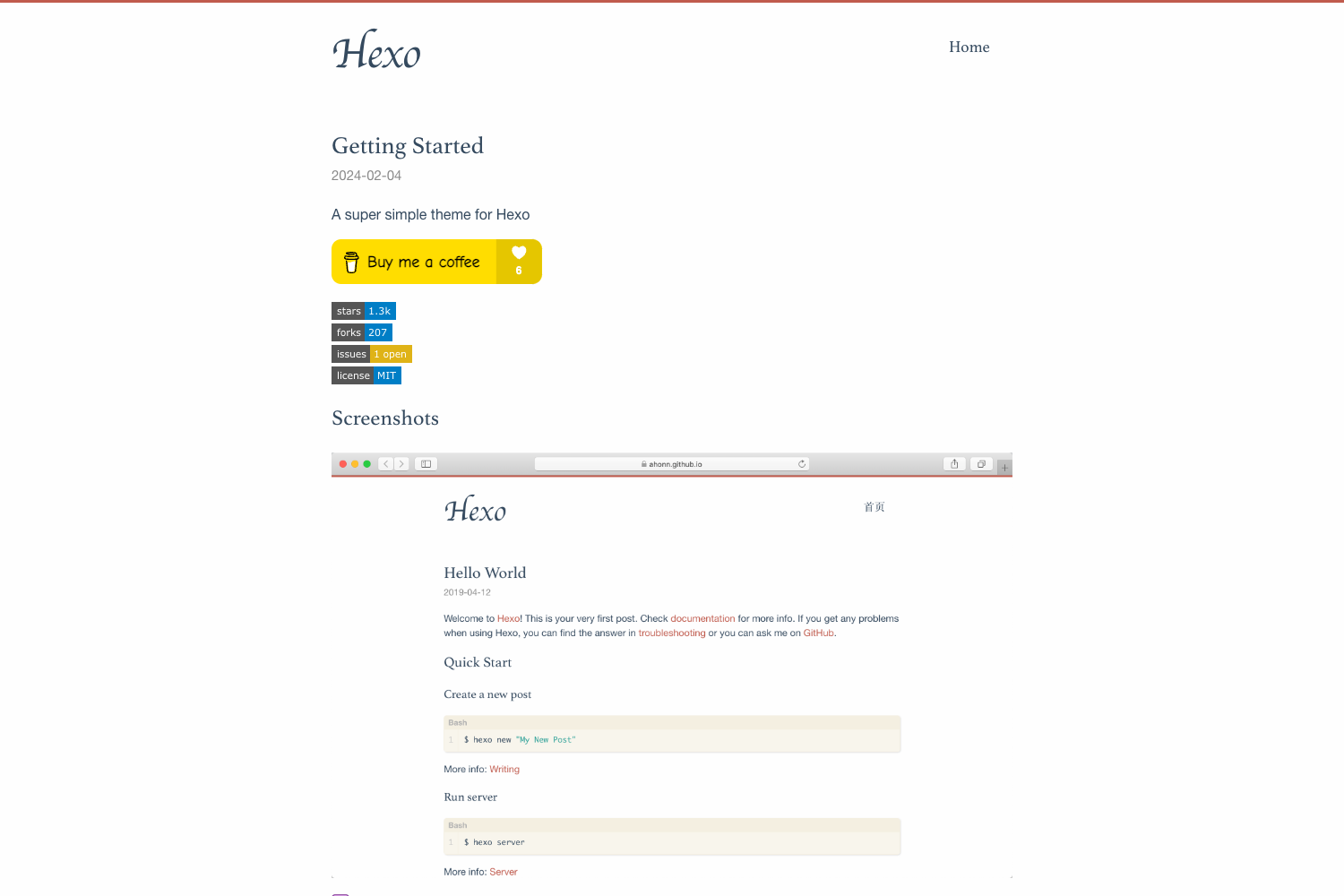
Template details
Pacman
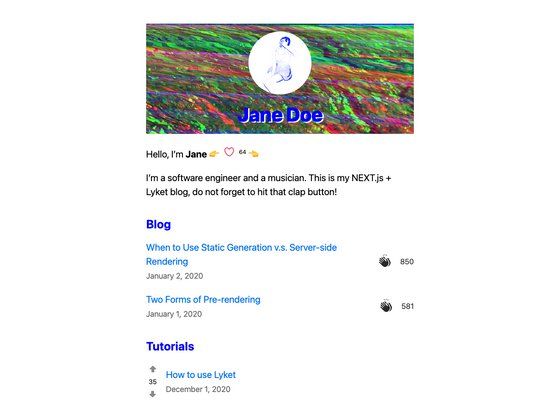
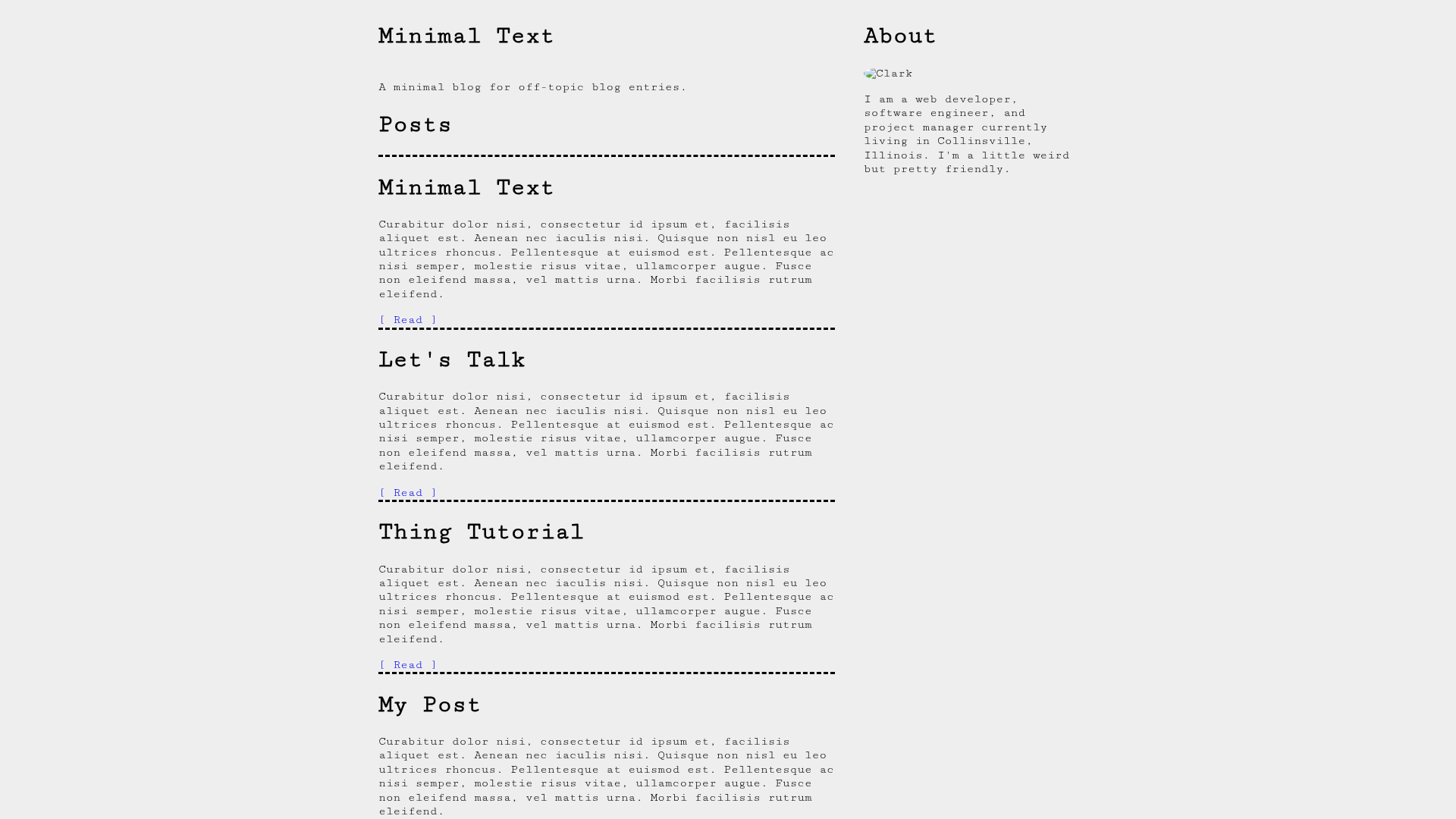
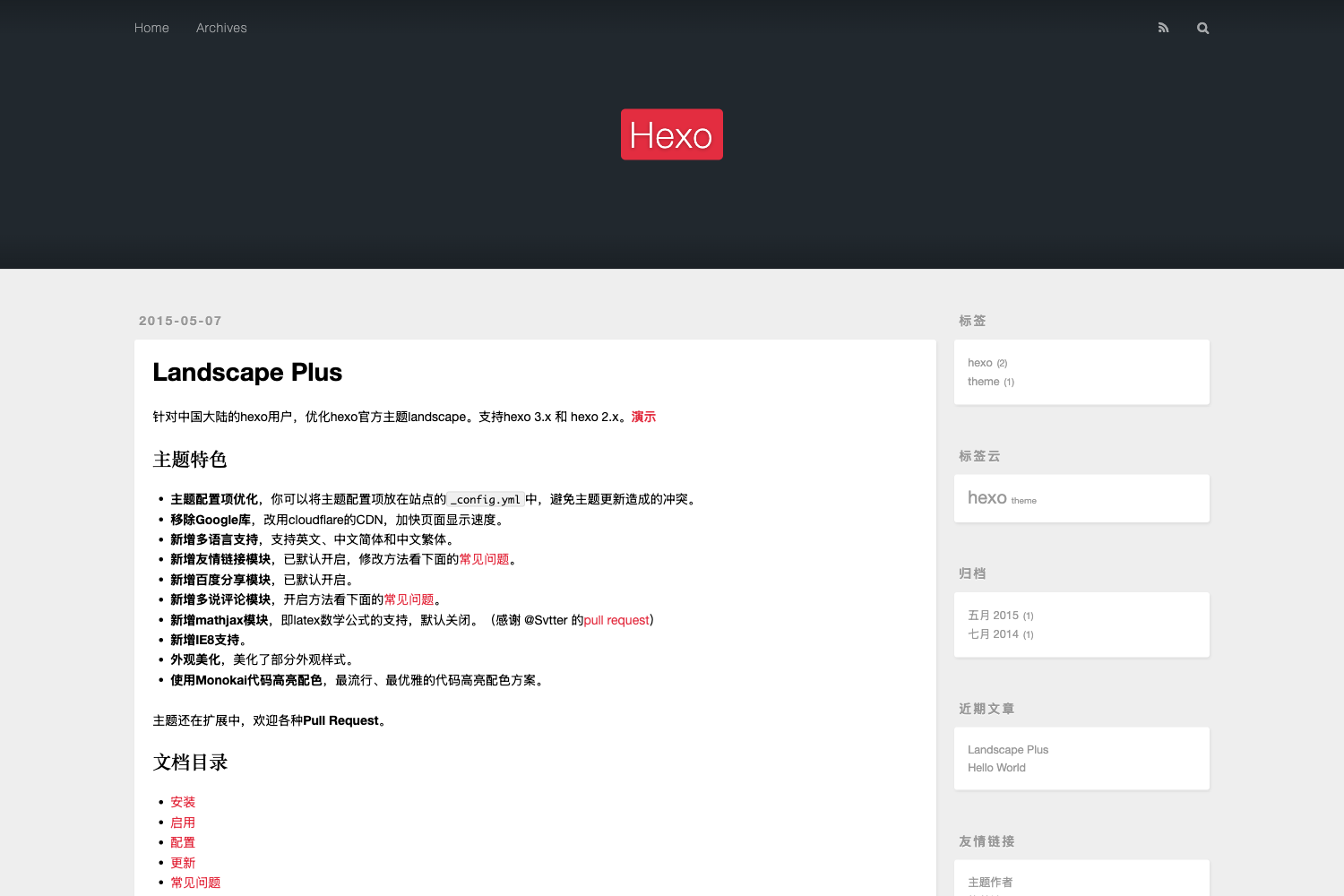
Pacman is a flat and responsive design theme for Hexo, with widgets, author bio, and comment, share, and analytics options.
About this template
Pacman is a flat, responsive Hexo theme that turns a standard Hexo blog into a widget-rich personal site through a single configuration file.
What is Pacman?
Pacman is an open-source theme for the Hexo static site generator, built and maintained by GitHub user A-limon. It takes a Hexo blog's Markdown posts and produces a flat, mobile-friendly website with sidebar widgets, author bio, table of contents, and optional comment, share, and analytics integrations. The theme requires Hexo 2.4.5 or above, and a live demo is hosted at A-limon's GitHub Pages. All customization is done through the theme's _config.yml file, so you do not write code to enable most features.
What makes Pacman stand out?
- Flat, responsive design — The theme delivers a clean, mobile-friendly layout for Hexo blogs, with no JavaScript framework required for the core layout.
- Six sidebar widgets — category, tag, rss, archive, tagcloud, and links can be enabled in _config.yml; the links widget is edited in /layout/_widget/links.ejs.
- Per-post table of contents — You can show contents inside the article or in the aside, and disable it for an individual post by adding
toc: falseto that post's front-matter. - Fancybox galleries — Optional Fancybox support enables lightbox-style images; to use Fancybox in any post you must copy /pacman/scripts/fancybox.js to your blog's scripts folder.
- Author profile panel — Displays a 220x220 avatar (either a regular image file or a base64 dataURI), two intro lines, and links to Google+, Weibo, Twitter, GitHub, Facebook, and Sina Weibo.
- Comment and share options — A built-in share button is included, with optional Duoshuo commenting and Jiathis sharing, each activated through the config.
- Google Analytics integration — Supports Universal Analytics by setting your Analytics ID and site, and you can add a Google Custom Search engine by pasting its cx ID.
- Custom fonts via Stylus — Change typography by editing variable.styl and font.styl in /pacman/source/css, so you can adapt the look without touching HTML.
Who is Pacman for?
Pacman suits Hexo users who want a ready-made, flat theme with social and analytics features instead of building their own. It is well suited to personal bloggers who want to publish posts, tag them, and let readers browse by category or archive. Developers who prefer configuring via a YAML file will appreciate that most features are toggles, not code edits. The support for Duoshuo and Sina Weibo also makes it practical for Chinese-language bloggers.
What can you do with Pacman?
- Personal bloggers: publish a Hexo blog with category, tag, archive, RSS, and tagcloud widgets without writing any custom HTML.
- Writers with long posts: add a table of contents to each article or to the side, and switch it off per post with a front-matter flag.
- Traffic-minded site owners: plug in Google Analytics and Google Custom Search by entering IDs in the config file, and add a share button via Jiathis or the built-in share tool.
How does Pacman work?
Pacman is installed by cloning its repository into your Hexo themes folder. First, run git clone https://github.com/A-limon/pacman.git themes/pacman. Then set the theme option in your blog's _config.yml to pacman. Finally, edit /themes/pacman/_config.yml to enable the widgets, author info, comments, analytics, and search options you want. Updating is a git pull from the theme folder, and the README advises backing up your _config.yml before updating.
FAQ
What version of Hexo does Pacman require?
Pacman requires Hexo 2.4.5 or above. Older versions may not support the theme's configuration options.
How do I update Pacman to a newer version?
Go to the theme folder (cd themes/pacman) and run git pull. Before updating, back up your _config.yml so your custom settings are not lost.
What widgets does Pacman include?
The theme provides six widgets: category, tag, rss, archive, tagcloud, and links. You choose which ones appear by editing the widgets list in _config.yml.
How do I enable Fancybox in my posts?
Set fancybox: true in _config.yml. If you want Fancybox in any post (not only gallery posts), copy the file /pacman/scripts/fancybox.js to your Hexo blog's scripts folder.
Does Pacman support custom search?
Yes, Pacman supports Google Custom Search. Enable google_cse in the config and enter your Custom Search engine's cx ID to add a search box to the site.