Template details
Jekyll Theme Hamilton
A minimal and beautiful Jekyll theme best for writing and note-taking.
About this template
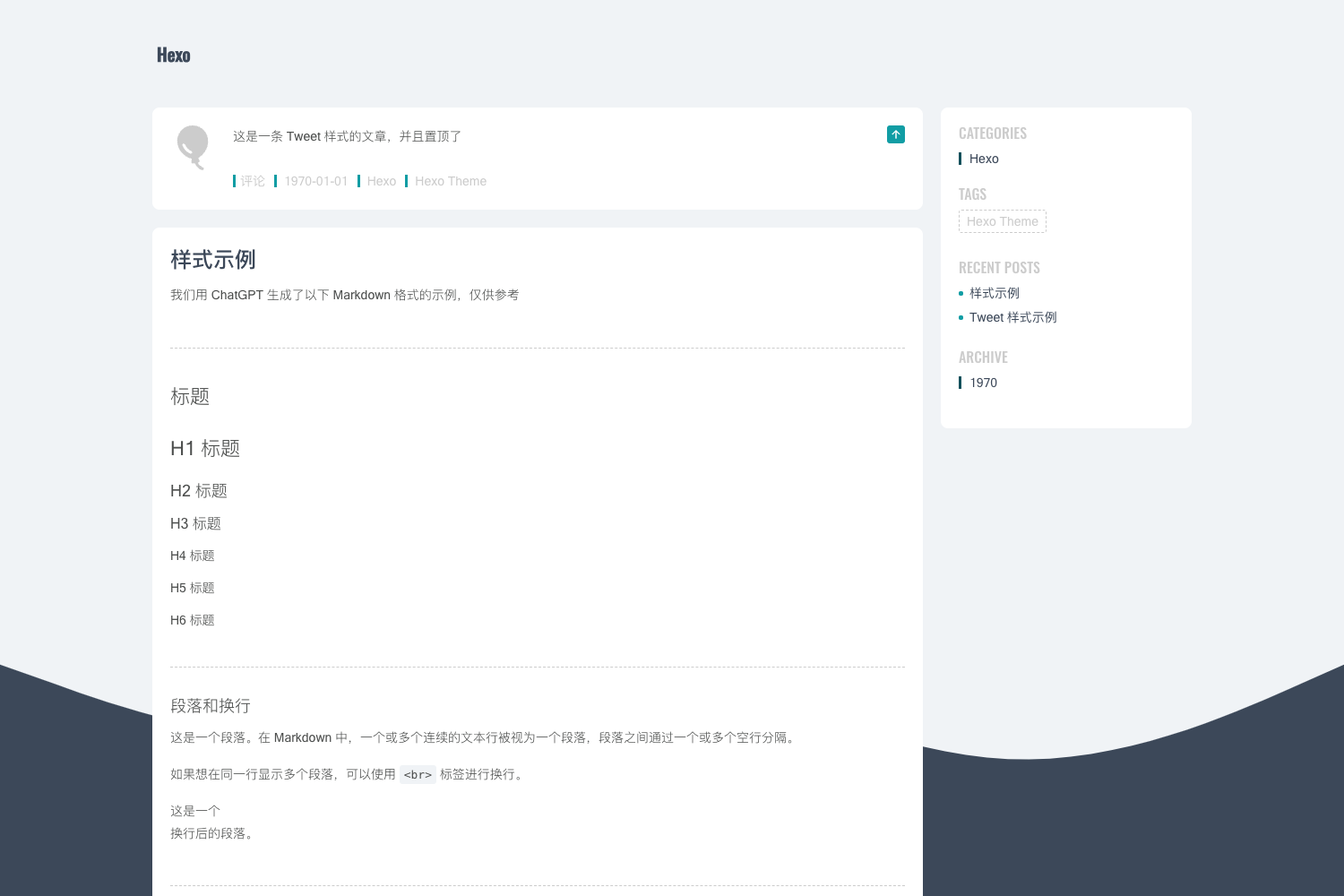
Hamilton is a minimal Jekyll theme designed for writing and note-taking, built as an enhancement of the default Jekyll theme Minima and released under the MIT License.
What is Hamilton?
Hamilton is a Jekyll theme that turns a standard Jekyll site into a minimal blog with built-in SEO, feed, sitemap, analytics, comments, and math rendering. It takes posts written in Markdown with front matter and produces a static site ready for hosting on GitHub Pages or any Jekyll-compatible server. The theme is maintained by ngzhio and has 230 stars on GitHub.
Key Features
- Jekyll SEO Tag — Automatically adds meta descriptions and Open Graph tags via the
jekyll-seo-tagplugin, improving search and social sharing. - Jekyll Feed — Generates an Atom feed for your posts using the
jekyll-feedplugin, so readers can subscribe. - Jekyll Sitemap — Creates a
sitemap.xmlfor search engine crawling with thejekyll-sitemapplugin. - Google Analytics — Add your tracking ID as the
google_analyticsparameter in_config.ymlto enable traffic analytics. - MathJax — Render LaTeX formulas by adding
math: trueto a post or page's front matter. - Disqus — Enable a comment section by setting the
disqusshortname in the site configuration. - Table of Contents — Set
toc: truein front matter to display a TOC on the left sidebar. - Archive Pages — Category, tag, and year archives are implemented in pure Liquid templates, so they work without JavaScript.
Who is it for?
- Bloggers who want a fast, minimal site without the visual clutter of default Jekyll themes.
- Note-takers who need a clean writing interface with optional table of contents and math support for technical notes.
- Jekyll developers who want an easily customizable SCSS-based theme with four skins and dynamic skin selection.
- GitHub Pages users who prefer a remote-theme installation method that requires no forked repository.
What can you do with Hamilton?
- Academic writers: Enable MathJax on specific pages to include LaTeX equations in notes or papers.
- Community bloggers: Add Disqus comments and Google Analytics to build engagement and measure traffic.
- Site maintainers: Create category, tag, or year archives by using the built-in layouts
archive-taxonomiesandarchive-years. - Designers: Switch between daylight, midnight, sunrise, and sunset skins, or create a custom skin by copying and editing the
daylight.scssfile.
How does Hamilton work?
Installation is either by adding the jekyll-theme-hamilton gem to your Gemfile and plugin list, or by using jekyll-remote-theme on GitHub Pages with remote_theme: ngzhio/jekyll-theme-hamilton. Configure required parameters title, disqus, and google_analytics in _config.yml, then run jekyll serve to preview locally.
FAQ
Is Hamilton free to use?
Yes, Hamilton is open source under the MIT License, so you can use, modify, and redistribute it freely for personal or commercial sites.
How do I install the theme?
You can either add gem 'jekyll-theme-hamilton' to your Gemfile and include it in the plugins list, or if using GitHub Pages, add jekyll-remote-theme and set remote_theme: ngzhio/jekyll-theme-hamilton in _config.yml.
How do I enable a table of contents?
Add toc: true to the YAML front matter of any post or page where you want a table of contents to appear in the left sidebar.
How do I change the skin?
Set the skin parameter in _config.yml to daylight, midnight, sunrise, or sunset. If you leave it unset, Hamilton automatically selects a skin based on the current hour of the day.
Can I add custom styles?
Yes, create a file _sass/hamilton/custom-styles.scss in your repository and Hamilton will automatically include your SCSS in the compiled stylesheet.