Template details
Paper Dashboard Pro Laravel
Bootstrap 4 admin dashboard for Laravel with role management, CRUD examples, profile editing, and demo seeders.
About this template
Paper Dashboard Pro Laravel is a premium Bootstrap 4 admin dashboard template from Creative Tim, built specifically for Laravel 9.x and up, that ships with role-based access control and full CRUD examples for users, roles, categories, tags, and items.
What is Paper Dashboard Pro Laravel?
Paper Dashboard Pro Laravel is a paid starter kit that combines the Paper Dashboard Pro frontend (v2.0.1) with a Laravel backend. It takes a Laravel application skeleton and adds authentication, profile editing, and management pages for roles, users, categories, tags, and items, all protected by policies and request validation. The template is developed by Creative Tim in collaboration with UPDIVISION and is distributed through Creative Tim's website.
Key Features
- Role management — Three default roles (Admin, Creator, Member) ship with the theme; administrators can add and edit roles via the /role route, though deletion is intentionally disabled.
- User management — Built-in CRUD for users with name, email, role, password, and profile picture fields; UserController, UserPolicy, and UserRequest handle authorization and validation.
- Tag and category management — CRUD pages for tags and categories where records can be deleted only when no items are attached to them.
- Item management — The most advanced example: each item has a picture, belongs to one category, and can have multiple tags; ItemObserver automatically deletes picture files and detaches tags on deletion.
- Profile editing — Users can update their name, email, profile picture, and password; ProfileRequest and PasswordRequest include custom rules, including the CurrentPasswordCheckRule.
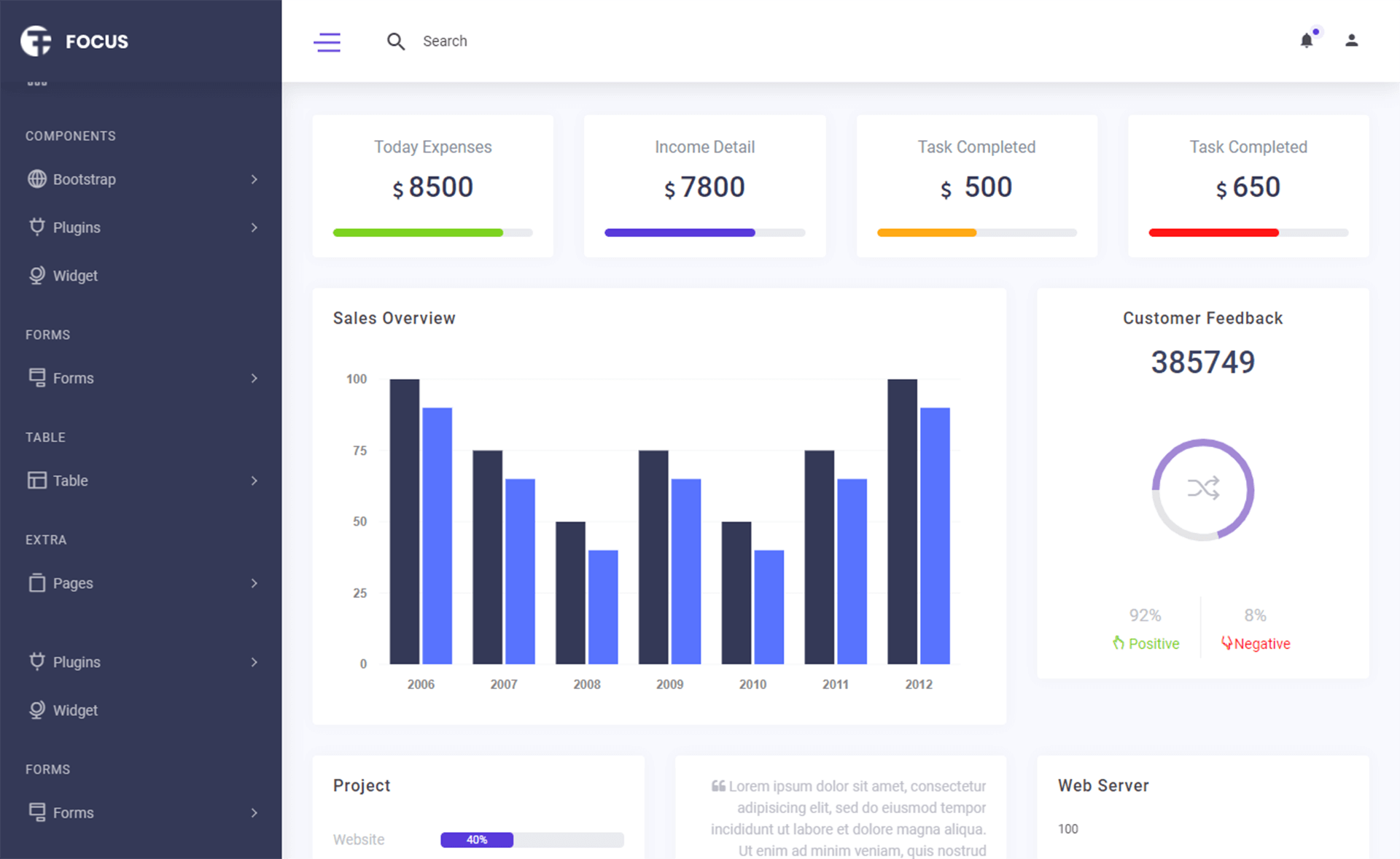
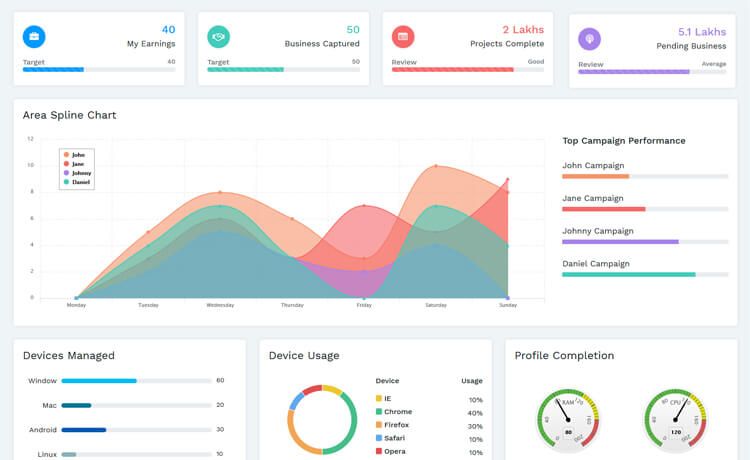
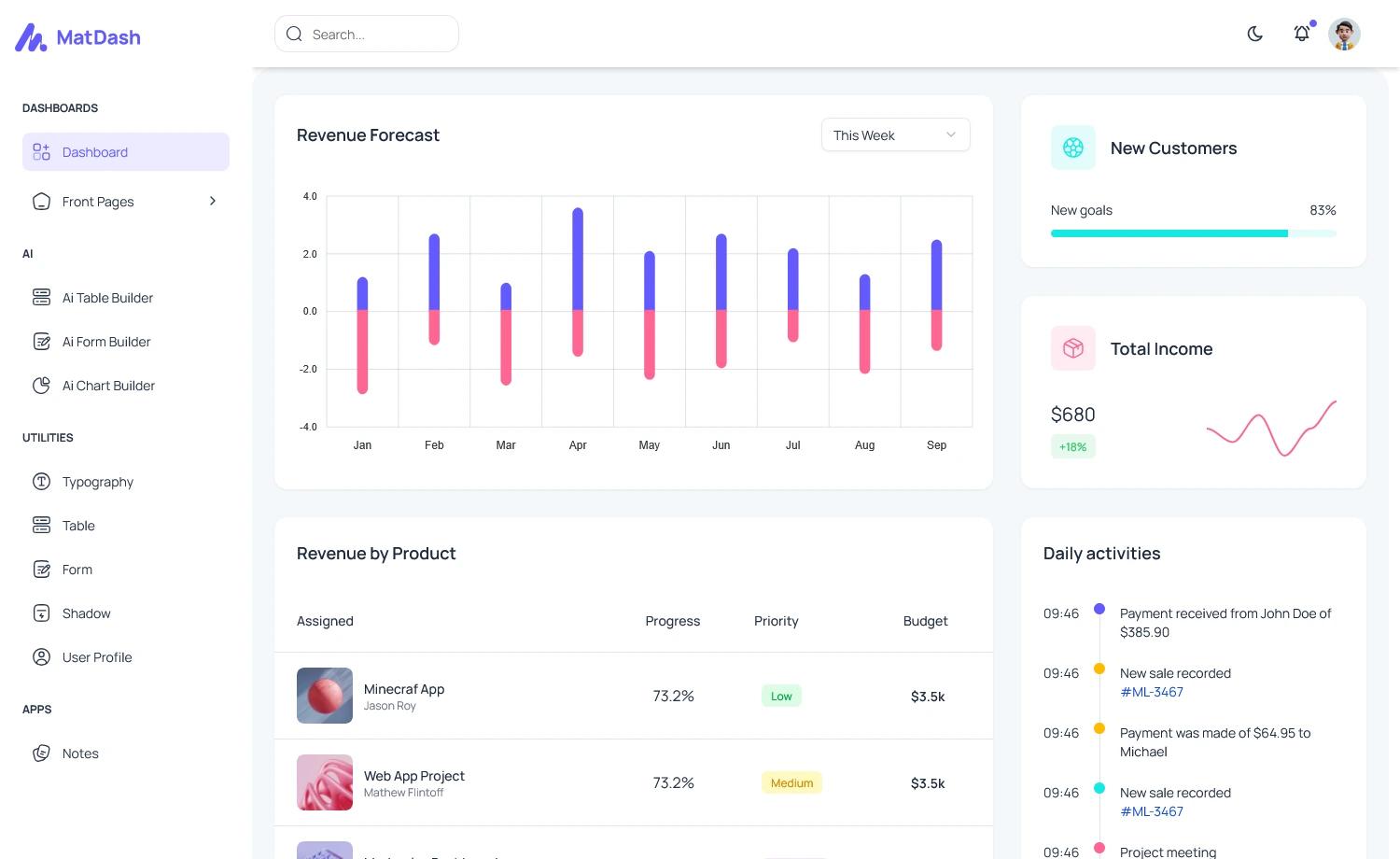
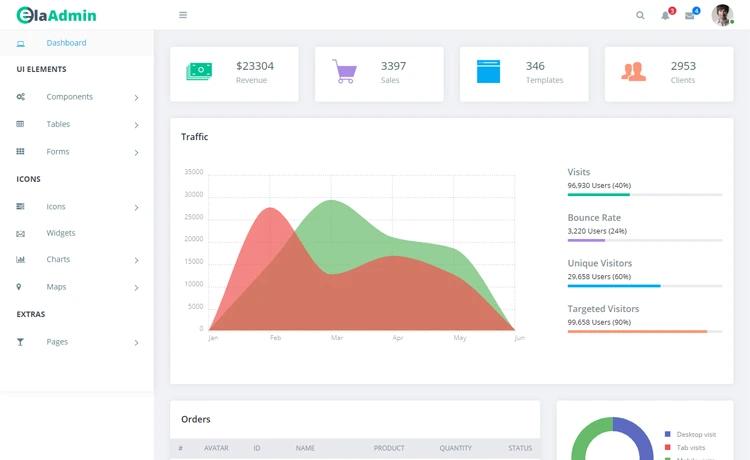
- Bootstrap 4 frontend — Paper Dashboard Pro v2.0.1 provides templates for dashboards, charts, tables, maps, calendar, widgets, forms, and components, all styled with Paper Dashboard CSS/JS.
- Demo seeders — Migrations and seeders create roles, users, categories, tags, and items, and three demo accounts are available after
php artisan migrate --seed.
Who is it for?
- Laravel developers who need a production-style admin panel with authentication and CRUD examples to accelerate a client or personal project.
- Agency teams that want a pre-built Bootstrap 4 dashboard with role-based permissions so they can customize modules instead of building from scratch.
- Developers learning Laravel patterns such as policies, form requests, observers, and many-to-many relationships through working CRUD code.
What can you do with it?
- Admin-type users: manage roles, users, categories, tags, and items, and assign any role to new users.
- Creator-type users: create and edit categories, tags, and items, and update their own profile, without touching role or user management.
- Member-type users: log in, view the item list, and edit their profile — a suitable pattern for membership sites or restricted content areas.
How does Paper Dashboard Pro Laravel work?
Installation follows standard Laravel practice: unzip the archive, run composer install, copy .env.example to .env with a MySQL database configured, run php artisan key:generate, then run php artisan migrate --seed to create tables and seed demo data. Running php artisan storage:link sets up the public storage symlink for uploaded profile pictures and item images. After seeding, you can log in at the /login route with admin@paper.com (password: secret) and explore every feature.
FAQ
What demo accounts are available?
Three seeded demo accounts are included: admin@paper.com, creator@paper.com, and member@paper.com. All use the password "secret". These are created by the UsersTableSeeder during php artisan migrate --seed.
Can I delete roles in Paper Dashboard Pro Laravel?
No. The role management section intentionally does not allow deletion. You can only add new roles and edit existing ones through the /role route. This prevents accidental removal of roles that might be assigned to users.
When can tags and categories be deleted?
Tags and categories can only be deleted when no items are associated with them. The TagController and CategoryController check the items relationship and return an error message if items are still attached.
Is a profile picture required when creating an item?
Yes, the photo field is mandatory when creating an item. When editing an item, the photo field is optional; if you do not upload a new picture, the existing file is kept.
What versions of Laravel are supported?
The README states the template is built for Laravel Framework 9.x and up, while the repository description mentions Laravel 11.x and up. It uses Composer for PHP dependencies and includes standard artisan commands for migrations, seeding, and key generation.