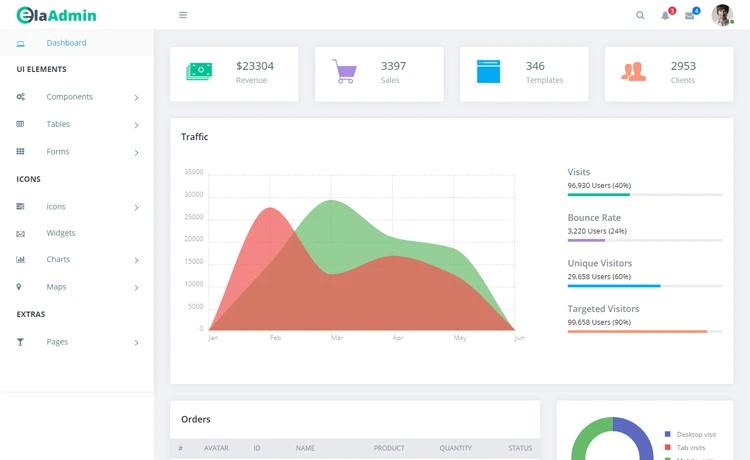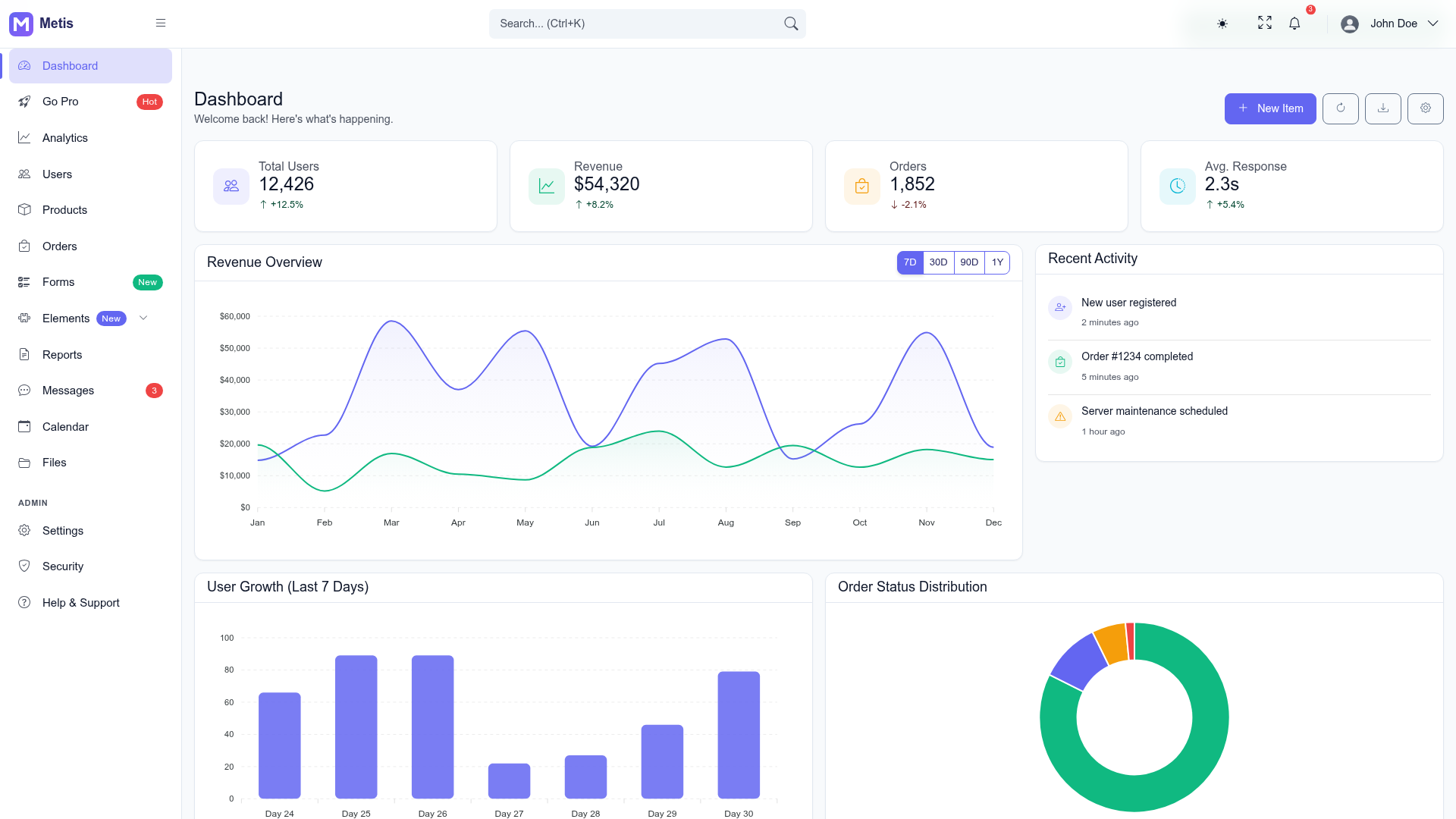
Template details
Next Tailwind Dashboard
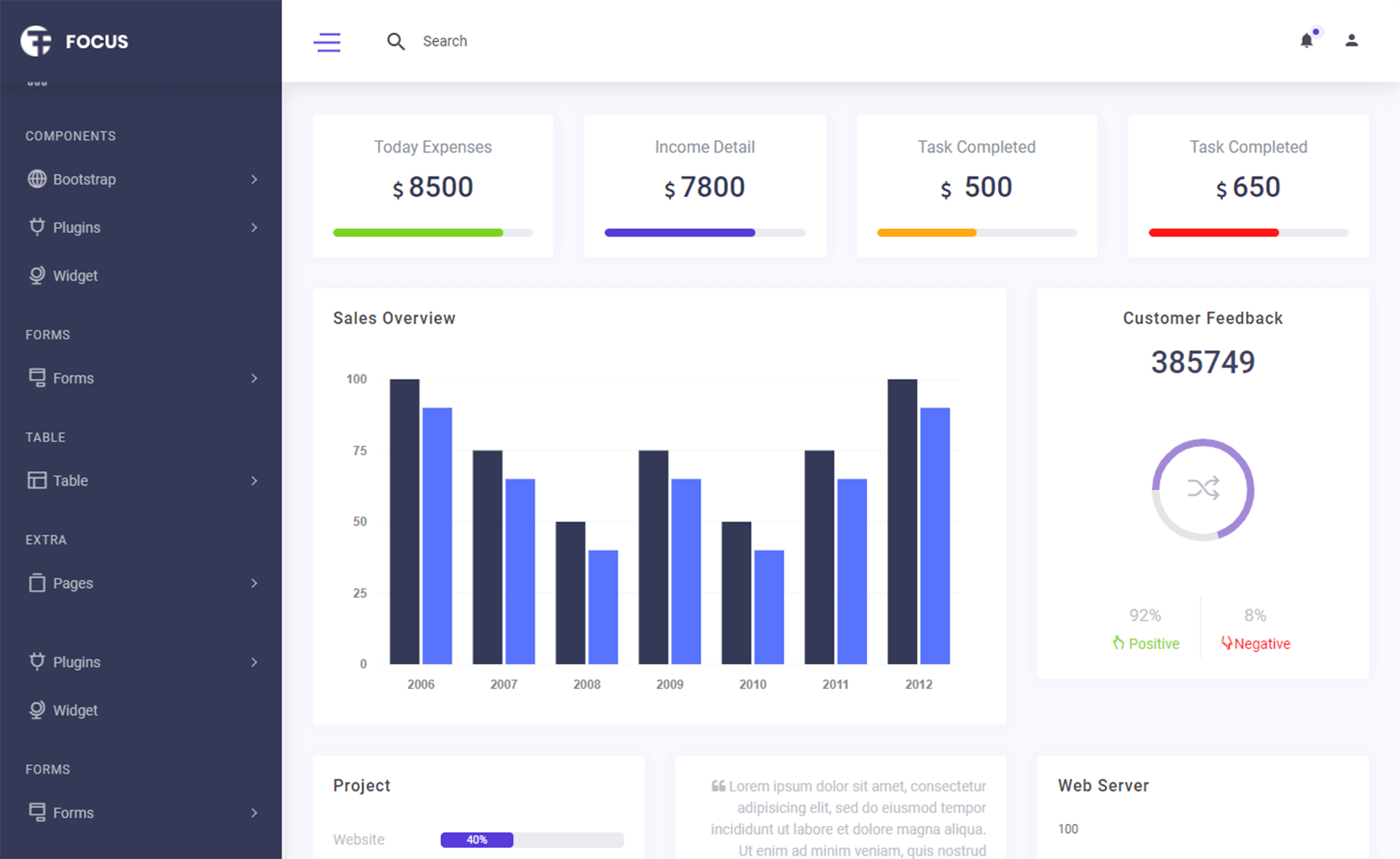
A Next.js and Tailwind CSS dashboard layout with Chart.js and Google Auth integration.
About this template
Next Tailwind Dashboard is a dashboard layout template built on Next.js and styled with Tailwind CSS, giving developers a pre-structured starting point for admin panels and data visualization apps. The project is bootstrapped with create-next-app, and the repository metadata lists Chart.js and Google Auth as topics, so it targets dashboards that need charts and login-gated access.
What is Next Tailwind Dashboard?
Next Tailwind Dashboard is a front-end dashboard layout that runs on the Next.js framework and uses Tailwind CSS for styling. It is initialized with the standard create-next-app structure, including the App Router entry point at app/page.js, which you edit to build your dashboard pages. The repository metadata adds Chart.js and Google Auth as project topics, indicating the template is intended to display charts and support Google-based login. It outputs a responsive web dashboard that can be deployed to Vercel with a single click.
Key Features
- Next.js framework — Built on the App Router structure from create-next-app, with the entry page at
app/page.jsand automatic page reloads during development. - Tailwind CSS styling — The dashboard layout is styled with Tailwind CSS utility classes, keeping all styling in markup and simplifying custom theming.
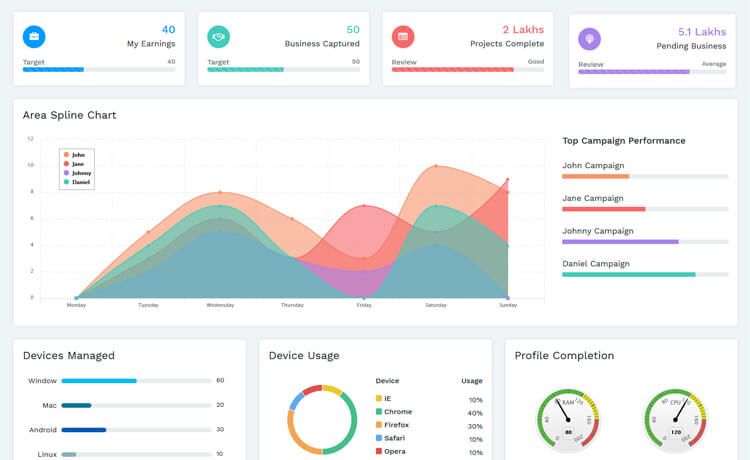
- Chart.js integration — The repository lists chartjs as a topic, so the dashboard is set up to render charts and graphs for data visualization.
- Google Auth support — The googleauth topic indicates the project includes or anticipates Google authentication, useful for gated dashboard access.
- Inter font optimization — Uses
next/fontto automatically load and optimize Inter, a Google Font, with no manual font setup needed. - Multiple package managers — The dev server can be started with
npm run dev,yarn dev,pnpm dev, orbun dev, covering all major Node.js tooling. - Vercel deployment — The README includes a direct link to the Vercel platform for deploying the Next.js app, plus a link to the official deployment docs.
Who is it for?
- Dashboard developers — Frontend developers who need a ready-made Next.js and Tailwind layout to start building admin panels without configuring the toolchain from scratch.
- Data product teams — Teams building analytics or monitoring dashboards who will use Chart.js to display metrics and charts.
- SaaS founders — Builders who want Google Auth on a dashboard so only authorized users can view internal data.
Use cases
- Analytics dashboard: Use the layout with Chart.js to display page views, conversion rates, or other time-series data.
- Admin panel: Start from this template to manage users, orders, or content, adding your own backend and API routes.
- Gated internal tool: Integrate Google Auth so only accounts on your domain can access the dashboard.
FAQ
How do I run the development server?
Run npm run dev, yarn dev, pnpm dev, or bun dev from the project root, then open http://localhost:3000 in your browser. The page auto-updates when you edit app/page.js.
Is this template written in TypeScript?
No. The default entry file is app/page.js, so this create-next-app project uses JavaScript (JSX) rather than TypeScript.
Can I deploy this to Vercel?
Yes. The README links directly to the Vercel platform for one-click deployment and to the official Next.js deployment documentation for detailed steps.
Does the template include authentication out of the box?
The repository metadata lists googleauth as a topic, suggesting Google Auth is part of the project. The README itself does not document an auth setup, so you may need to wire up the actual sign-in flow.