Template details
Paper Dashboard PRO React
Premium React admin dashboard by Creative Tim, built on Bootstrap 4 + Reactstrap with example pages and docs.
About this template
Paper Dashboard PRO React is a paid React admin dashboard template by Creative Tim, built on Bootstrap 4 via Reactstrap, for creating data-heavy business backends, control panels, and analytics interfaces.
What is Paper Dashboard PRO React?
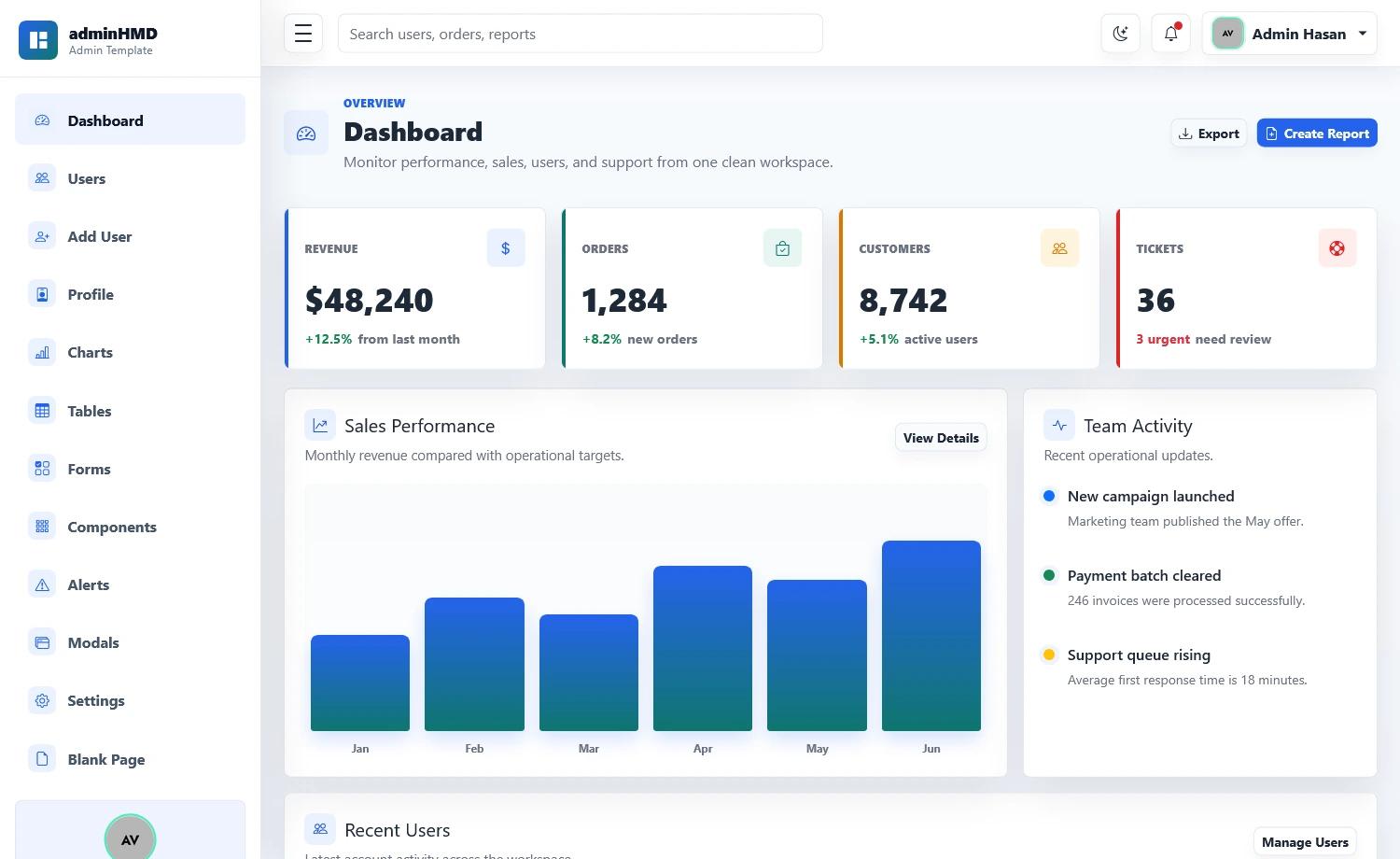
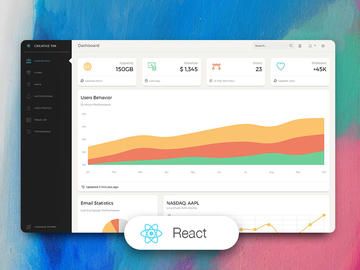
Paper Dashboard PRO React is a premium React admin dashboard template from Creative Tim. It takes a collection of re-designed Bootstrap 4 components, example pages, and plugins and packages them into a ready-to-use React application scaffold. You get a dashboard with a pastel, paper-inspired visual style, plus the underlying Reactstrap source to customize. Version 1.3.2 is the current release.
Key Features
- Bootstrap 4 + Reactstrap foundation — Built on Bootstrap 4 with Reactstrap components, so existing Bootstrap markup works; elements are re-styled to look like sheets of paper with pastel colors.
- Multiple framework versions — The same design ships as HTML, React, Vue, and Angular, so you can switch stacks without redesigning.
- Example pages included — The download contains dashboard, user profile, extended tables, Google Maps, and notifications pages to start from.
- Plugin bundle — Comes with all the plugins the project needs inside the archive, rather than requiring a separate setup.
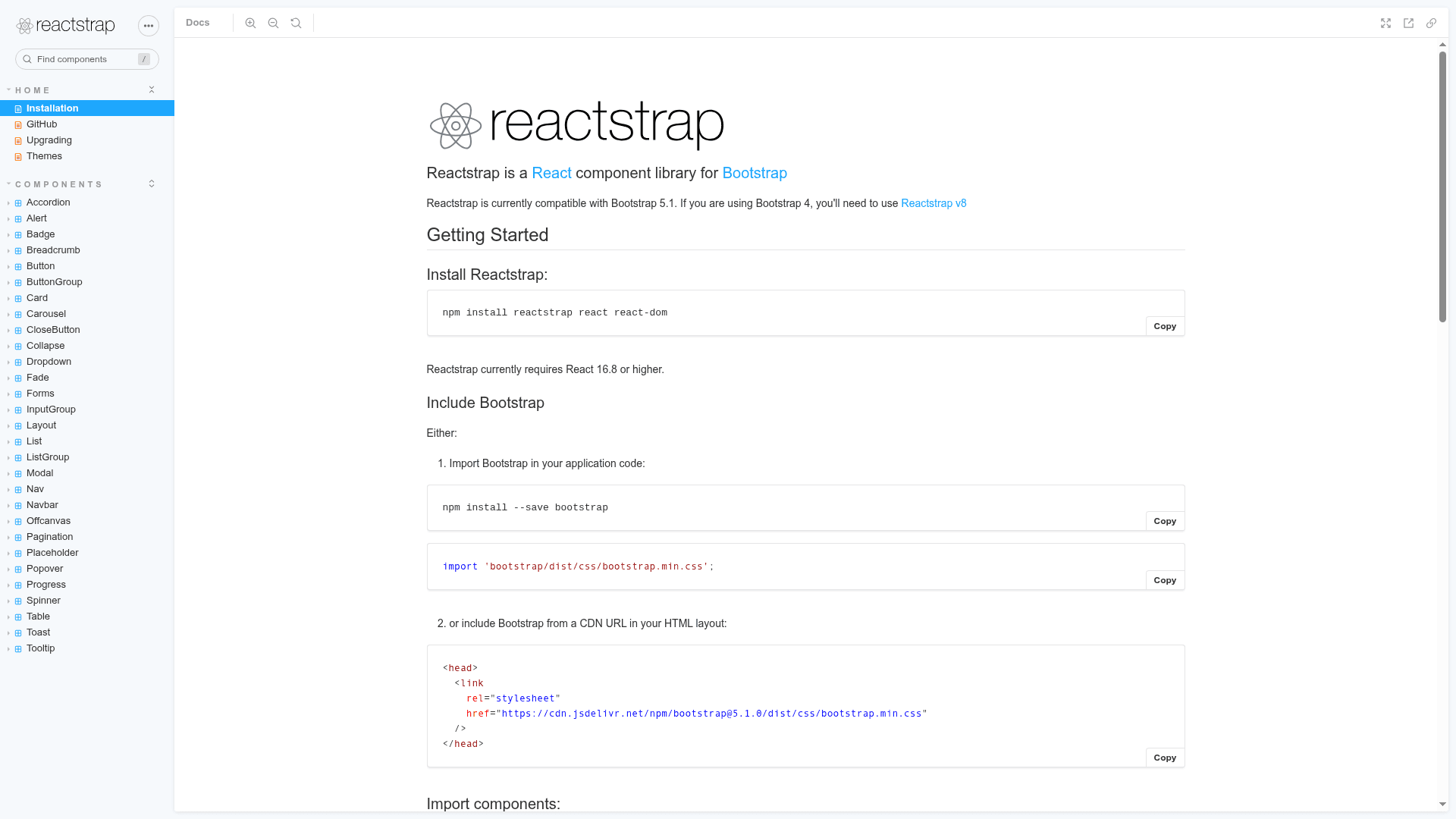
- Built-in documentation — A tutorial is hosted on the Creative Tim website covering installation and usage.
- Cross-browser support — Officially supports the last two versions of Chrome, Firefox, Edge, Safari, and Opera.
- Extended from the free Paper Dashboard — Adds components and example pages requested by users of the free edition.
Who is it for?
- React developers — Need a head start on an admin panel or internal tool without building Bootstrap layouts from scratch.
- Businesses and startups — Want a clean, readable dashboard to manage and visualize company data.
- Agencies — Deliver admin interfaces for clients quickly by customizing the included example pages.
What can you do with Paper Dashboard PRO React?
- Backend teams: Use the dashboard as the shell for an operations console, wiring in your own data sources through the Reactstrap components.
- Product managers: Prototype analytics views using the tables, maps, and notification page layouts as a starting point.
- Frontend developers: Replace the sample pages with project-specific screens while keeping the same styling and component library.
How does Paper Dashboard PRO React work?
Purchase the template from Creative Tim, download the archive, and run the React project locally; the docs explain the setup. The archive includes the source files and example pages, so you can edit the React components directly and deploy the result as a standard React app.
Pricing
Paper Dashboard PRO React is a paid product sold directly by Creative Tim; the purchase gives you the full source and documentation. The product page lists the license terms and legacy editions.
FAQ
Is Paper Dashboard PRO React free?
No, it is a commercial product. You purchase it from the Creative Tim product page to get the source files, and the same page provides the license agreement.
What frameworks does Paper Dashboard PRO React support?
The React edition uses Reactstrap and Bootstrap 4. Creative Tim also sells corresponding HTML, Vue, and Angular versions of Paper Dashboard with the same visual style.
What example pages are included?
The demo shows a start/dashboard page, a user profile page, extended tables, a Google Maps page, and a notifications page. The downloaded archive includes these as React source files.
What browsers are supported?
The template officially supports the last two versions of Google Chrome, Mozilla Firefox, Microsoft Edge, Safari, and Opera.
Does it include documentation?
Yes. A tutorial and documentation are hosted on the Creative Tim website, and the repository's README points to that documentation link.